
flutter_audio_recorder
오디오 녹음 및 레벨 메터링을 지원하는 플러터 플러그인

- 스타
- 124
- 포크
- 151
- 최근 푸시(UTC)
- 2024. 3. 20.
- 프로젝트 상태
- 보관됨
원본 README
아래는 영문 원문 스냅샷입니다. 최신 내용은 GitHub에서 확인하세요.
flutter_audio_recorder


English | 简体中文
Flutter Audio Record Plugin that supports Record Pause Resume Stop and provide access to audio level metering properties average power peak power
Works for both Android and iOS
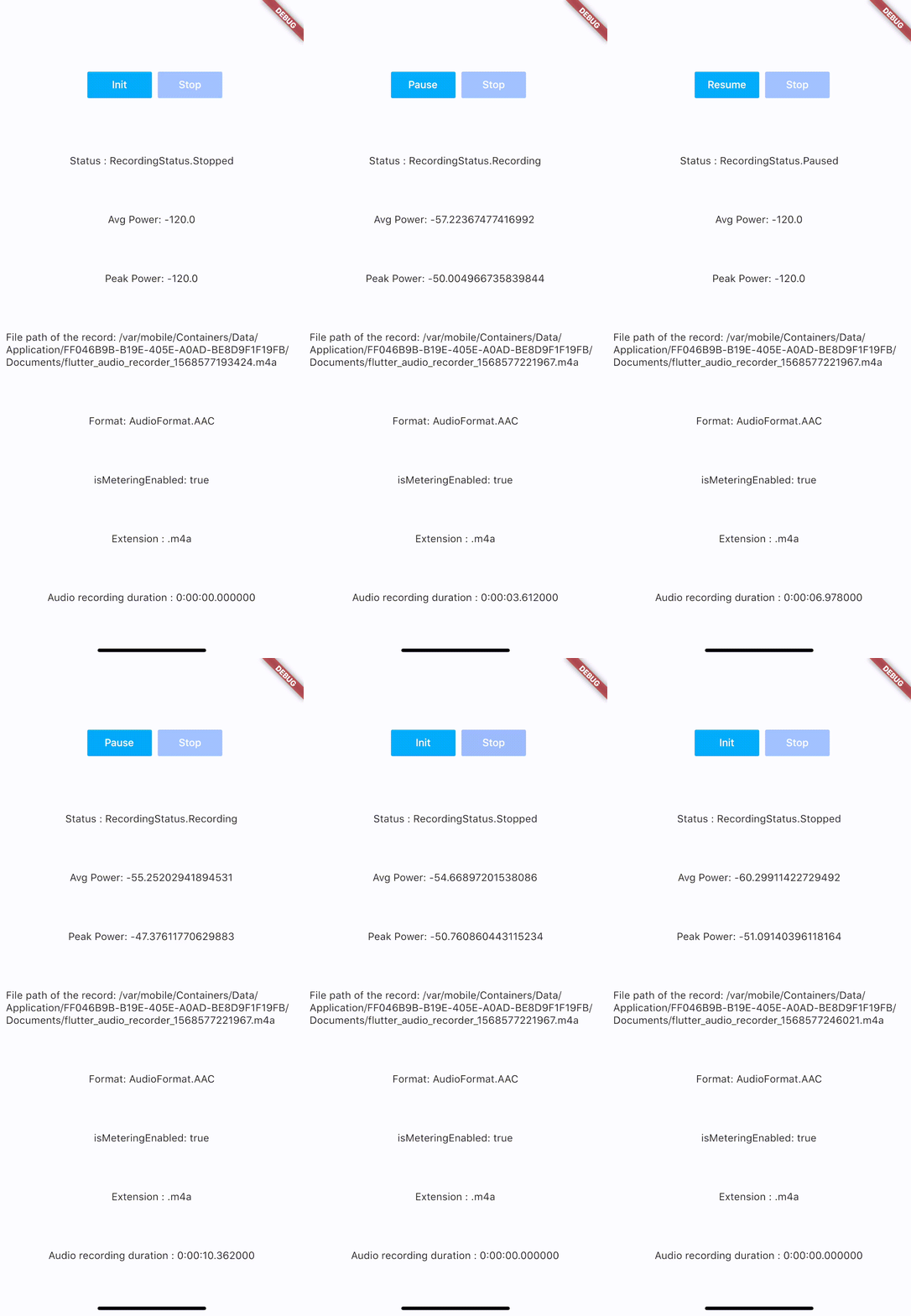
Code Samples:
Installation
add flutter_audio_recorder to your pubspec.yaml
iOS Permission
- Add usage description to plist
<key>NSMicrophoneUsageDescription</key>
<string>Can We Use Your Microphone Please</string>
- Then use
hasPermissionapi to ask user for permission when needed
Android Permission
- Add
uses-permissionto./android/app/src/main/AndroidManifest.xmlin xml root level like below
    ...
    </application>
    <uses-permission android:name="android.permission.RECORD_AUDIO"/>
    <uses-permission android:name="android.permission.WRITE_EXTERNAL_STORAGE"/>
    ...
</manifest>
- Then use
hasPermissionapi to ask user for permission when needed
Configuration
iOS Deployment Target is 8.0 above
Android
- AndroidX: use latest version (
0.5.x) - Legacy Android: use old version (
0.4.9)
Usage
Recommended API Usage: hasPermission => init > start -> (pause <-> resume) * n -> stop, call init again before start another recording
Always check permission first(it will request permission if permission has not been set to true/false yet, otherwise it will return the result of recording permission)
bool hasPermission = await FlutterAudioRecorder.hasPermissions;
Initialize (run this before start, so we could check if file with given name already exists)
var recorder = FlutterAudioRecorder("file_path.mp4"); // .wav .aac .m4a
await recorder.initialized;
or
var recorder = FlutterAudioRecorder("file_path", audioFormat: AudioFormat.AAC); // or AudioFormat.WAV
await recorder.initialized;
Sample Rate
var recorder = FlutterAudioRecorder("file_path", audioFormat: AudioFormat.AAC, sampleRate: 22000); // sampleRate is 16000 by default
await recorder.initialized;
Audio Extension and Format Mapping
| Audio Format | Audio Extension List |
|---|---|
| AAC | .m4a .aac .mp4 |
| WAV | .wav |
Start recording
await recorder.start();
var recording = await recorder.current(channel: 0);
Get recording details
var current = await recording.current(channel: 0);
// print(current.status);
You could use a timer to access details every 50ms(simply cancel the timer when recording is done)
new Timer.periodic(tick, (Timer t) async {
        var current = await recording.current(channel: 0);
        // print(current.status);
        setState(() {
        });
      });
Recording
| Name | Description |
|---|---|
| path | String |
| extension | String |
| duration | Duration |
| audioFormat | AudioFormat |
| metering | AudioMetering |
| status | RecordingStatus |
Recording.metering
| Name | Description |
|---|---|
| peakPower | double |
| averagePower | double |
| isMeteringEnabled | bool |
Recording.status
Unset,Initialized,Recording,Paused,Stopped
Pause
await recorder.pause();
Resume
await recorder.resume();
Stop (after stop, run init again to create another recording)
var result = await recorder.stop();
File file = widget.localFileSystem.file(result.path);
Example
Please check example app using Xcode.
Getting Started
This project is a starting point for a Flutter plug-in package, a specialized package that includes platform-specific implementation code for Android and/or iOS.
For help getting started with Flutter, view our online documentation, which offers tutorials, samples, guidance on mobile development, and a full API reference.

RMBR ONE ↗
분류
사용 중인 의존성
프로젝트에 맞는 저장소를 선택하려면?
사용 목적에 따라 검색하고 개발 활동을 비교한 뒤 원본 저장소에서 요구 사항을 확인하세요.
- 이름, 작성자 또는 설명으로 검색하고 기술 주제로 범위를 좁힙니다.
- 스타, 포크, 최근 푸시를 함께 비교하세요. 스타는 관심의 지표이며 품질을 보장하지 않습니다.
- 사용하기 전에 GitHub에서 README, 라이선스, Issues를 확인하세요.
출처 및 관리
“A repository is the most basic element of GitHub.”
GitHub Docs — About repositories ↗