
 v2.0.3
fancy_shimmer_image
이미지를 쉽게 사용할 수 있도록 해주는 패키지로, 자동으로 캐시되며 로딩 중에 아름다운 실시간(설정 가능) 샤이머 효과를 제공합니다
219좋아요 3.3천30일 다운로드140Pub 점수
AndroidiOSWebmacOSWindowsLinux
rodrigobastosv/fancy-shimmer-image open-source repository details.
아래는 영문 원문 스냅샷입니다. 최신 내용은 GitHub에서 확인하세요.

Package created for the purpose of uploading images from the internet, giving the possibility of showing a beautiful Shimmer animation while the images are not loading. And it is still possible to create a widget to be shown in case the image upload fails for some reason.
This package is basically a union of two known packages:
You can use the package on the fly by simple passing a URL of an image to the FancyShimmerImage widget.
FancyShimmerImage(
  imageUrl: 'https://images.unsplash.com/photo-1465572089651-8fde36c892dd?ixlib=rb-1.2.1&ixid=eyJhcHBfaWQiOjEyMDd9&w=1000&q=80',
),
That will produce a image that's is cacheable by default and that has a default (grey) Shimmer animation. Similar to result below:

If you don't like the default widget behavior, you can set the background colors of the image, the color of the shimmer base effect, and the color of the highlighted effect.
FancyShimmerImage(
  imageUrl: 'https://static.businessinsider.sg/2018/12/12/5c1c90f8e04d6243c7019cf6.png',
  shimmerBaseColor: randomColor(),
  shimmerHighlightColor: randomColor(),
  shimmerBackColor: randomColor(),
)
By randomizing the colors you can have a result similar to this:
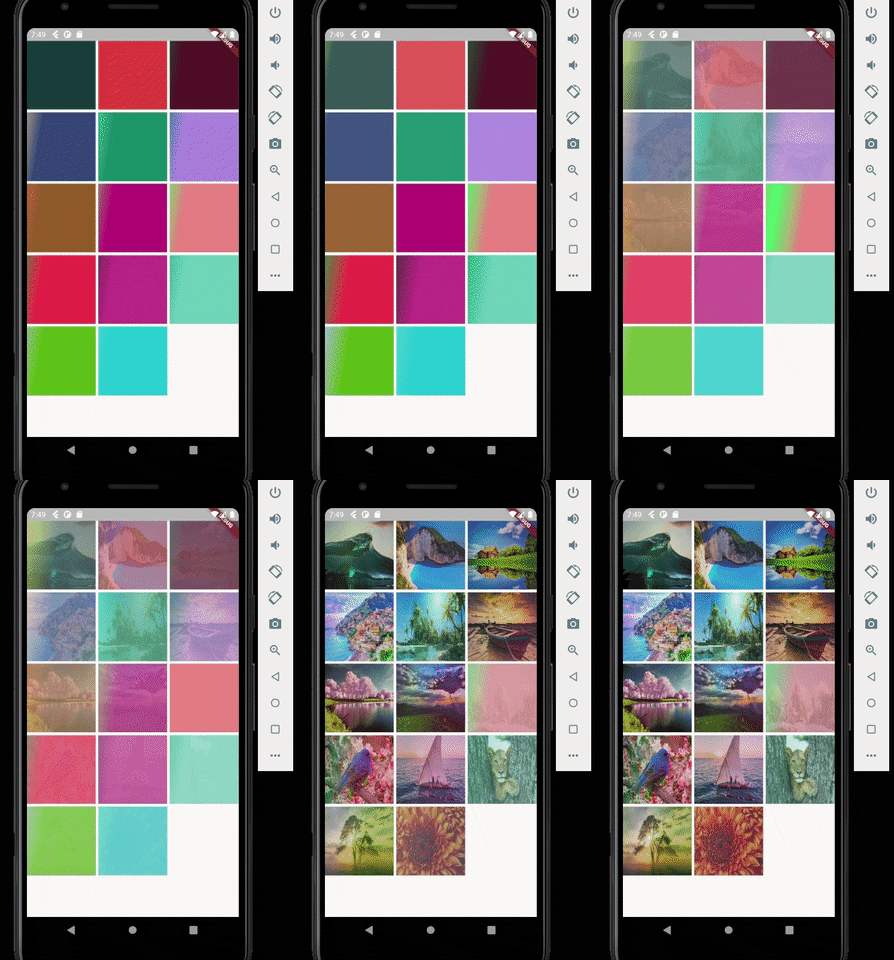
Other thing you can do is to configure the direction of the Shimmer and it's speed. In the above example i configured it to have top to bottom direction and 300 milliseconds of speed.

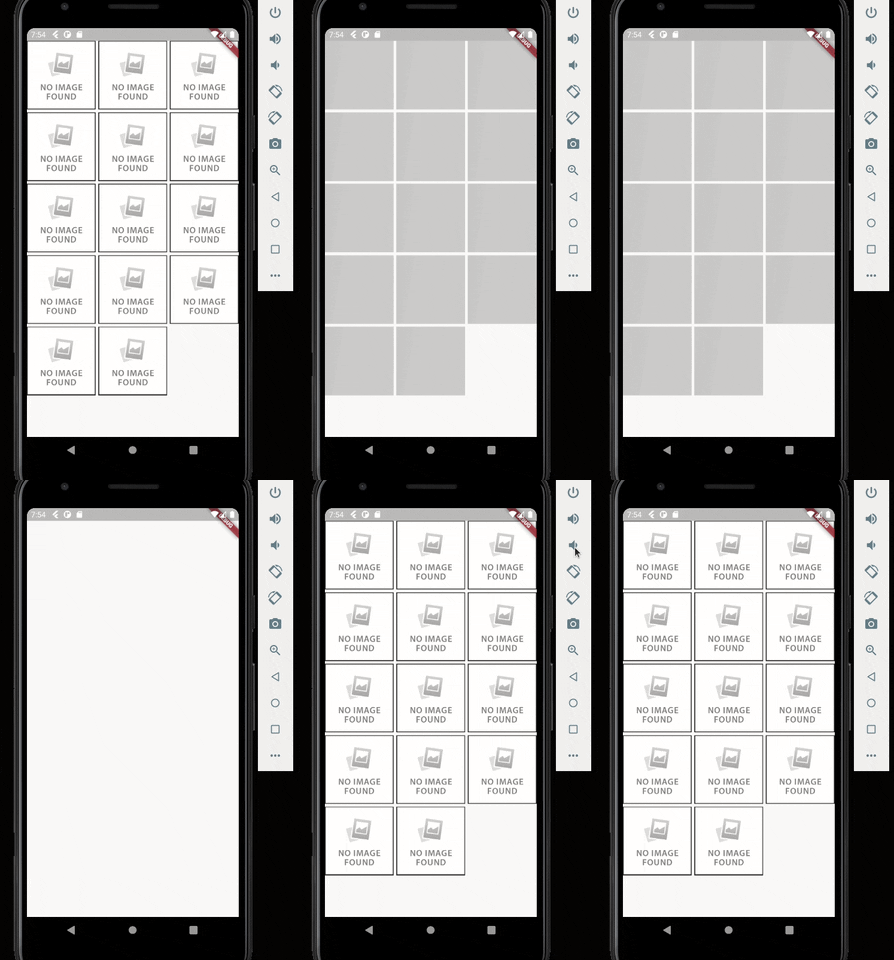
One last step you can configure is to configure the widget that will appear in case the image upload fails for some reason. In this case just pass the desired widget in the errorWidget parameter. If no value is passed, a default error widget will be used.
FancyShimmerImage(
  imageUrl: 'https://static.businessinsider.sg/2018/12/12/5c1c90f8e04d6243c7019cf6.png',
  errorWidget: Image.network('https://i0.wp.com/www.dobitaobyte.com.br/wp-content/uploads/2016/02/no_image.png?ssl=1'),
)

의존성 목록 4 개
{"sdk":"flutter"}^3.2.3^3.0.0{"sdk":"flutter"}사용 목적에 따라 검색하고 개발 활동을 비교한 뒤 원본 저장소에서 요구 사항을 확인하세요.
“A repository is the most basic element of GitHub.”
GitHub Docs — About repositories ↗