
GitHub 저장소sameersingh2704/glitcheffect

glitcheffect

자식 위젯에 글리치 애니메이션 효과를 주는 Flutter 위젯입니다.

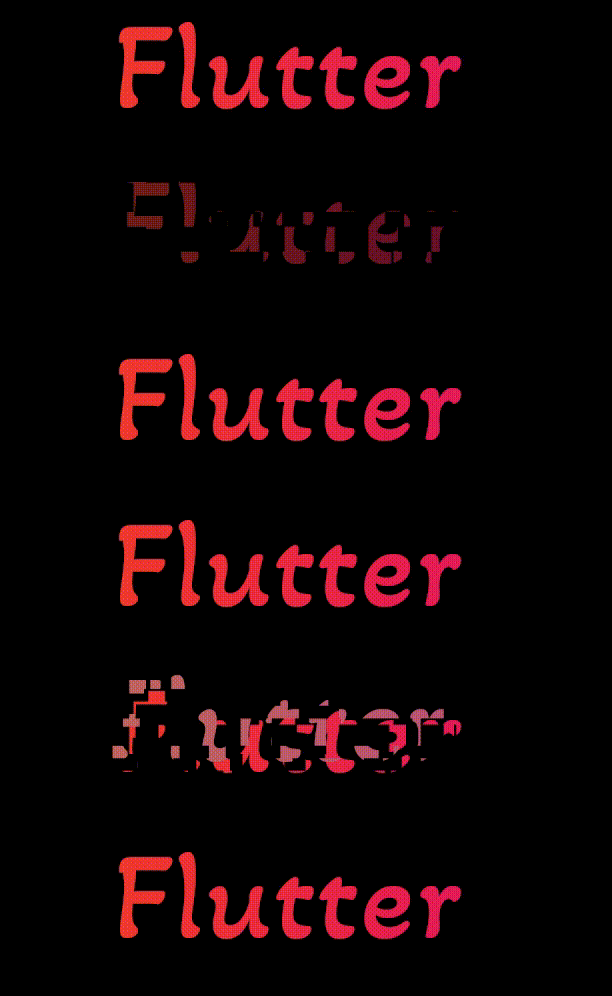
glitcheffect 프로젝트 이미지
스타
7
포크
3
최근 푸시(UTC)
2023. 2. 22.
프로젝트 상태
활성

원본 README

아래는 영문 원문 스냅샷입니다. 최신 내용은 GitHub에서 확인하세요.

GlitchEffect

A Flutter widget that will give a Glitch Animation Effect to it's child widget.

Installation

  1. Add the latest version of package to your pubspec.yaml (and rundart pub get):
dependencies:
  glitcheffect: ^1.1.1
  1. Import the package and use it in your Flutter App.
import 'package:glitcheffect/glitcheffect.dart';
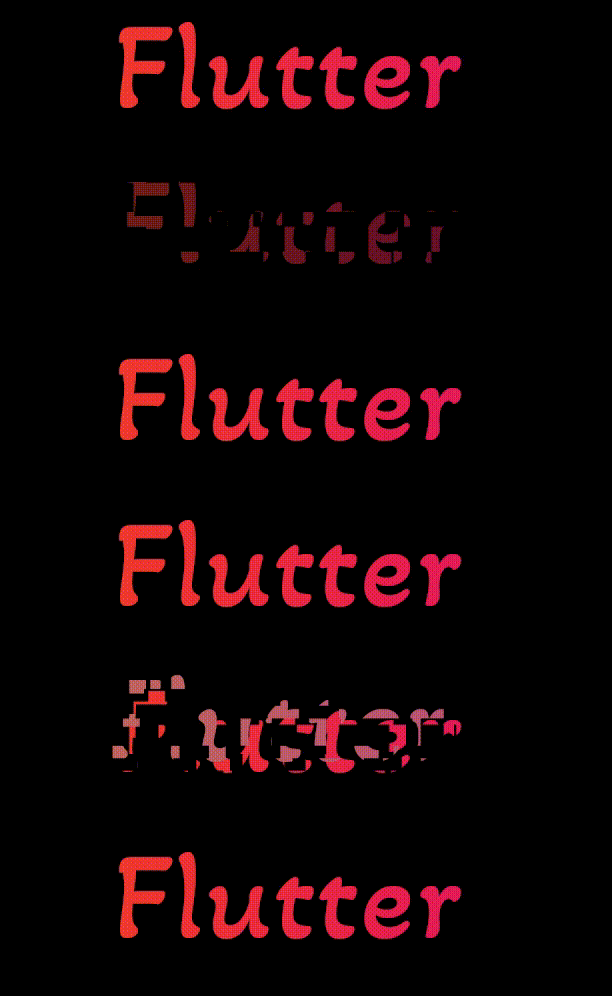
  1. There are a number of properties that you can modify:
  • child : Widget on which you want a glitch effect.
  • repeat : Whether the glitch effect should play once or play over and over. [default value is true].
  • duration : How long it should take until the glitch effect repeats itself [default value is 3 seconds].
  • colors : List of colors that you want to use for glitch effect. [default colors are Black, Grey and White].
Preview

alt-text


Example

class GlitchEffectExample extends StatelessWidget {
  const GlitchEffectExample({Key? key}) : super(key: key);

  @override
  Widget build(BuildContext context) {
    return GlitchEffect(
      child: Text(
        'Flutter',
        style: TextStyle(fontSize: 30, color: Colors.red),
      ),
    );
  }
}

Contributors

Sameer Singh GitHub avatar
GitHub 작성자

Sameer Singh ↗

A quick learner with experience in multiple technologies.

Unthinkable Solutions LLPGurgaon, HR, IN공식 웹사이트 ↗
언어Dart

분류

이 저장소가 배포한 패키지

사용 중인 의존성

의존성 목록 3 개

  • flutter{"sdk":"flutter"}
  • flutter_test개발 의존성{"sdk":"flutter"}
  • flutter_lints개발 의존성^1.0.0

프로젝트에 맞는 저장소를 선택하려면?

사용 목적에 따라 검색하고 개발 활동을 비교한 뒤 원본 저장소에서 요구 사항을 확인하세요.

  1. 이름, 작성자 또는 설명으로 검색하고 기술 주제로 범위를 좁힙니다.
  2. 스타, 포크, 최근 푸시를 함께 비교하세요. 스타는 관심의 지표이며 품질을 보장하지 않습니다.
  3. 사용하기 전에 GitHub에서 README, 라이선스, Issues를 확인하세요.

출처 및 관리

“A repository is the most basic element of GitHub.”

GitHub Docs — About repositories ↗