


 v1.0.1
polls
Flutter 위젯으로 트위터 투표 시스템을 모방한 것입니다. 데이터를 투표에 연결하기만 하면 투표 및 시각화가 가능합니다.
109좋아요 6630일 다운로드50Pub 점수
플랫폼 정보 없음
투표 프로세스(예: 선거)용 플러터 패키지입니다.

아래는 영문 원문 스냅샷입니다. 최신 내용은 GitHub에서 확인하세요.
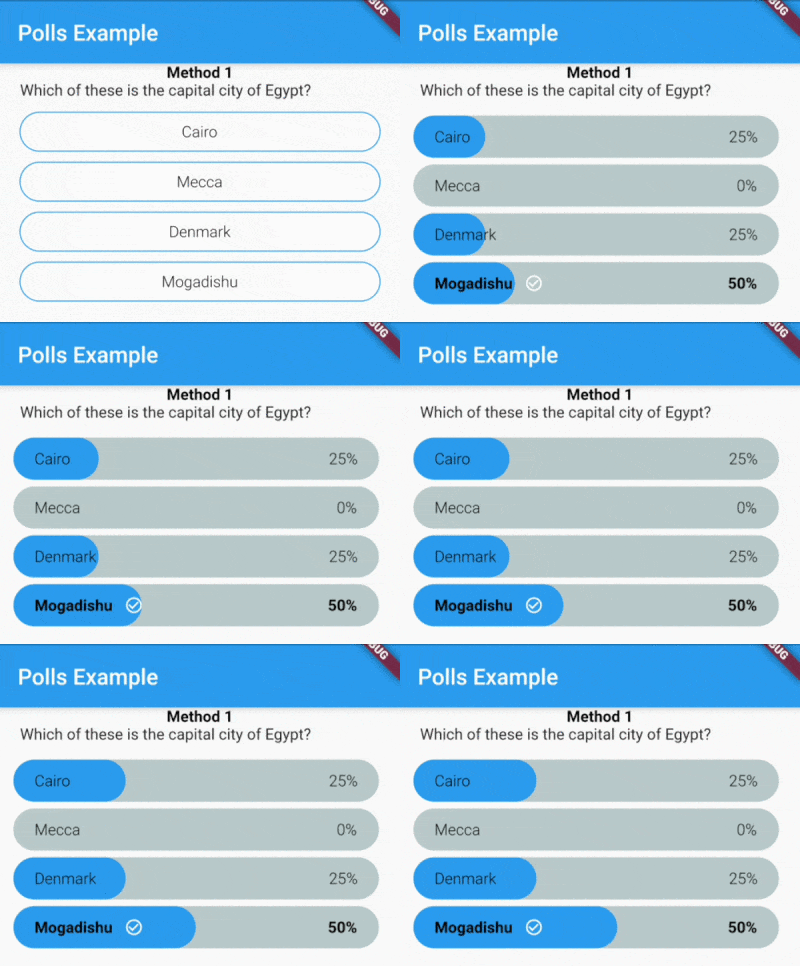
| Voting | Not Voted Yet | Voted |
|---|---|---|
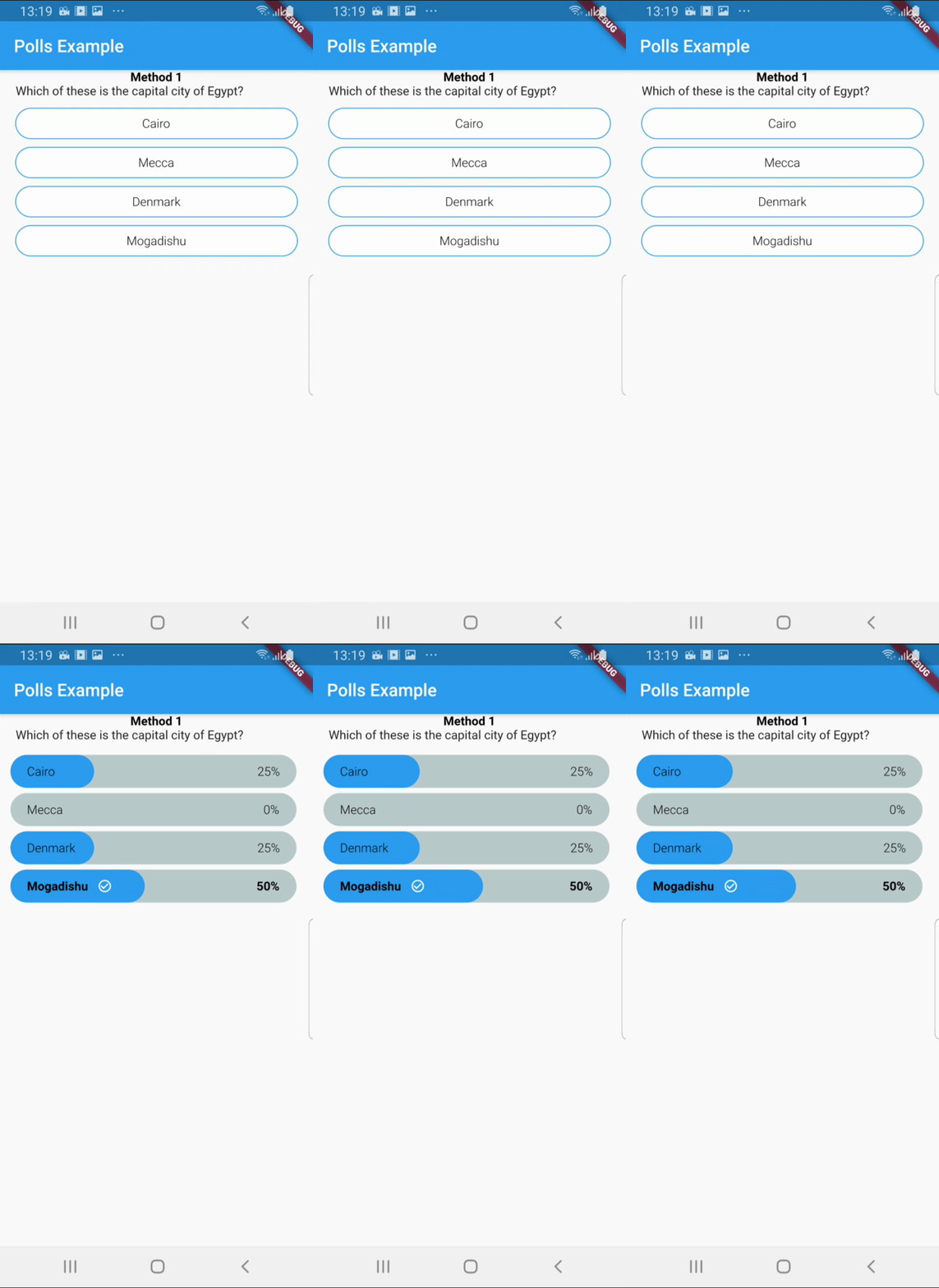 |
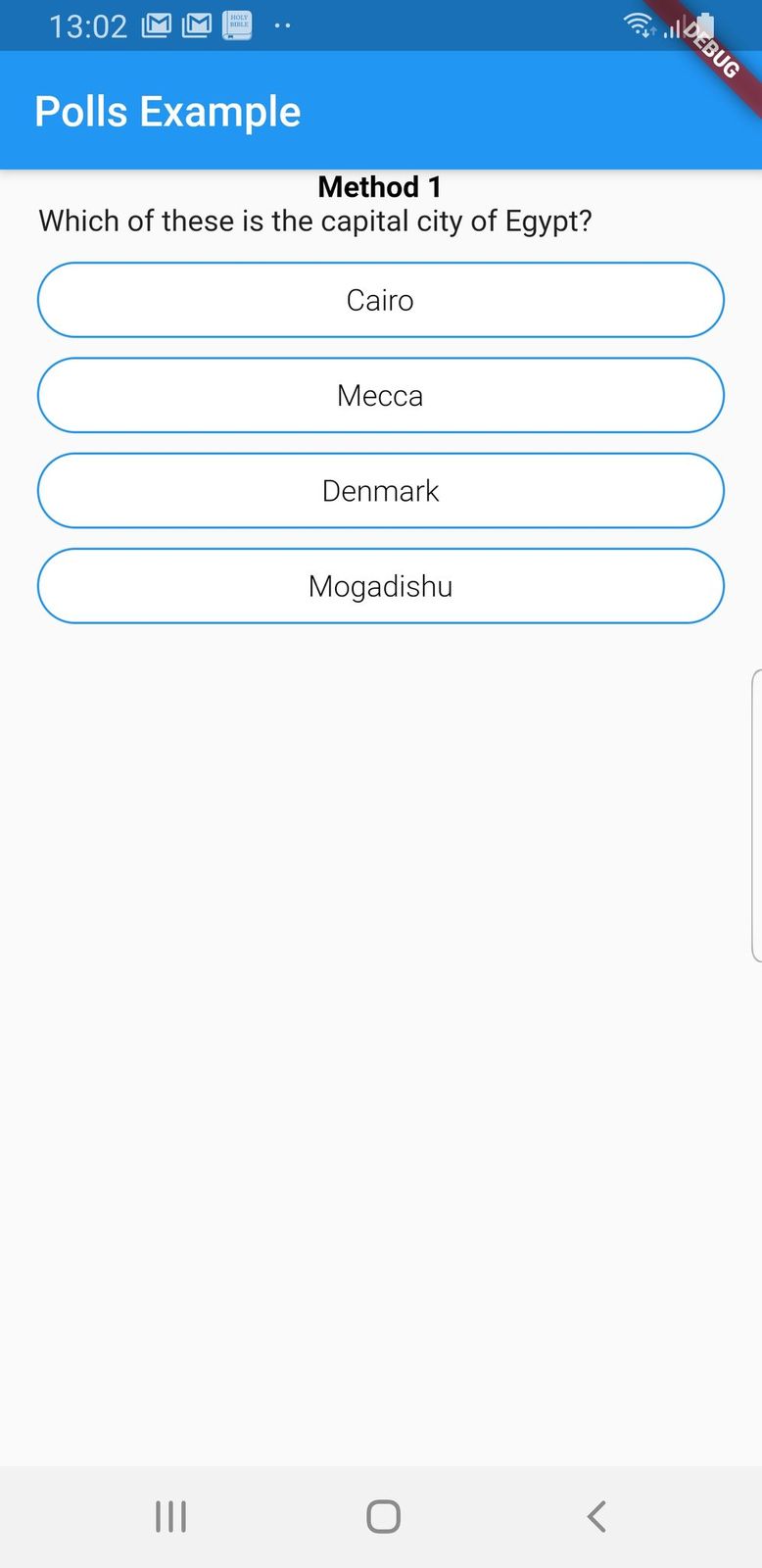 |
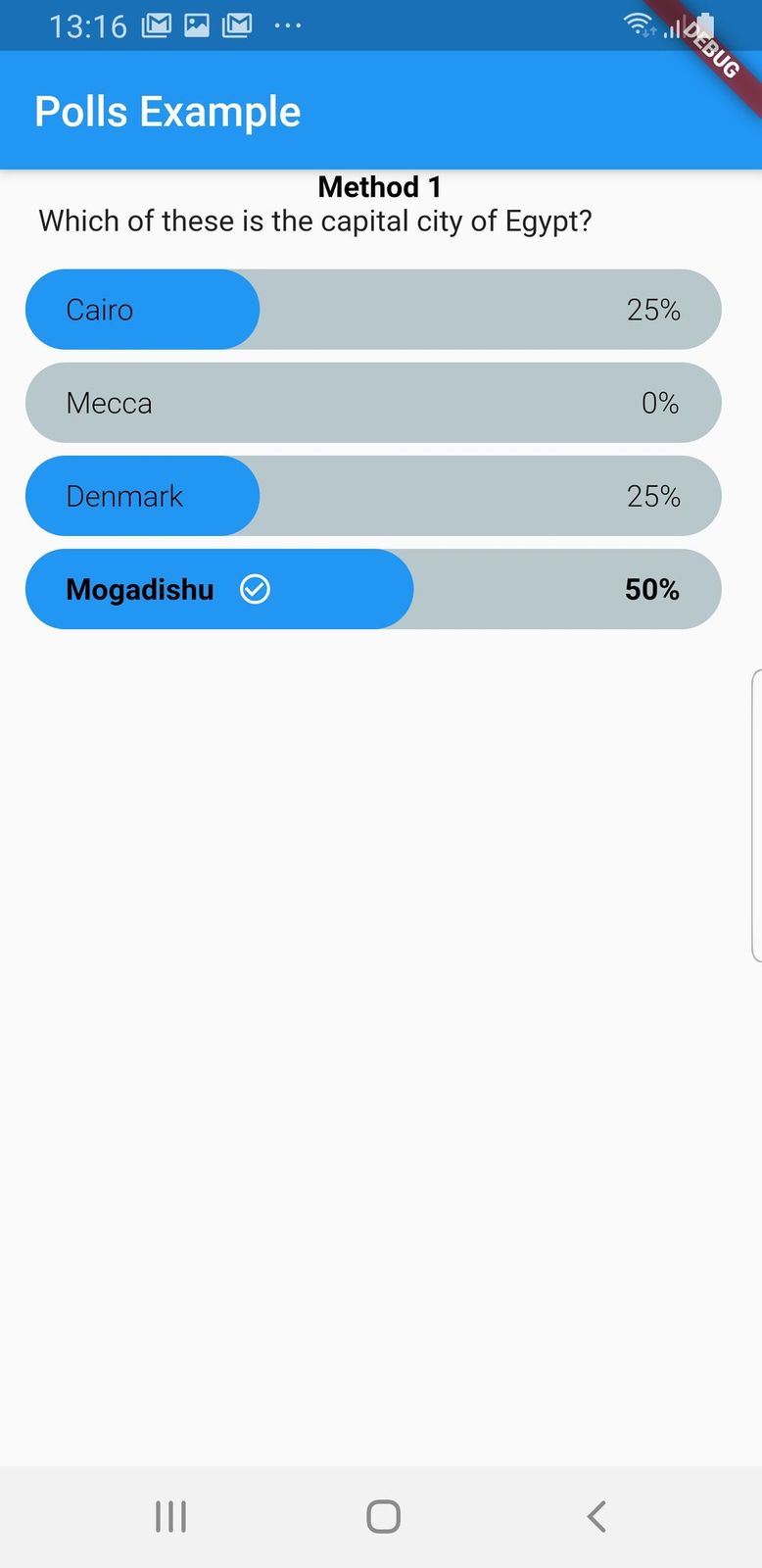 |
Basic:
import 'package:polls/polls.dart';
Polls(
    children: [
        // This cannot be less than 2, else will throw an exception
        Polls.options(title: 'Cairo', value: option1),
        Polls.options(title: 'Mecca', value: option2),
        Polls.options(title: 'Denmark', value: option3),
        Polls.options(title: 'Mogadishu', value: option4),
        ],
        question: Text('What is the capital of Egypt'),
        currentUser: this.user,
        creatorID: this.creator,
        voteData: usersWhoVoted,
        userChoice: usersWhoVoted[this.user],
        onVoteBackgroundColor: Colors.blue,
        leadingBackgroundColor: Colors.blue,
        backgroundColor: Colors.white,
        onVote: (choice) {

            setState(() {
              this.usersWhoVoted[this.user] = choice;
            });
            if (choice == 1) {
            setState(() {
                option1 += 1.0;
            });
            }
            if (choice == 2) {
            setState(() {
                option2 += 1.0;
            });
            }
            if (choice == 3) {
            setState(() {
                option3 += 1.0;
            });
            }
            if (choice == 4) {
            setState(() {
                option4 += 1.0;
            });
        }
    },
);
Polls(
  viewType: PollsType.creator
);
Polls(
viewType: PollsType.voter
);
Polls(
viewType: PollsType.readOnly
);
Apparently, I have built 2 apps that required user voting processes, twice I had to implement same code on different apps. I also had to share the code with a friend, well I thought it would not be a bad idea to create a package off it, cause at this time there was no polls widget package on pub.dev
의존성 목록 5 개
{"sdk":"flutter"}^4.2.2^2.0.3^1.1.0{"sdk":"flutter"}사용 목적에 따라 검색하고 개발 활동을 비교한 뒤 원본 저장소에서 요구 사항을 확인하세요.
“A repository is the most basic element of GitHub.”
GitHub Docs — About repositories ↗