

 v4.0.5
tweet_ui
Android 및 iOS에서 Twitter API JSON의 트윗을 표시합니다. 사진 1~4개, 동영상, GIF, 해시태그, 언급, 기호, URL, 인용 트윗 및 재트윗을 지원합니다.
67좋아요 15630일 다운로드120Pub 점수
AndroidiOS
Android 및 iOS에서 Twitter API JSON(v1 또는 v2)의 트윗을 표시하는 Flutter 패키지입니다. 사진 1~4개, 비디오, GIF, 해시태그, 언급, 기호, URL, 인용 트윗 및 리트윗을 지원합니다.

아래는 영문 원문 스냅샷입니다. 최신 내용은 GitHub에서 확인하세요.
Flutter Tweet UI - Flutter package that is inspired by twitter-kit-android. Works on iOS and Android.
To use this package add it to the pubspec.yaml file:
tweet_ui: <latest_version>
import it:
import 'package:tweet_ui/tweet_ui.dart';
If you want to show tweets with videos: check the better_player installation site
Video/GIF Tweets don't work on iOS simulators (video_player ios instructions)
finally, create a TweetView from a JSON:
TweetView.fromTweetV1(
    TweetV1Response.fromRawJson(
        jsonFromTwitterAPI
        // {"created_at": "Mon Nov 12 13:00:38 +0000 2018", "id": 1061967001177018368, ...
    )
);
TweetView.fromTweetV2(
    TweetV2Response.fromRawJson(
        jsonFromTwitterAPI
        // {"data": ["created_at": "2020-09-18T18:36:15.000Z", "id": "1061967001177018368", ...
        // or
        // {"data": {"created_at": "2020-09-18T18:36:15.000Z", "id": "1061967001177018368", ...
    )
);
or a CompactTweetView,
CompactTweetView.fromTweetV1(
    TweetV1Response.fromRawJson(
        jsonFromTwitterAPI
        // {"created_at": "Mon Nov 12 13:00:38 +0000 2018", "id": 1061967001177018368, ...
    )
);
CompactTweetView.fromTweetV2(
    TweetV2Response.fromRawJson(
        jsonFromTwitterAPI
        // {"data": ["created_at": "2020-09-18T18:36:15.000Z", "id": "1061967001177018368", ...
        // or
        // {"data": {"created_at": "2020-09-18T18:36:15.000Z", "id": "1061967001177018368", ...
    )
);
or a EmbeddedTweetView.
EmbeddedTweetView.fromTweetV1(
    TweetV1Response.fromRawJson(
        jsonFromTwitterAPI
        // {"created_at": "Mon Nov 12 13:00:38 +0000 2018", "id": 1061967001177018368, ...
    )
  darkMode: true,
)
EmbeddedTweetView.fromTweetV2(
    TweetV2Response.fromRawJson(
      jsonFromTwitterAPI
      // {"data": ["created_at": "2020-09-18T18:36:15.000Z", "id": "1061967001177018368", ...
      // or
      // {"data": {"created_at": "2020-09-18T18:36:15.000Z", "id": "1061967001177018368", ...
    )
    darkMode: true,
)
There is also a special QuoteTweetView that is embedded in a TweetView or a CompactTweetView or a
EmbeddedTweetView. This depends if a Tweet has a quoted_status value in the JSON.
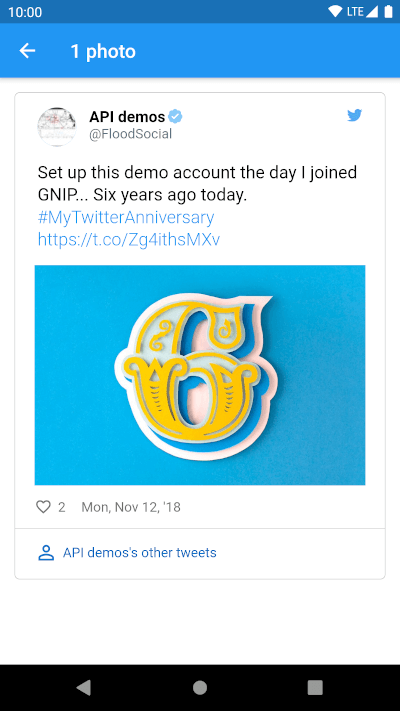
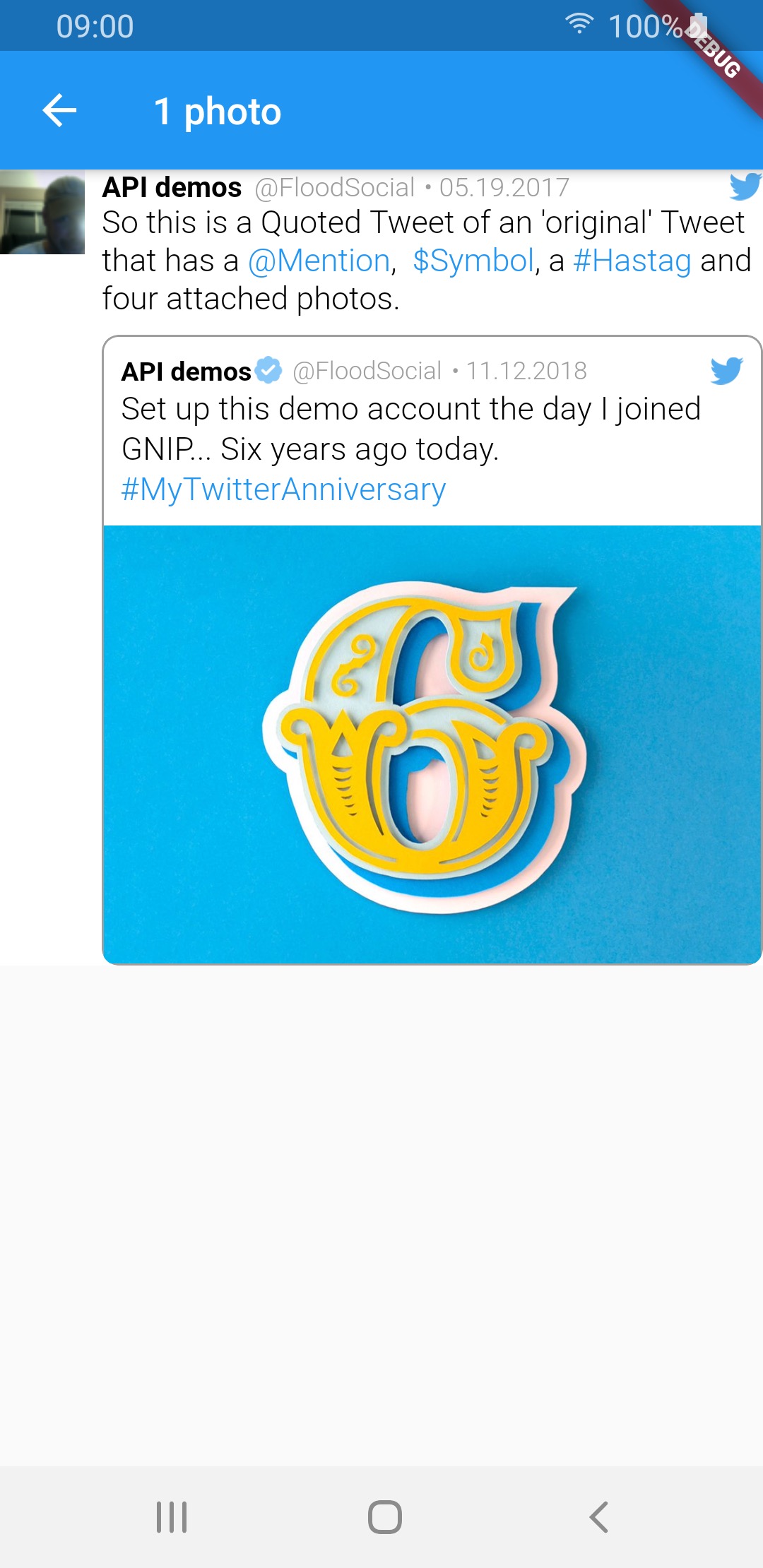
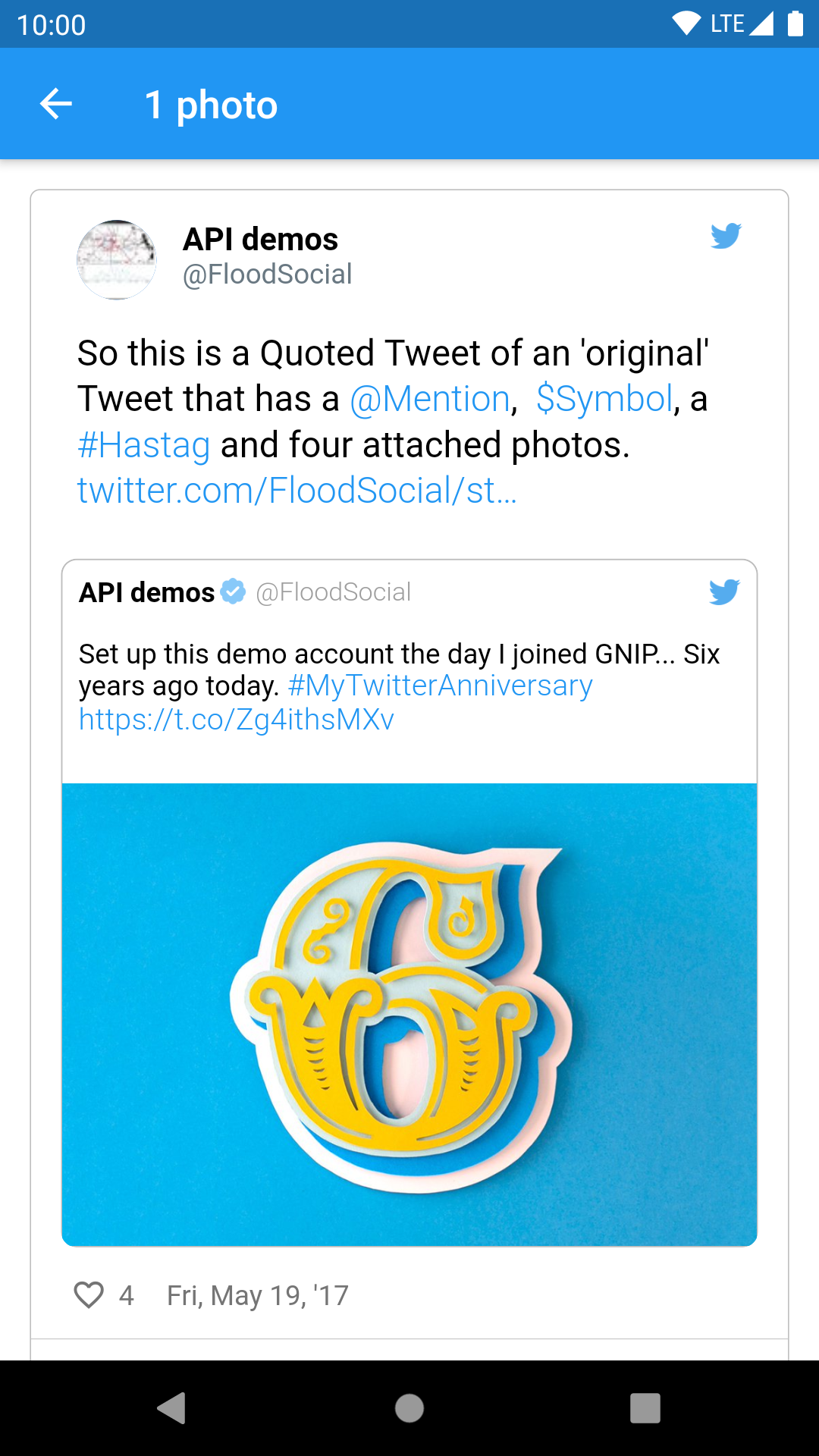
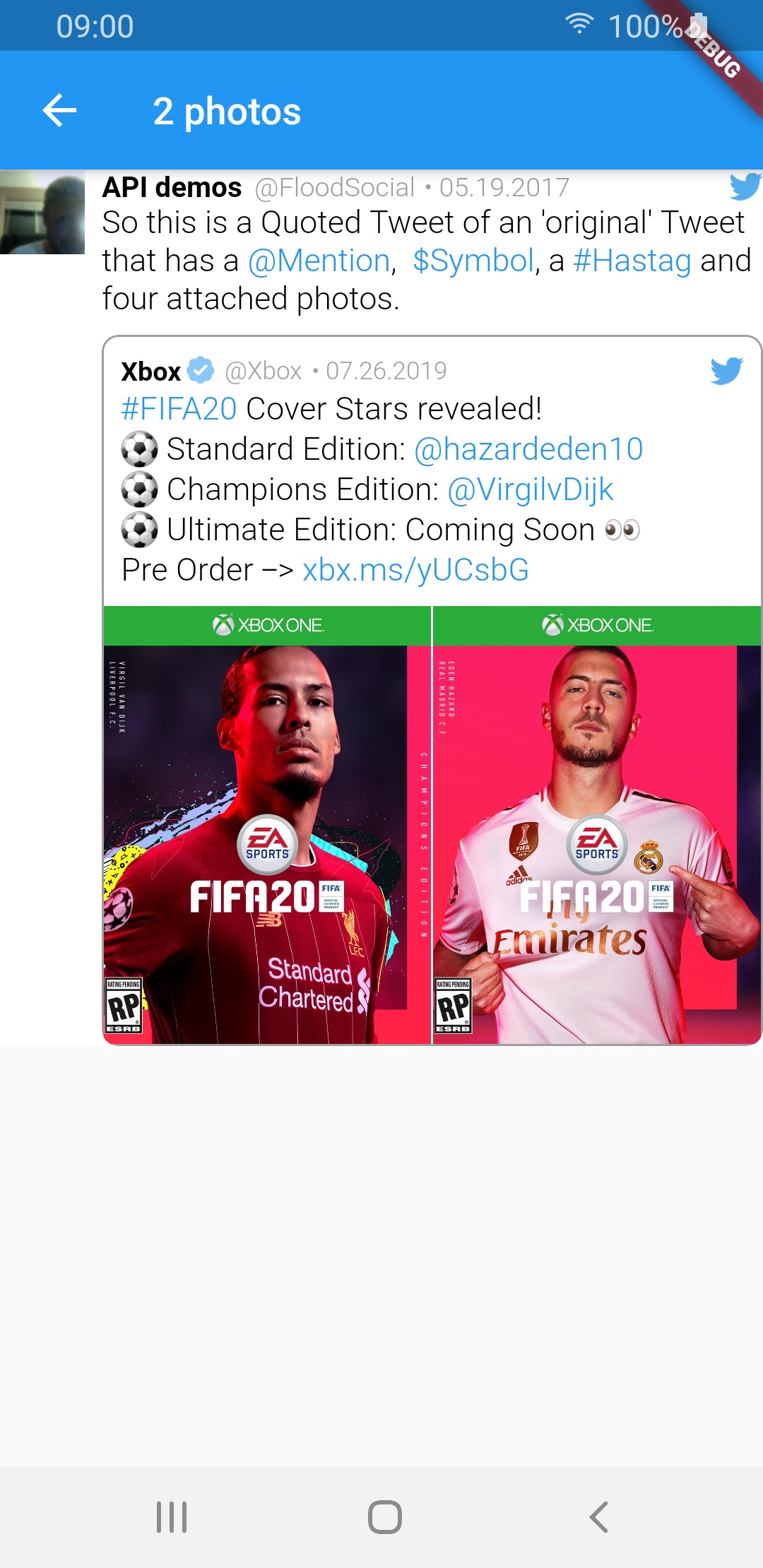
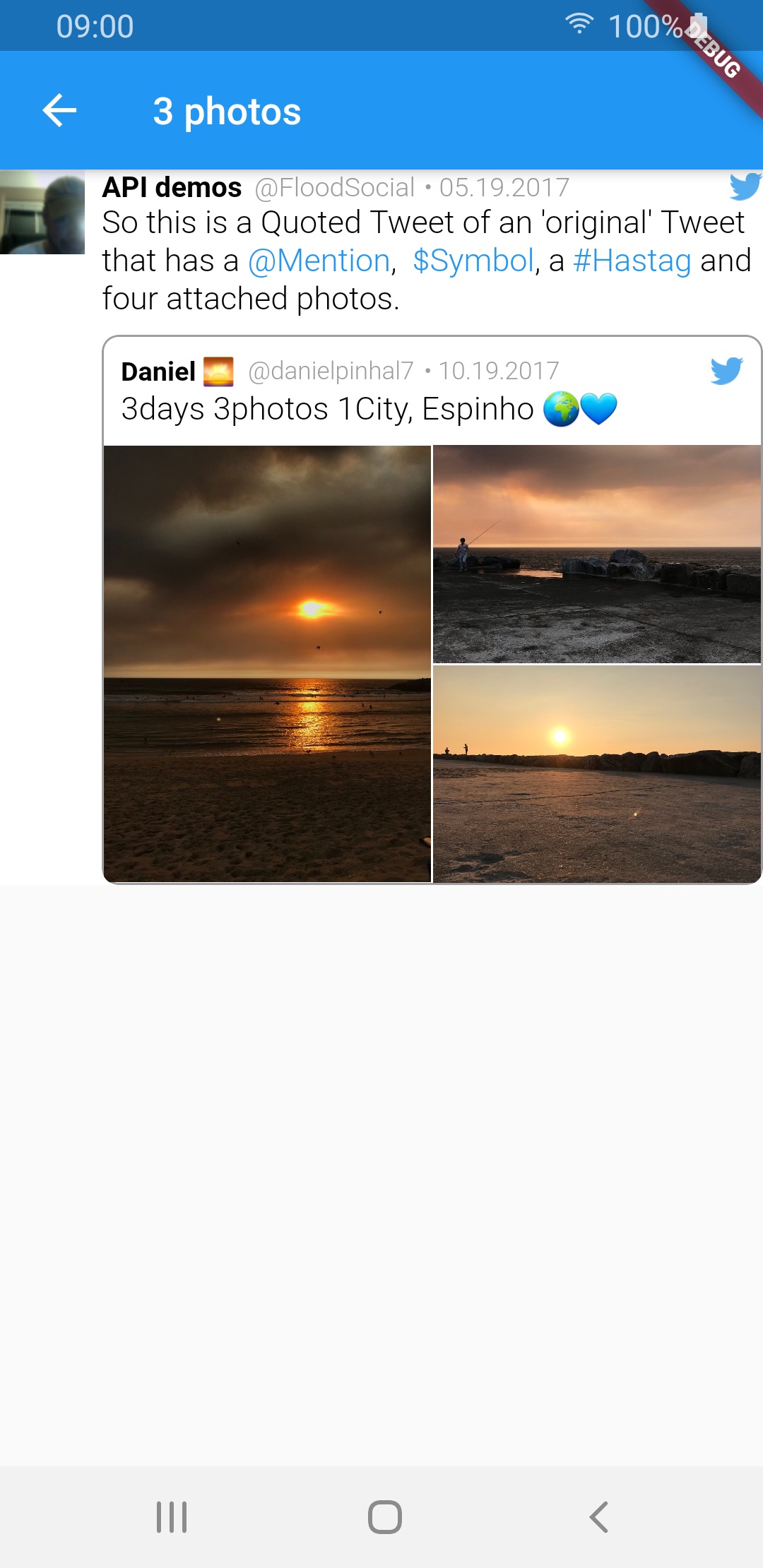
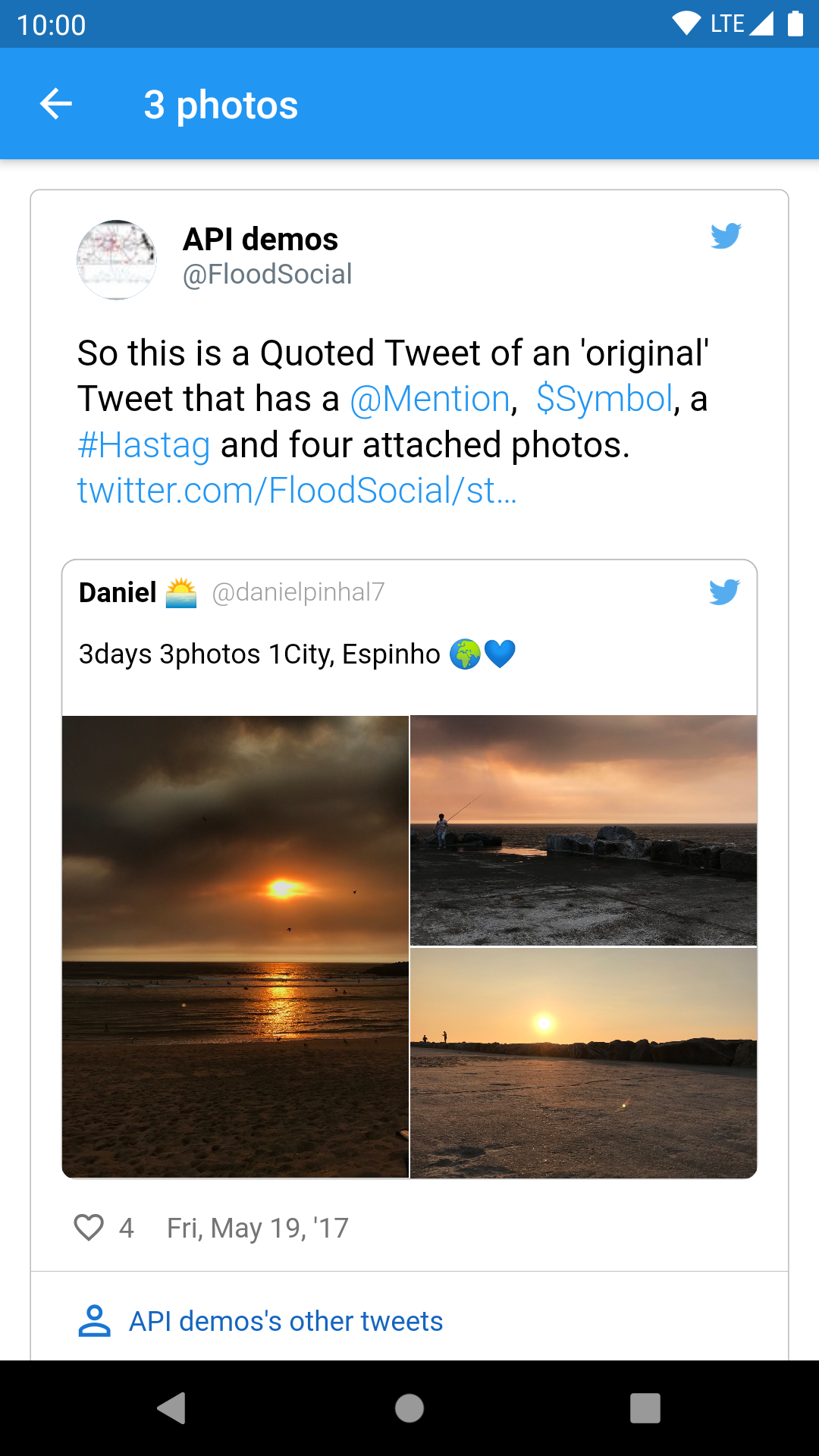
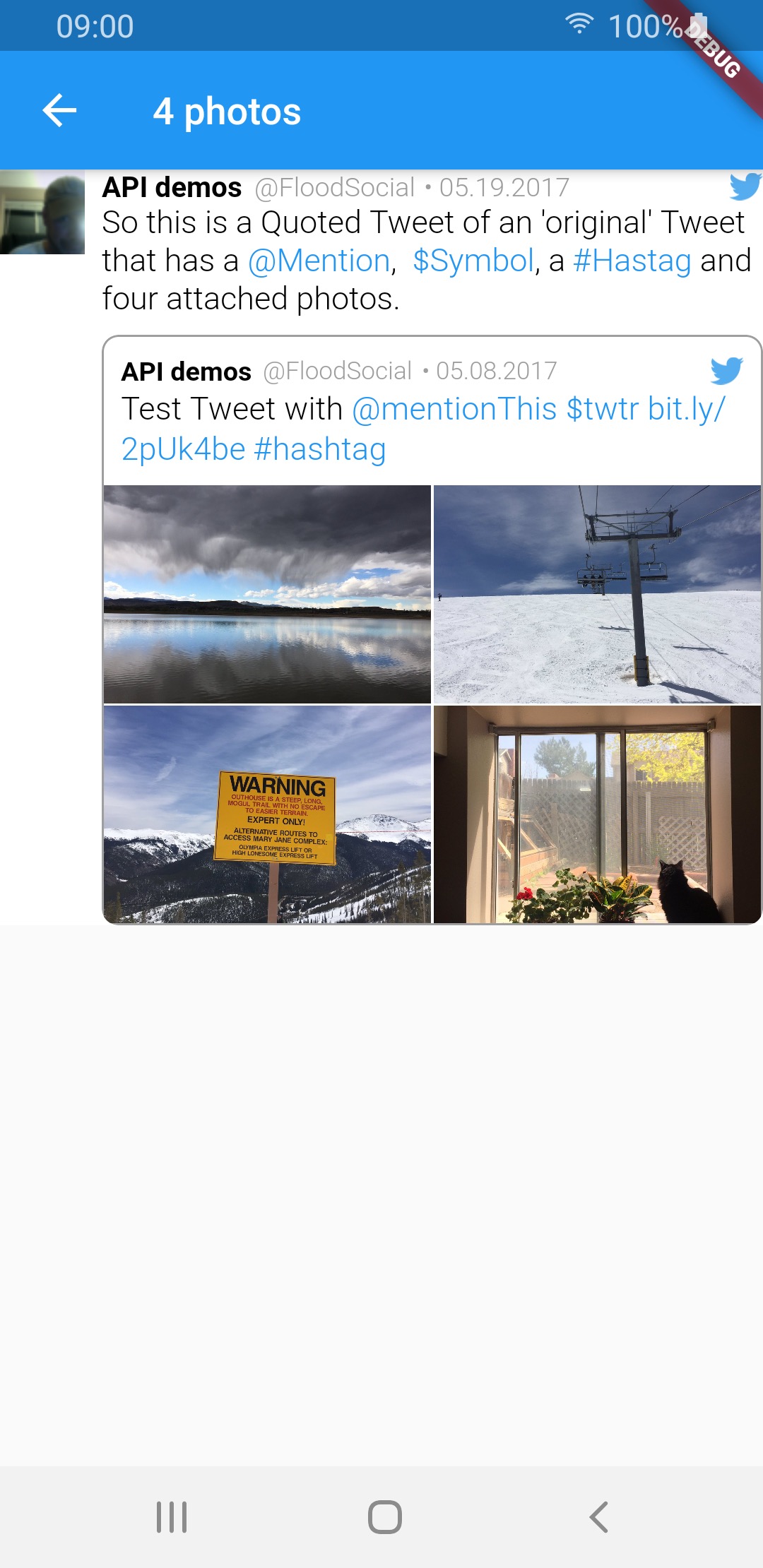
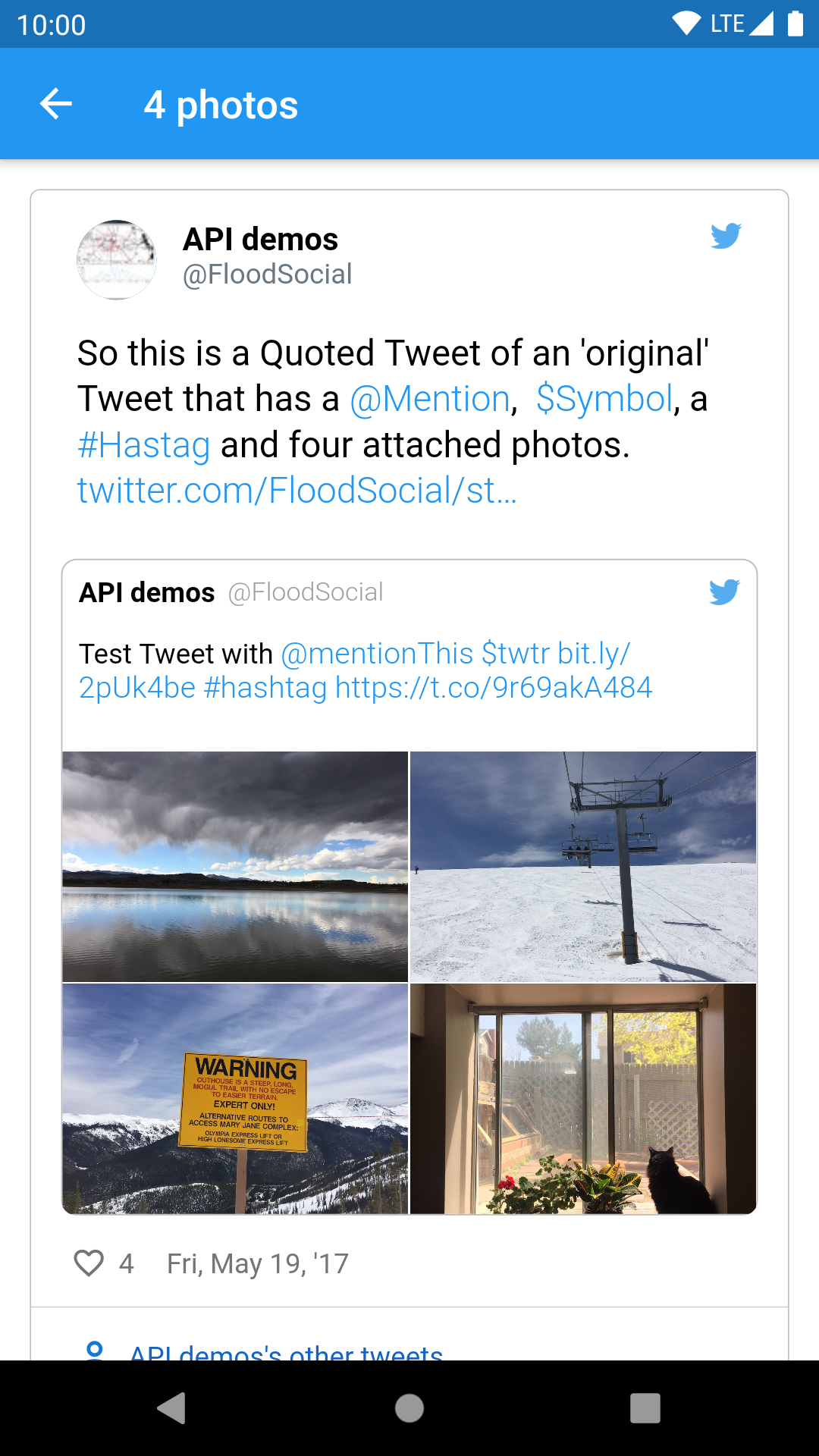
TweetView and CompactTweetView are more customisable, but EmbeddedTweetView looks more modern. Check the screenshots below.
In current version of twitter API (V2 as of 14.02.2022) it is not possible to get video url in tweet response. See the following links for more info:
All other video fields (like size or duration) are available in the response. This means that videos will not work for now.
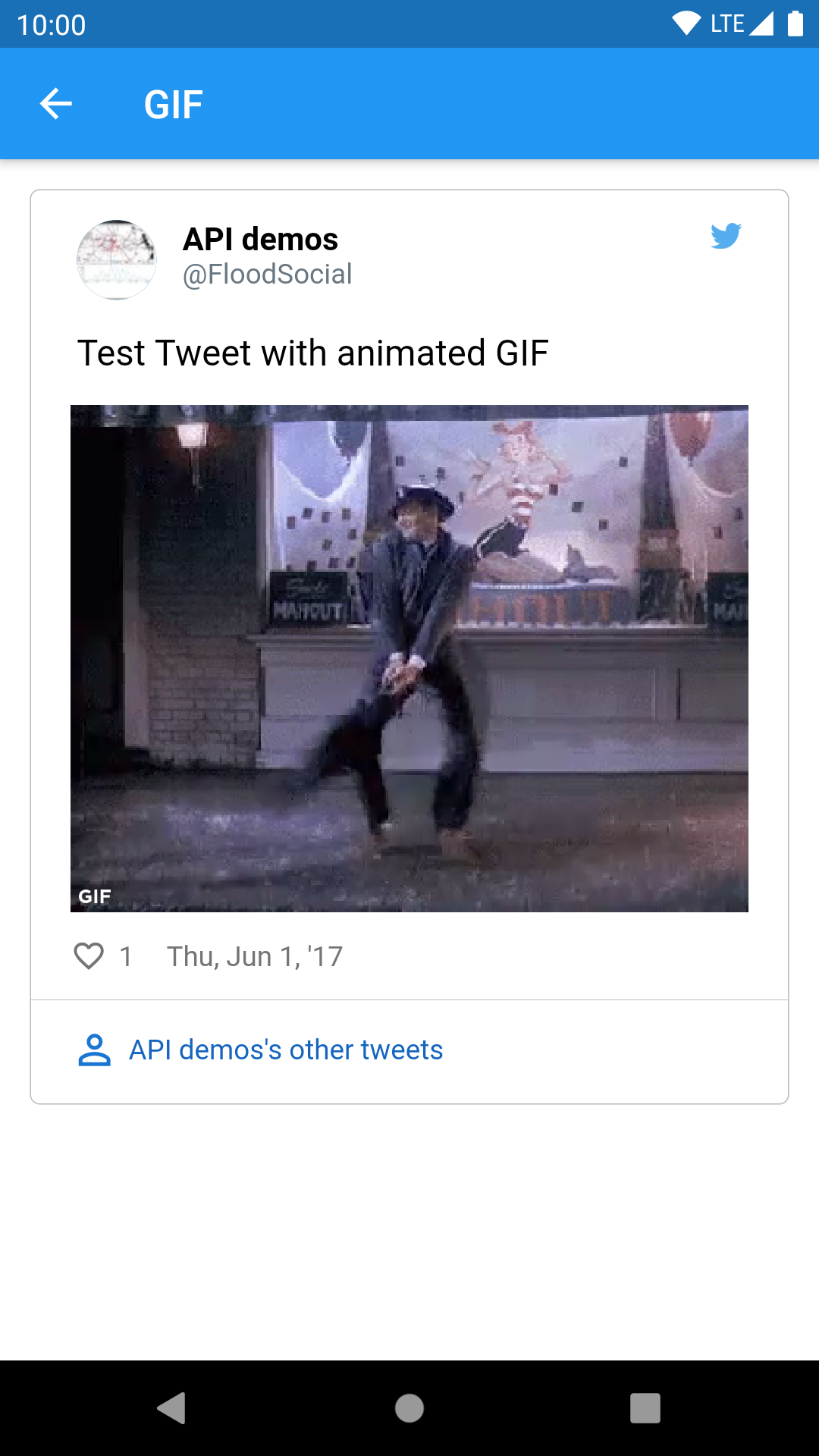
| Media type | TweetView | CompactTweetView | EmbeddedTweetView |
|---|---|---|---|
| 1 photo | 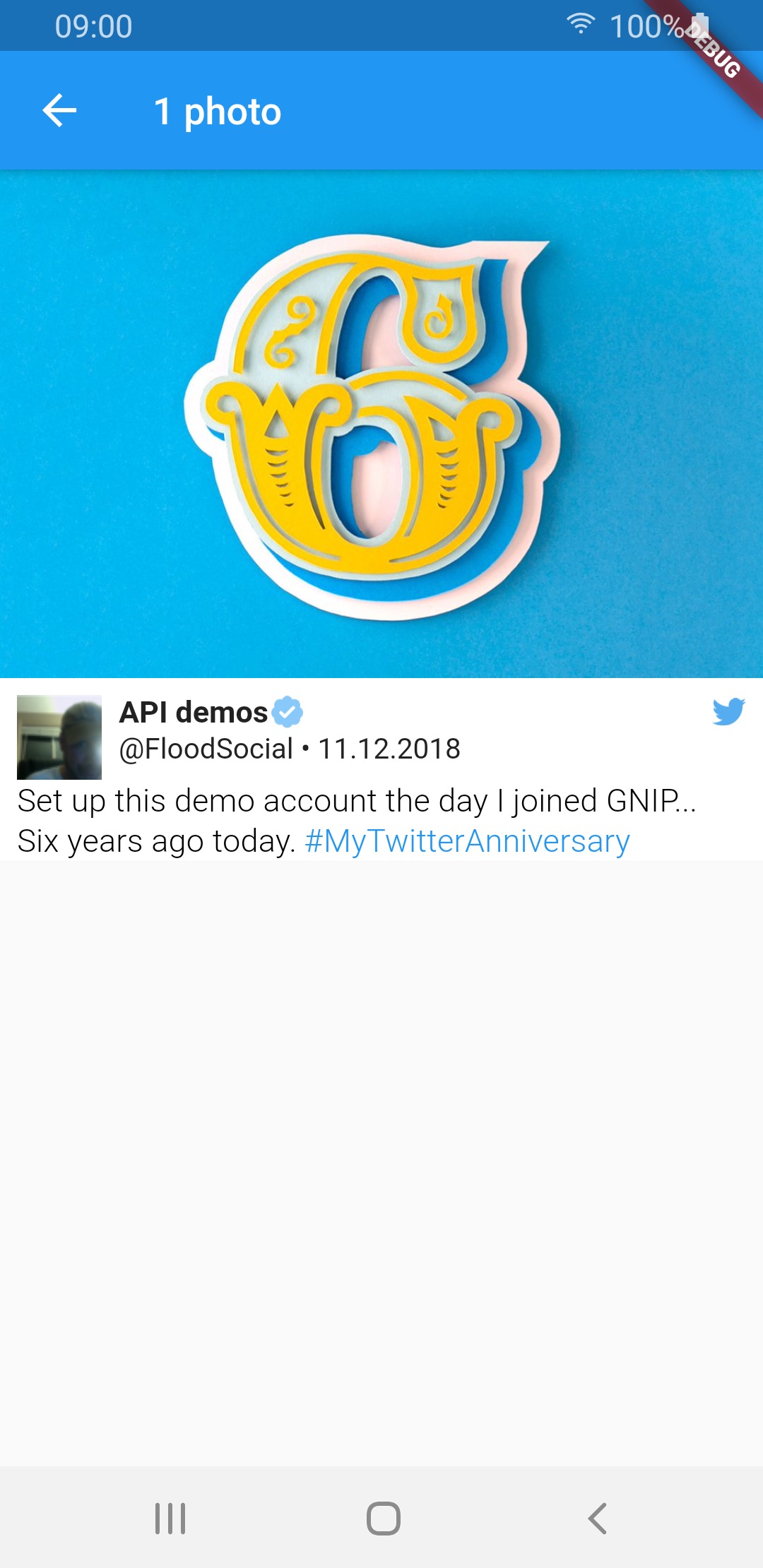 |
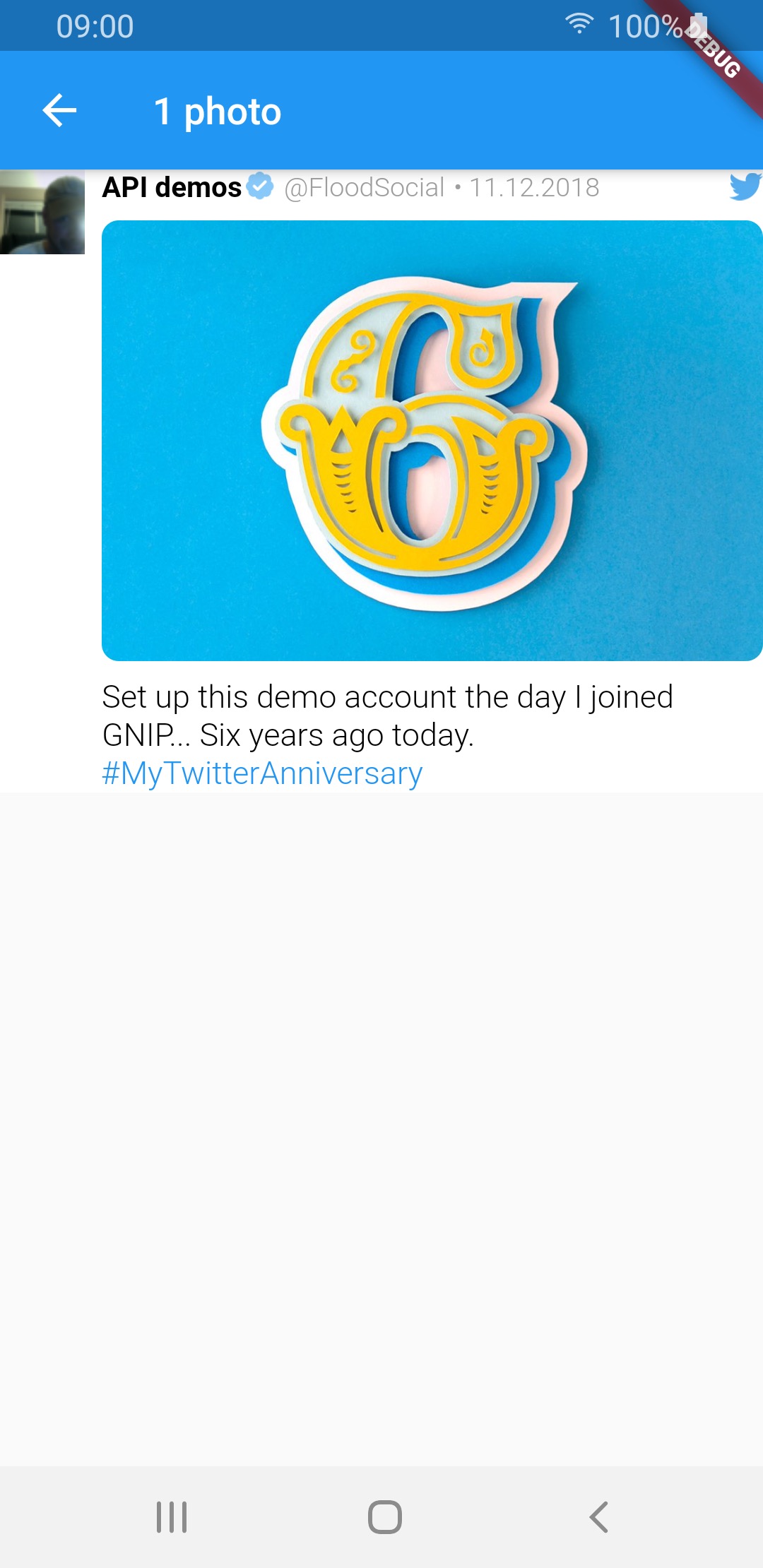 |
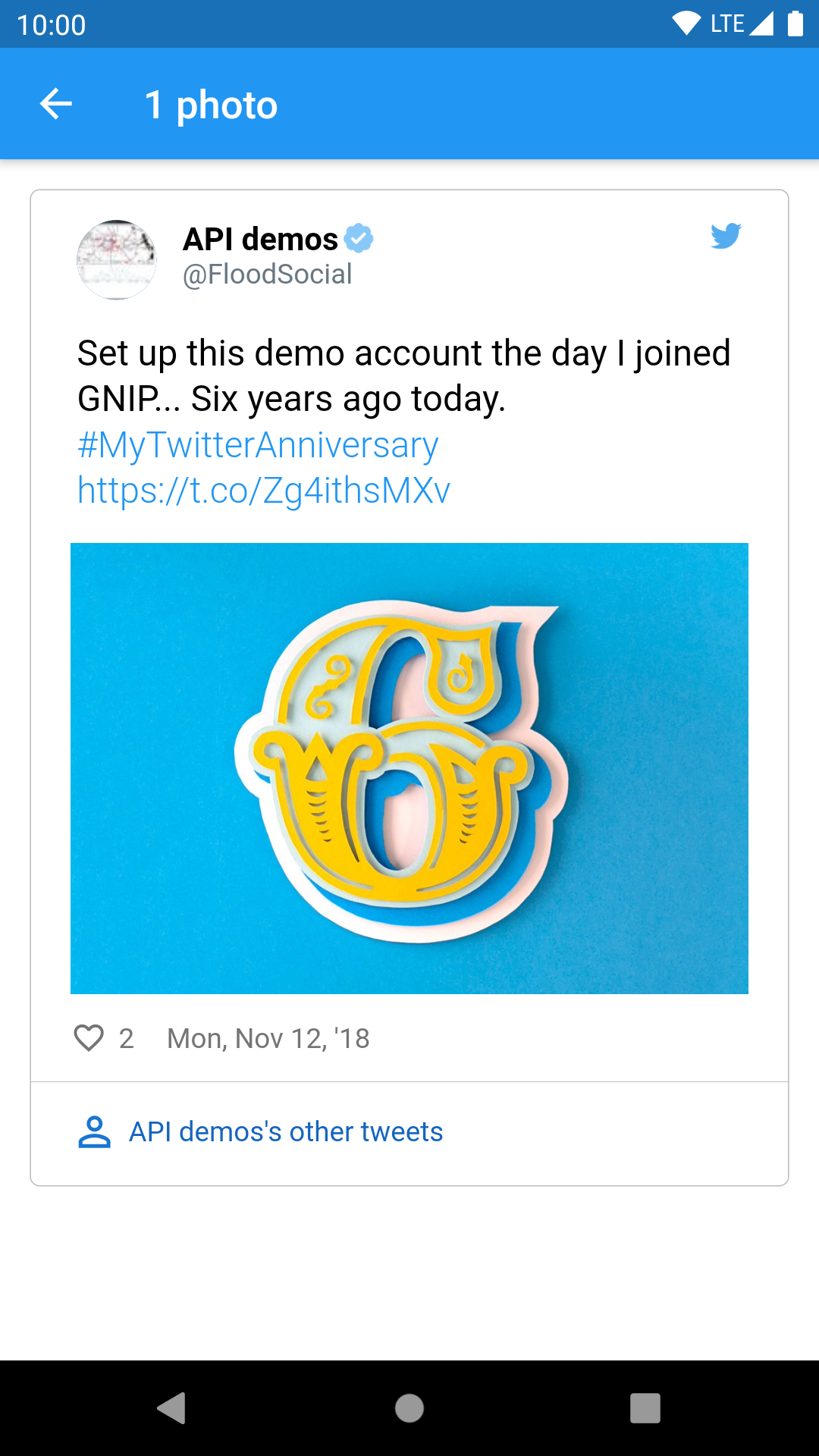 |
| 2 photos |  |
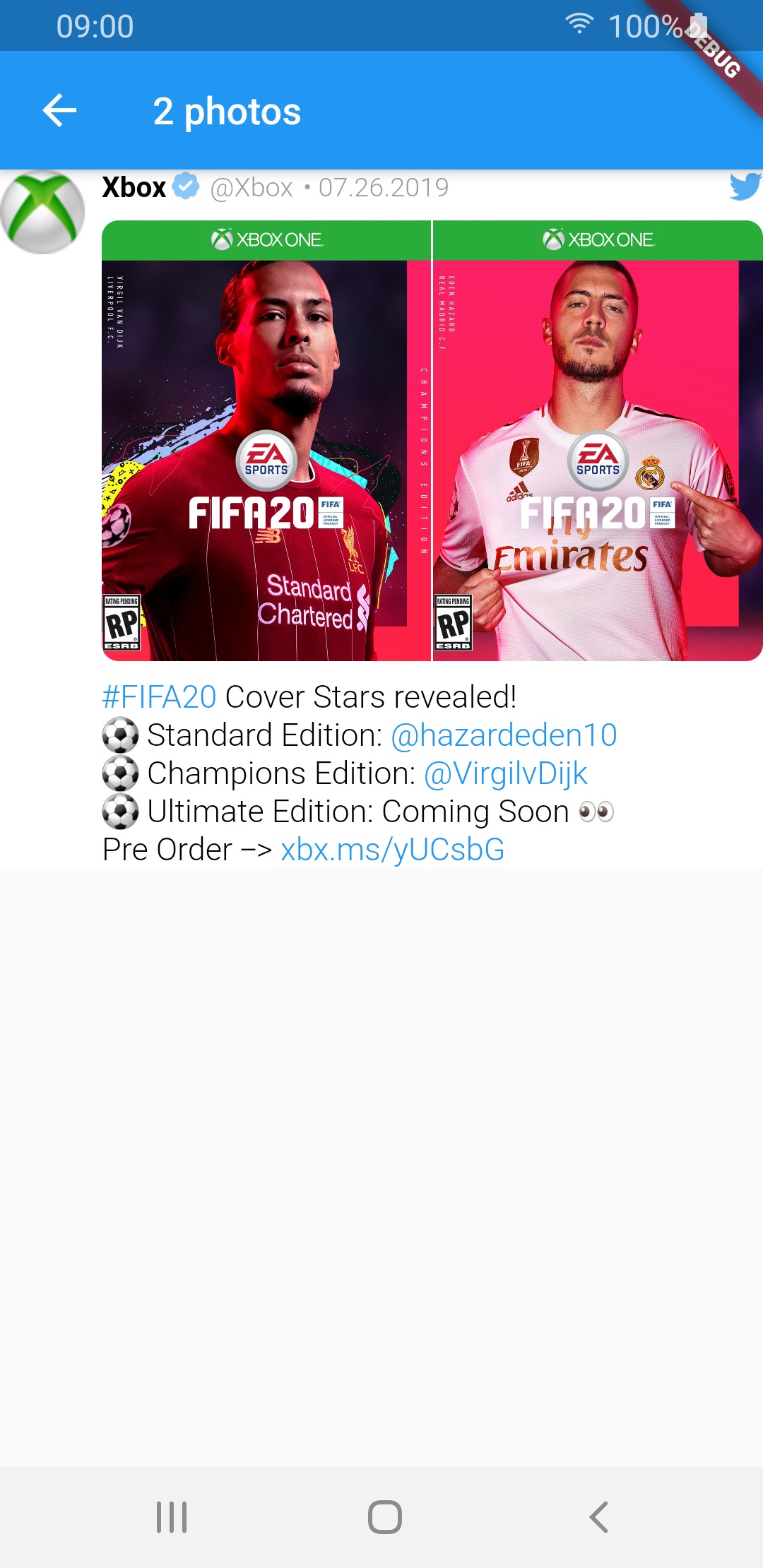 |
 |
| 3 photos | 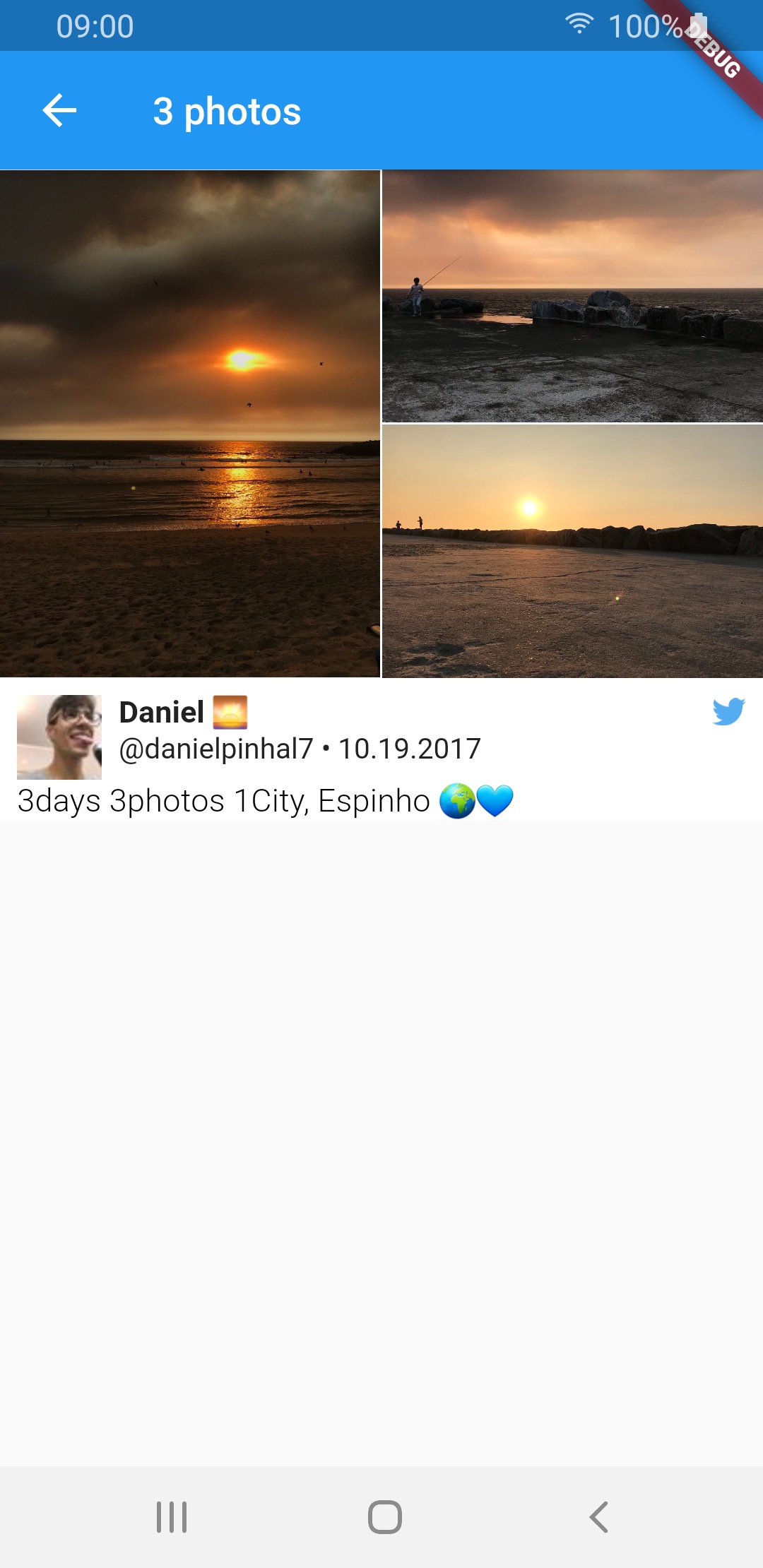 |
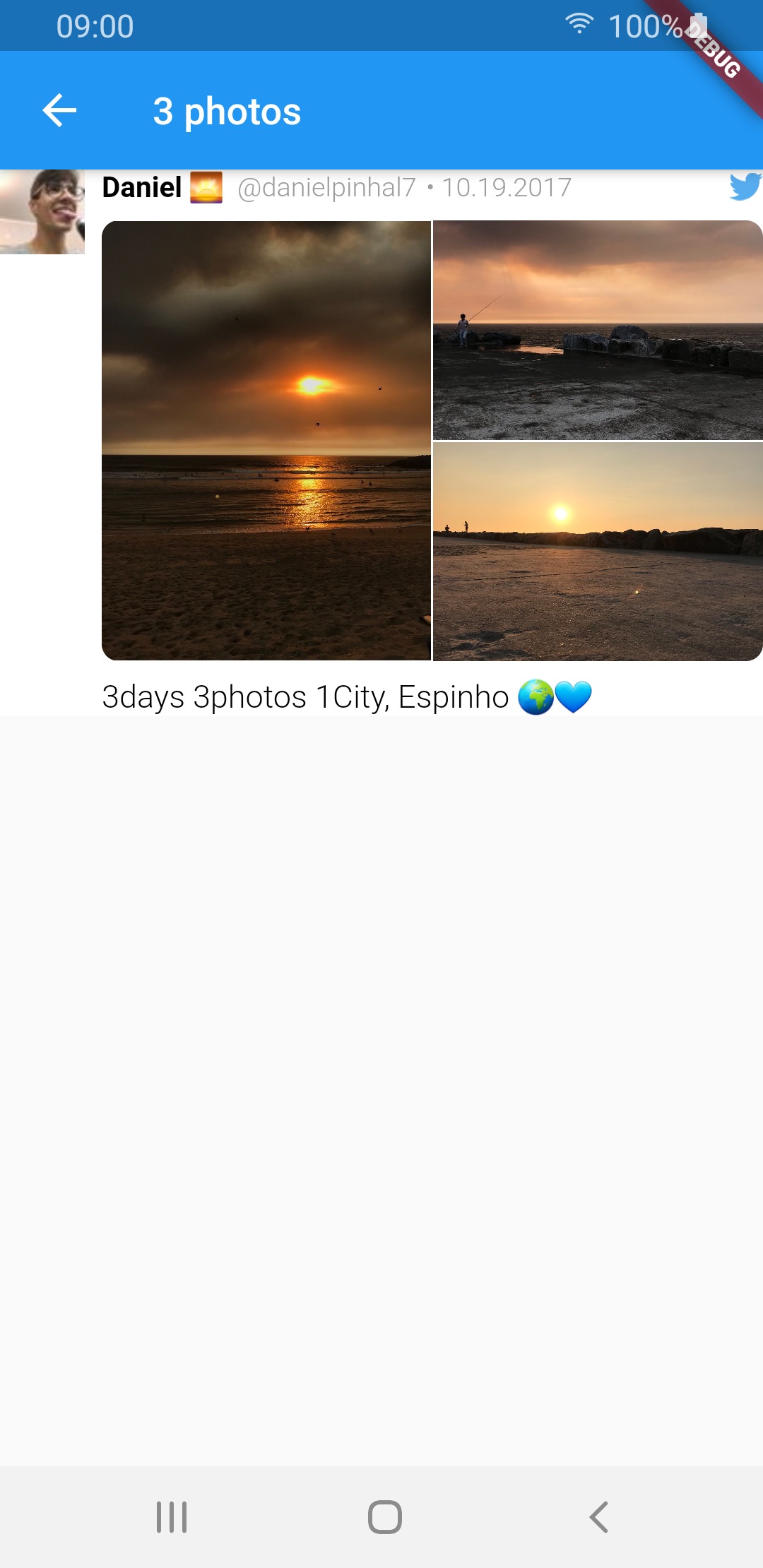 |
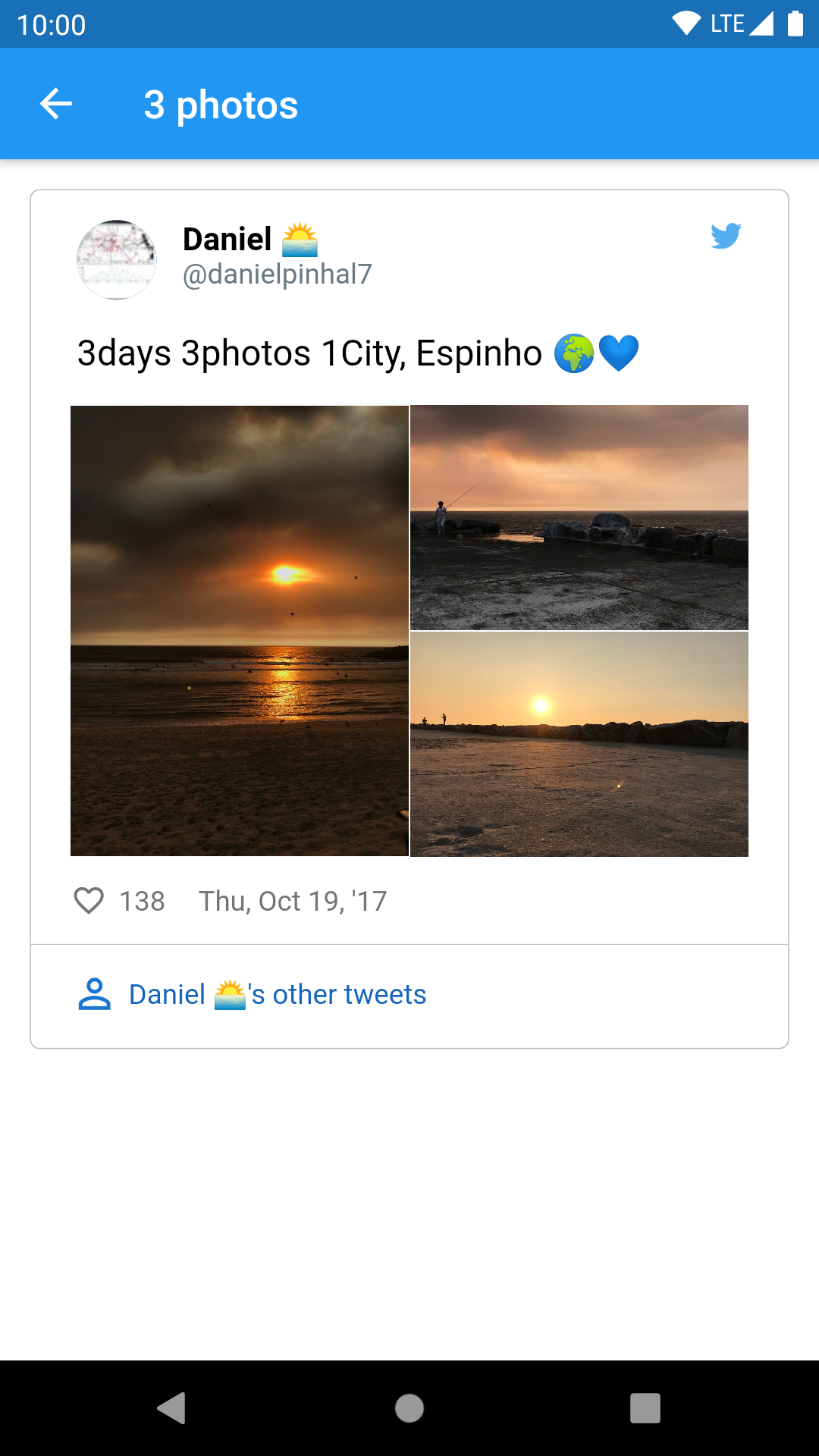 |
| 4 photos | 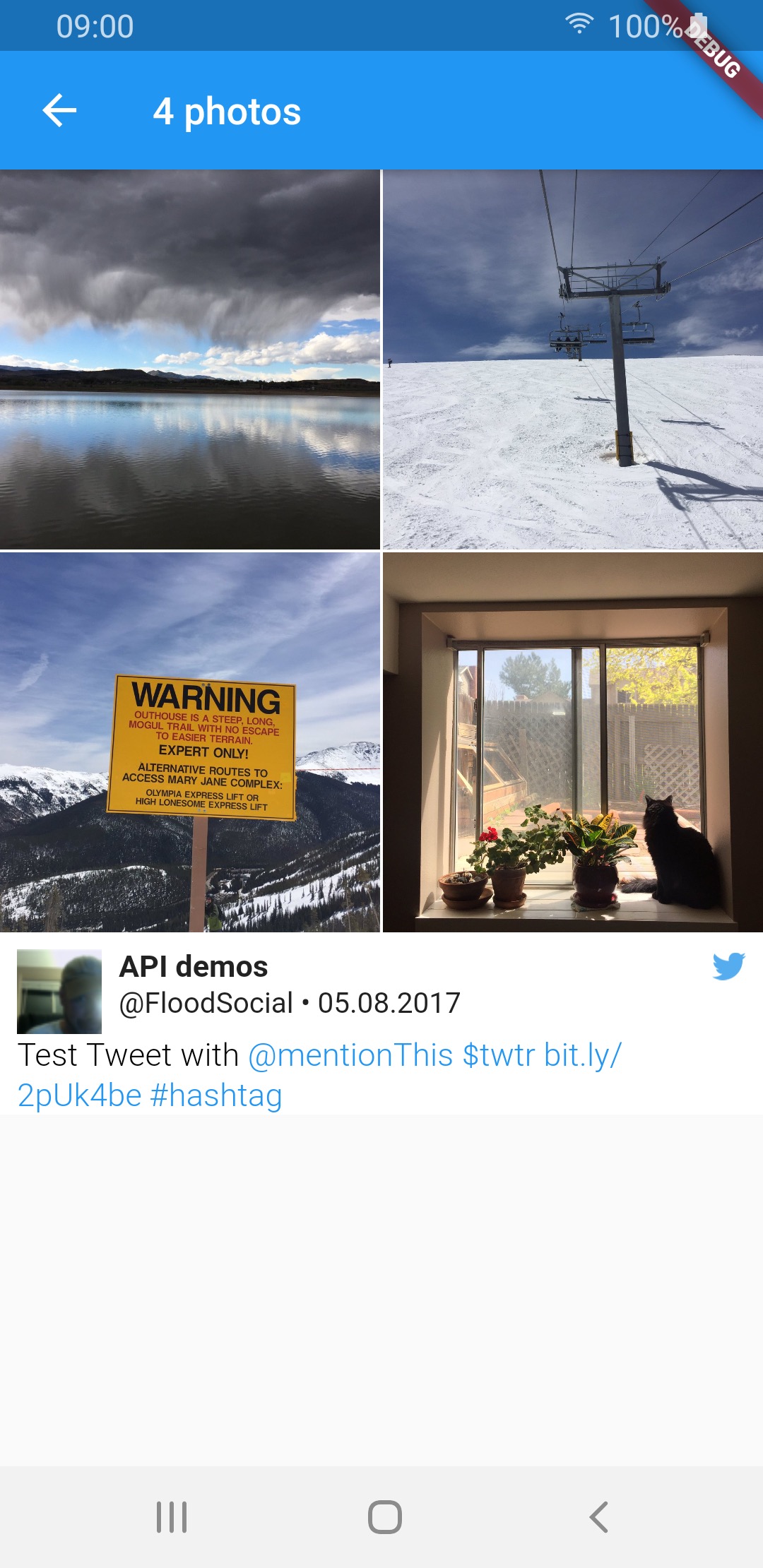 |
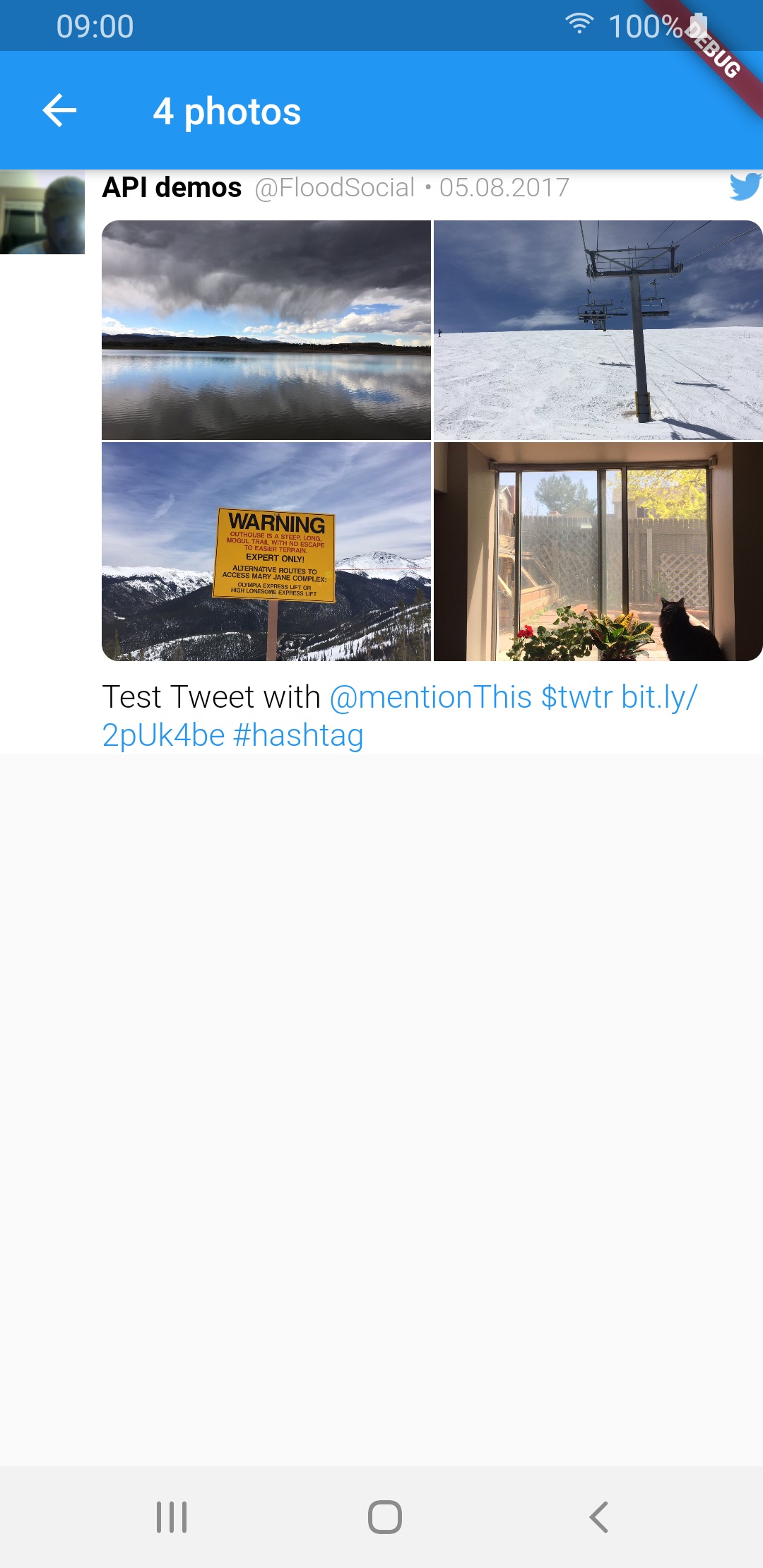 |
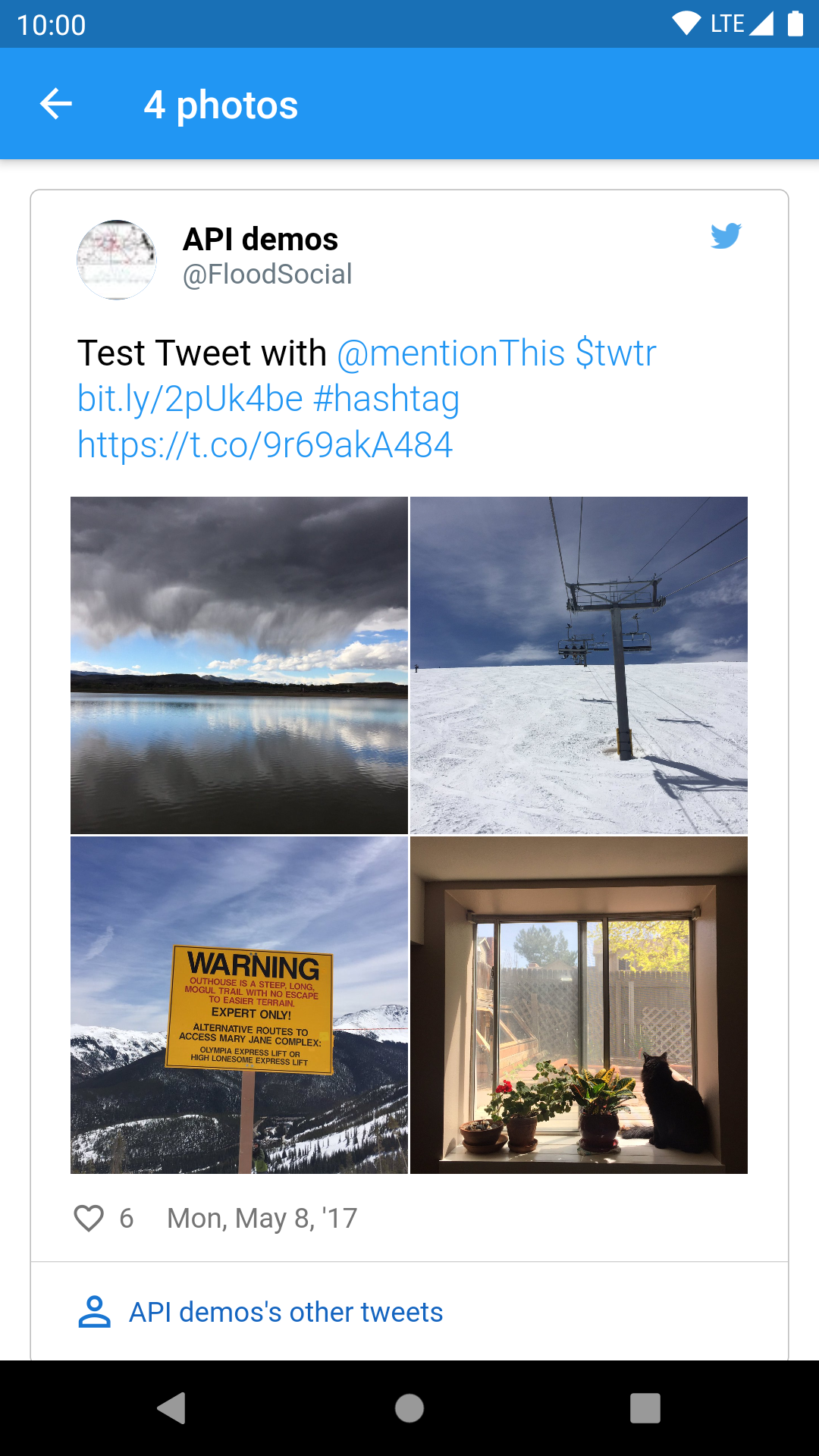 |
| video | 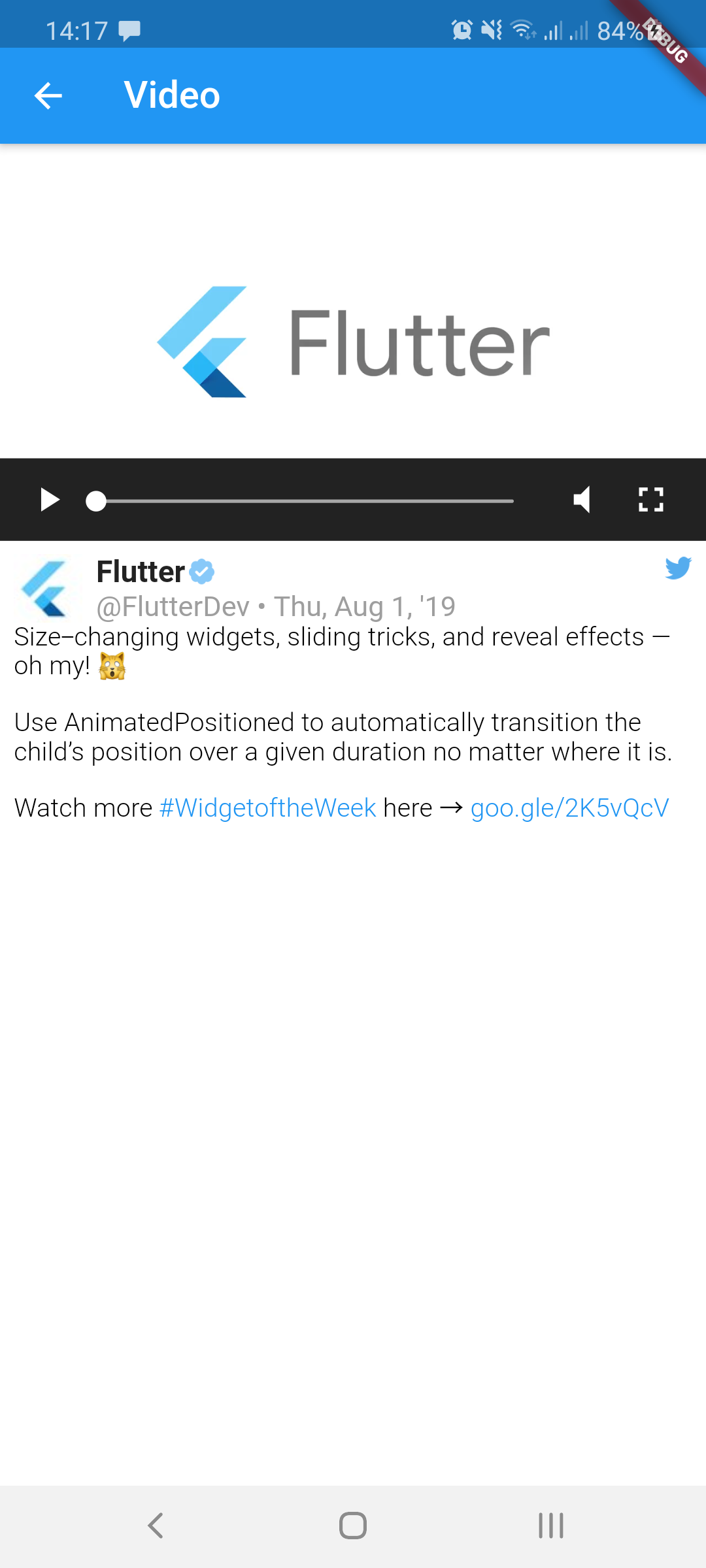 |
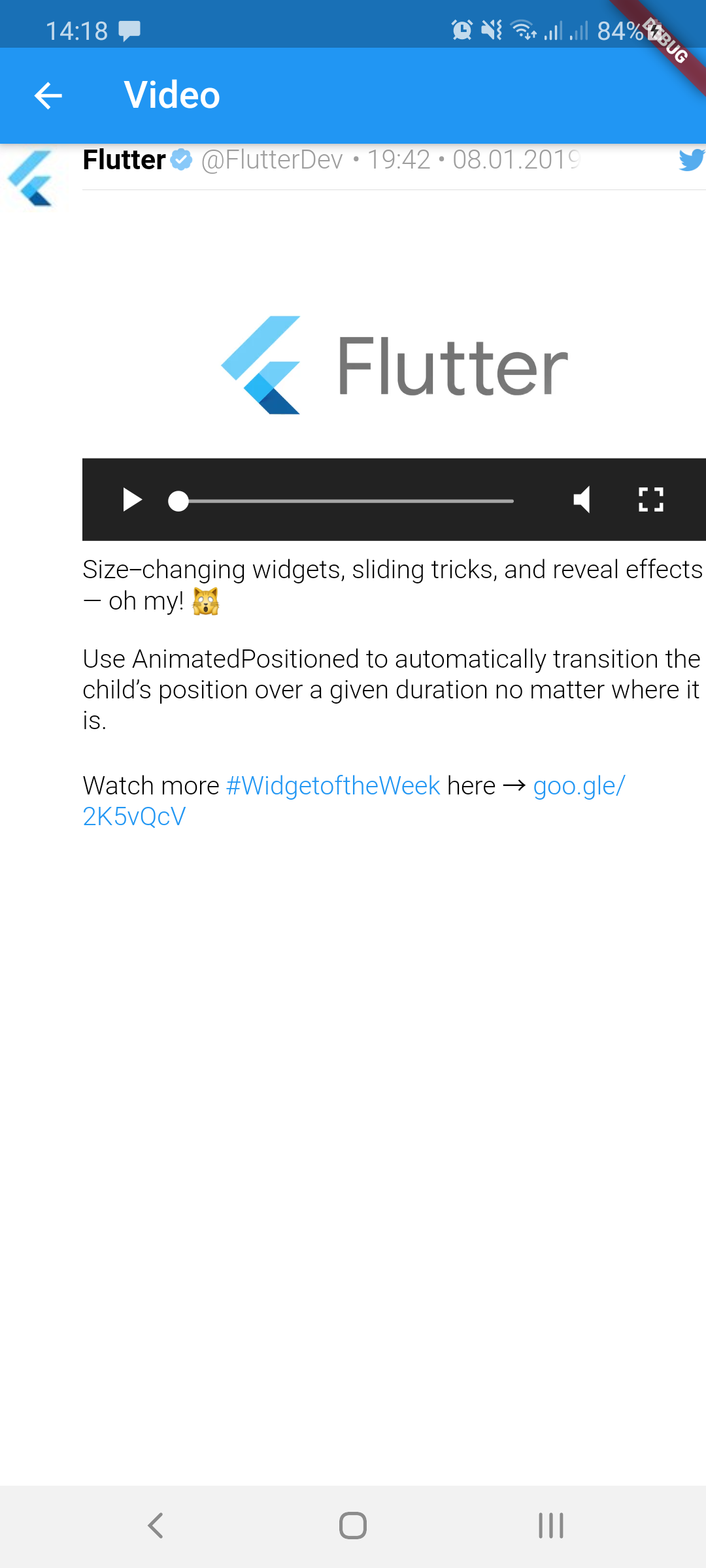 |
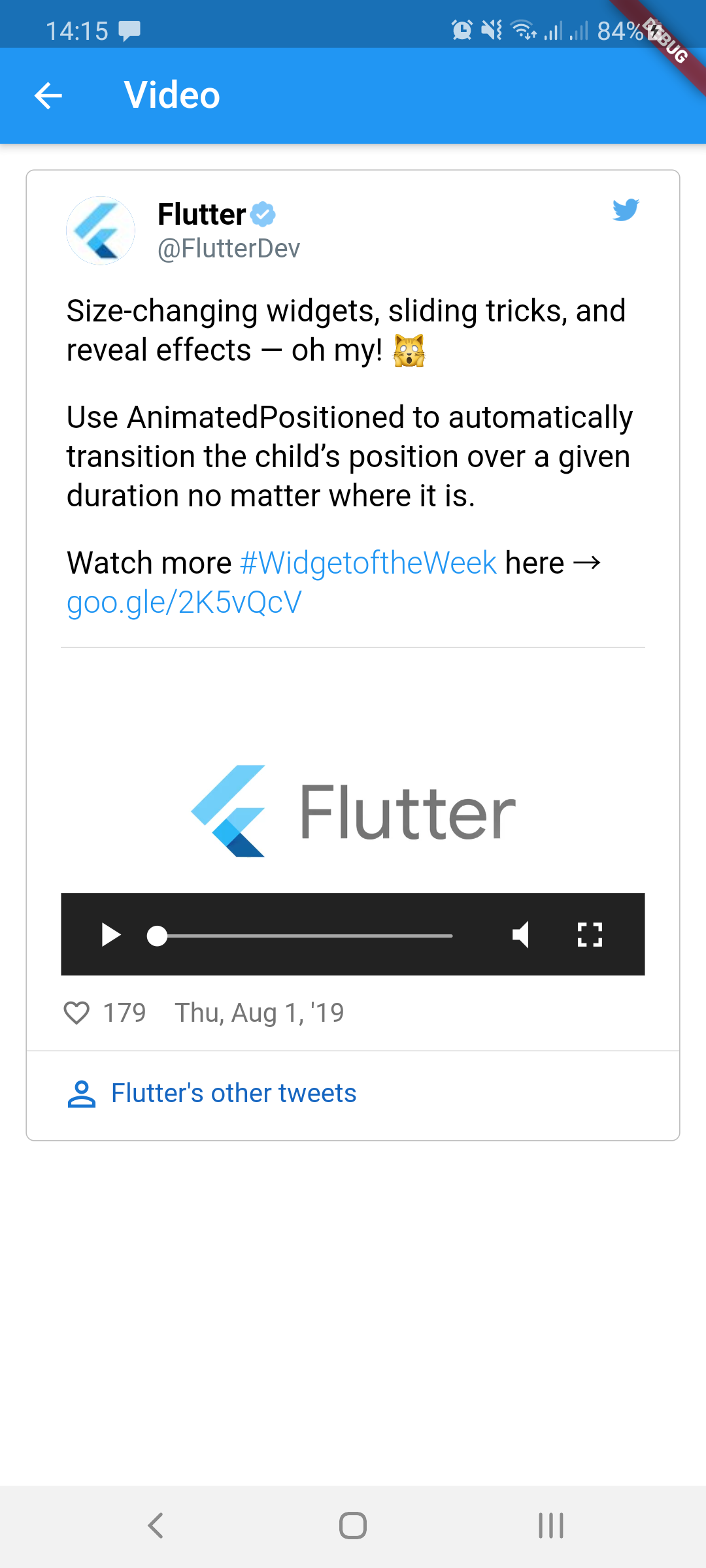 |
| GIF | 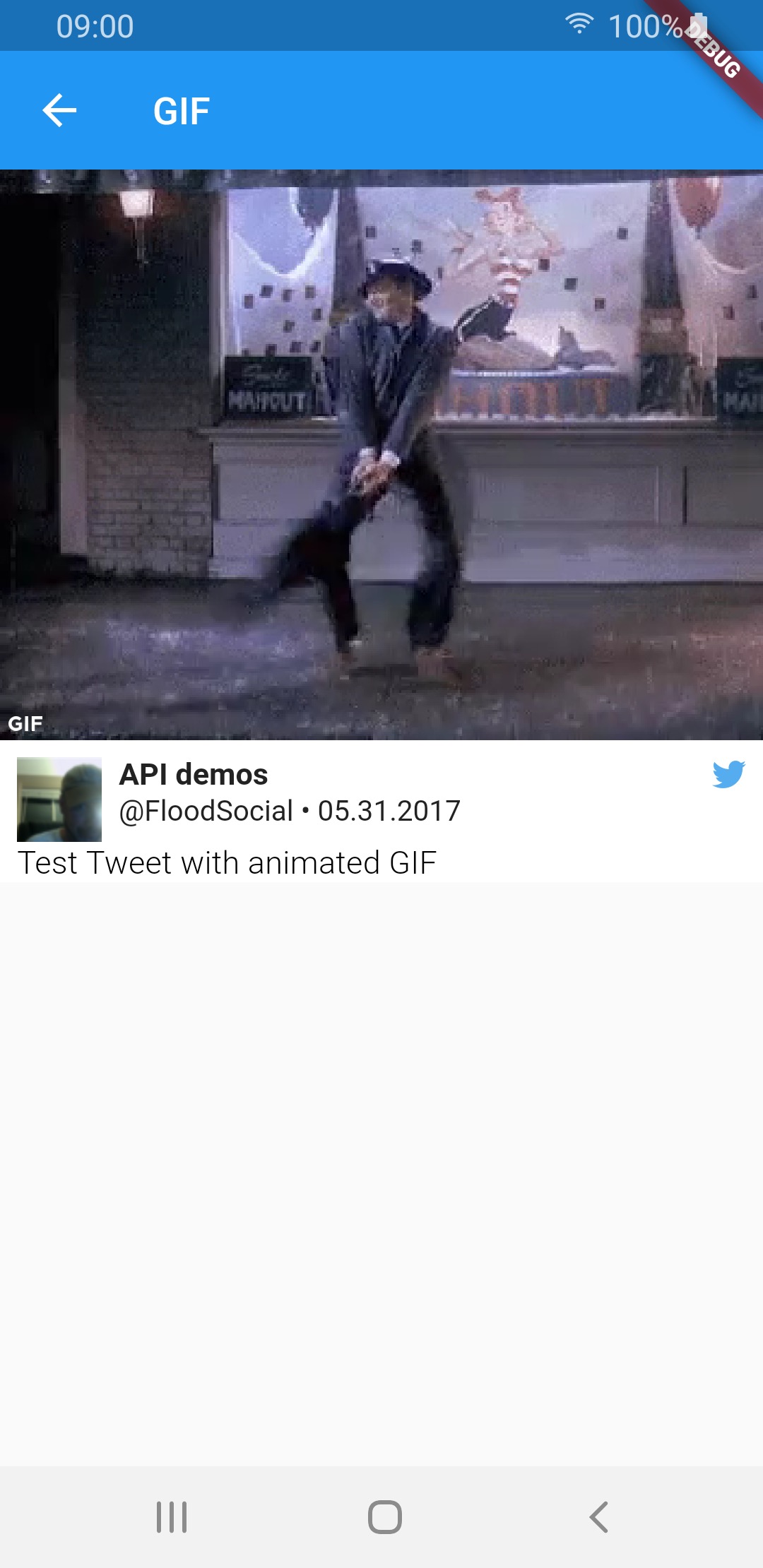 |
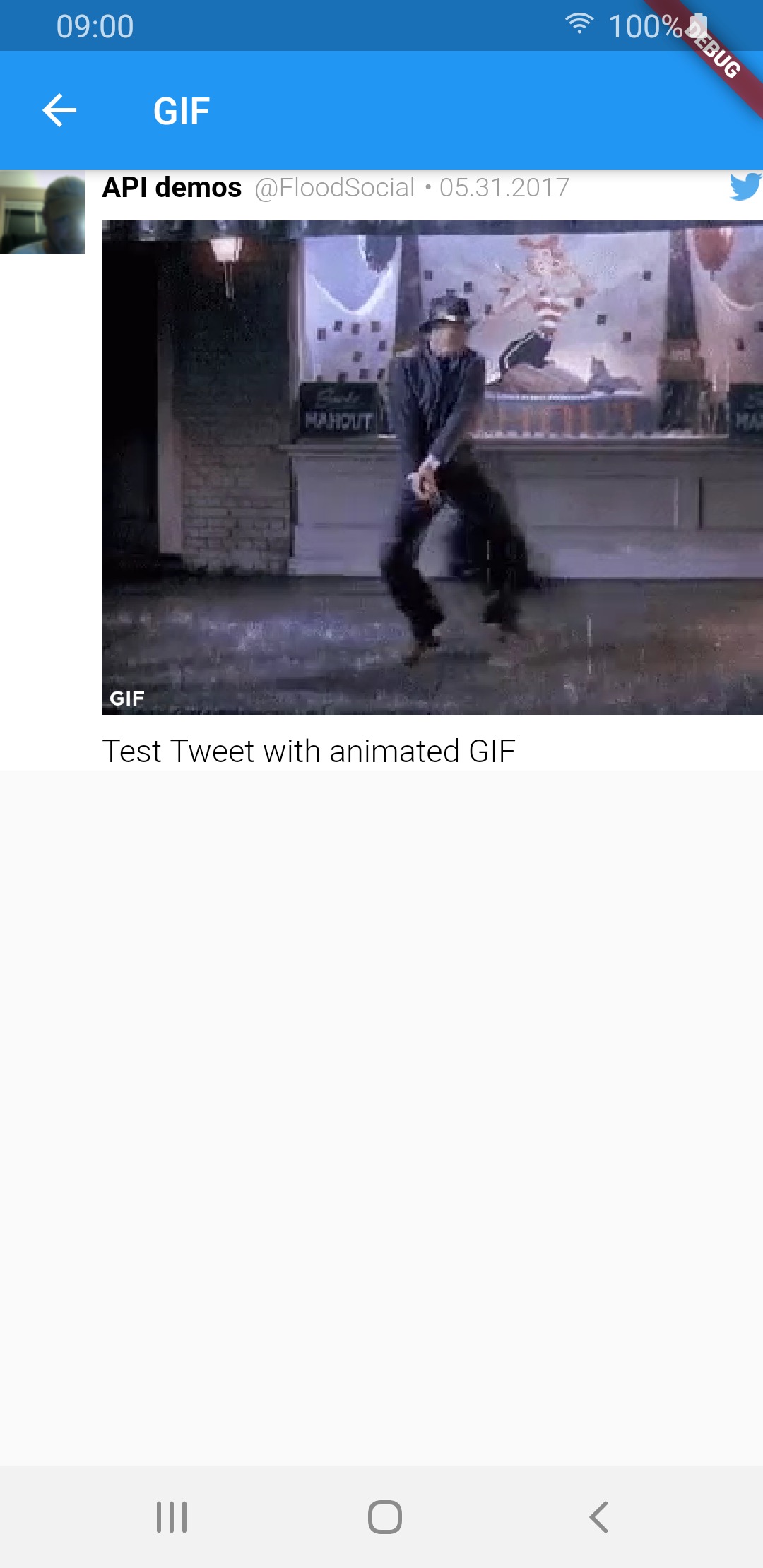 |
 |
| Media type | TweetView | CompactTweetView | EmbeddedTweetView |
|---|---|---|---|
| 1 photo | 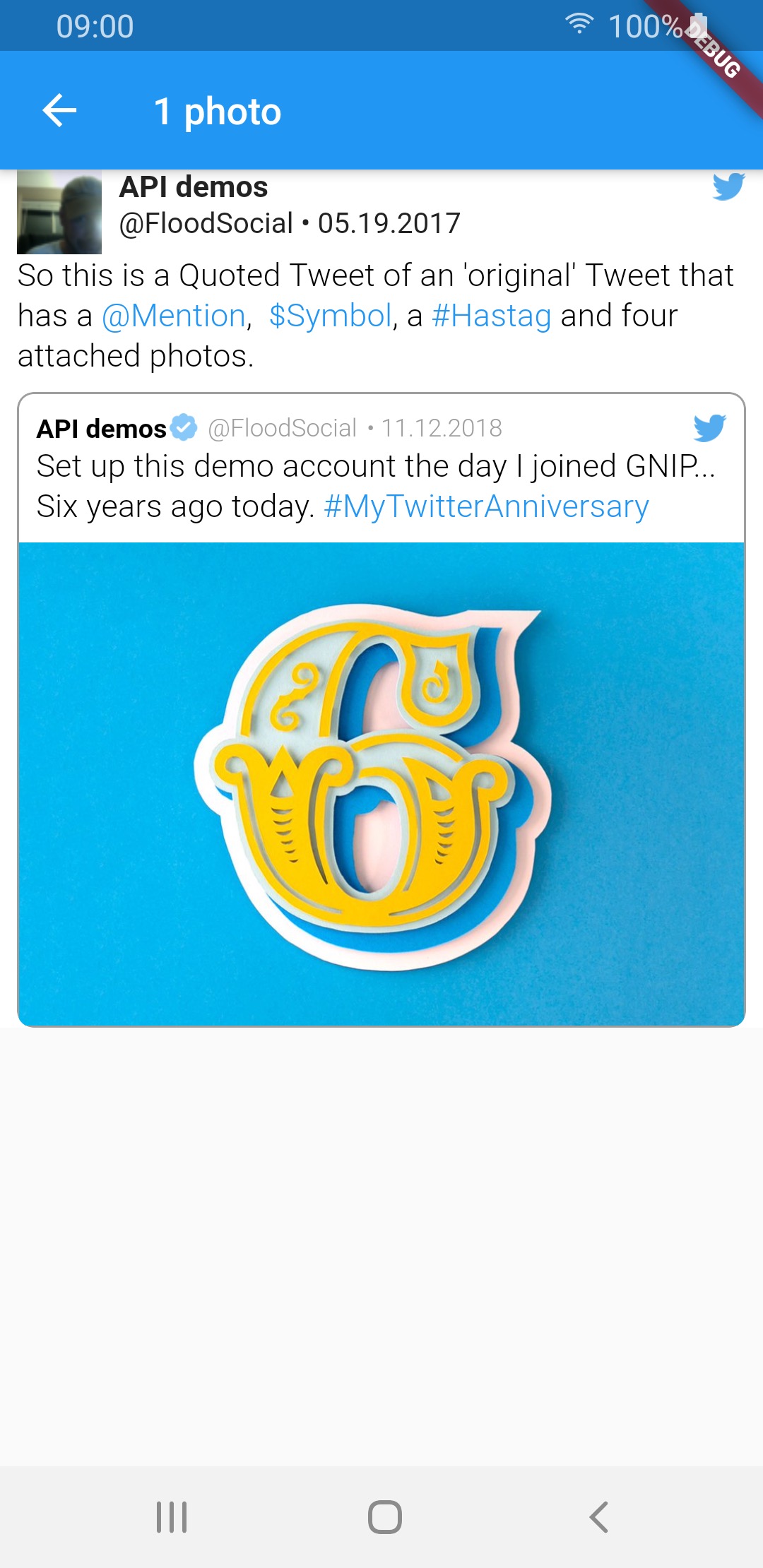 |
 |
 |
| 2 photos | 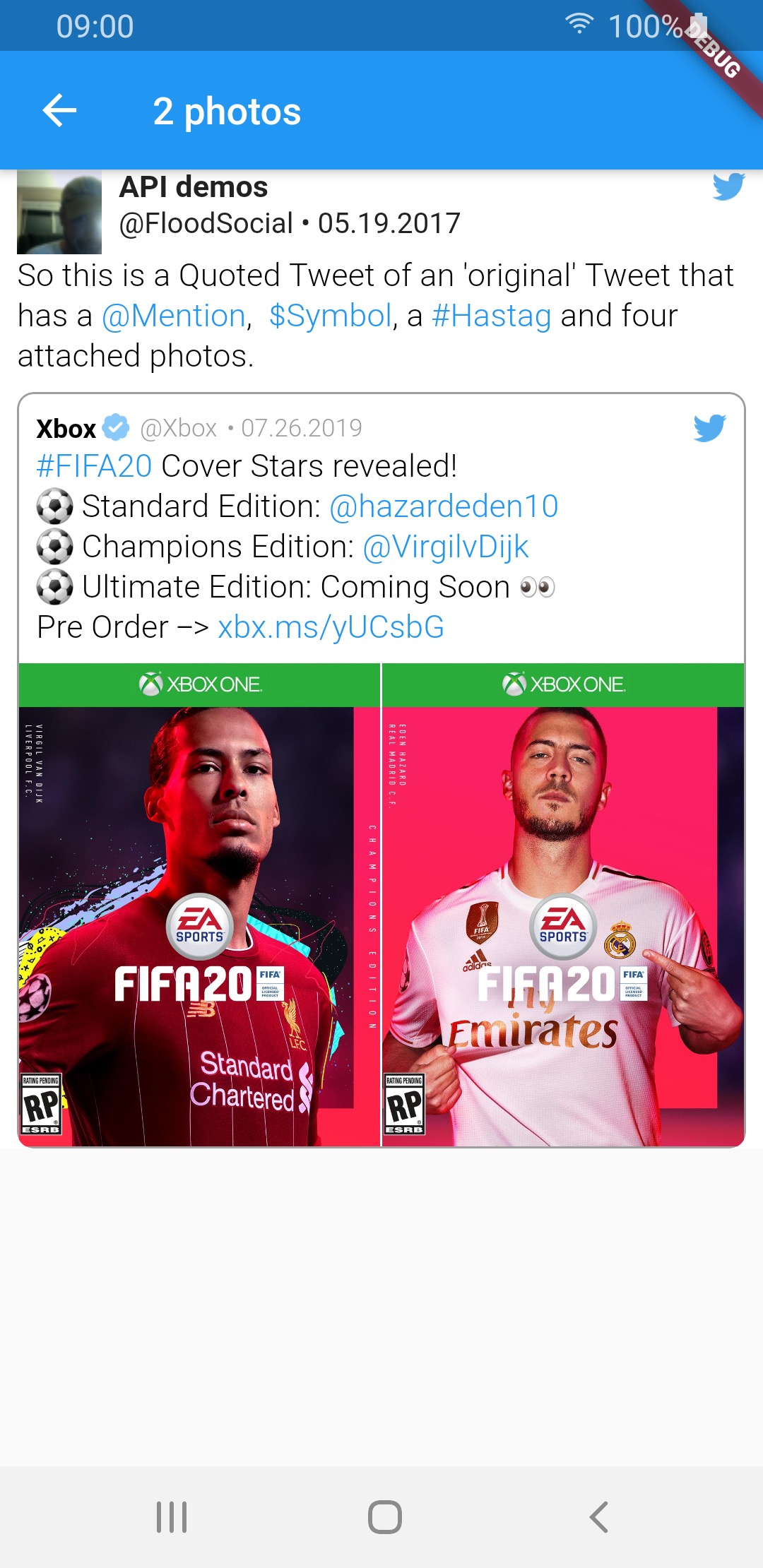 |
 |
 |
| 3 photos | 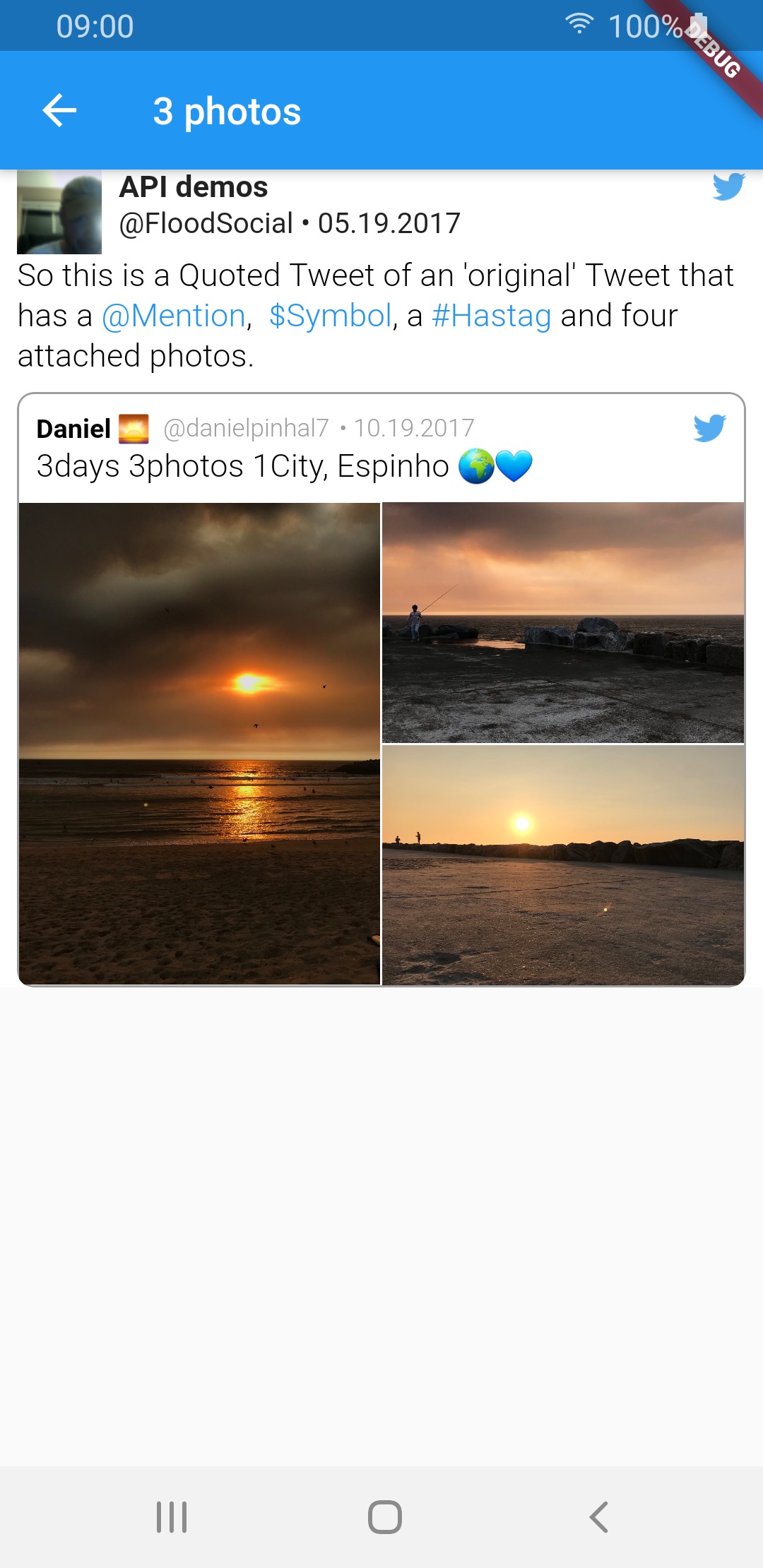 |
 |
 |
| 4 photos | 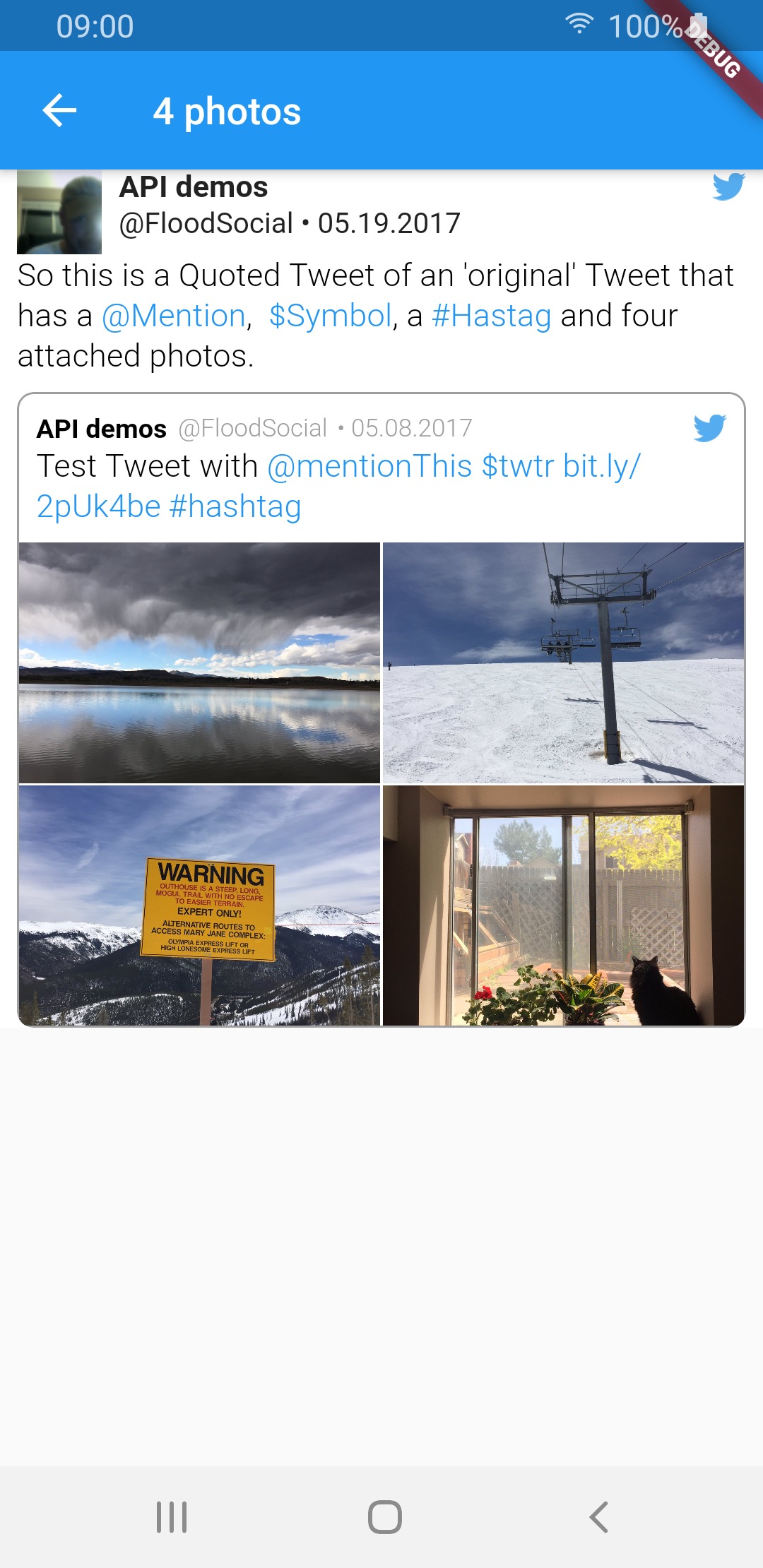 |
 |
 |
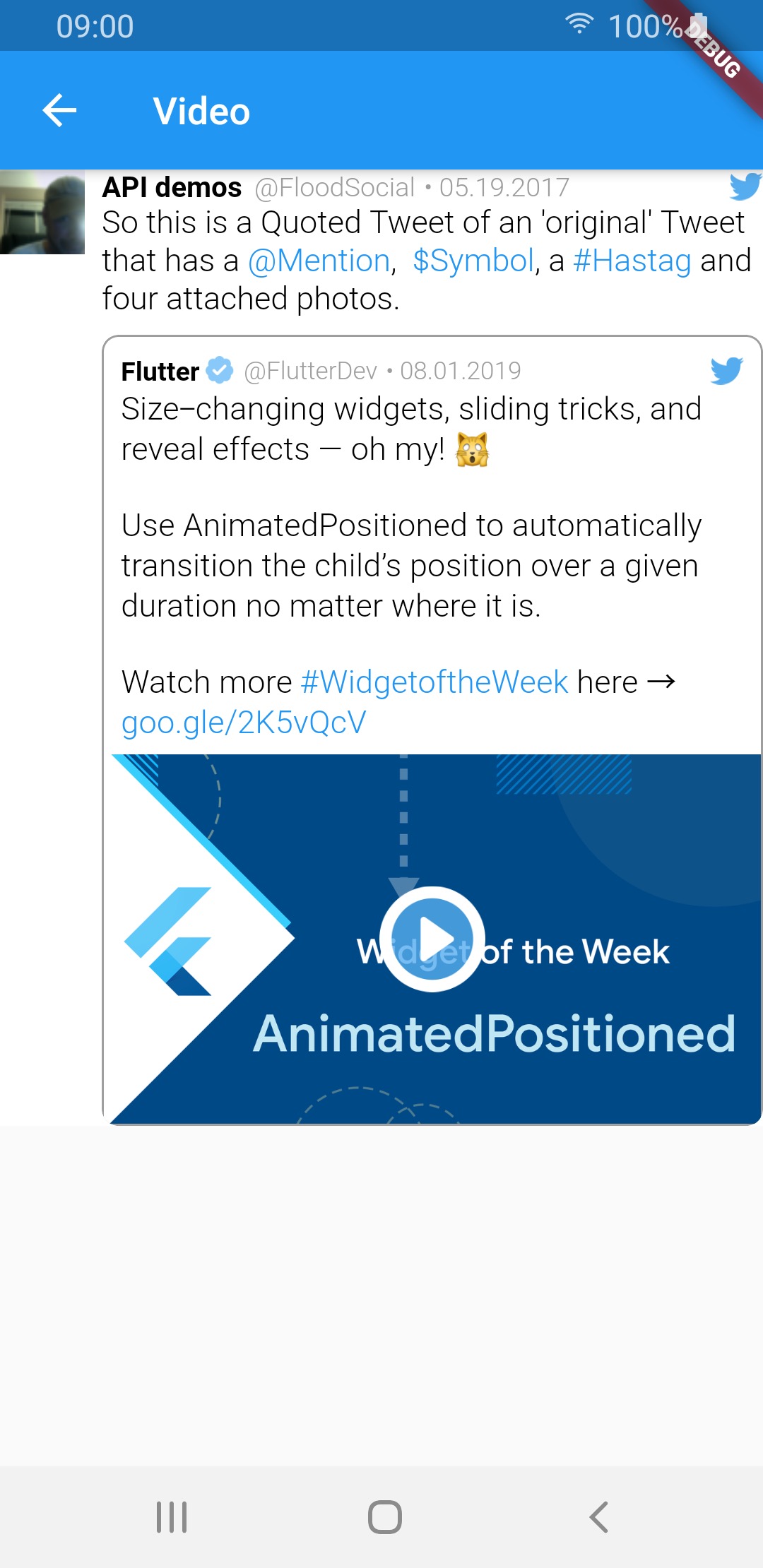
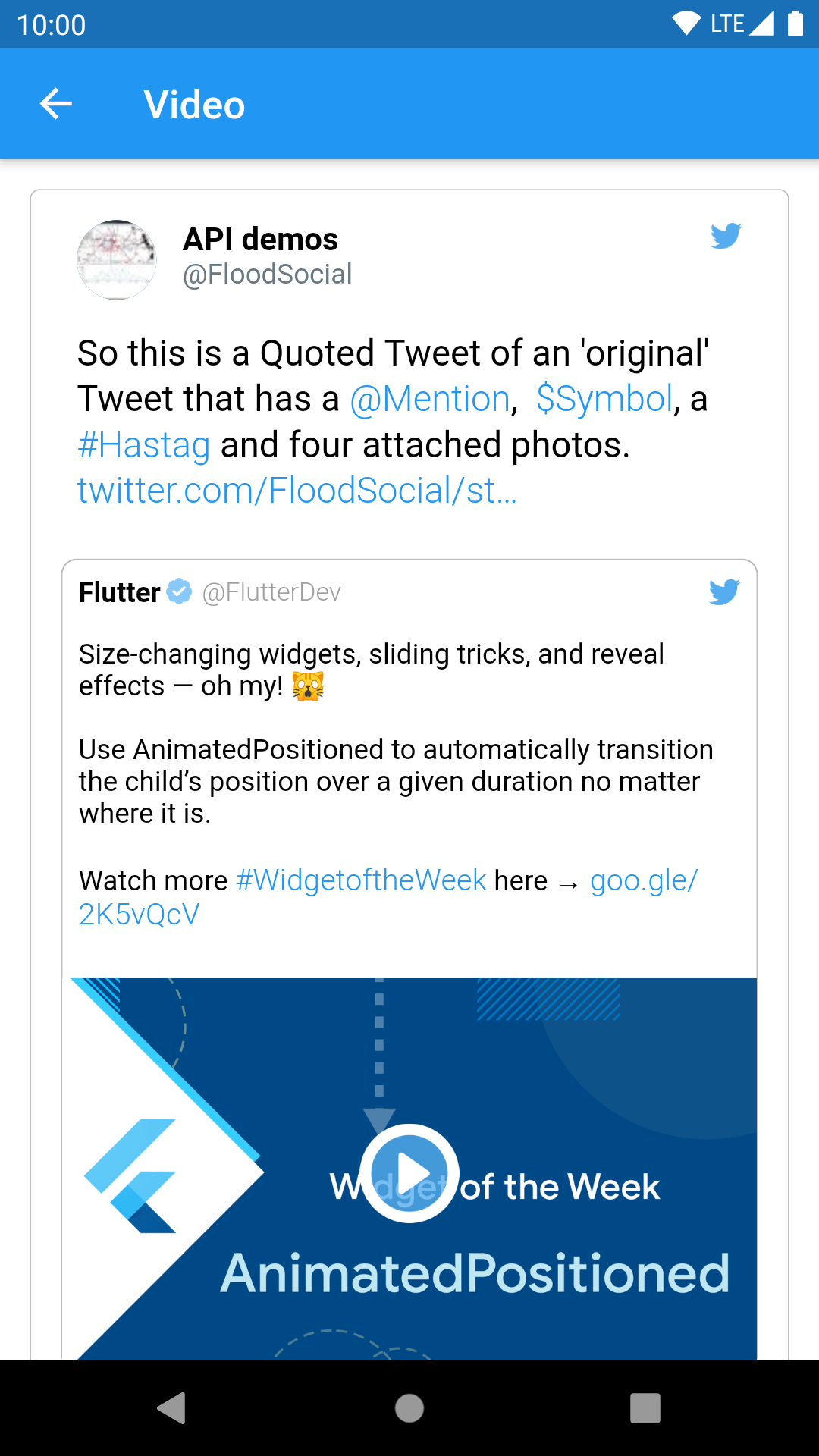
| video | 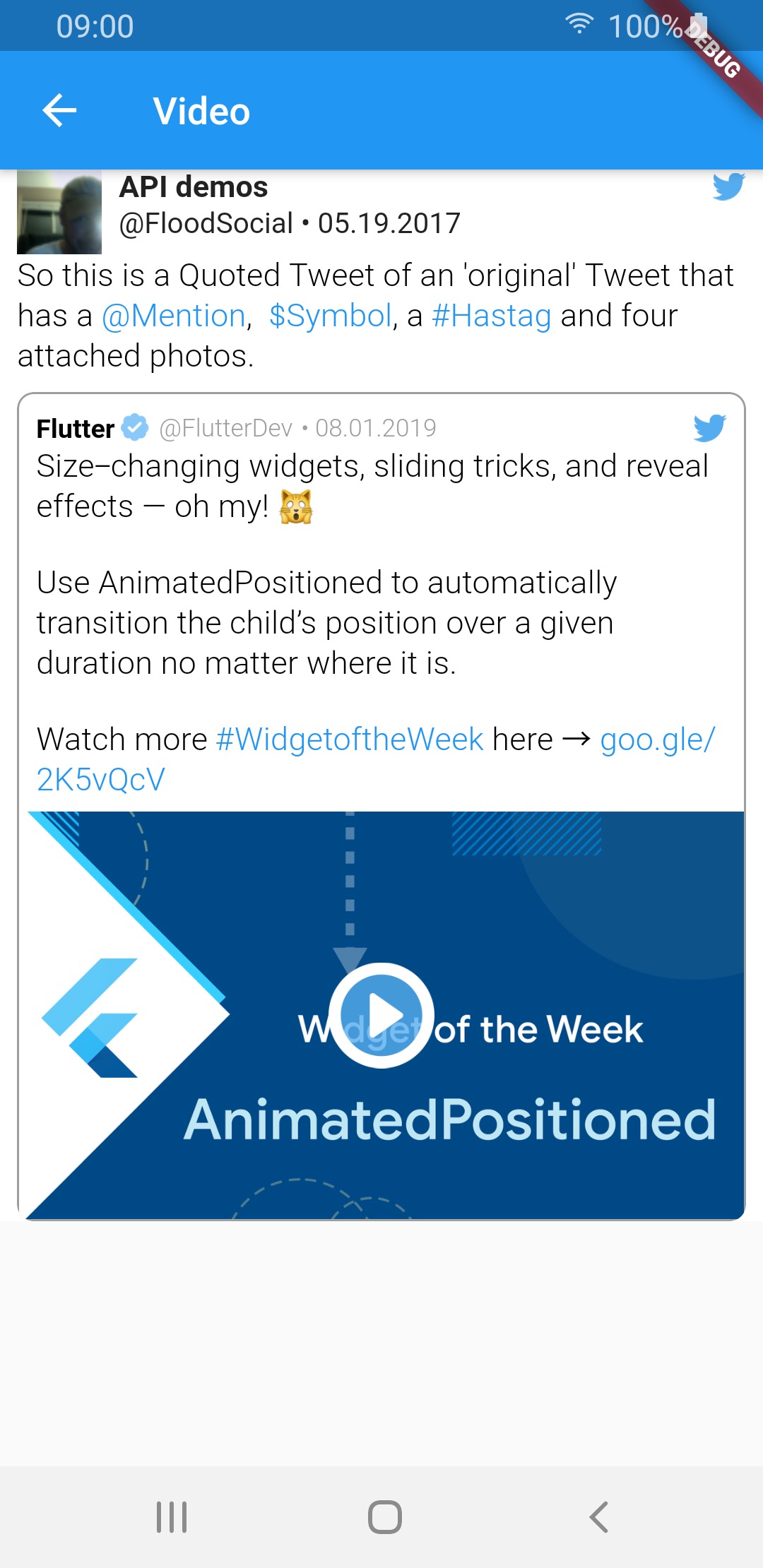 |
 |
 |
| GIF | 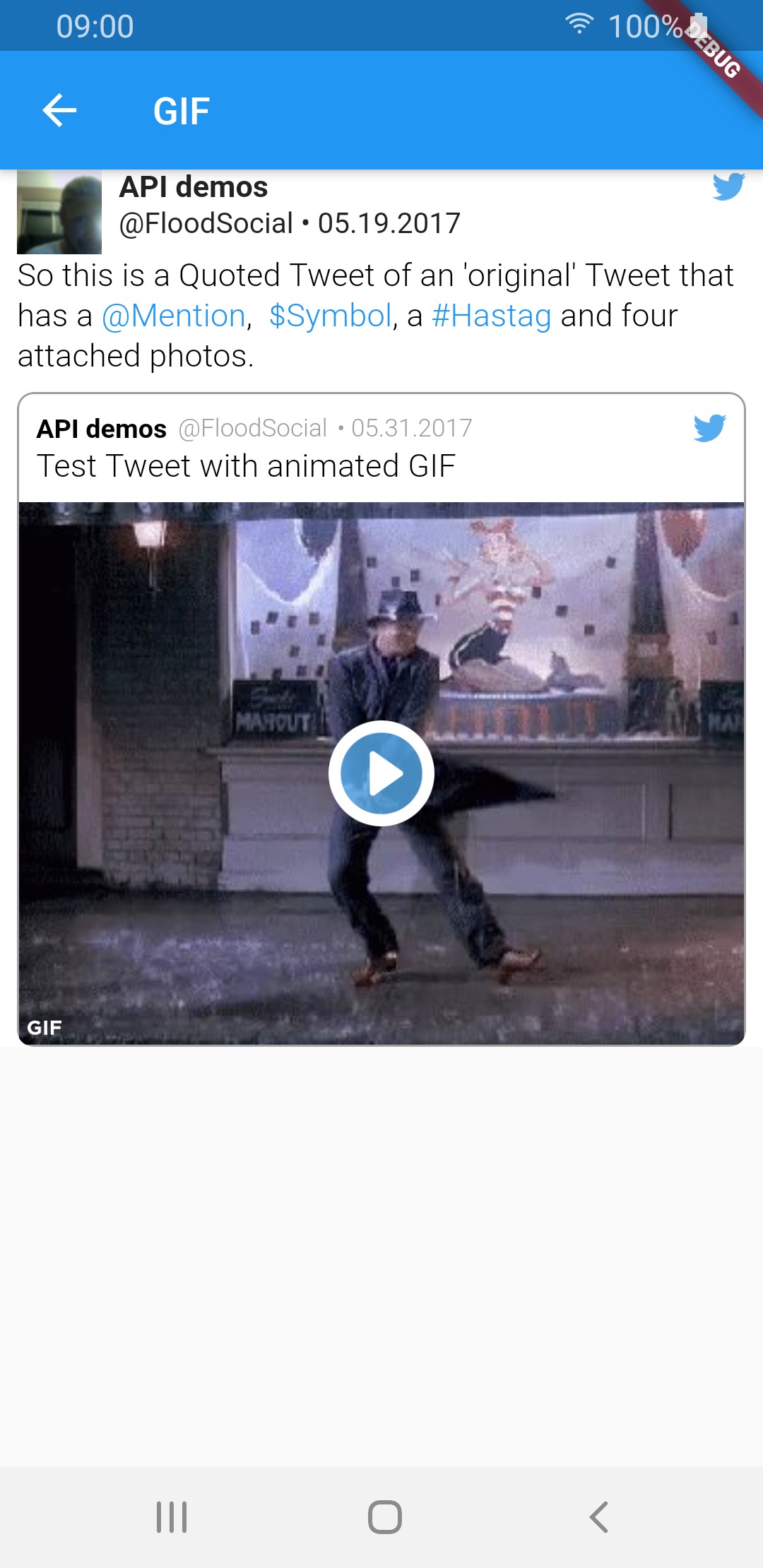 |
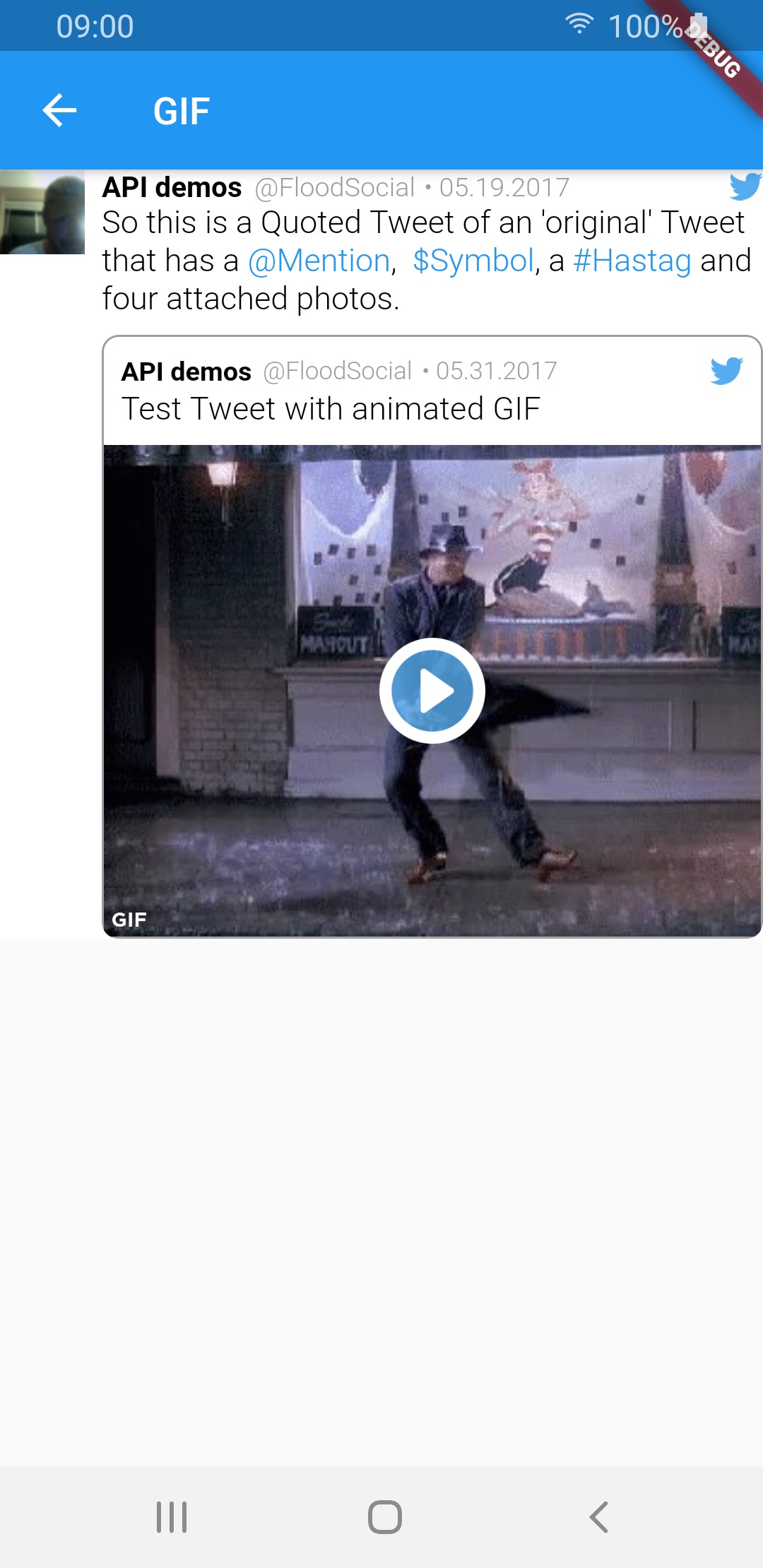 |
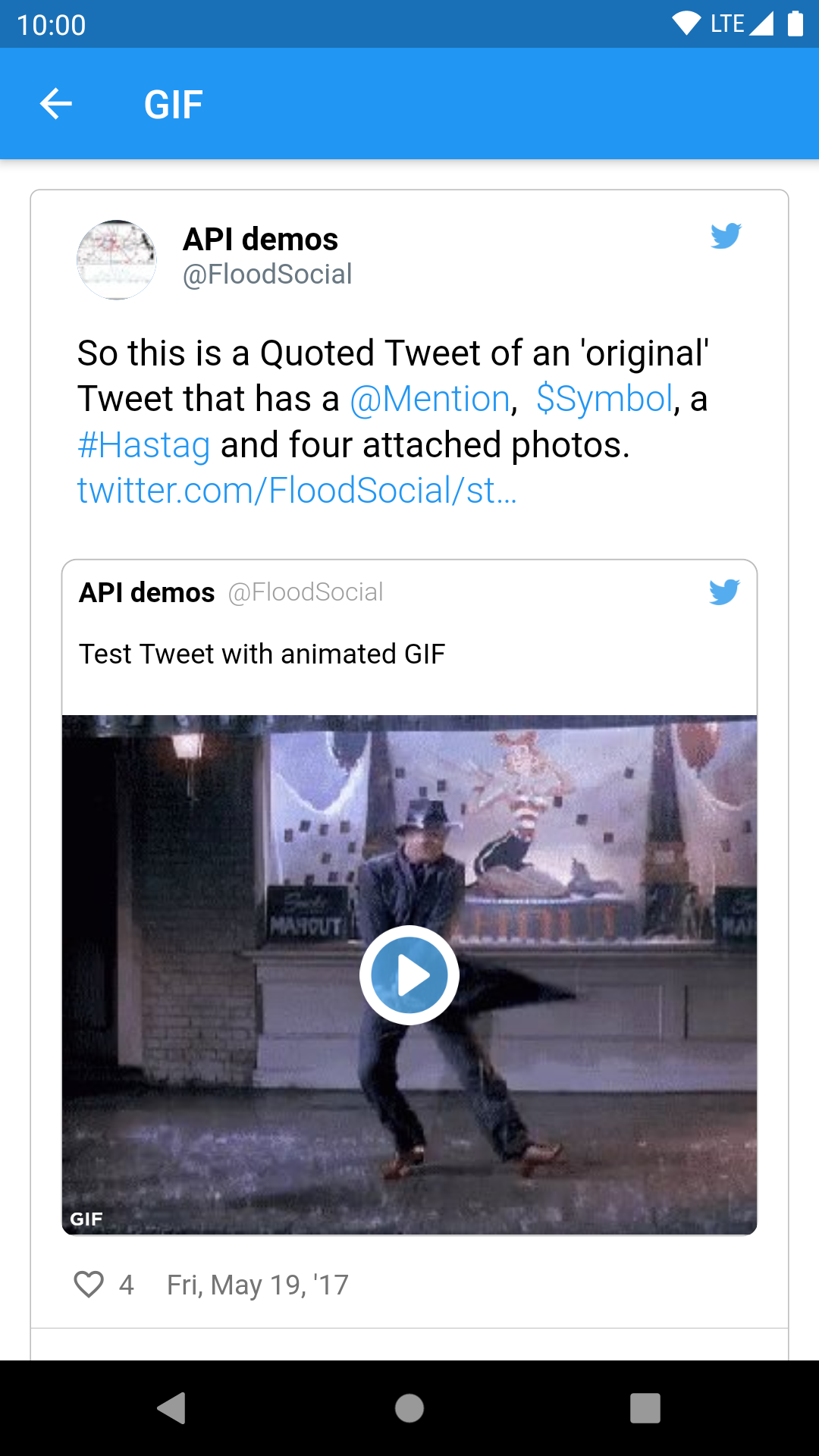 |
Sample tweets use real-life tweet ids but for example purposes, their content was changed.
의존성 목록 13 개
{"sdk":"flutter"}^3.2.0^1.15.0^0.17.0^0.0.81^0.14.0^6.0.20^2.0.0^4.4.0^0.13.0^2.1.8^6.1.5{"sdk":"flutter"}사용 목적에 따라 검색하고 개발 활동을 비교한 뒤 원본 저장소에서 요구 사항을 확인하세요.
“A repository is the most basic element of GitHub.”
GitHub Docs — About repositories ↗