

 v4.9.0
shirne_dialog
어디서든 사용할 수 있는 알림, 토스트, 팝업, 스낵, 이미지 미리보기, 로딩 등을 사용할 수 있는 커스터마이즈 가능한 스타일을 제공하는 플러터 패키지입니다.
51좋아요 21730일 다운로드150Pub 점수
AndroidiOSWebmacOSWindowsLinux
Flutter용 사용자 정의 테마 대화상자(경고, 확인, 프롬프트, 토스트 등) 패키지

아래는 영문 원문 스냅샷입니다. 최신 내용은 GitHub에서 확인하세요.
A flutter package to use alert, confirm, prompt, toast, popup, snack, imagePreview, loading etc. with customizable style in anywhere.

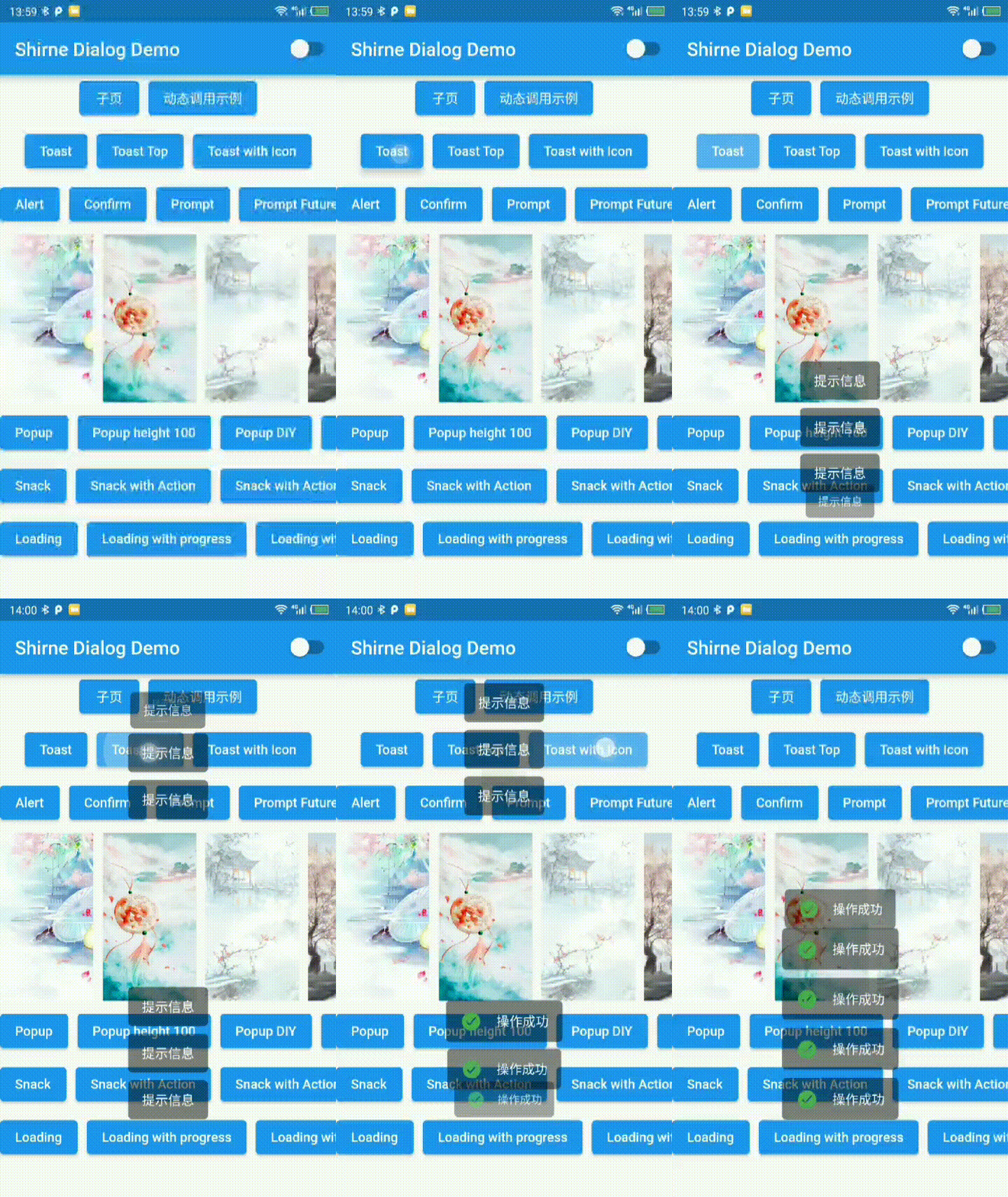
✅ toast
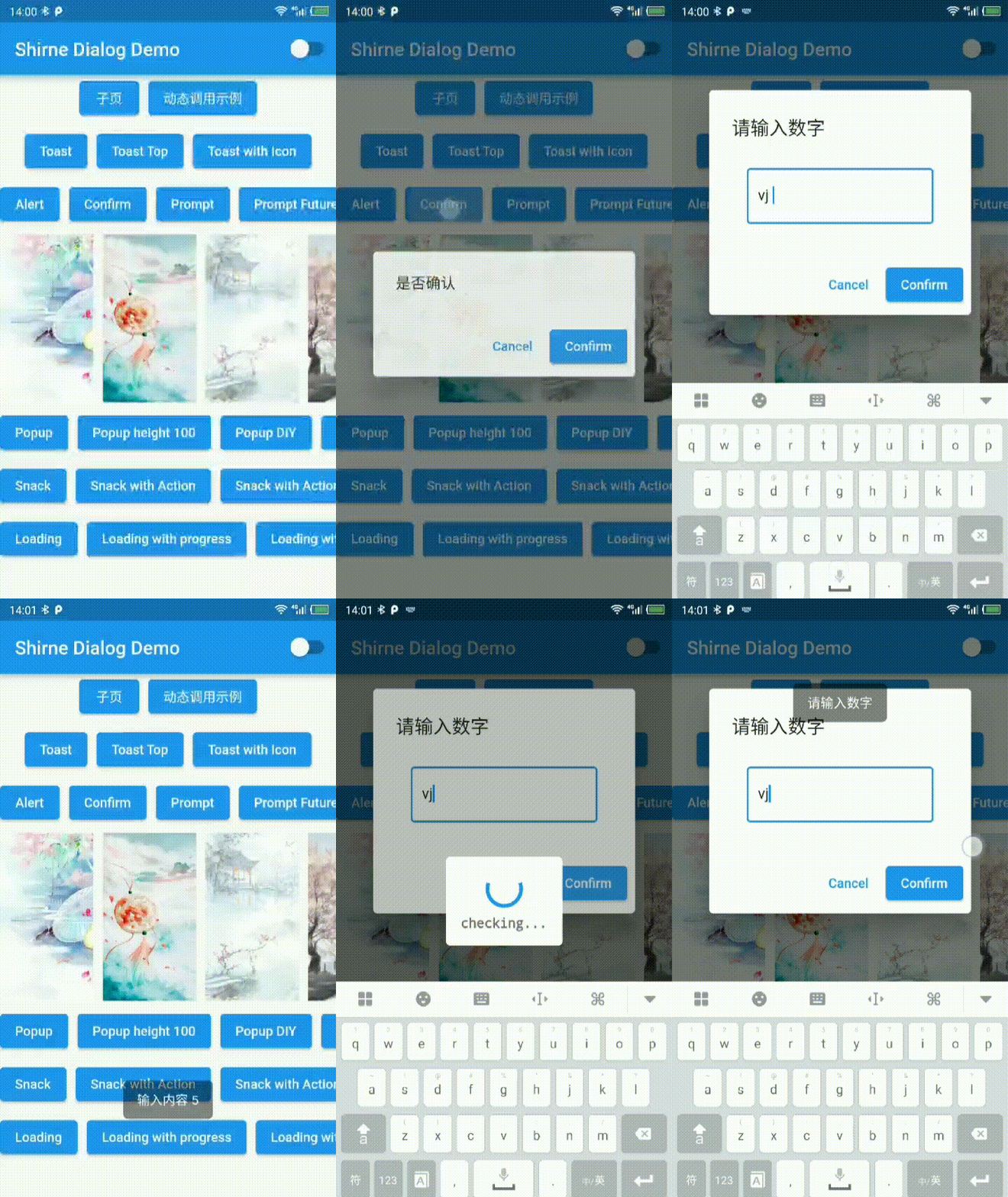
✅ alert
✅ confirm
✅ prompt [new]
✅ modal
✅ popup
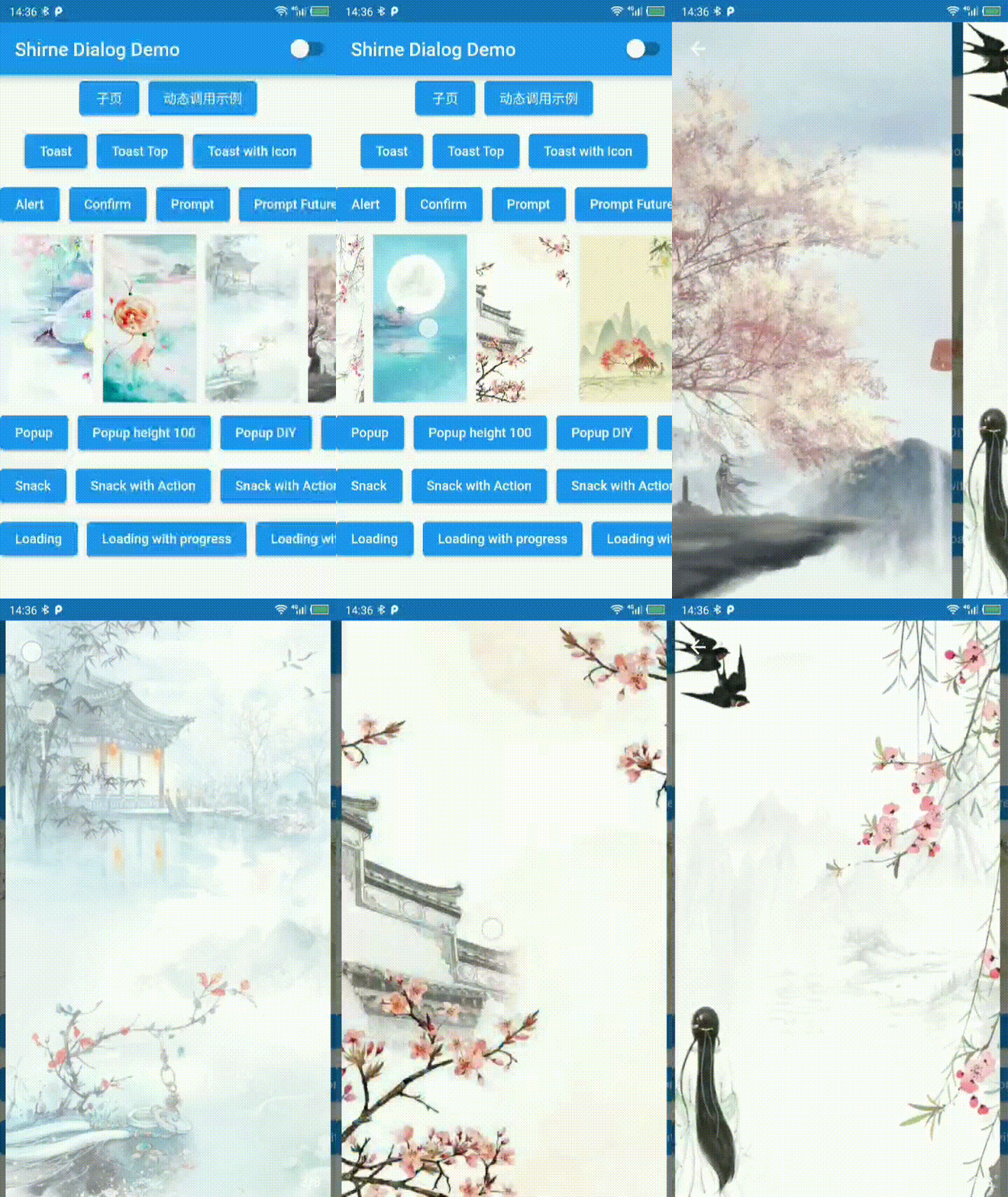
✅ imagePreview
✅ snack
✅ loading
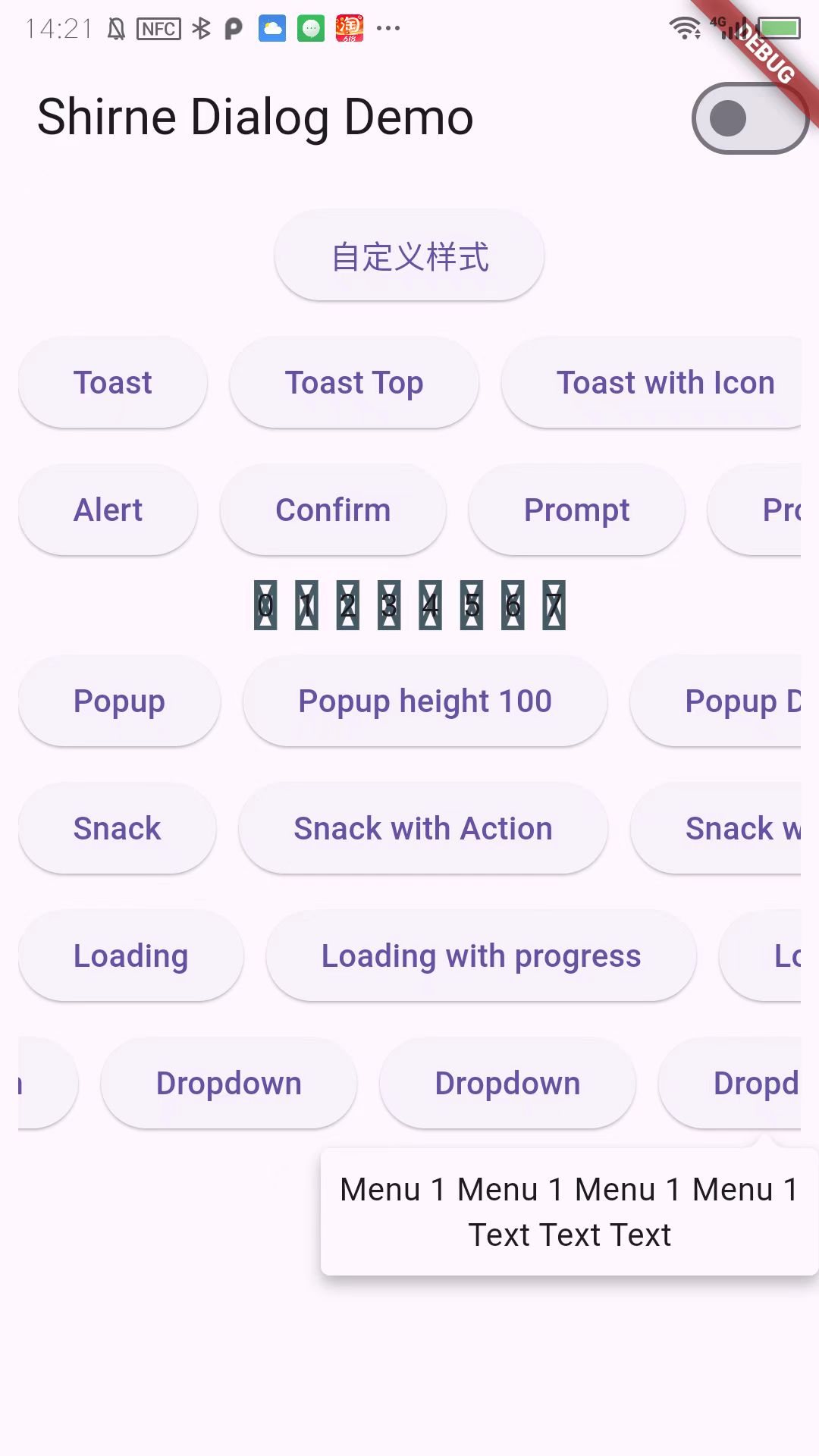
✅ dropdown [new]
🚧 imagePreview support hero
🚧 modal adaptive & more style
🚧 guide
You must initialize ShirneDialogTheme on theme.extensions between flutter version 3.0.0 - 3.0.4
Above 3.0.5 dialog will use default theme when not provide in ThemeData.extends
| Toast | Dialog | ImagePreview |
|---|---|---|
 |
 |
 |
| Loading | Popup | Snackbar |
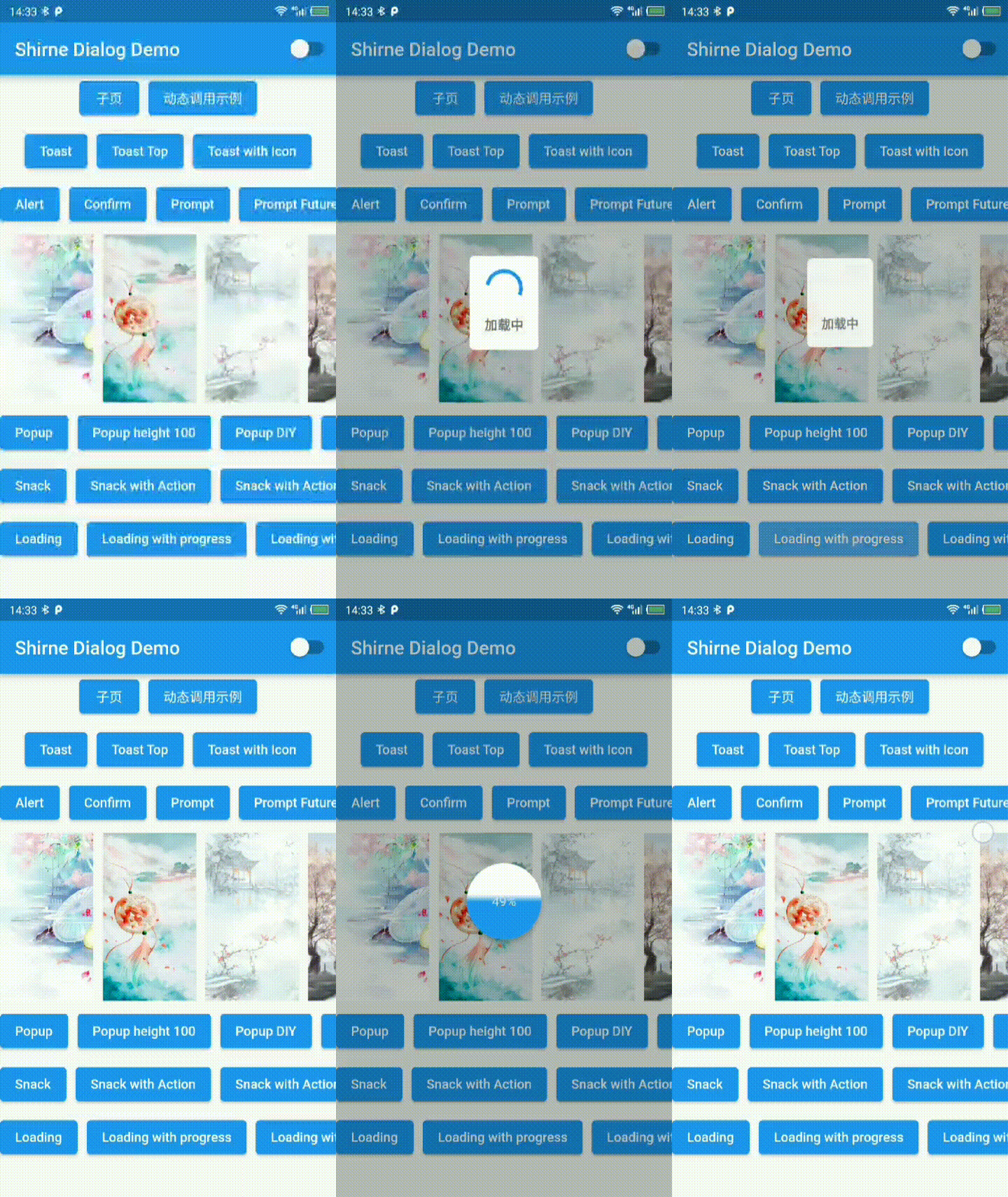 |
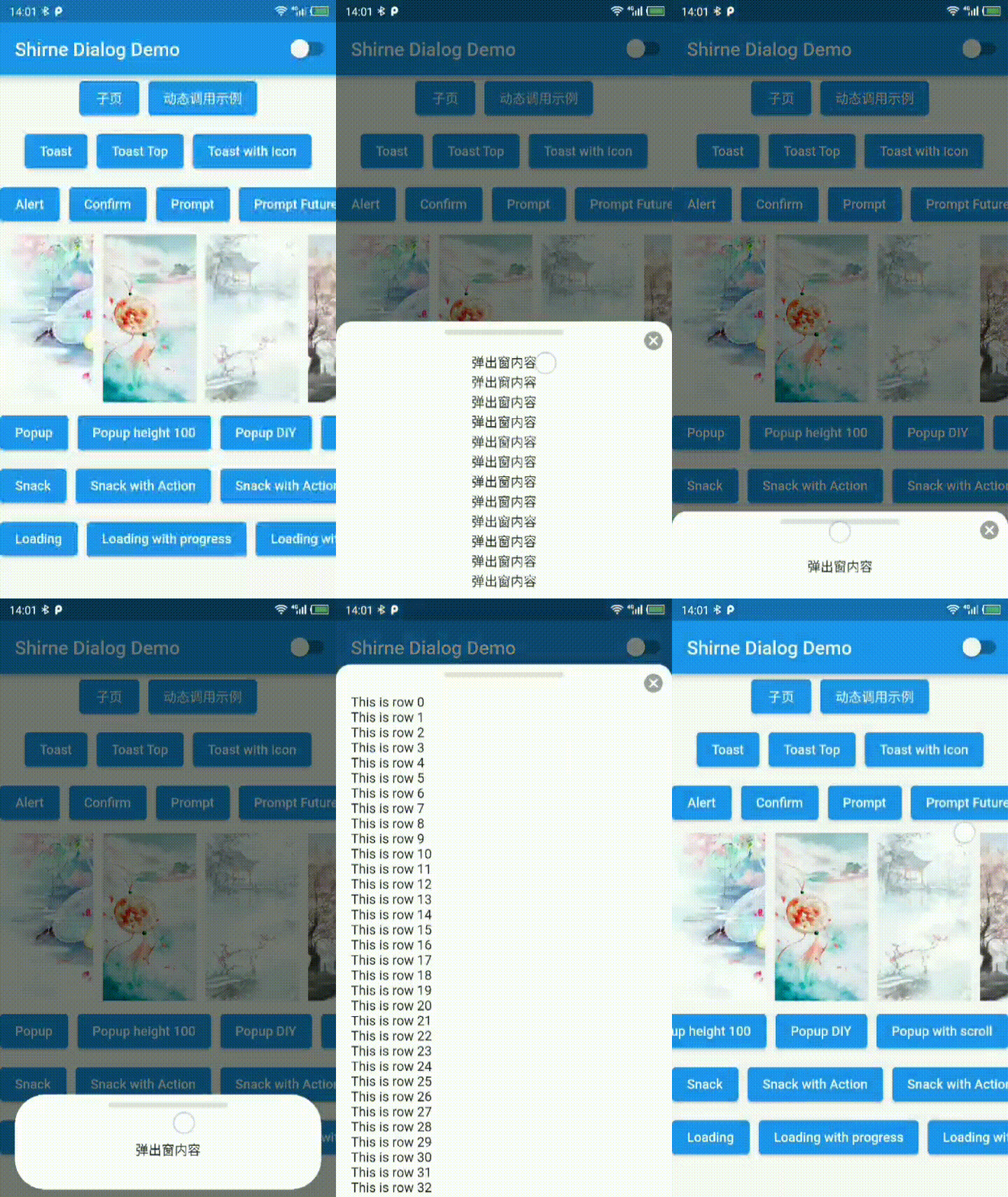 |
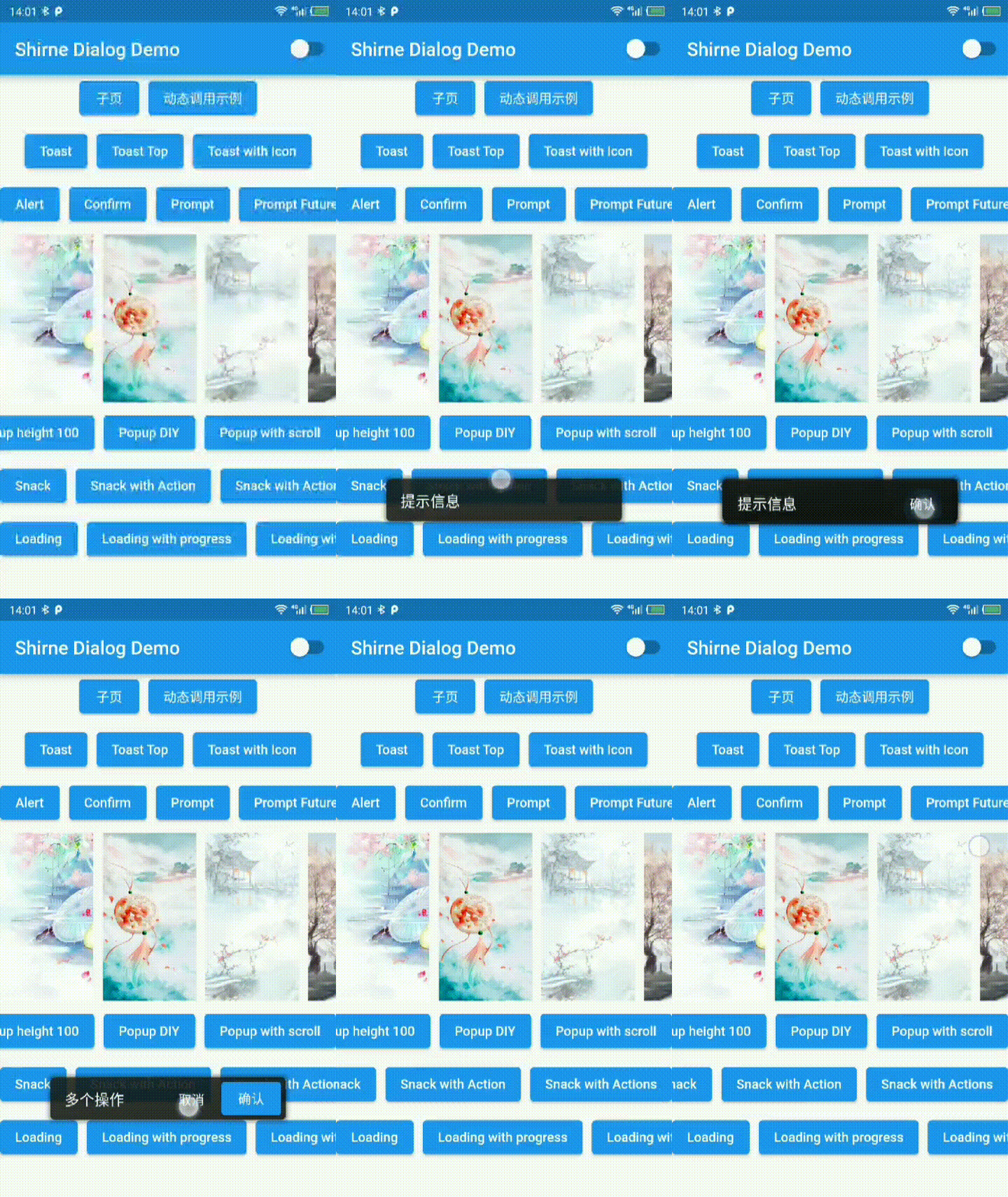 |
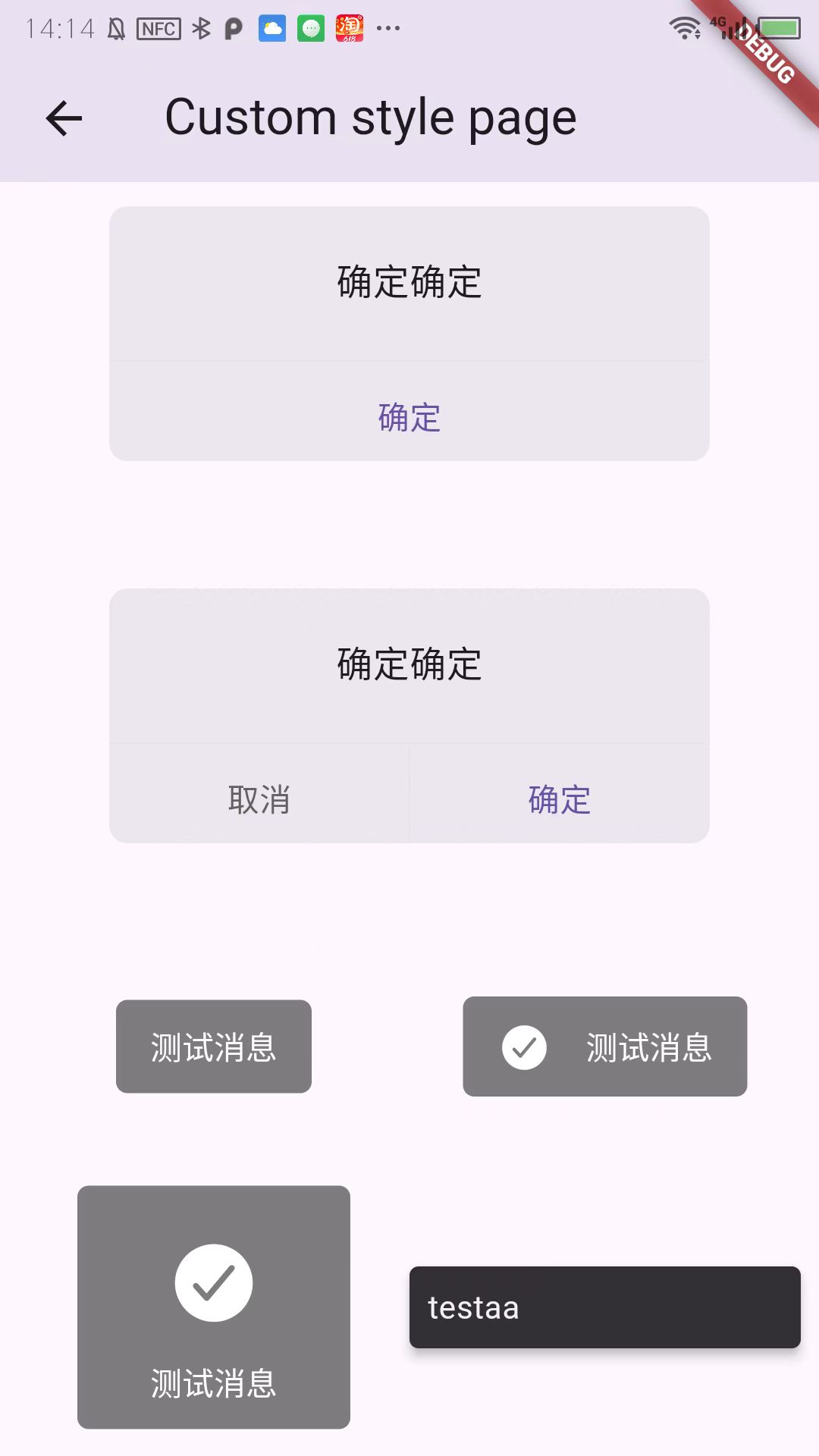
| Dropdown | Dropdown | Customize |
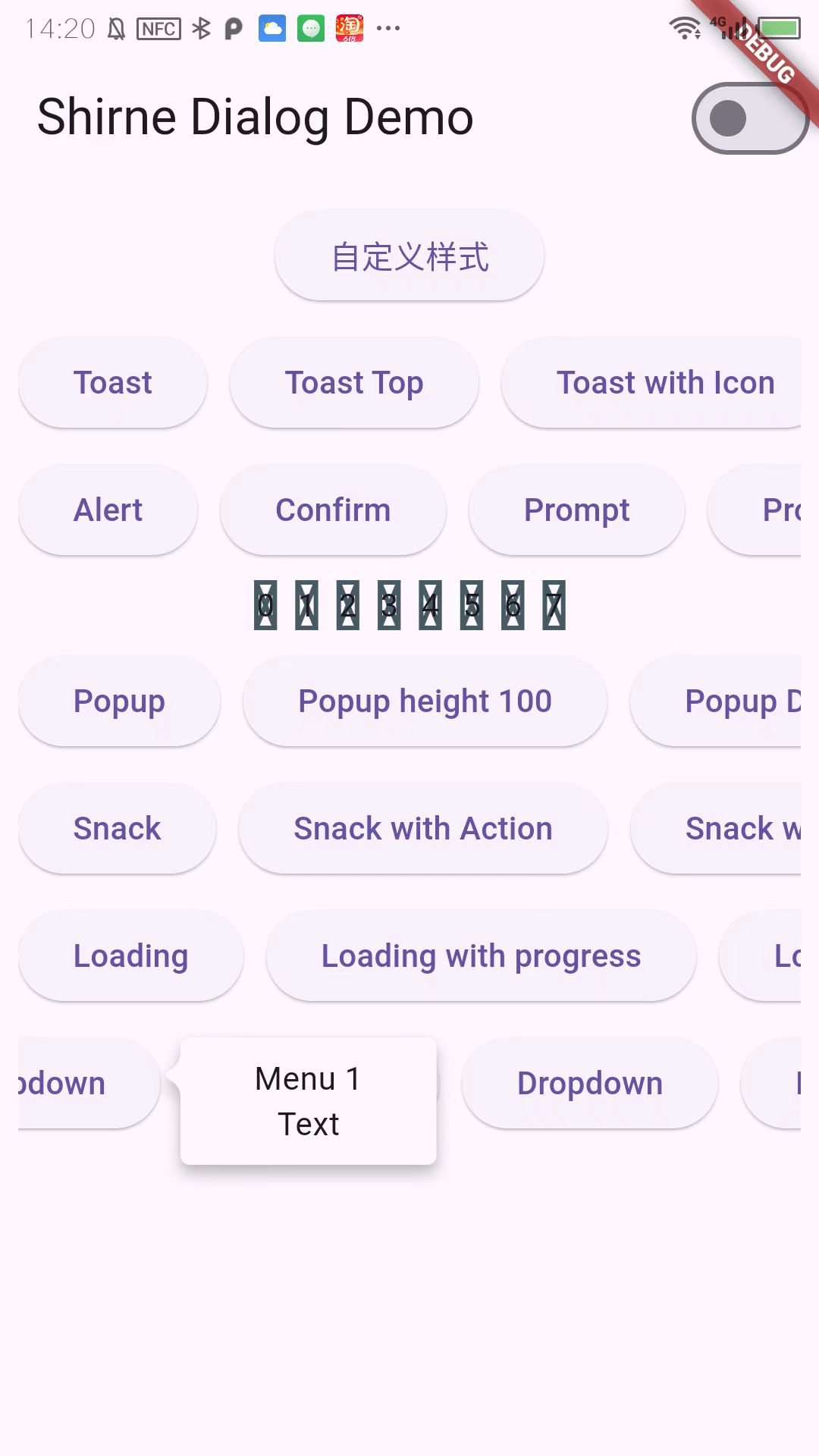 |
 |
 |
add localizations
dependencies:
    #...
  flutter_localizations:
    sdk: flutter
    #...
Recommanded usage
// Use Mydialog.navigatorKey with MaterialApp
// and set theme for dialog
MaterialApp(
    // ...
    navigatorKey: MyDialog.navigatorKey,
    localizationsDelegates:[
        ShirneDialogLocalizations.delegate,

        // flutter locals see [https://docs.flutter.dev/development/accessibility-and-localization/internationalization]
        GlobalMaterialLocalizations.delegate,
        GlobalWidgetsLocalizations.delegate,
        GlobalCupertinoLocalizations.delegate,
    ],
    theme: ThemeData.light().copyWith(extensions: [const ShirneDialogTheme()]);
    // ...
);

// Use with MaterialApp.router
MaterialApp.router(
    routerDelegate: AppRouterDelegate(),
);
class AppRouterDelegate<T> extends RouterDelegate<T> with PopNavigatorRouterDelegateMixin{

  @override
  GlobalKey<NavigatorState>? get navigatorKey => MyDialog.navigatorKey;

  // ...
}

// Use with Getx
MyDialog.navigatorKey = Get.key;


// call in anywhere
MyDialog.confirm('aaa');
MyDialog.alert('test');
MyDialog.toast('test');
In 2.x and earlier
MyDialog.of(context).toast('tip message');

MyDialog.of(context).alert(Text('alert message'));

MyDialog.of(context).confirm(Text('alert message')).then((v){

});

MyDialog.of(context).popup(Text('popup contents'));

MyDialog.of(context).snack('tip');


// initialize in MaterialApp
 MaterialApp(
    //...
    navigatorKey: MyDialog.navigatorKey,
    //...
);

// and then call in anywhere
MyDialog.confirm('aaa');
MyDialog.alert('test');
MyDialog.toase('test');
의존성 목록 4 개
{"sdk":"flutter"}>=0.3.1 <1.0.0{"sdk":"flutter"}—사용 목적에 따라 검색하고 개발 활동을 비교한 뒤 원본 저장소에서 요구 사항을 확인하세요.
“A repository is the most basic element of GitHub.”
GitHub Docs — About repositories ↗