

v1.0.2
motion_widget
간단하고 강력한 위젯으로 멋진 전환 효과를 만들 수 있습니다. 초기화, 상태 변경, 코드 정리 및 기타 모든 애니메이션 보일러플레이트 코드를 처리하며, 각 간격에서 애니메이션을 제어할 수 있게 해주어 항상 운전석에 앉아 있도록 합니다.
66좋아요 1430일 다운로드20Pub 점수
플랫폼 정보 없음
멋진 전환을 만들기 위한 간단하고 강력한 위젯

아래는 영문 원문 스냅샷입니다. 최신 내용은 GitHub에서 확인하세요.
A simple, powerful widget to build cool transitions
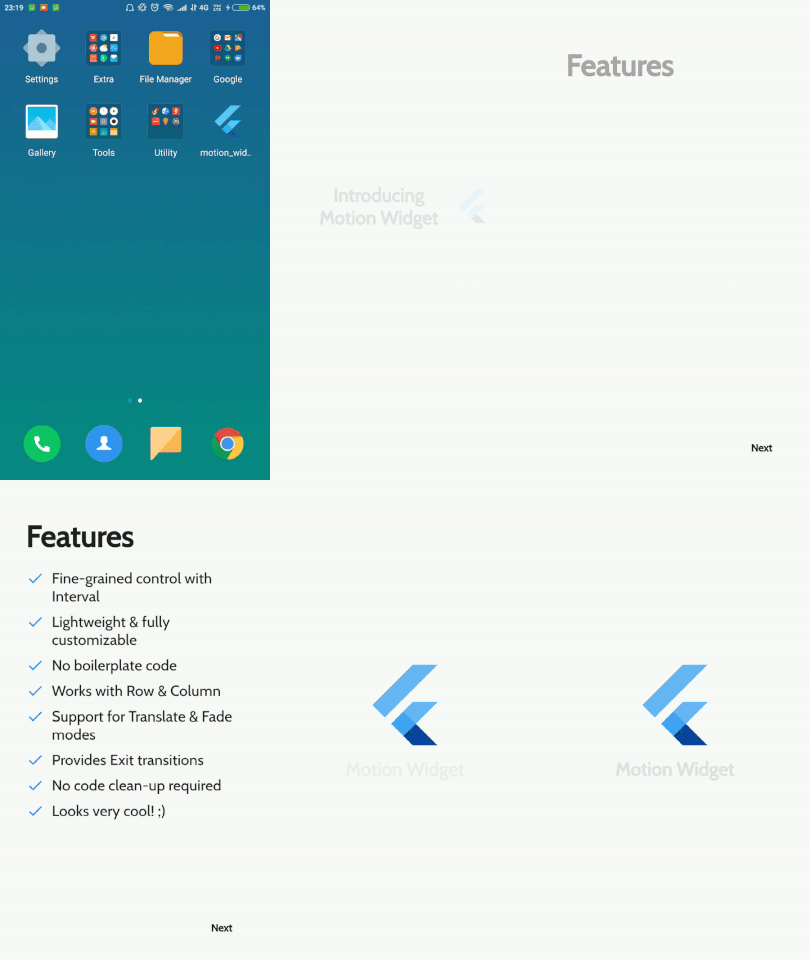
To use this plugin :
  dependencies:
    flutter:
      sdk: flutter
    motion_widget:
Motion<Row>(
    children: <Widget>[]
)
MotionElement(
    interval: Interval(0.3, 0.9)
    mode: MotionMode.FADE
    child: Container()
    orientation: MotionOrientation.HORIZONTAL_LEFT
)
Motion(
    exitConfigurations: MotionExitConfigurations(
        displacement: 200,
        orientation: MotionOrientation.HORIZONTAL_LEFT,
        durationMs: 400
    )
)
All the pull requests are welcomed. Please feel free to make valuable additions in the code.
Copyright 2020 Sumeet Rukeja

Licensed under the Apache License, Version 2.0 (the "License");
you may not use this file except in compliance with the License.
You may obtain a copy of the License at

   http://www.apache.org/licenses/LICENSE-2.0

Unless required by applicable law or agreed to in writing, software
distributed under the License is distributed on an "AS IS" BASIS,
WITHOUT WARRANTIES OR CONDITIONS OF ANY KIND, either express or implied.
See the License for the specific language governing permissions and
limitations under the License.
의존성 목록 3 개
{"sdk":"flutter"}^0.1.2{"sdk":"flutter"}사용 목적에 따라 검색하고 개발 활동을 비교한 뒤 원본 저장소에서 요구 사항을 확인하세요.
“A repository is the most basic element of GitHub.”
GitHub Docs — About repositories ↗