

v3.1.0
flutter_headset_detector
헤드셋 이벤트용 플러터 플러그인. 헤드셋이 꽂혔는지, 빠졌는지 감지합니다. 현재 헤드셋 상태를 가져옵니다.
5좋아요 1천30일 다운로드150Pub 점수
AndroidiOS
turlvo/flutter_headset_detector open-source repository details.

아래는 영문 원문 스냅샷입니다. 최신 내용은 GitHub에서 확인하세요.
A Flutter plugin to get a headset event.
This is a clone of headset_connection_event, but seperated wired and wireless event.
| Platform | Physical Headset | Bluetooth |
|---|---|---|
| iOS | ✅ | ✅ |
| Android | ✅ | ✅ |
To use this plugin, add flutter_headset_detector as a dependency in your pubspec.yaml file.
// Import package
import 'package:flutter_headset_detector/flutter_headset_detector.dart';

// Instantiate it
final headsetDetector = HeadsetDetector();
Map<HeadsetType, HeadsetState> headsetState = {
  HeadsetType.WIRED: HeadsetState.DISCONNECTED,
  HeadsetType.WIRELESS: HeadsetState.DISCONNECTED,
};

// if headset is plugged
headsetDetector.getCurrentState.then((_val){
  headsetState = _val;
  setState(() {
  });
});

// Detect the moment headset is plugged or unplugged with a Listener
headsetDetector.setListener((_val) {
  switch (_val) {
    case HeadsetChangedEvent.WIRED_CONNECTED:
      headsetState[HeadsetType.WIRED] = HeadsetState.CONNECTED;
      break;
    case HeadsetChangedEvent.WIRED_DISCONNECTED:
      headsetState[HeadsetType.WIRED] = HeadsetState.DISCONNECTED;
      break;
    case HeadsetChangedEvent.WIRELESS_CONNECTED:
      headsetState[HeadsetType.WIRELESS] = HeadsetState.CONNECTED;
      break;
    case HeadsetChangedEvent.WIRELESS_DISCONNECTED:
      headsetState[HeadsetType.WIRELESS] = HeadsetState.DISCONNECTED;
      break;
  }
  setState(() {
  });
});

// Remove the Listener
headsetDetector.removeListener();
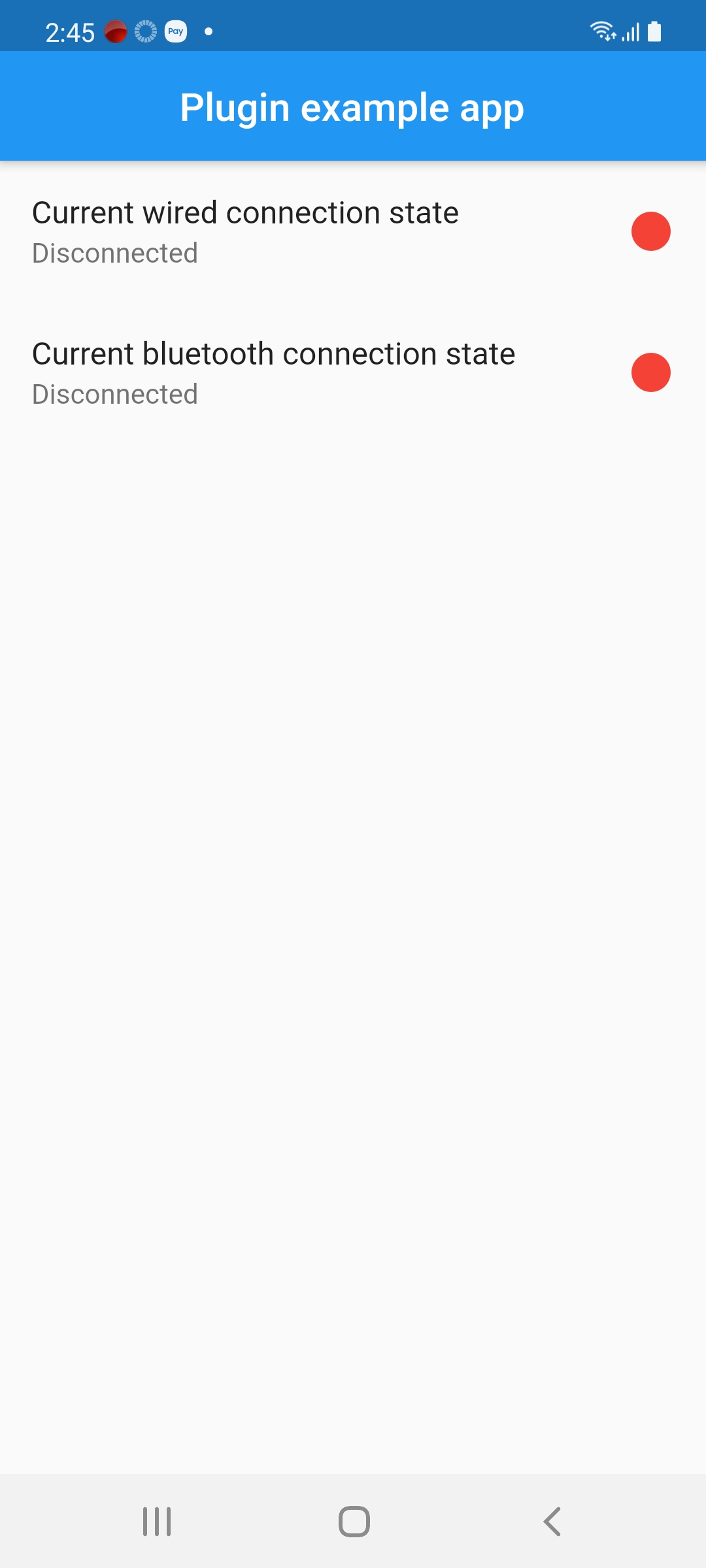
There are no connected headphones:
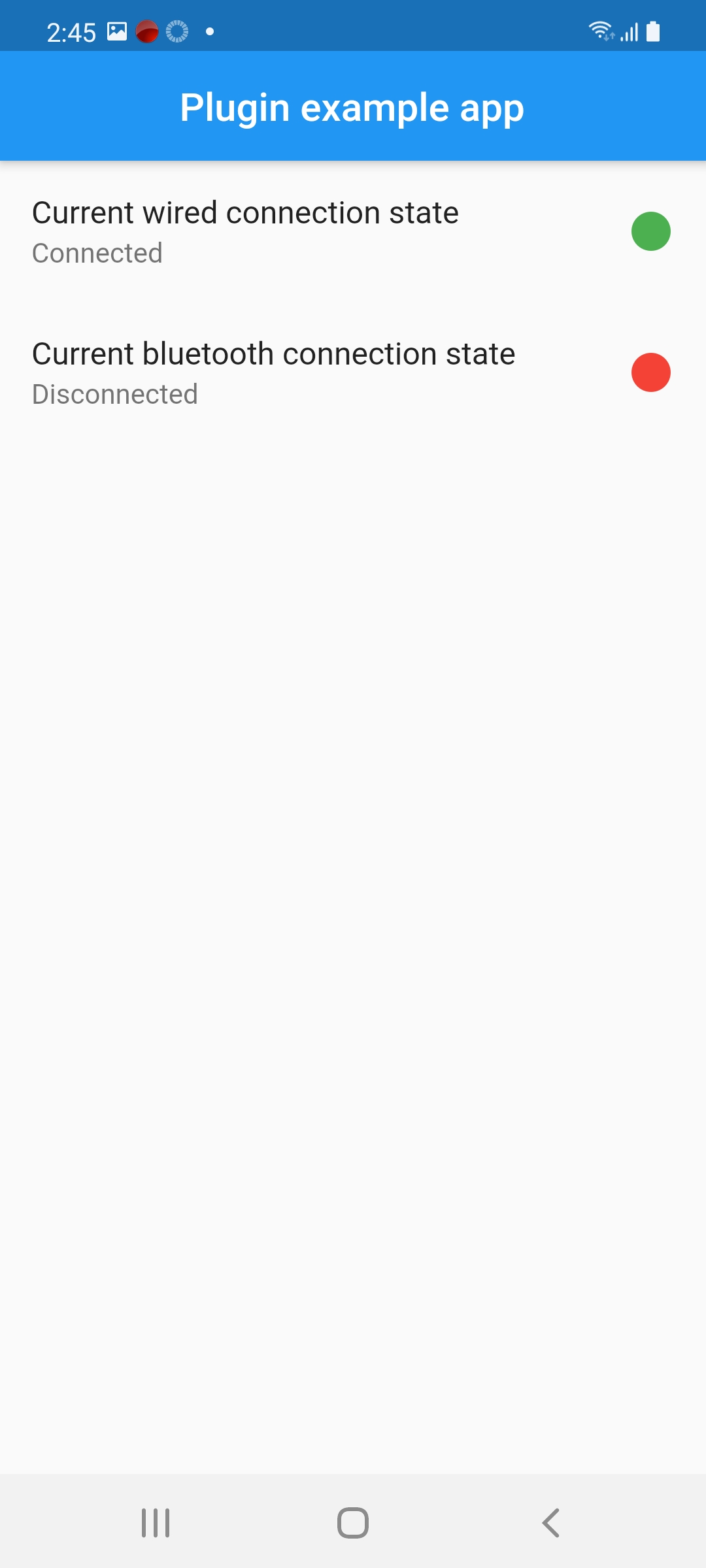
There are wired connected headphones:
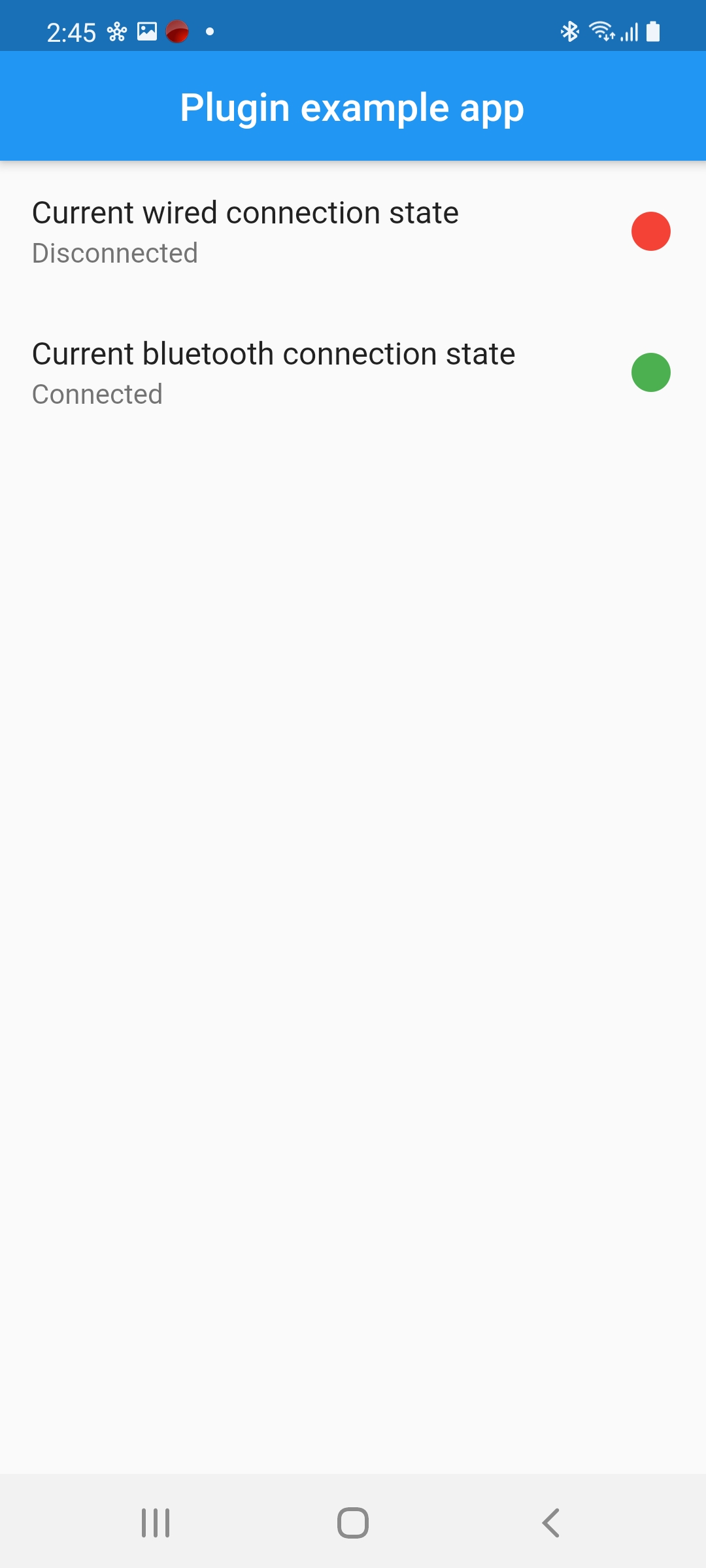
There are Bluetooth connected headphones:
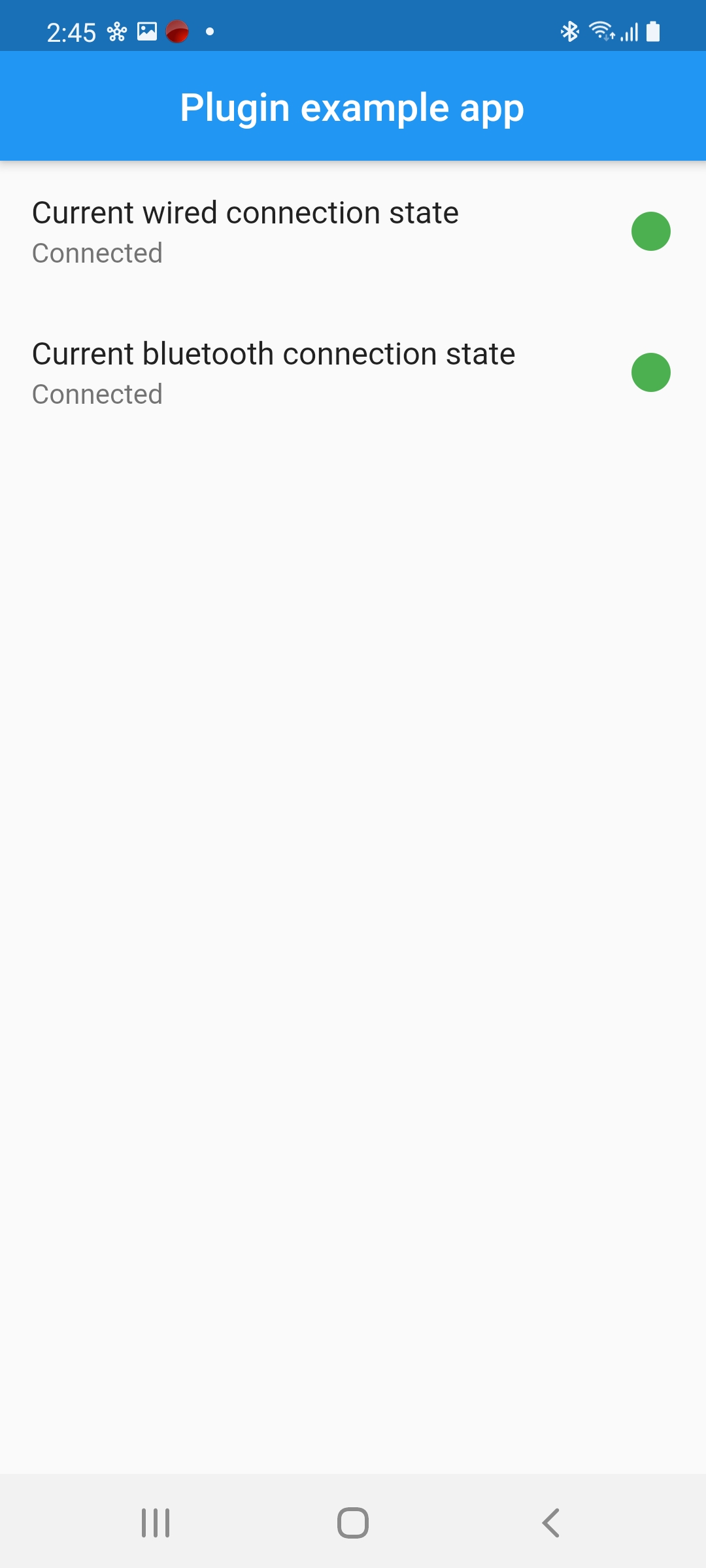
All types are connected:
의존성 목록 3 개
{"sdk":"flutter"}{"sdk":"flutter"}^5.0.13사용 목적에 따라 검색하고 개발 활동을 비교한 뒤 원본 저장소에서 요구 사항을 확인하세요.
“A repository is the most basic element of GitHub.”
GitHub Docs — About repositories ↗