
v0.1.0
flutter_sparkline
Flutter용 아름다운 스파크라인 차트입니다.
72좋아요 42630일 다운로드30Pub 점수
플랫폼 정보 없음
Flutter용 아름다운 스파크라인 차트
아래는 영문 원문 스냅샷입니다. 최신 내용은 GitHub에서 확인하세요.

Beautiful sparkline charts for Flutter.
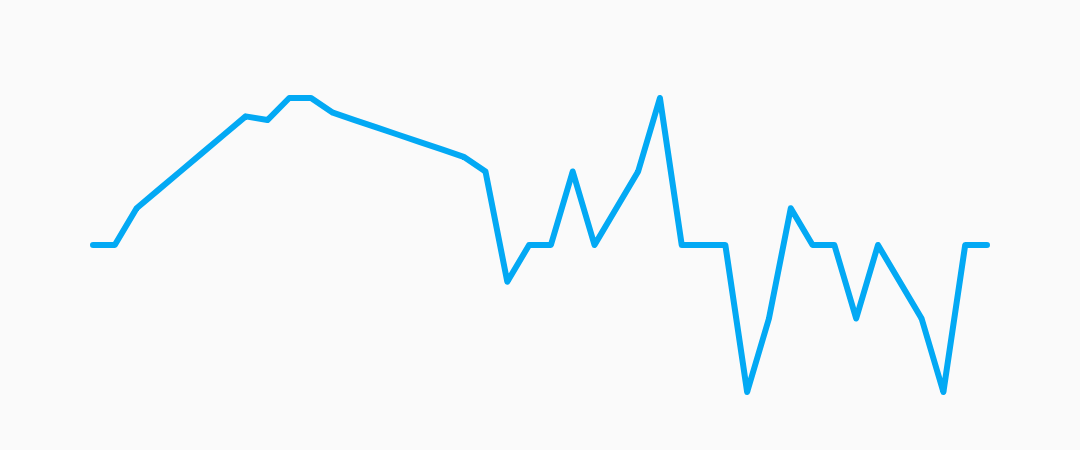
Install the latest version from pub.
Import the package, create a Sparkline, and pass it your data.
import 'package:flutter/material.dart';
import 'package:flutter_sparkline/flutter_sparkline.dart';

void main() {
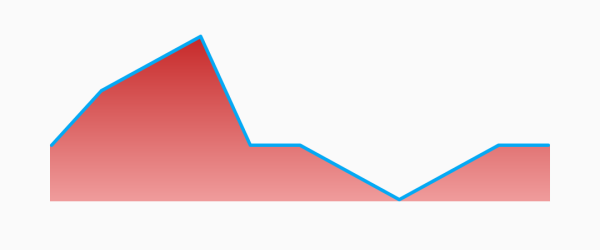
  var data = [0.0, 1.0, 1.5, 2.0, 0.0, 0.0, -0.5, -1.0, -0.5, 0.0, 0.0];
  runApp(
    new MaterialApp(
      home: new Scaffold(
        body: new Center(
          child: new Container(
            width: 300.0,
            height: 100.0,
            child: new Sparkline(
              data: data,
            ),
          ),
        ),
      ),
    ),
  );
}
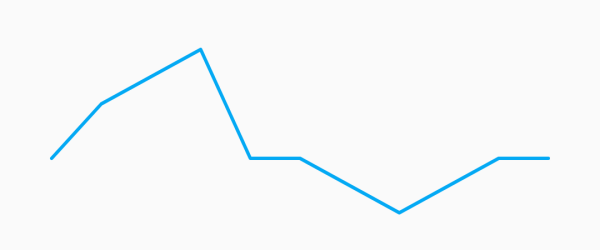
| Property | Default |
|---|---|
| lineWidth | 2.0 |
| lineColor | Colors.lightBlue |
| lineGradient | null |
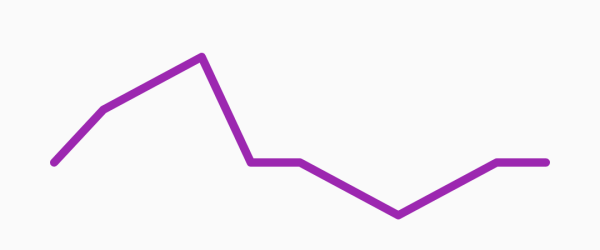
Example:
new Sparkline(
  data: data,
  lineWidth: 5.0,
  lineColor: Colors.purple,
);
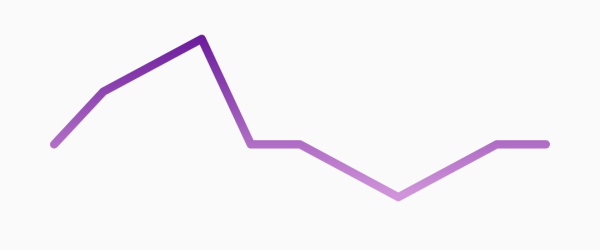
new Sparkline(
  data: data,
  lineWidth: 10.0,
  lineGradient: new LinearGradient(
    begin: Alignment.topCenter,
    end: Alignment.bottomCenter,
    colors: [Colors.purple[800], Colors.purple[200]],
  ),
);
| Property | Default |
|---|---|
| pointsMode | PointsMode.none |
| pointSize | 4.0 |
| pointColor | Colors.lightBlue[800] |
| PointsMode | Description |
|---|---|
| none (default) | Do not draw individual points. |
| all | Draw all the points in the data set. |
| last | Draw only the last point in the data set. |
Example:
new Sparkline(
  data: data,
  pointsMode: PointsMode.all,
  pointSize: 8.0,
  pointColor: Colors.amber,
);
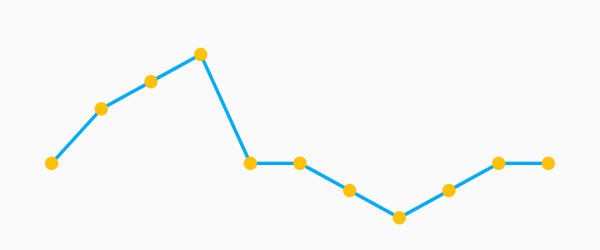
new Sparkline(
  data: data,
  pointsMode: PointsMode.last,
  pointSize: 8.0,
  pointColor: Colors.amber,
);
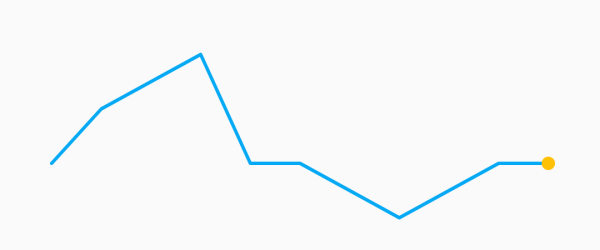
| Property | Default |
|---|---|
| fillMode | FillMode.none |
| fillColor | Colors.lightBlue[200] |
| fillGradient | null |
| FillMode | Description |
|---|---|
| none (default) | Do not fill, draw only the sparkline. |
| above | Fill the area above the sparkline. |
| below | Fill the area below the sparkline. |
Example:
new Sparkline(
  data: data,
  fillMode: FillMode.below,
  fillColor: Colors.red[200],
);
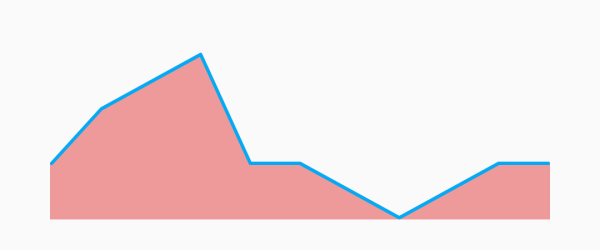
new Sparkline(
  data: data,
  fillMode: FillMode.above,
  fillColor: Colors.red[200],
);
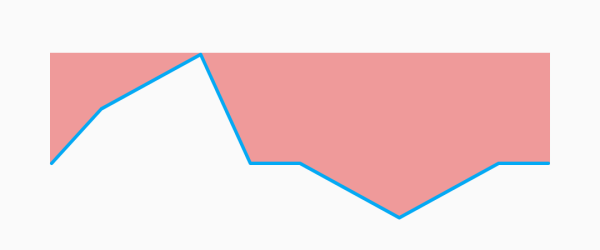
new Sparkline(
  data: data,
  fillMode: FillMode.below,
  fillGradient: new LinearGradient(
    begin: Alignment.topCenter,
    end: Alignment.bottomCenter,
    colors: [Colors.red[800], Colors.red[200]],
  ),
);

의존성 목록 2 개
{"sdk":"flutter"}{"sdk":"flutter"}사용 목적에 따라 검색하고 개발 활동을 비교한 뒤 원본 저장소에서 요구 사항을 확인하세요.
“A repository is the most basic element of GitHub.”
GitHub Docs — About repositories ↗