

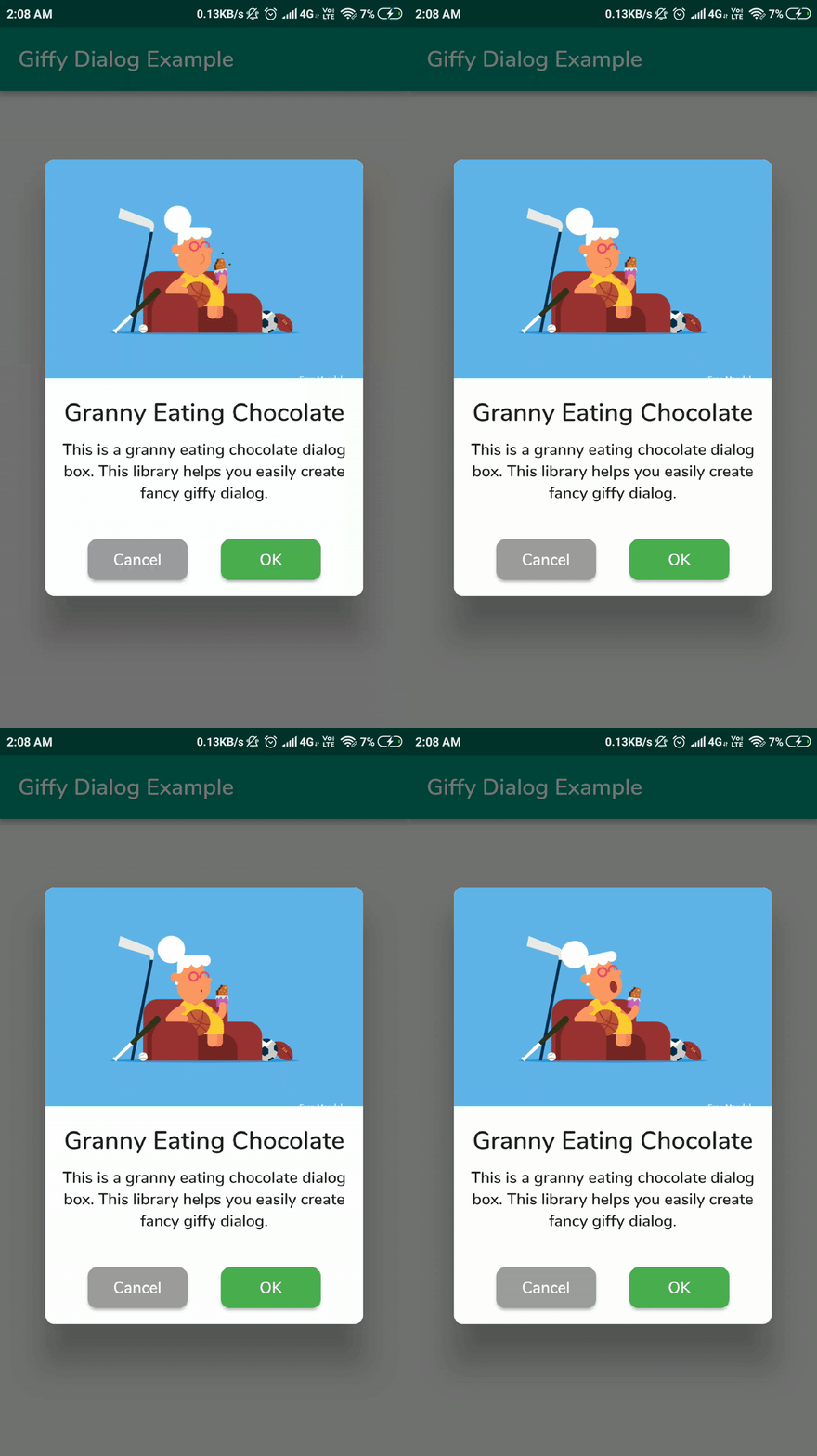
 v2.3.0
giffy_dialog
빠르고 편리하며 아름다운 GIF 대화 상자와 하단 시트를 위한 플러터 패키지입니다.
605좋아요 1.2천30일 다운로드150Pub 점수
AndroidiOSWebmacOSWindowsLinux
빠르고 편리한 GIF 대화 상자용 플러터 패키지입니다.

아래는 영문 원문 스냅샷입니다. 최신 내용은 GitHub에서 확인하세요.





A beautiful and custom alert dialog for flutter highly inspired from FancyAlertDialog-Android.
Show some ❤️ and star the repo to support the project
Live Demo: https://xsahil03x.github.io/giffy_dialog
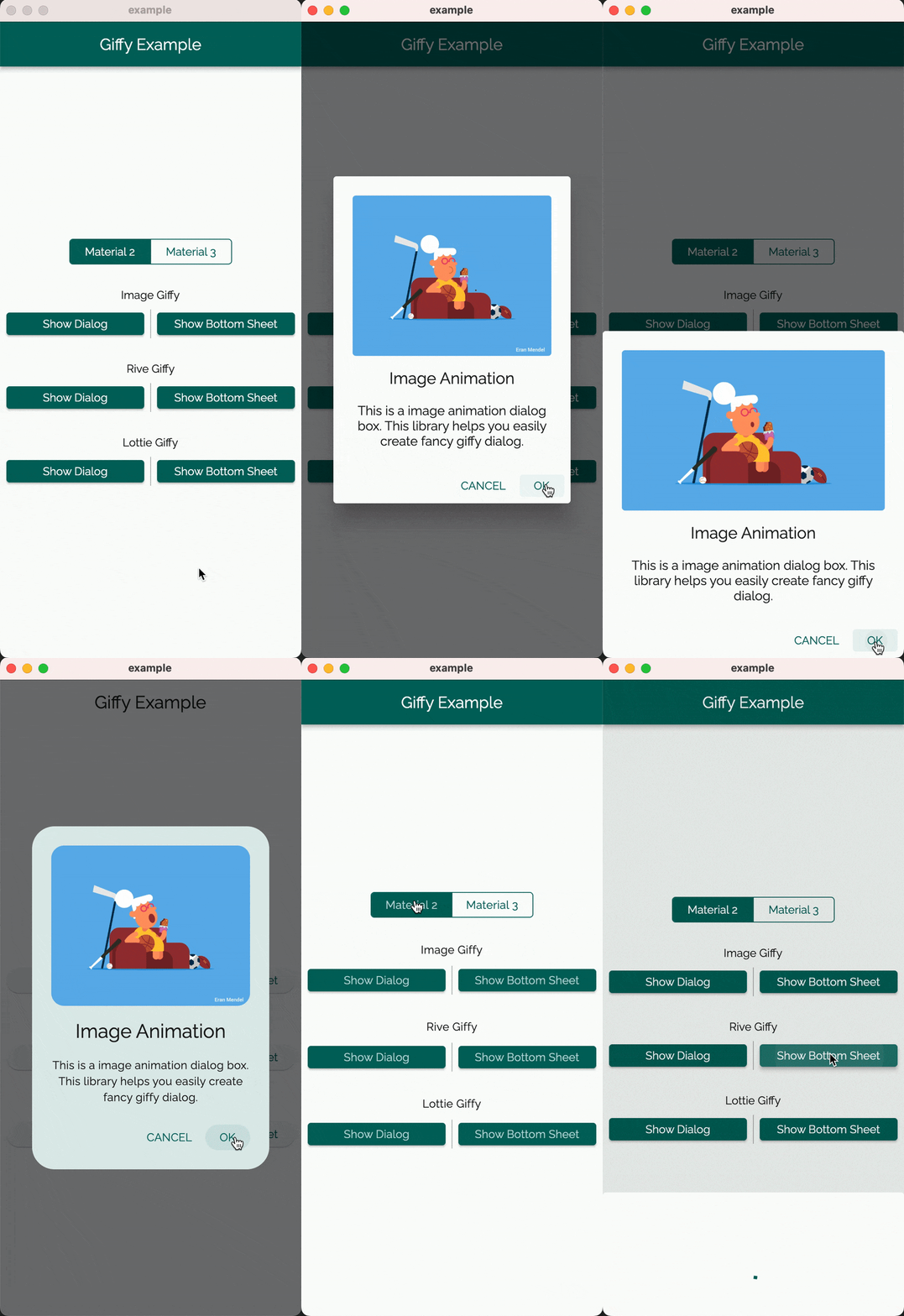
Please refer to the migration guide to migrate from v1 to v2.
Add the following to your pubspec.yaml and replace [version] with the latest version:
dependencies:
  giffy_dialog: ^[version]
Import the package:
import 'package:giffy_dialog/giffy_dialog.dart';
Use it like a dialog:
 showDialog(
   context: context,
   builder: (BuildContext context) {
     return GiffyDialog.image(
       Image.network(
         "https://raw.githubusercontent.com/Shashank02051997/FancyGifDialog-Android/master/GIF's/gif14.gif",
         height: 200,
         fit: BoxFit.cover,
       ),
       title: Text(
         'Image Animation',
         textAlign: TextAlign.center,
       ),
       content: Text(
         'This is a image animation dialog box. This library helps you easily create fancy giffy dialog.',
         textAlign: TextAlign.center,
       ),
       actions: [
         TextButton(
           onPressed: () => Navigator.pop(context, 'CANCEL'),
           child: const Text('CANCEL'),
         ),
         TextButton(
           onPressed: () => Navigator.pop(context, 'OK'),
           child: const Text('OK'),
         ),
       ],
     );
   },
 );
Or use it like a bottom sheet:
 showModalBottomSheet(
   context: context,
   clipBehavior: Clip.antiAlias,
   isScrollControlled: true,
   shape: RoundedRectangleBorder(
     borderRadius: BorderRadius.vertical(
       top: Radius.circular(useMaterial3 ? 32 : 4),
     ),
   ),
   builder: (BuildContext context) {
     return GiffyBottomSheet.image(
       Image.network(
         "https://raw.githubusercontent.com/Shashank02051997/FancyGifDialog-Android/master/GIF's/gif14.gif",
         height: 200,
         fit: BoxFit.cover,
       ),
       title: Text(
         'Image Animation',
         textAlign: TextAlign.center,
       ),
       content: Text(
         'This is a image animation bottom sheet. This library helps you easily create fancy giffy bottom sheet.',
         textAlign: TextAlign.center,
       ),
       actions: [
         TextButton(
           onPressed: () => Navigator.pop(context, 'CANCEL'),
           child: const Text('CANCEL'),
         ),
         TextButton(
           onPressed: () => Navigator.pop(context, 'OK'),
           child: const Text('OK'),
         ),
       ],
     );
   },
 );
| Giffy Dialog | Giffy BottomSheet | |||||||
|---|---|---|---|---|---|---|---|---|
| Material 2 | Material 3 | Material 2 | Material 3 | |||||
| Image Giffy |  |
 |
 |
 |
||||
| Rive Giffy |  |
 |
 |
 |
||||
| Lottie Giffy |  |
 |
 |
 |
||||
The GiffyDialog widget provides several customization options, such as the dialog title, description, buttons, animations, and more. Please refer to the documentation for a complete list of available options.
Thanks goes to these wonderful people (emoji key):
 ArtemKolichenkov 📖 🤔 |
 Alex Fierro 💻 |
 Kasidech C. 💻 |
 Jai Sachdeva 💬 |
 Tarekk Mohamed Abdalla 💻 |
 madhukesh_048 ⚠️ |
 dpedrinha 💻 |
 Nate 💻 💡 |
 Alex 💻 |
 jritchie 💻 |
 Saad Bin Shahid 💻 |
This project follows the all-contributors specification. Contributions of any kind welcome!
의존성 목록 5 개
{"sdk":"flutter"}^0.13.10^3.1.0{"sdk":"flutter"}>=4.0.0 <6.0.0사용 목적에 따라 검색하고 개발 활동을 비교한 뒤 원본 저장소에서 요구 사항을 확인하세요.
“A repository is the most basic element of GitHub.”
GitHub Docs — About repositories ↗