


 v4.0.1
badges
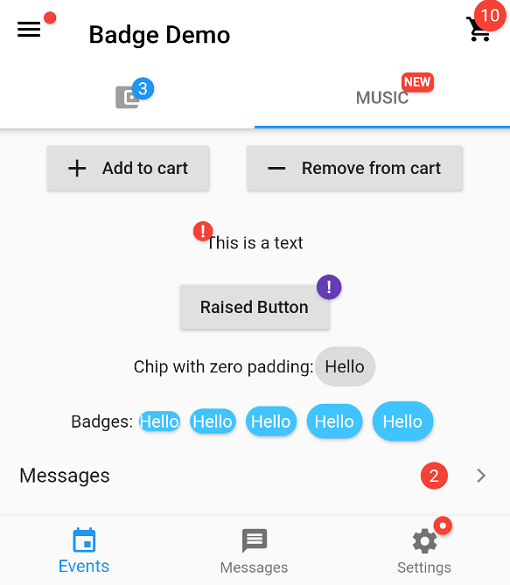
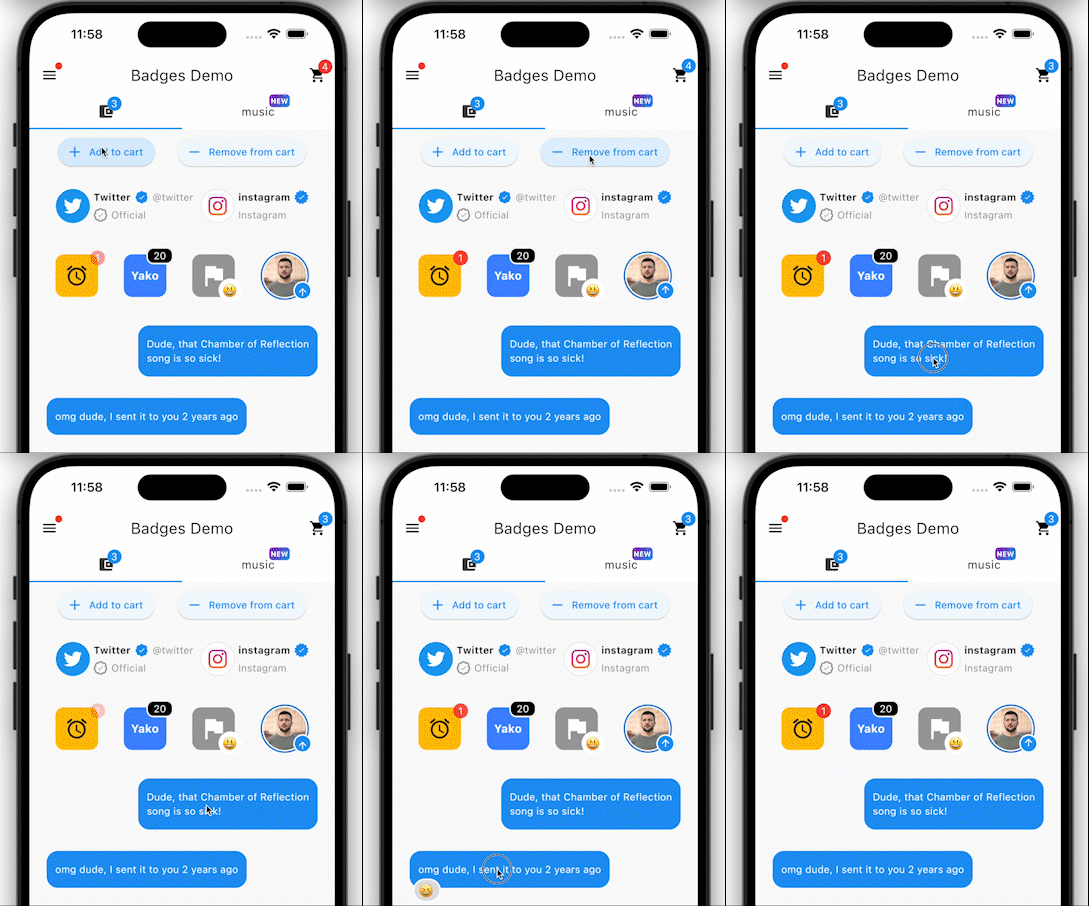
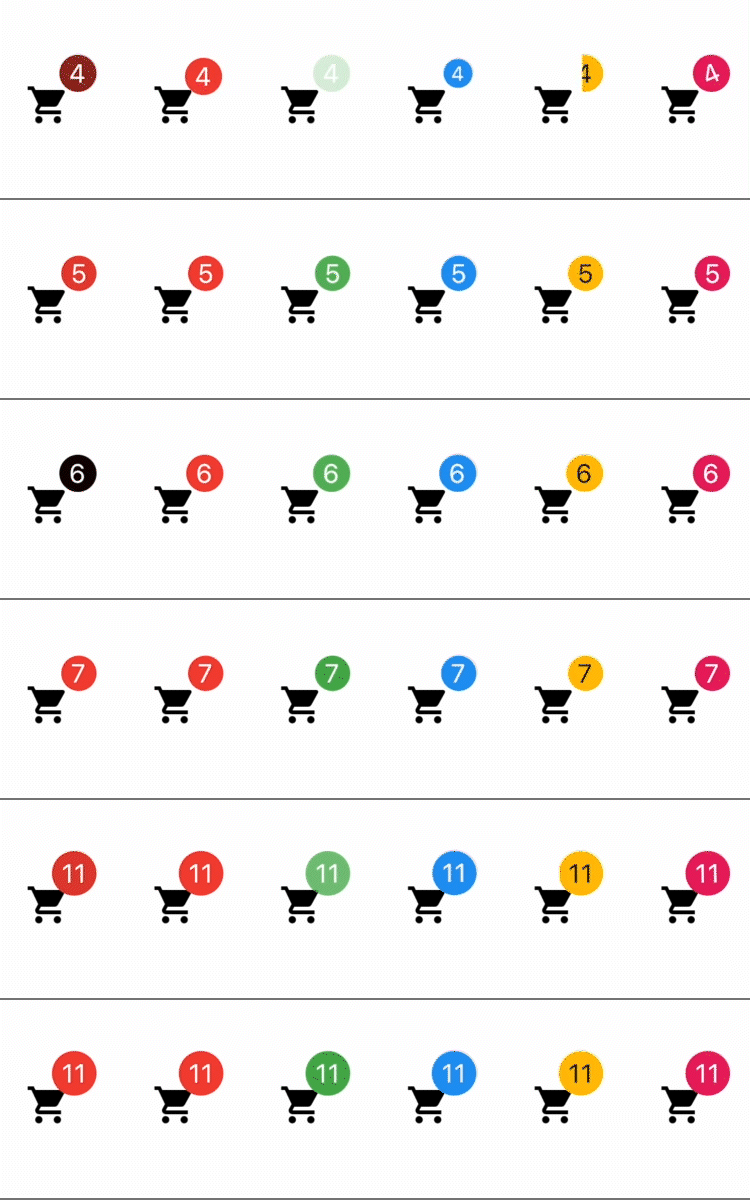
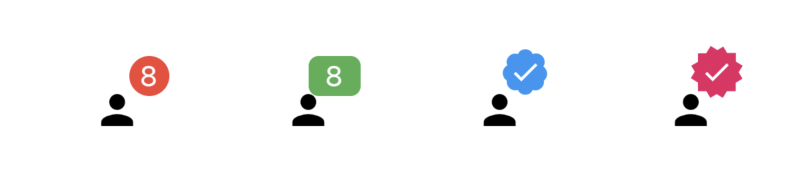
배지 생성을 위한 패키지입니다. 배지는 어떤 위젯에 대한 추가 마커로 사용할 수 있으며, 예를 들어 쇼핑카트의 항목 수를 표시하는 데 사용할 수 있습니다.
3.8천좋아요 39만30일 다운로드160Pub 점수
AndroidiOSWebmacOSWindowsLinux
뱃지 생성을 위한 플러터 패키지입니다.

아래는 영문 원문 스냅샷입니다. 최신 내용은 GitHub에서 확인하세요.






In your pubspec.yaml
dependencies:
  badges: ^3.2.0
Attention! In Flutter 3.7 the Badge widget was introduced in the Material library, so to escape the ambiguous imports you need to import the package like this:
Option 1: namespace prefix
import 'package:badges/badges.dart' as badges;
and then use the "badges.Badge" widget instead of the "Badge" widget. The same for all the classes from this package.
Option 2: hide Flutter's Material Badge widget
import 'package:badges/badges.dart';
import 'package:flutter/material.dart' hide Badge;
    badges.Badge(
      badgeContent: Text('3'),
      child: Icon(Icons.settings),
    )
    badges.Badge(
      position: badges.BadgePosition.topEnd(top: -10, end: -12),
      showBadge: true,
      ignorePointer: false,
      onTap: () {},
      badgeContent:
          Icon(Icons.check, color: Colors.white, size: 10),
      badgeAnimation: badges.BadgeAnimation.rotation(
        animationDuration: Duration(seconds: 1),
        colorChangeAnimationDuration: Duration(seconds: 1),
        loopAnimation: false,
        curve: Curves.fastOutSlowIn,
        colorChangeAnimationCurve: Curves.easeInCubic,
      ),
      badgeStyle: badges.BadgeStyle(
        shape: badges.BadgeShape.square,
        badgeColor: Colors.blue,
        padding: EdgeInsets.all(5),
        borderRadius: BorderRadius.circular(4),
        borderSide: BorderSide(color: Colors.white, width: 2),
        borderGradient: badges.BadgeGradient.linear(
            colors: [Colors.red, Colors.black]),
        badgeGradient: badges.BadgeGradient.linear(
            colors: [Colors.blue, Colors.yellow],
            begin: Alignment.topCenter,
            end: Alignment.bottomCenter,
        ),
        elevation: 0,
      ),
      child: Text('Badge'),
    ),
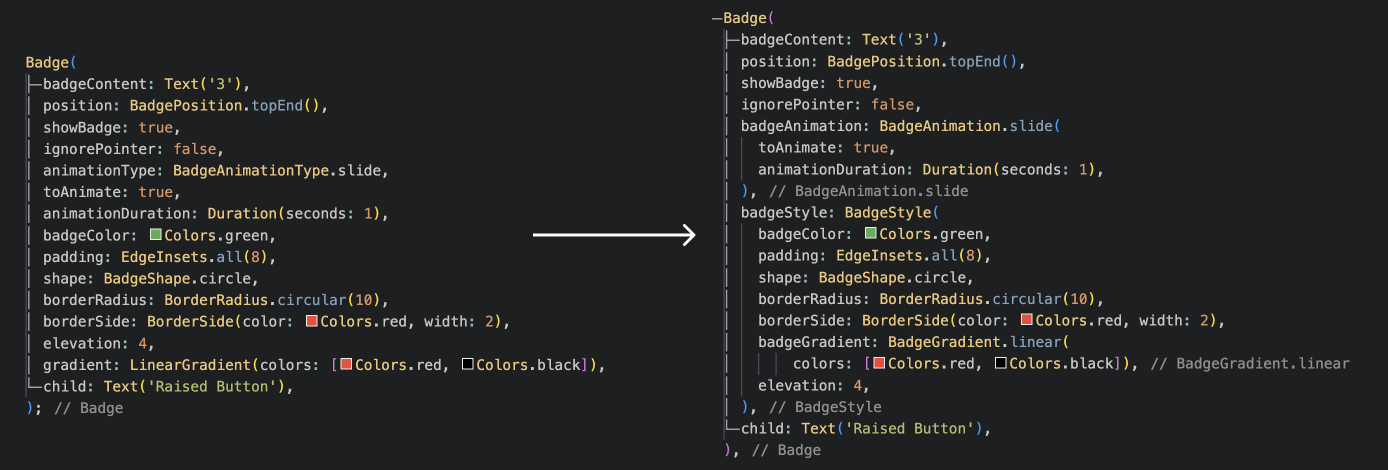
and more to come!
의존성 목록 3 개
{"sdk":"flutter"}{"sdk":"flutter"}^6.0.0사용 목적에 따라 검색하고 개발 활동을 비교한 뒤 원본 저장소에서 요구 사항을 확인하세요.
“A repository is the most basic element of GitHub.”
GitHub Docs — About repositories ↗