
v2.13.0
flutter_rust_bridge
Gerador de vinculação Flutter/Dart <-> Rust, com recursos ricos, mas contínuo e simples
663Curtidas 621 milDownloads em 30 dias160Pontos Pub
AndroidiOSWebmacOSWindowsLinux
Um dicionário cantonês aberto para iOS e Android construído com Flutter

Gerador de vinculação Flutter/Dart <-> Rust, com recursos ricos, mas contínuo e simples
Um plugin Flutter para usar o Reconhecimento de Tinta Digital do Google ML Kit para reconhecer texto manuscrito em superfícies digitais em centenas de idiomas, bem como classificar esboços.
Integração do Flutter com o Supabase. Este pacote torna simples para desenvolvedores criar produtos seguros e escaláveis.
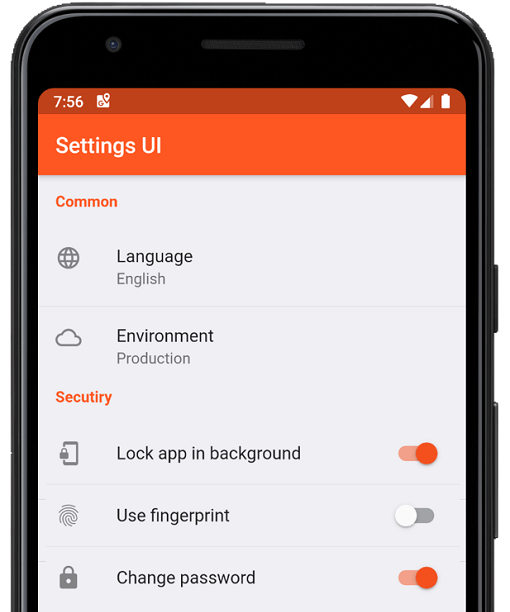 v4.0.1
Crie configurações nativas para o aplicativo Flutter em minutos. Use interfaces únicas para construir
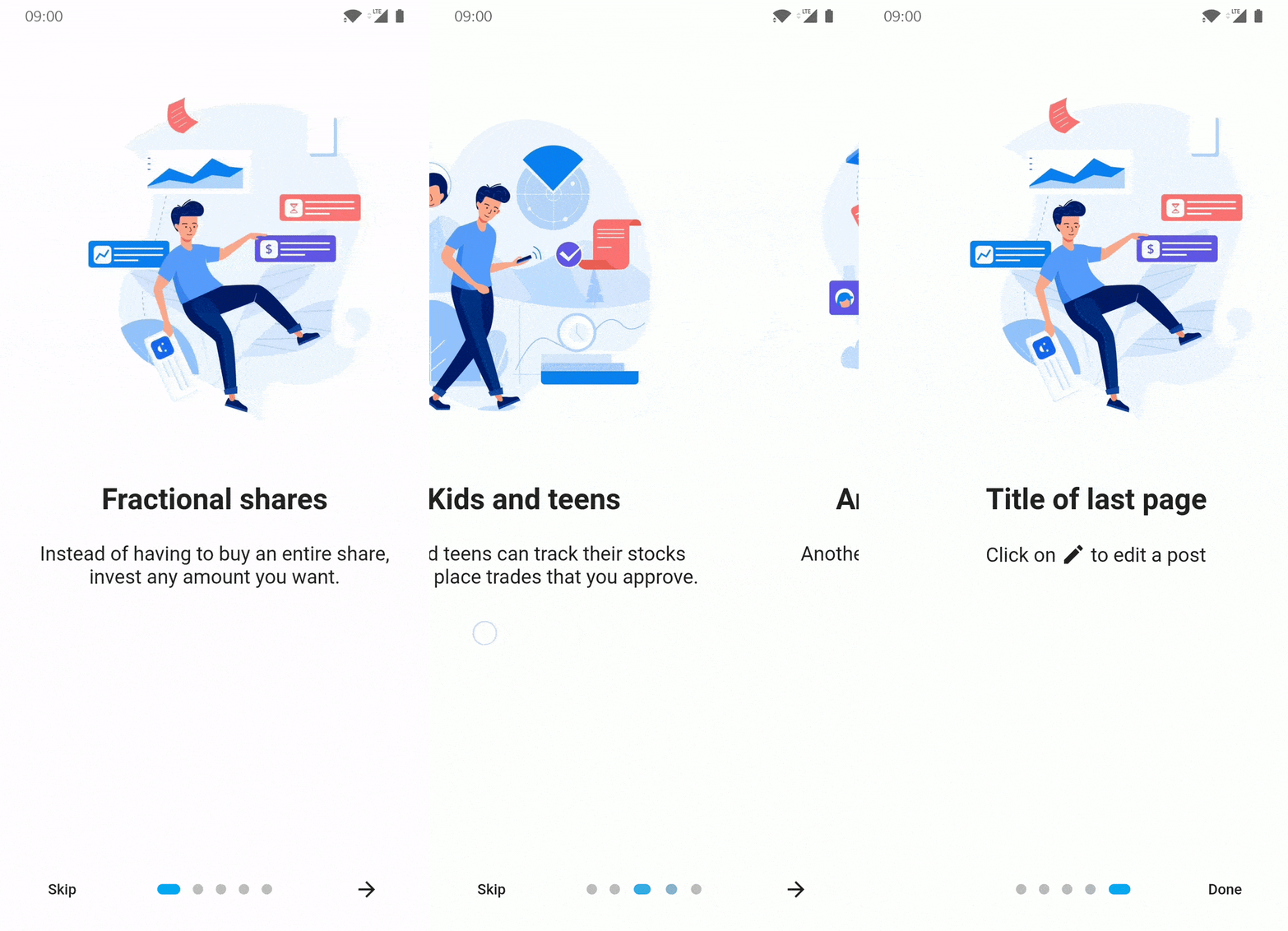 v5.0.1
Pacote de introdução/onboarding para aplicativo Flutter com algumas possibilidades de personalização
Um widget para observar dados relacionados aos widgets filhos exibidos em um ScrollView.
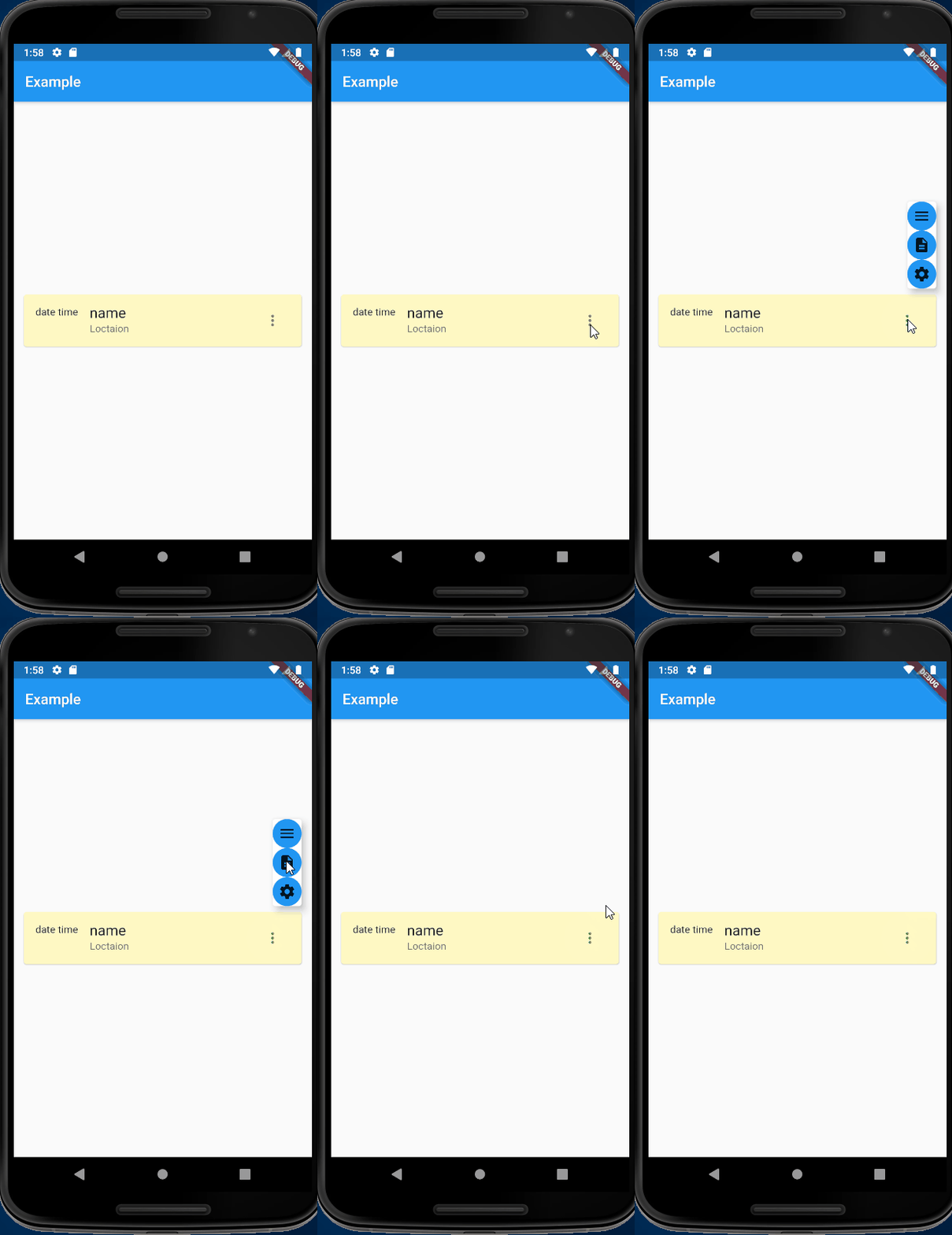 v1.1.4
Overlay/OverlayEntry evoluído - declarativo, não imperativo, contexto intuitivo e alinhamento fácil
Plugin do Flutter para descobrir o estado da visibilidade do teclado em Android e iOS.
Utilitários para trabalhar com código de interface de função estrangeira (FFI).
Gerador de vinculações FFI, usando o LibClang para analisar arquivos C, Objective-C e Swift.
Cliente da API do AWS para o Amazon Cognito Identity (gerado a partir da especificação da API do SDK).
Cliente da API do AWS para o Amazon Simple Queue Service (gerado a partir da especificação da API do SDK).
{"sdk":"flutter"}{"sdk":"flutter"}^2.6.0^2.0.0^2.3.6^0.9.37^6.2.6^0.19.0^6.0.5^1.1.4^0.17.1^2.2.0^0.1.19^6.0.0^6.0.0^0.13.0^2.0.2^1.0.5^7.0.1^3.1.12^11.1.0^2.1.0^2.1.0^2.3.3^1.8.3^0.0.2^2.0.0^2.0.0^4.4.0^0.6.0^11.1.1^2.4.1^4.8.1{"path":"rust_builder"}^14.6.0^0.1.6^1.19.0^2.0.9^8.1.1^6.0.3^8.2.0^6.0.3^0.7.1^1.10.0^0.11.0^2.0.1{"sdk":"flutter"}^5.0.0^1.17.10^0.14.1{"git":{"url":"https://github.com/AlienKevin/flutter_launcher_name","ref":"0.11.1"}}^16.0.0^2.4.7—^2.4.5{"sdk":"flutter"}^1.2.2Texto original em inglês. Visite o GitHub para a versão atual.
words.hk dictionary for Android and iOS
wordshk app logoDownload on the App Store Get it on Google Play Explore it on AppGallery Get it on F-Droid
Install Flutter by following the official doc: https://docs.flutter.dev/get-started/install
Download and install Android Studio to develop for Android: https://developer.android.com/studio
Start Android Studio, and go through the ‘Android Studio Setup Wizard’. This installs the latest Android SDK, Android SDK Command-line Tools, and Android SDK Build-Tools, which are required by Flutter when developing for Android.
Run flutter doctor to confirm your installation is working. You should see some output like below.
At a minimum you should have [✓] Flutter and [✓] Android toolchain to develop for Android, the other check marks are optional.
[✓] Flutter (Channel stable, 3.19.3, on Ubuntu 20.04.6 LTS 6.2.0-1019-azure, locale C.UTF-8)
[✓] Android toolchain - develop for Android devices (Android SDK version 34.0.0)
[✗] Chrome - develop for the web (Cannot find Chrome executable at google-chrome)
    ...
[✗] Linux toolchain - develop for Linux desktop
    ...
[!] Android Studio (not installed)
[✓] Connected device (1 available)
[✓] Network resources
If you want to build for iOS, you are required to use a Mac. You will need the latest version of Xcode as well.
Run the setup.sh at the root of this project to install the Rust backend.
Run flutter run to run the app, or
flutter build appbundle to create an Android app bundleflutter build apk to build an Android APKflutter build ios to build for iOSNotes:
flutter build appbundle --flavor fossflutter build appbundle --flavor huaweiflutter build appbundle --flavor fullpubspec.yamlexamples/export_sqlite_db/src/main.rs:- api.export_dict_as_sqlite_db(&dict_path, "{old_version}")
+ api.export_dict_as_sqlite_db(&dict_path, "{new_version}")
dict.db.gz:cd export_sqlite_db/
cargo run --release
gzip app_tmp/dict.db
dict.db.gz back to assets/.dict.json by going to examples/export_json_dict and run cargo run --release
b. Copy the generated app_tmp/dict.json to project root
c. Generate TTS by going to tts/, activate conda environment conda activate wordshk, and run python tts.py
d. Upload newly generated audios to Alicloud OSS bucket by running python upload_to_bucket.pyflutter clean
flutter pub get
cd ios/
pod install
cd ..
# Go to Xcode and Product -> Archive
flutter build appbundle --flavor full
Open Adobe Audition, run the "Match Loudness" with these settings:
Export the files with matched loudness With export settings as follows:
Change directory into assets/jyutping_female or assets/jyutping_male.
Run process_audios.sh. This script does three things:
Software: Copyright (C) 2022 Xiang Li, licensed under the MIT license. Dictionary: Copyright (C) 2014-2022 Hong Kong Lexicography Limited.
"words.hk", "wordshk", "粵典" are trade names of Hong Kong Lexicography Limited. Permission by Hong Kong Lexicography Limited must be obtained to promote or distribute materials containing these names. In particular, notwithstanding any permission (if applicable) to redistribute the source code of this project and/or its derivative works by the copyright owner(s), unless you obtain explicit permission from Hong Kong Lexicography Limited, you are required to remove all mentions of "words.hk", "wordshk", "粵典" from your redistributions.
The dictionary contents published by words.hk is copyrighted by Hong Kong Lexicography Limited. You may be eligible to obtain a license from https://words.hk/base/hoifong/