

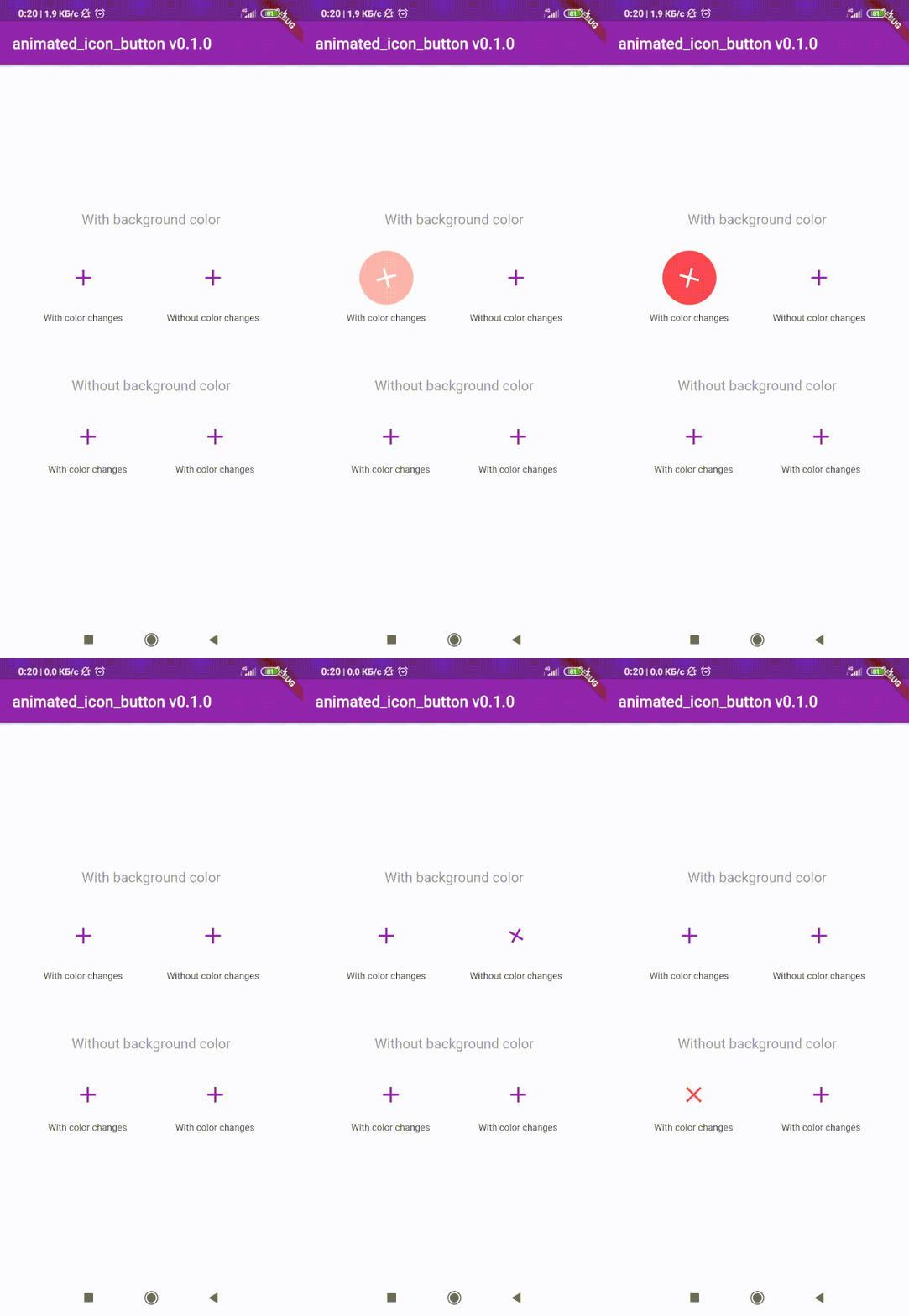
 v1.0.2
animated_icon_button
Pacote Flutter para criar IconButton animado personalizado. Inclui todos os ícones disponíveis. Baseado no IconButton nativo.
295Curtidas 16,6 milDownloads em 30 dias160Pontos Pub
AndroidiOSWebmacOSWindowsLinux
:rainbow: Pacote Flutter para criar IconButton animado personalizado. Inclui todos os ícones disponíveis.

Texto original em inglês. Visite o GitHub para a versão atual.
😵 Includes all available icons. Based on native IconButton.


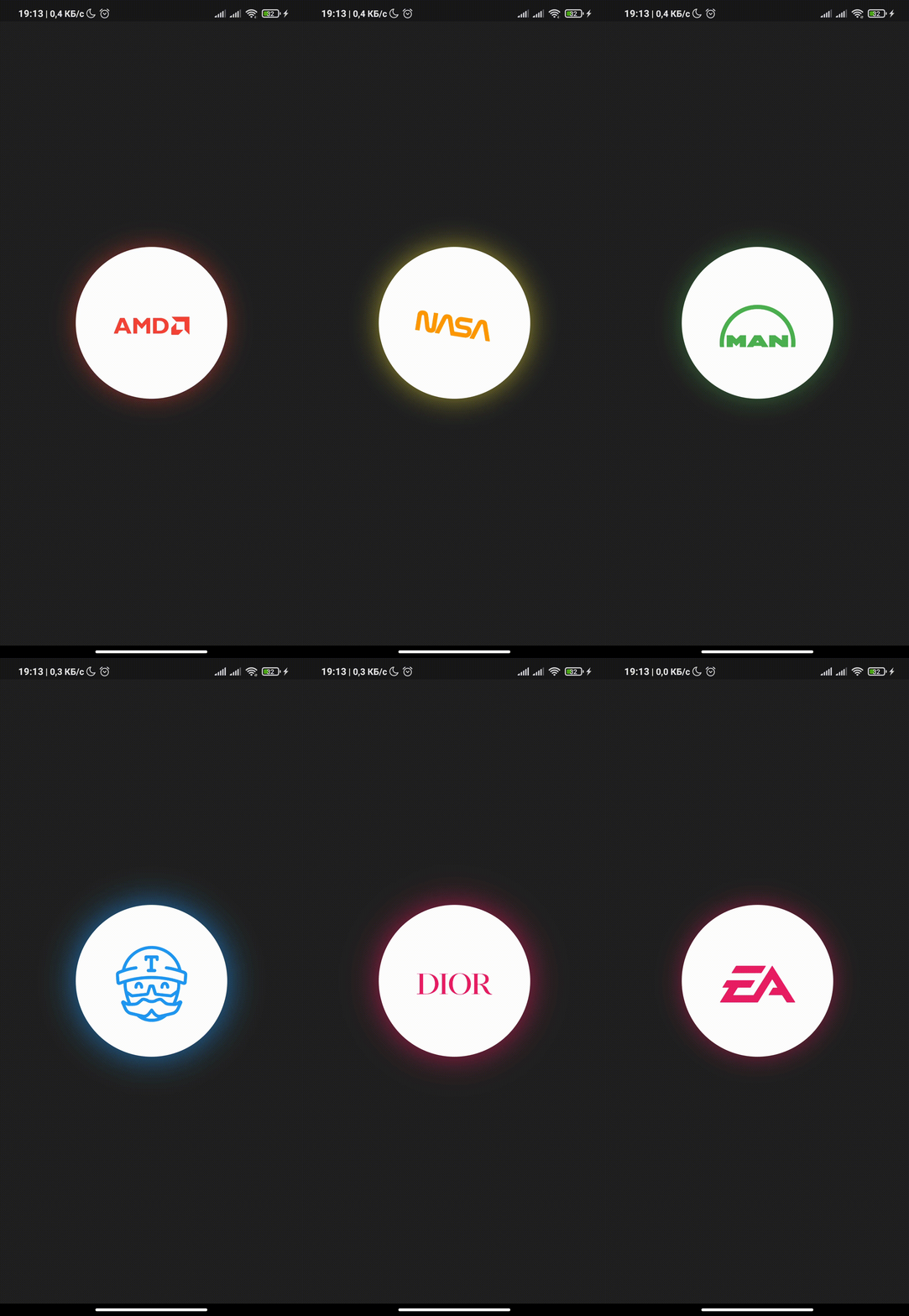
After 1.0.2 version you can use multiple icons.
Follow these steps to use this library
dependencies:
  animated_icon_button: ^1.0.2 #latest version
import 'package:animated_icon_button/animated_icon_button.dart';
Simple example of use AnimatedIconButton
Put this code in your project at an screen and wait for magic 😊
    AnimatedIconButton(
        onPressed: () => print('all icons pressed'),
        icons: [
            AnimatedIconButtonEntry(
                icon: Icon(Icons.add),
                onPressed: () => print('add pressed'),
            ),
            AnimatedIconButtonEntry(
                icon: Icon(Icons.close),
            ),
        ],
    ),
Now you can use more than 2 icons Add new icons to your list and they will change one by one
    AnimatedIconButton(
        size: 35,
        onPressed: () {
            print('all icons pressed');
        },
        duration: const Duration(milliseconds: 200),
        icons: <AnimatedIconButtonEntry>[
            AnimatedIconButtonEntry(
                icon: Icon(
                    Icons.mic,
                    color: Colors.purple,
                ),
                onPressed: () => print('mic pressed'),
                backgroundColor: Colors.white,
            ),
            AnimatedIconButtonEntry(
                icon: Icon(
                    Icons.g_translate,
                    color: Colors.purple,
                ),
                backgroundColor: Colors.white,
            ),
            AnimatedIconButtonEntry(
                icon: Icon(
                    Icons.collections_sharp,
                    color: Colors.purple,
                ),
                backgroundColor: Colors.white,
            ),
        ],
    ),
In order to animate your icons in a custom way, like on text changed or when pressing a button, just use the animationController property as follows.
    var animationController = AnimationController(
        vsync: this,
        duration: Duration(milliseconds: 200),
        reverseDuration: Duration(milliseconds: 200),
    );

    AnimatedIconButton(
        animationController: animationController,
        size: 35,
        onPressed: () {
            print('all icons pressed');
        },
        duration: const Duration(milliseconds: 200),
        icons: <AnimatedIconButtonEntry>[
            AnimatedIconButtonEntry(
                icon: Icon(
                    Icons.mic,
                    color: Colors.purple,
                ),
                onPressed: () => print('mic pressed'),
                backgroundColor: Colors.white,
            ),
            AnimatedIconButtonEntry(
                icon: Icon(
                    Icons.g_translate,
                    color: Colors.purple,
                ),
                backgroundColor: Colors.white,
            ),
            AnimatedIconButtonEntry(
                icon: Icon(
                    Icons.collections_sharp,
                    color: Colors.purple,
                ),
                backgroundColor: Colors.white,
            ),
        ],
    ),
Then, whenever you want, execute your animationController.forward() and animationController.reverse() methods to get your icons animated.
Don't forget when you use this property duration is not used, so it can be emitted.
Lista de dependências 5 itens
{"sdk":"flutter"}—^1.11.5{"sdk":"flutter"}—Filtre pelo caso de uso, compare a atividade e confira o projeto original antes de adotá-lo.
“A repository is the most basic element of GitHub.”
GitHub Docs — About repositories ↗