


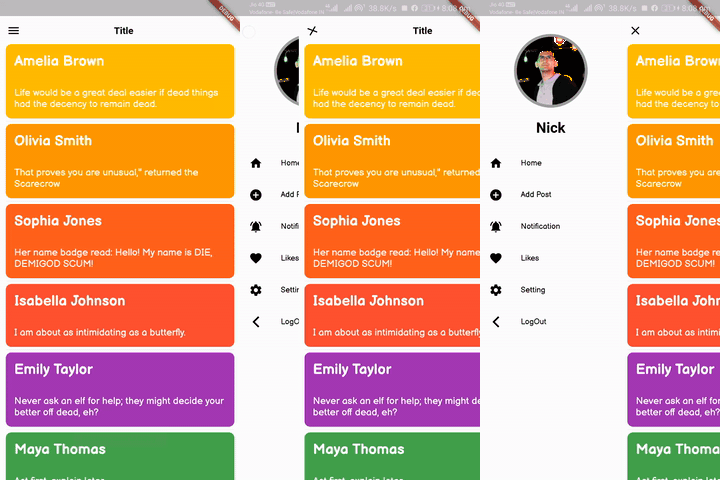
 v3.0.2
flutter_slider_drawer
Um pacote Flutter com implementação personalizada do menu de painel deslizante
597Curtidas 7,9 milDownloads em 30 dias160Pontos Pub
AndroidiOSWebmacOSWindowsLinux
Você pode criar uma interface tipo puxador com este plugin

Texto original em inglês. Visite o GitHub para a versão atual.
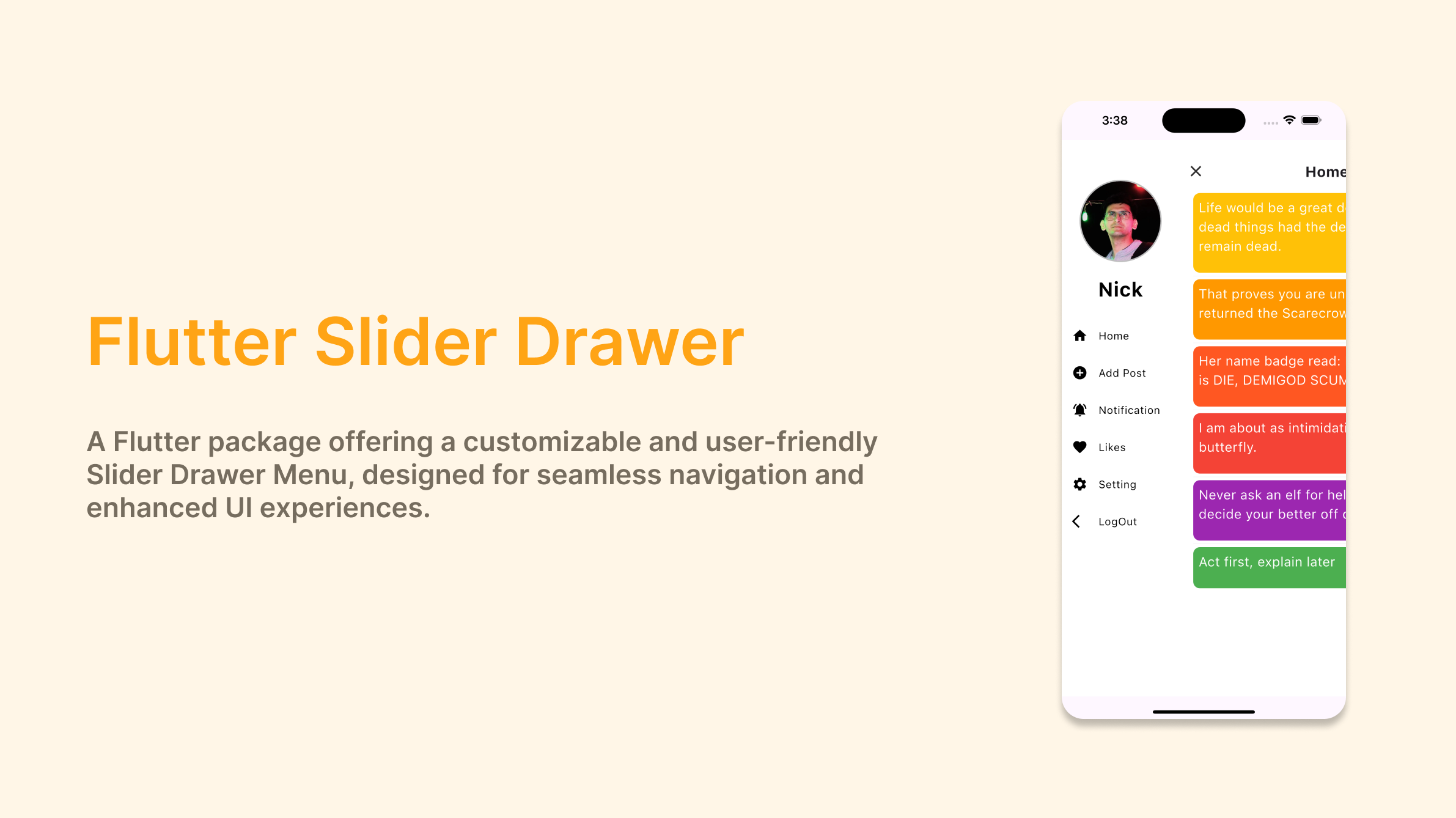

A Flutter package with custom implementation of the Slider Drawer Menu
To start using this package, add flutter_slider_drawer dependency to your pubspec.yaml
dependencies:
  flutter_slider_drawer: '<latest_release>'
SliderAppBar widgetisCupertino: true Widget build(BuildContext context) {
return Scaffold(
body: SliderDrawer(
key: _sliderDrawerKey,
appBar: SliderAppBar(
config: SliderAppBarConfig(
title: Text(
title,
textAlign: TextAlign.center,
style: const TextStyle(
fontSize: 22,
fontWeight: FontWeight.w700,
),
),
),
),
sliderOpenSize: 179,
slider: Container(color: Colors.red),
child: Container(color: Colors.amber),
),
);
}
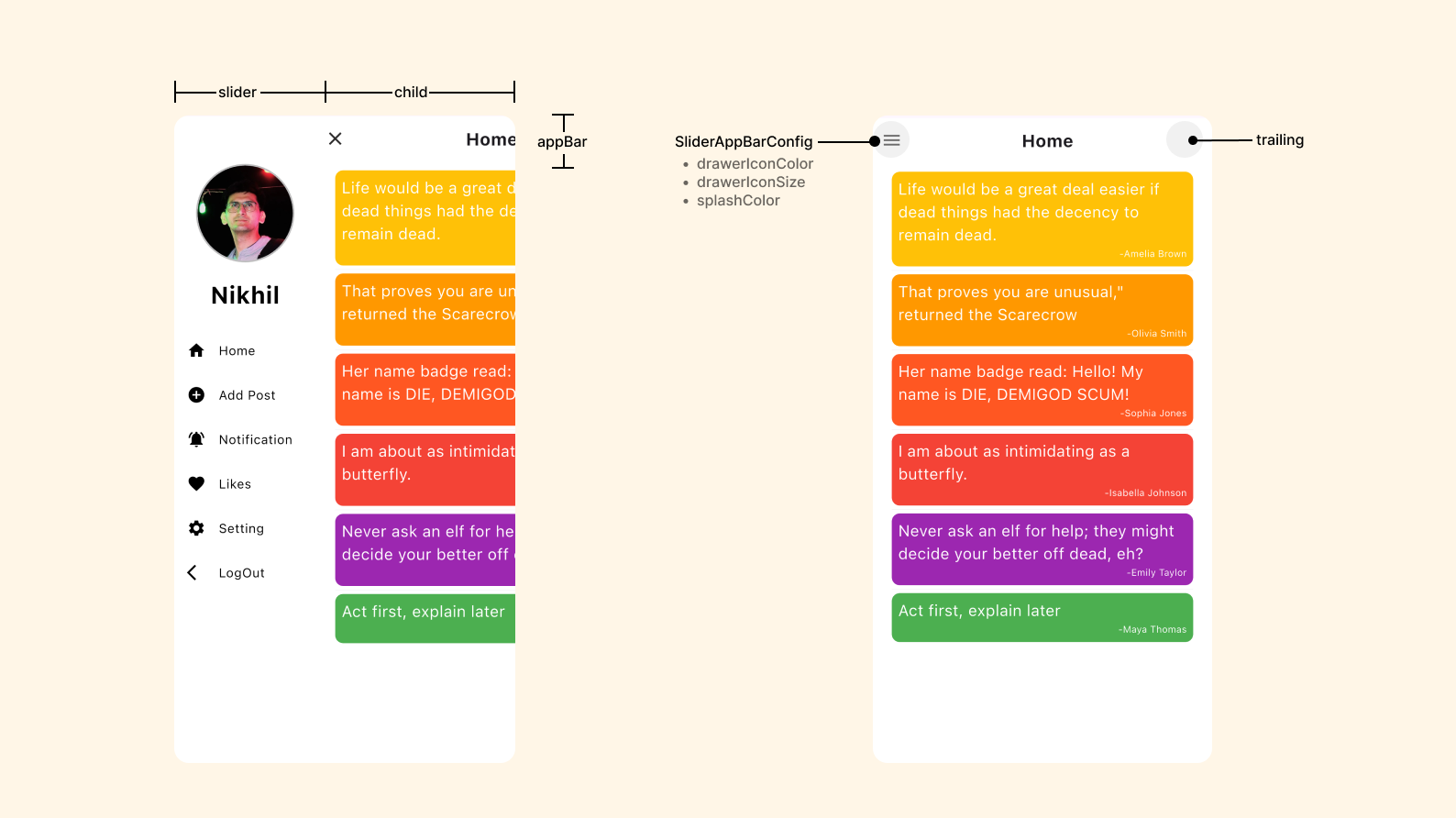
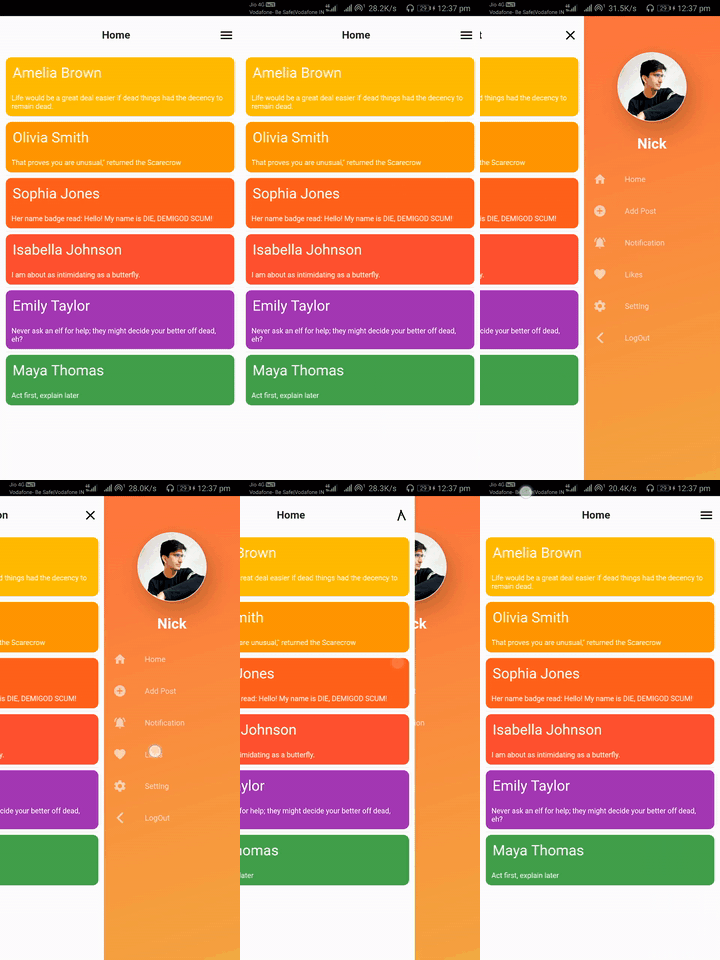
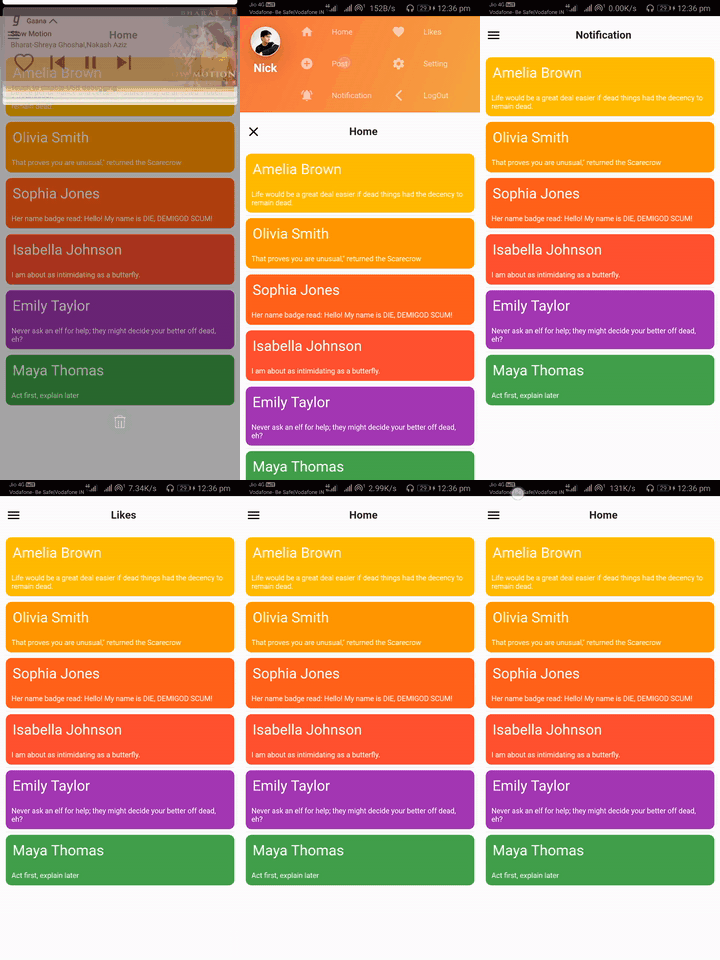
| SliderOpen.LEFT_TO_RIGHT | SliderOpen.RIGHT_TO_LEFT | SliderOpen.TOP_TO_BOTTOM |
|---|---|---|
 |
 |
 |
class _MyAppState extends State<MyApp> {
GlobalKey<SliderDrawerState> _sliderDrawerKey =
GlobalKey<SliderDrawerState>();
@override
  Widget build(BuildContext context) {
    return Scaffold(
      body: SliderDrawer(
        key: _sliderDrawerKey,
        appBar: SliderAppBar(
          config: SliderAppBarConfig(
            title: Text(
              title,
              textAlign: TextAlign.center,
              style: const TextStyle(
                fontSize: 22,
                fontWeight: FontWeight.w700,
              ),
            ),
          ),
        ),
        sliderOpenSize: 179,
        slider: Container(color: Colors.red),
        child: Container(color: Colors.amber),
      ),
    );
  }
}
 _sliderDrawerKey.currentState.closeDrawer();
 _sliderDrawerKey.currentState.openDrawer();
 _sliderDrawerKey.currentState.toggle();
 _sliderDrawerKey.currentState.isDrawerOpen();
__sliderDrawerKey.currentState.animationController
Your contribution will help improve the plugin

BSD 2-Clause License
Lista de dependências 2 itens
{"sdk":"flutter"}{"sdk":"flutter"}Filtre pelo caso de uso, compare a atividade e confira o projeto original antes de adotá-lo.
“A repository is the most basic element of GitHub.”
GitHub Docs — About repositories ↗