

 v4.0.0
flutter_sequence_animation
Combine qualquer animação com este pacote robusto e fácil de usar.
248Curtidas 14,1 milDownloads em 30 dias140Pontos Pub
AndroidiOSWebmacOSWindowsLinux
Orquestre múltiplas animações com facilidade.

Texto original em inglês. Visite o GitHub para a versão atual.
dependencies:
  flutter_sequence_animation: "^4.0.0"
then
$ flutter packages get
then
import 'package:flutter_sequence_animation/flutter_sequence_animation.dart';
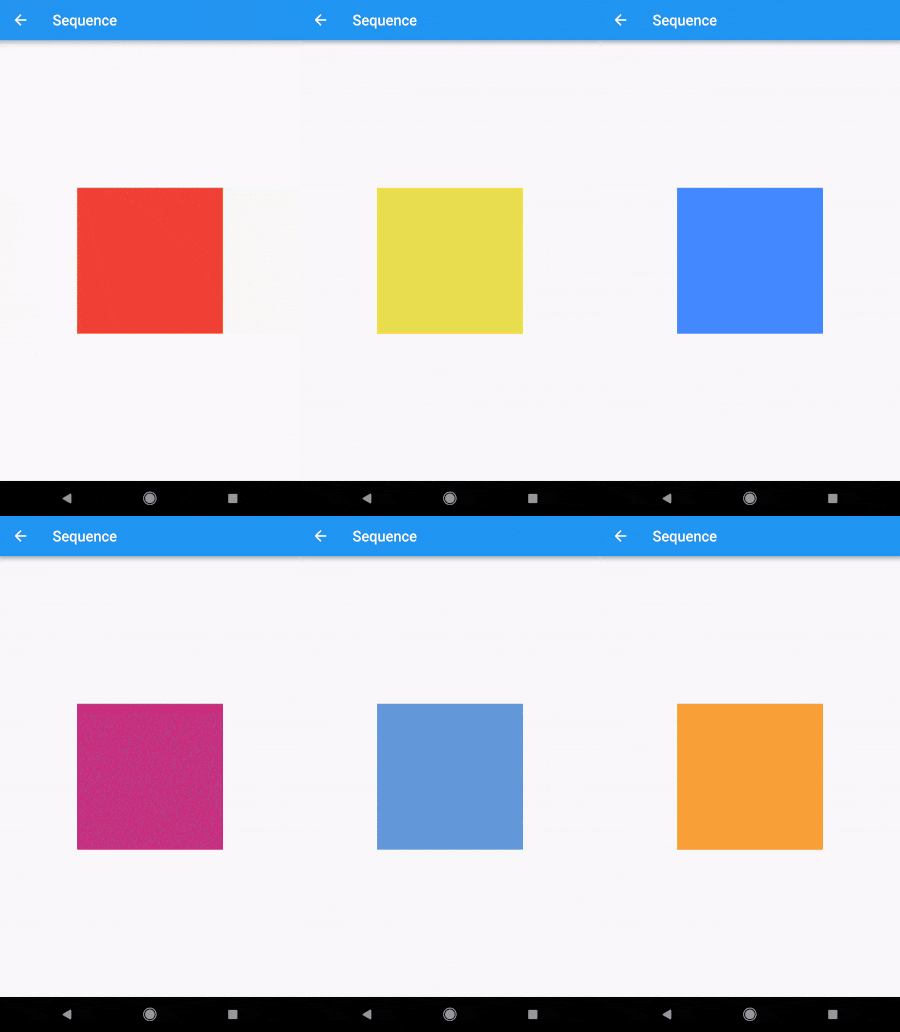
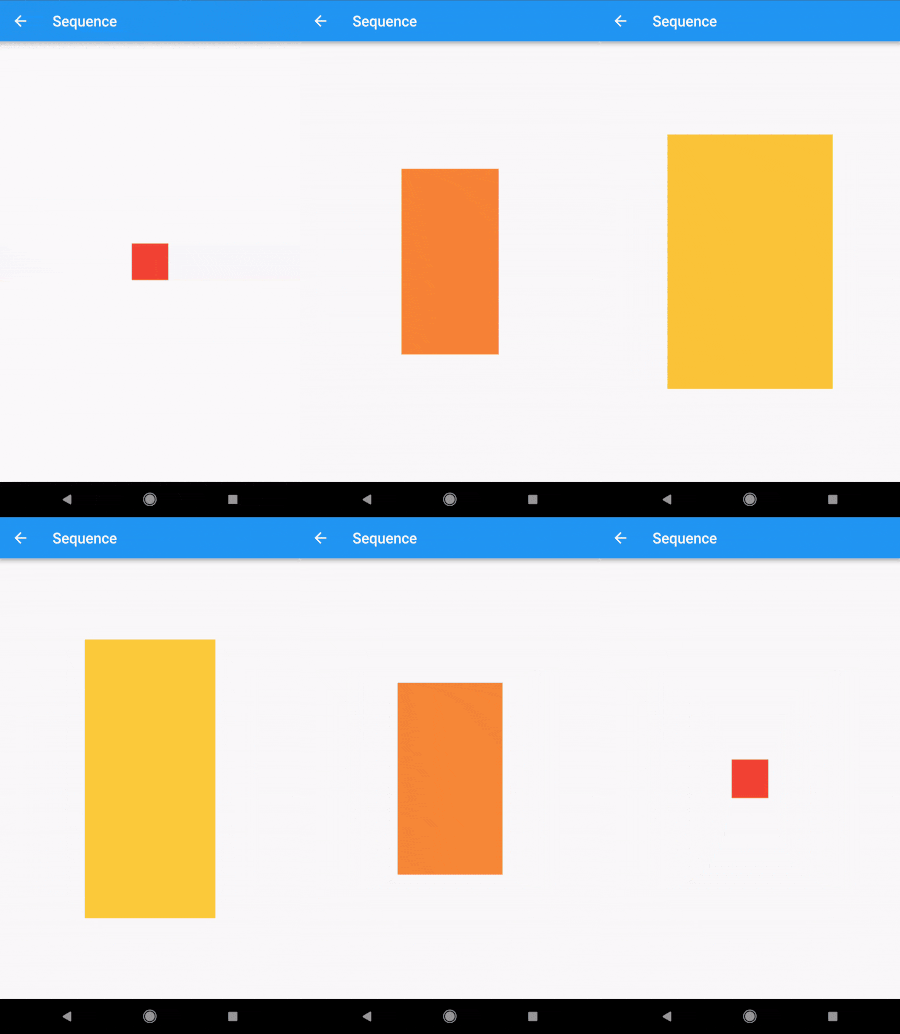
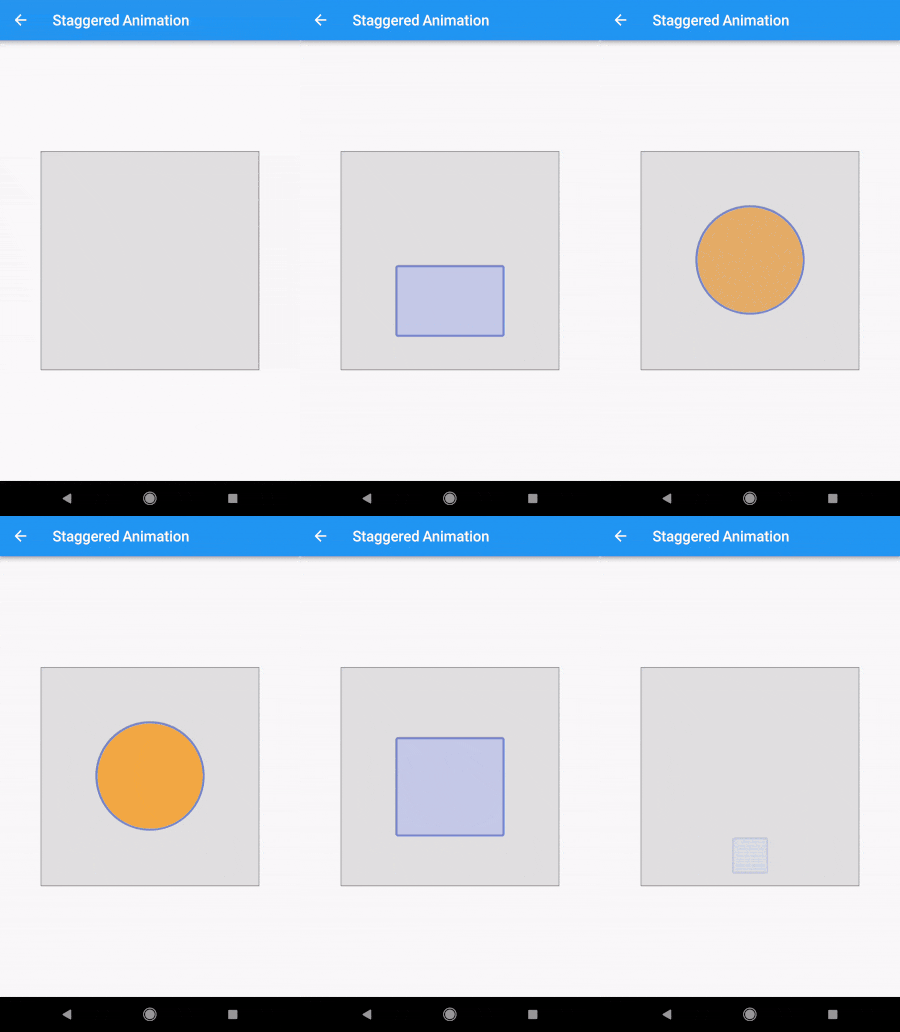
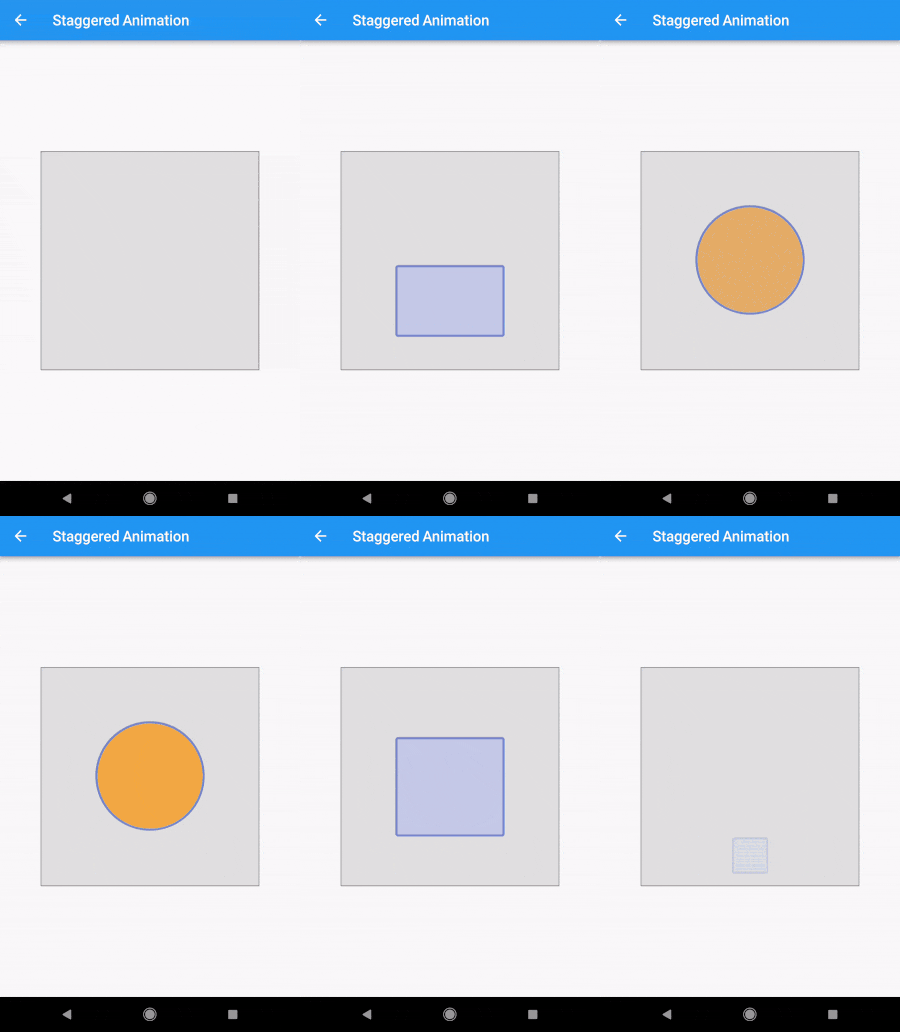
The Staggered Animation example from here is 207 lines of code . The same animation with this package is 128 lines of code. It is also much easier to read and edit.
    sequenceAnimation = new SequenceAnimationBuilder()
      .addAnimatable(
          animatable: new ColorTween(begin: Colors.red, end: Colors.yellow),
          from:  const Duration(seconds: 0),
          to: const Duration(seconds: 2),
          tag: "color"
        ).addAnimatable(
          animatable: new ColorTween(begin: Colors.yellow, end: Colors.blueAccent),
          from:  const Duration(seconds: 2),
          to: const Duration(seconds: 4),
          tag: "color",
          curve: Curves.easeOut
        ).addAnimatable(
          animatable: new ColorTween(begin: Colors.blueAccent, end: Colors.pink),
          //  animatable: new Tween<double>(begin: 200.0, end: 40.0),
          from:  const Duration(seconds: 5),
          to: const Duration(seconds: 6),
          tag: "color",
          curve: Curves.fastOutSlowIn
        ).animate(controller);
In this case only the color is animated but you can add as many different properties to the sequence as you'd like to. The only restriction is that animations with the same tag can not overlap and need to be ordered.
sequenceAnimation["color"]
This animation is a composition of all animatables you passed in with the same tag.
new AnimatedBuilder(
          builder: (context, child) {
            return new Center(
              child: new Container(
                color: sequenceAnimation["color"].value,
                height: 200.0,
                width: 200.0,
              ),
            );
          },
          animation: controller,
        ),
For help getting started with Flutter, view our online documentation.
For help on editing package code, view the documentation.
Lista de dependências 3 itens
{"sdk":"flutter"}^1.3.0{"sdk":"flutter"}Filtre pelo caso de uso, compare a atividade e confira o projeto original antes de adotá-lo.
“A repository is the most basic element of GitHub.”
GitHub Docs — About repositories ↗