

 v2.0.0
fluid_dialog
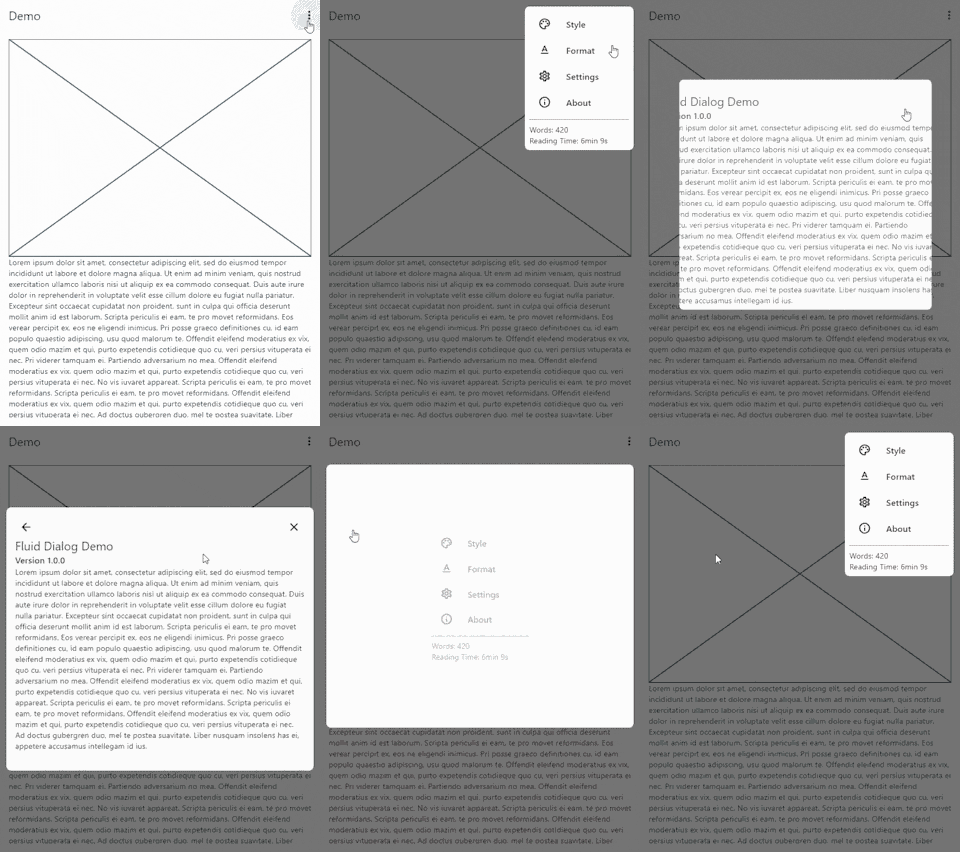
Uma caixa de diálogo que pode alternar entre múltiplos conteúdos e animar dinamicamente tamanho e alinhamento.
204Curtidas 306Downloads em 30 dias160Pontos Pub
AndroidiOSWebmacOSWindowsLinux
Um pacote Flutter para diálogos transformáveis.

Texto original em inglês. Visite o GitHub para a versão atual.


A dialog that can switch between multiple contents and animates size and alignment dynamically.
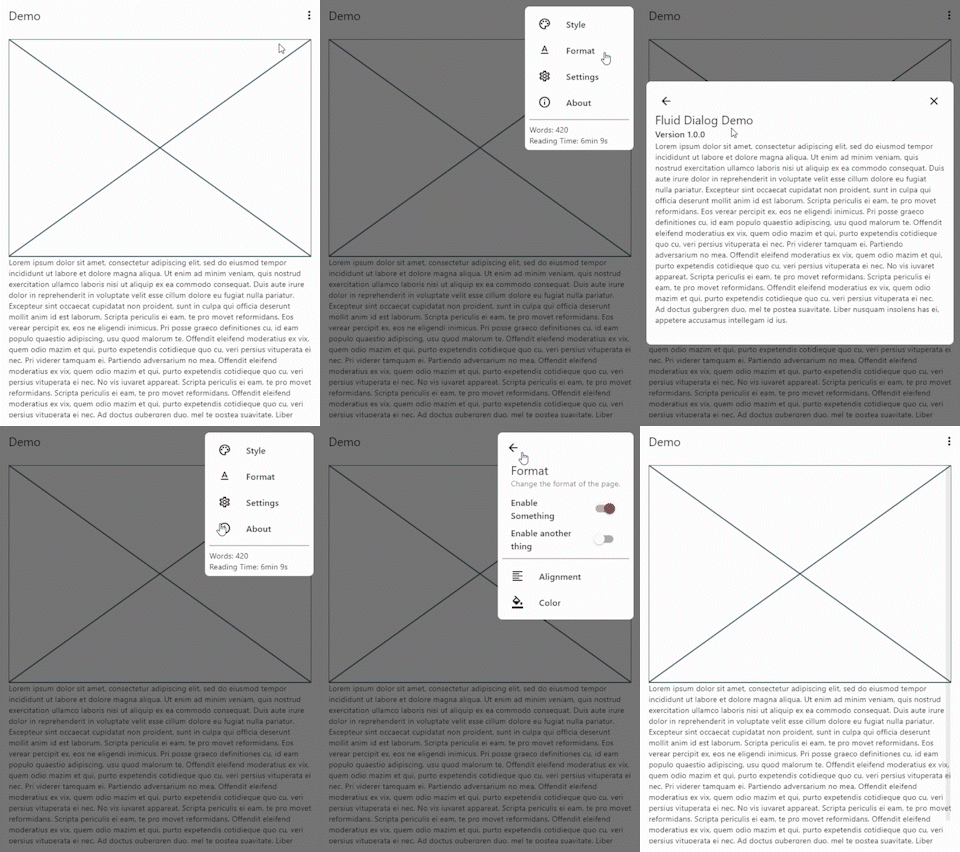
To show a FluidDialog you typically use Flutter's showDialog function. You can also use your implementation to show the dialog.
Here's an example:
showDialog(
 context: context,
 builder: (context) => FluidDialog(
  // Set the first page of the dialog.
  rootPage: FluidDialogPage(
    alignment: Alignment.bottomLeft, //Aligns the dialog to the bottom left.
    builder: (context) => const TestDialog(), // This can be any widget.
  ),
 ),
);
To navigate in the dialog, use the DialogNavigator. It works similarly to the flutter navigator.
This only works for widgets in the FluidDialog
TextButton(
  onPressed: () => DialogNavigator.of(context).push(
    FluidDialogPage(
      builder: (context) => const SecondDialogPage(),
    ),
  ),
  child: const Text('Go to next page'),
),
Lista de dependências 3 itens
{"sdk":"flutter"}{"sdk":"flutter"}^5.0.0+1Filtre pelo caso de uso, compare a atividade e confira o projeto original antes de adotá-lo.
“A repository is the most basic element of GitHub.”
GitHub Docs — About repositories ↗