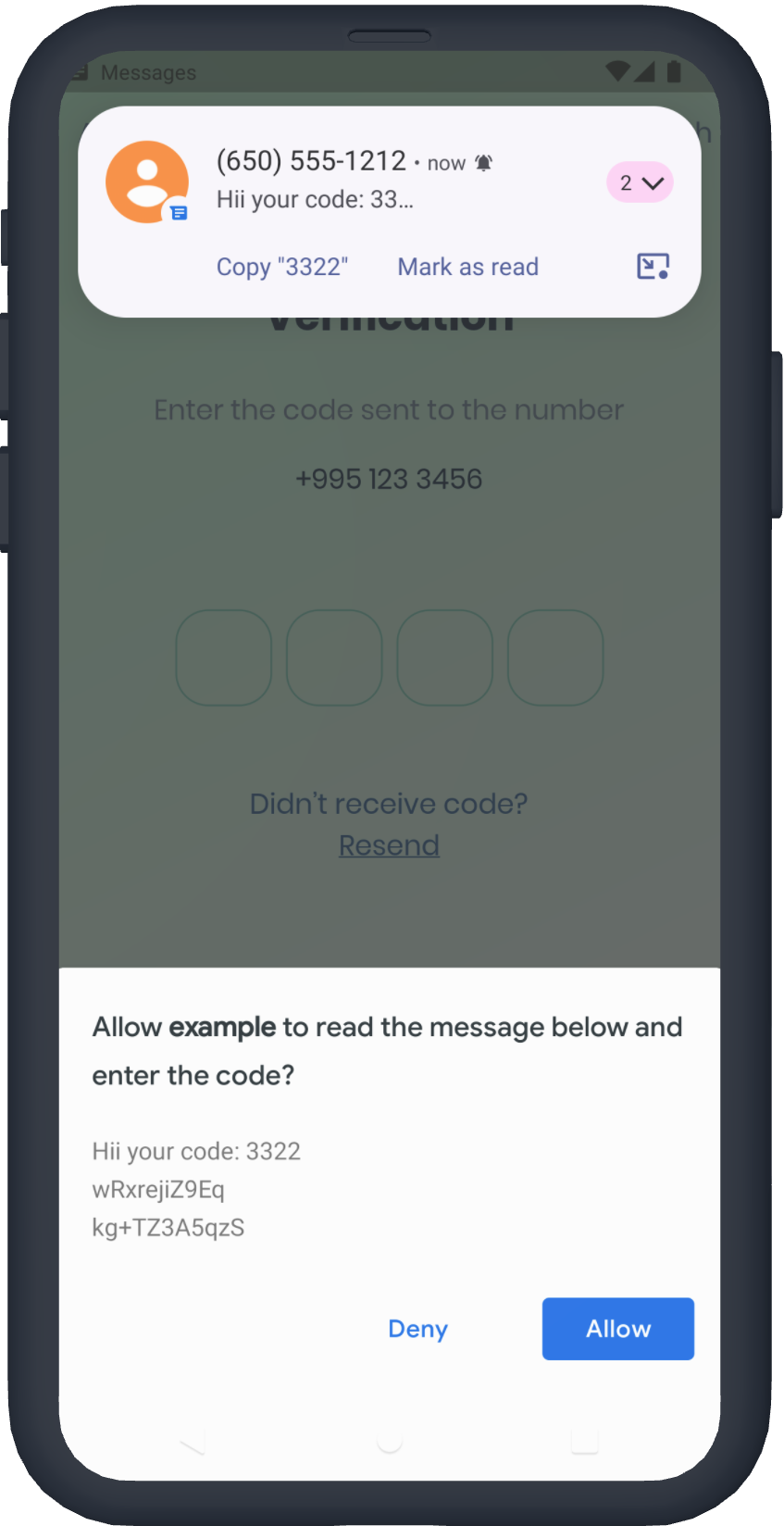
Pacote Flutter para criar campo de entrada de código PIN com possibilidade de personalização de cada pixel 🎨 com belas animações, autofill do iOS e autofill do Android.
Texto original em inglês. Visite o GitHub para a versão atual.
Flutter pin code input
Need anything Flutter related? Reach out on LinkedIn
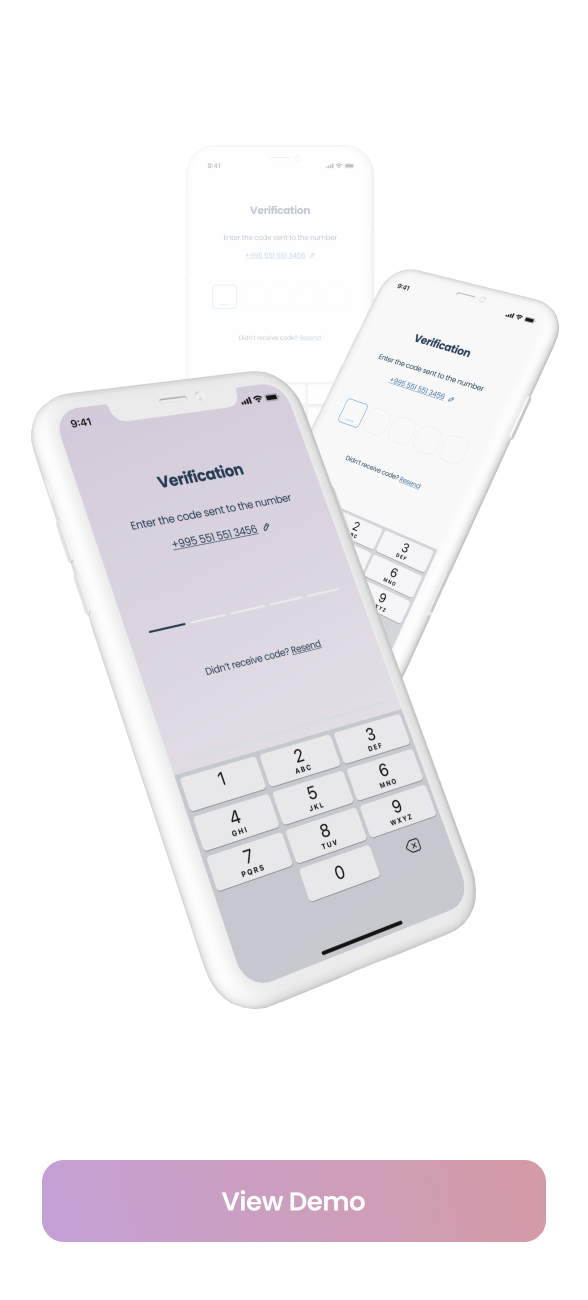
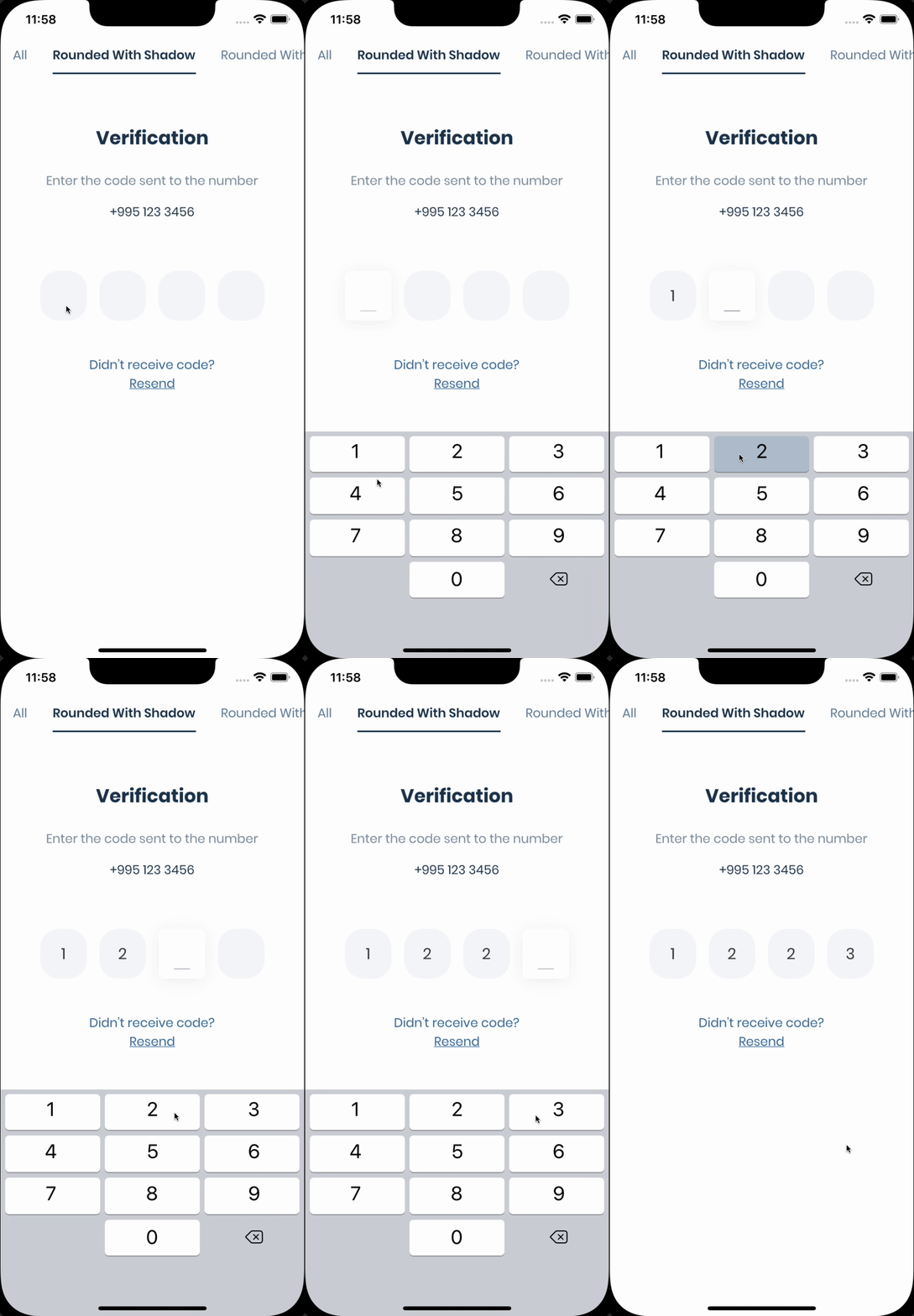
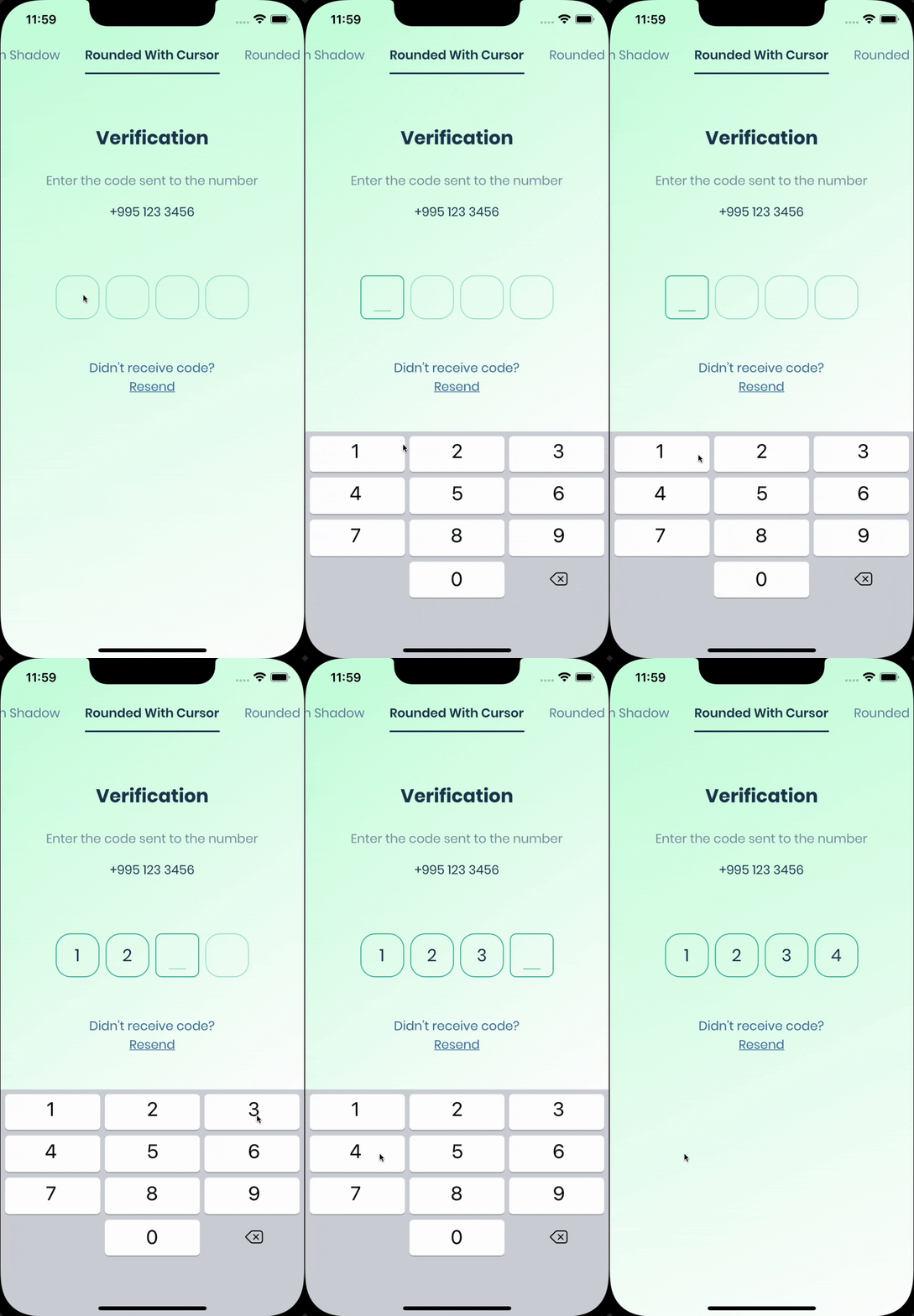
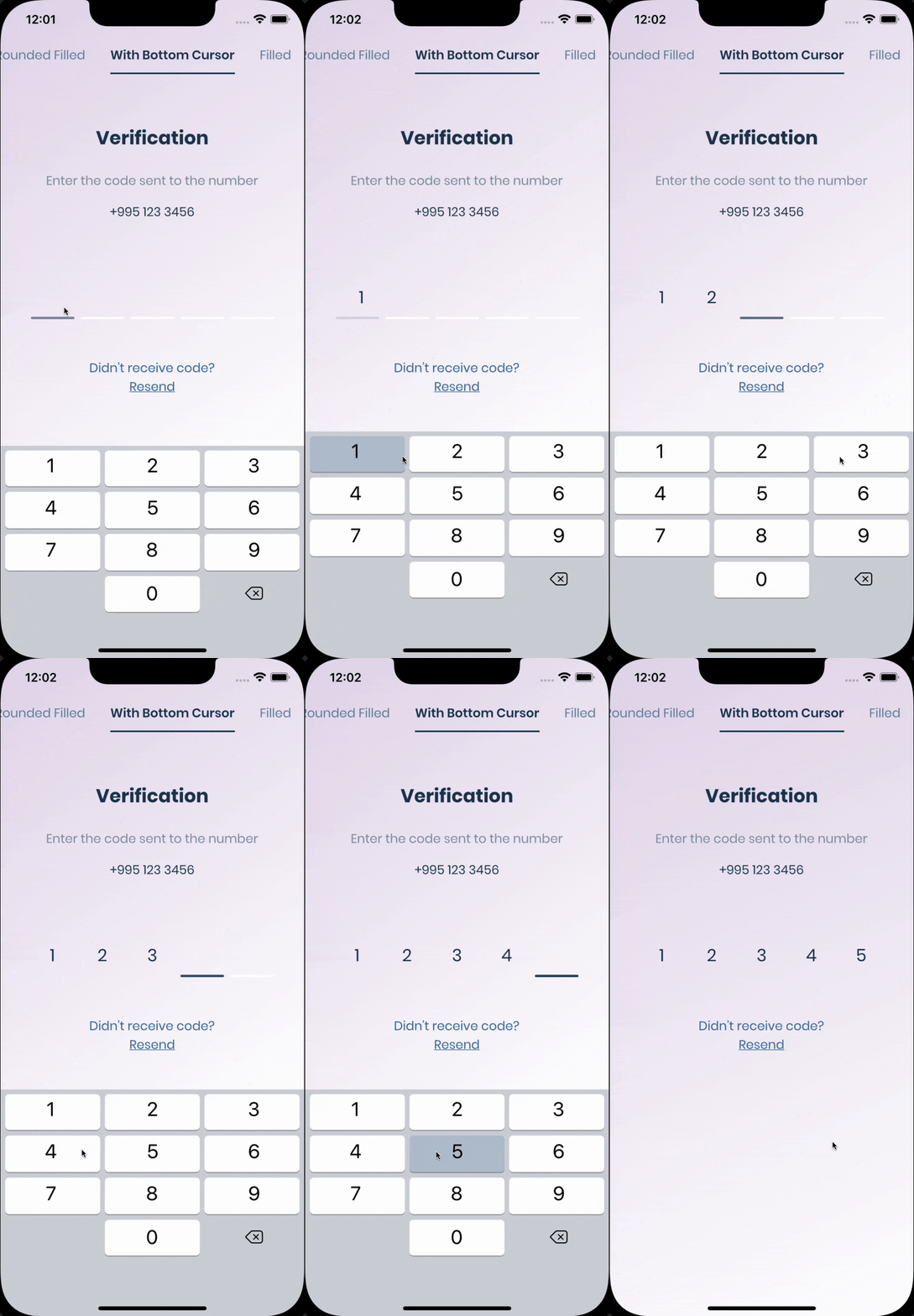
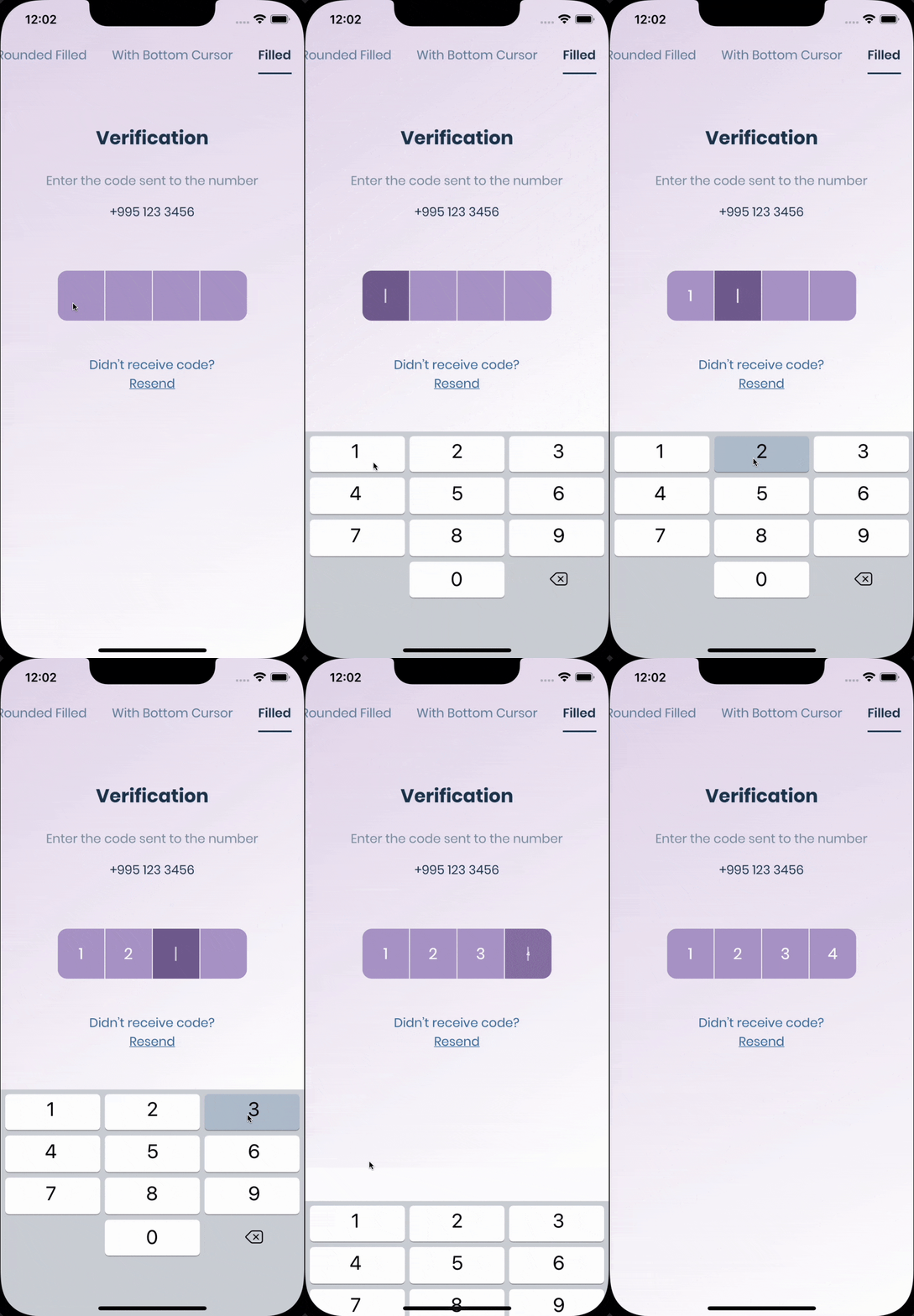
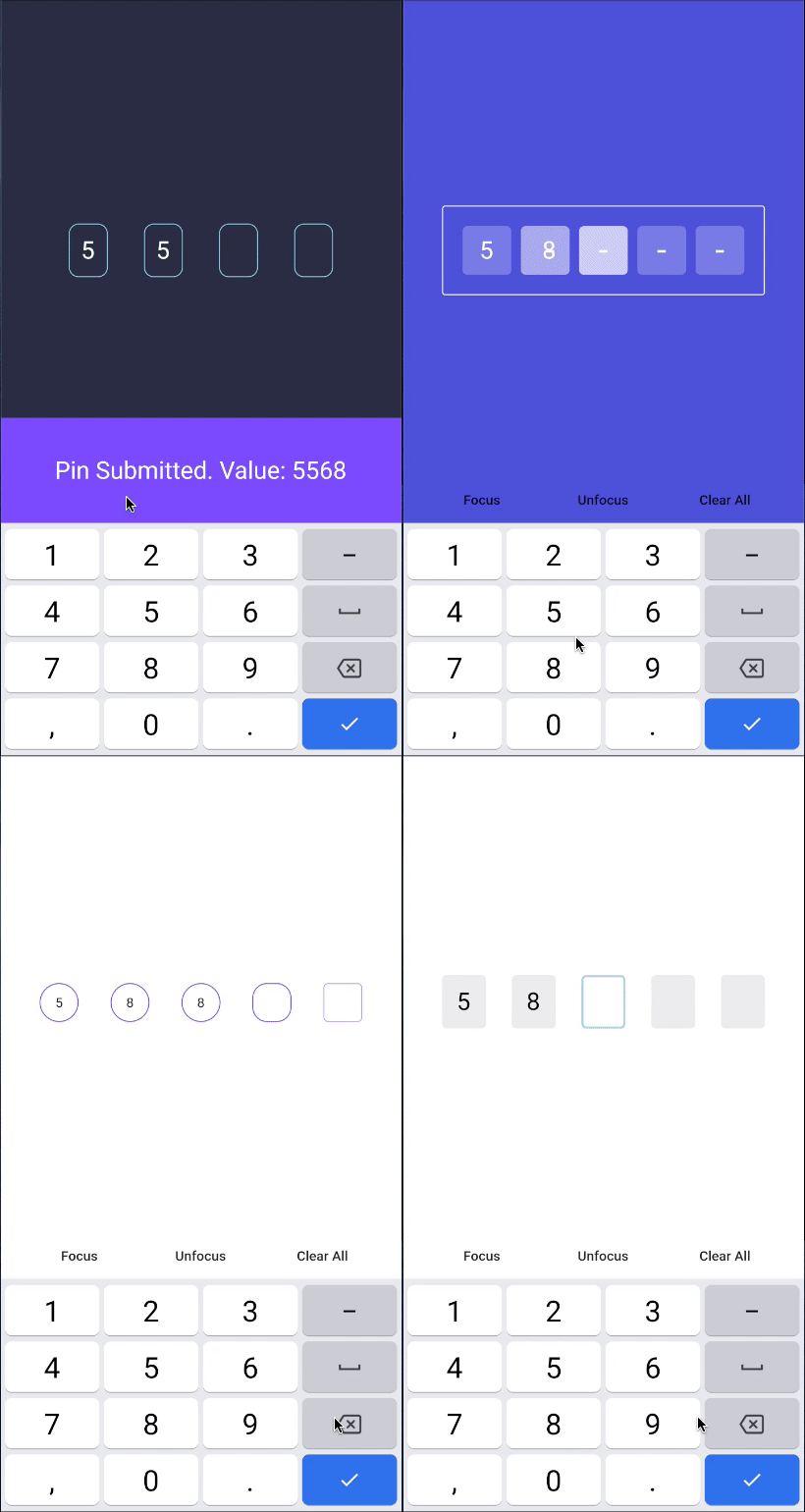
Flutter Pinput is a package that provides an easy-to-use and customizable Pin code input field. It offers several features such as animated decoration switching, form validation, SMS autofill, custom cursor, copying from clipboard, and more. It also provides beautiful examples that you can choose from.
The pin has 6 states defaultfocused, submitted, following, disabled, error, you can customize each state by specifying theme parameter.
Pin smoothly animates from one state to another automatically.
PinTheme Class
if you want all pins to be the same don't pass other theme parameters,
If not, create focusedPinTheme, submittedPinTheme, followingPinTheme, errorPinTheme from defaultPinTheme
/// Create Controller final pinController = TextEditingController();
/// Set text programmatically
pinController.setText('1222');
/// Append typed character, useful if you are using custom keyboard
pinController.append('1', 4);
/// Delete last character
pinController.delete();
/// Don't call setText, append, delete in build method, this is just illustration. returnPinput(
controller: pinController,
);
Focus
/// Create FocusNode final pinputFocusNode = FocusNode();
/// Focus pinput
pinputFocusNode.requestFocus();
/// UnFocus pinput
pinputFocusNode.unfocus();
/// Don't call requestFocus, unfocus in build method, this is just illustration. returnPinput(
focusNode: pinputFocusNode,
);
Validation
/// Create keyfinal formKey = GlobalKey<FormState>();
/// Validate manually/// Don't call validate in build method, this is just illustration.
formKey.currentState!.validate();
returnForm(
key: formKey,
child: Pinput(
// Without Validator// If true error state will be applied no matter what validator returns
forceErrorState: true,
// Text will be displayed under the Pinput
errorText: 'Error',
/// ------------/// With Validator/// Auto validate after user tap on keyboard done button, or completes Pinput
pinputAutovalidateMode: PinputAutovalidateMode.onSubmit,
validator: (pin) {
if (pin == '2224') returnnull;
/// Text will be displayed under the Pinputreturn'Pin is incorrect';
},
),
);
FAQ
autofill isn't working on iOS?
Make sure you are using real device, not simulator
Temporary replace Pinput with TextField, and check if autofill works. If, not it's probably a
problem with SMS you are getting, autofill doesn't work with most of the languages
If you are using non stable version of Flutter that might be cause because something might be
broken inside the Framework
are you using firebase_auth?
You should set controller's value in verificationCompleted callback, here is an example code:




 v7.0.0