
 v4.3.0
yandex_mapkit
Um plug-in Flutter para integrar o Yandex.MapKit em aplicativos Android e iOS.
236Curtidas 7,8 milDownloads em 30 dias160Pontos Pub
AndroidiOS
Implementação do Flutter do YandexMapkit

^2.0.20^2.0.5^1.18.0{"sdk":"flutter"}^3.0.0Texto original em inglês. Visite o GitHub para a versão atual.
A flutter plugin for displaying yandex maps on iOS and Android.
| Android | iOS | |
|---|---|---|
| Support | SDK 26+ | iOS 15+ |
Disclaimer: This project uses Yandex Mapkit which belongs to Yandex
When using Mapkit refer to these terms of use
MapKit Mobile SDK keyios/Runner/AppDelegate.swift. It should be similar to the followingimport UIKit
import Flutter
import YandexMapsMobile
@UIApplicationMain
@objc class AppDelegate: FlutterAppDelegate {
override func application(
_ application: UIApplication,
didFinishLaunchingWithOptions launchOptions: [UIApplication.LaunchOptionsKey: Any]?
) -> Bool {
YMKMapKit.setLocale("YOUR_LOCALE") // Your preferred language. Not required, defaults to system language
YMKMapKit.setApiKey("YOUR_API_KEY") // Your generated API key
GeneratedPluginRegistrant.register(with: self)
return super.application(application, didFinishLaunchingWithOptions: launchOptions)
}
}
YANDEX_MAPKIT_VARIANTAvailable options: lite and full. navikit variant is currently not supported.
Defaults to lite.
After changing YANDEX_MAPKIT_VARIANT you need to invalidate Xcode cache using
rm -rf ~/Library/Developer/Xcode/DerivedData
Available options: lite and full. navikit variant is currently not supported.
Defaults to lite.
Add the following line to android/gradle.properties
yandexMapkit.variant=<YOUR_DESIRED_VARIANT>
implementation 'com.yandex.android:maps.mobile:4.39.1-<YOUR_DESIRED_VARIANT>' to android/app/build.gradledependencies {
implementation 'com.yandex.android:maps.mobile:4.39.1-<YOUR_DESIRED_VARIANT>'
}
android/app/src/main/.../MainApplication.java
import android.app.Application;

import com.yandex.mapkit.MapKitFactory;

public class MainApplication extends Application {
    @Override
    public void onCreate() {
        super.onCreate();
        MapKitFactory.setLocale("YOUR_LOCALE"); // Your preferred language. Not required, defaults to system language
        MapKitFactory.setApiKey("YOUR_API_KEY"); // Your generated API key
    }
}
android/app/src/main/.../MainApplication.kt
import android.app.Application

import com.yandex.mapkit.MapKitFactory

class MainApplication: Application() {
  override fun onCreate() {
    super.onCreate()
    MapKitFactory.setLocale("YOUR_LOCALE") // Your preferred language. Not required, defaults to system language
    MapKitFactory.setApiKey("YOUR_API_KEY") // Your generated API key
  }
}
android/app/src/main/AndroidManifest.xmlAdd permissions <uses-permission android:name="android.permission.INTERNET"/> and <uses-permission android:name="android.permission.ACCESS_FINE_LOCATION"/>
Find application tag and replace android:name to the name of your custom application class prefixed by a dot ..
In the end it should look like the following
    <uses-permission android:name="android.permission.INTERNET"/>
    <uses-permission android:name="android.permission.ACCESS_FINE_LOCATION" />
    <application
      android:name=".MainApplication" >
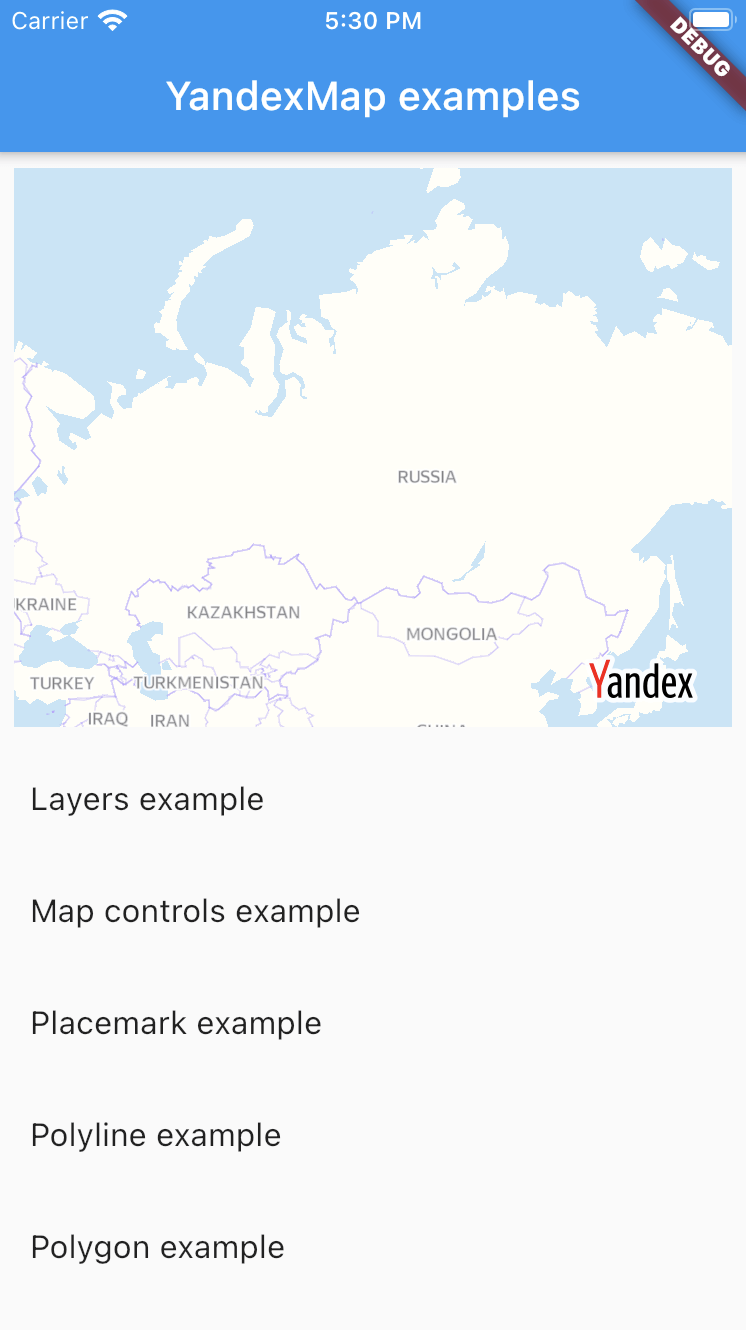
For usage examples refer to example app
image
YandexMapkit always works with one language only.
Due to native constraints after the application is launched it can't be changed.
By default android views are rendered using Hybrid Composition.
To render the YandexMap widget on Android using Virtual Display(old composition), set AndroidYandexMap.useAndroidViewSurface to false.
Place this anywhere in your code, before using YandexMap widget.
AndroidYandexMap.useAndroidViewSurface = false;