

v1.0.4
akvelon_flutter_share_plugin
Um plugin Flutter para compartilhar texto, mídia e arquivos do seu aplicativo Flutter por meio do diálogo de compartilhamento da plataforma.
28Curtidas 73Downloads em 30 dias35Pontos Pub
Plataformas indisponíveis
Um plugin Flutter para compartilhar conteúdo do seu aplicativo Flutter por meio do diálogo de compartilhamento da plataforma

Texto original em inglês. Visite o GitHub para a versão atual.
A Flutter plugin for both iOS and Android that provides ability to share plain text, links and local files. Multiple file share is also supported.
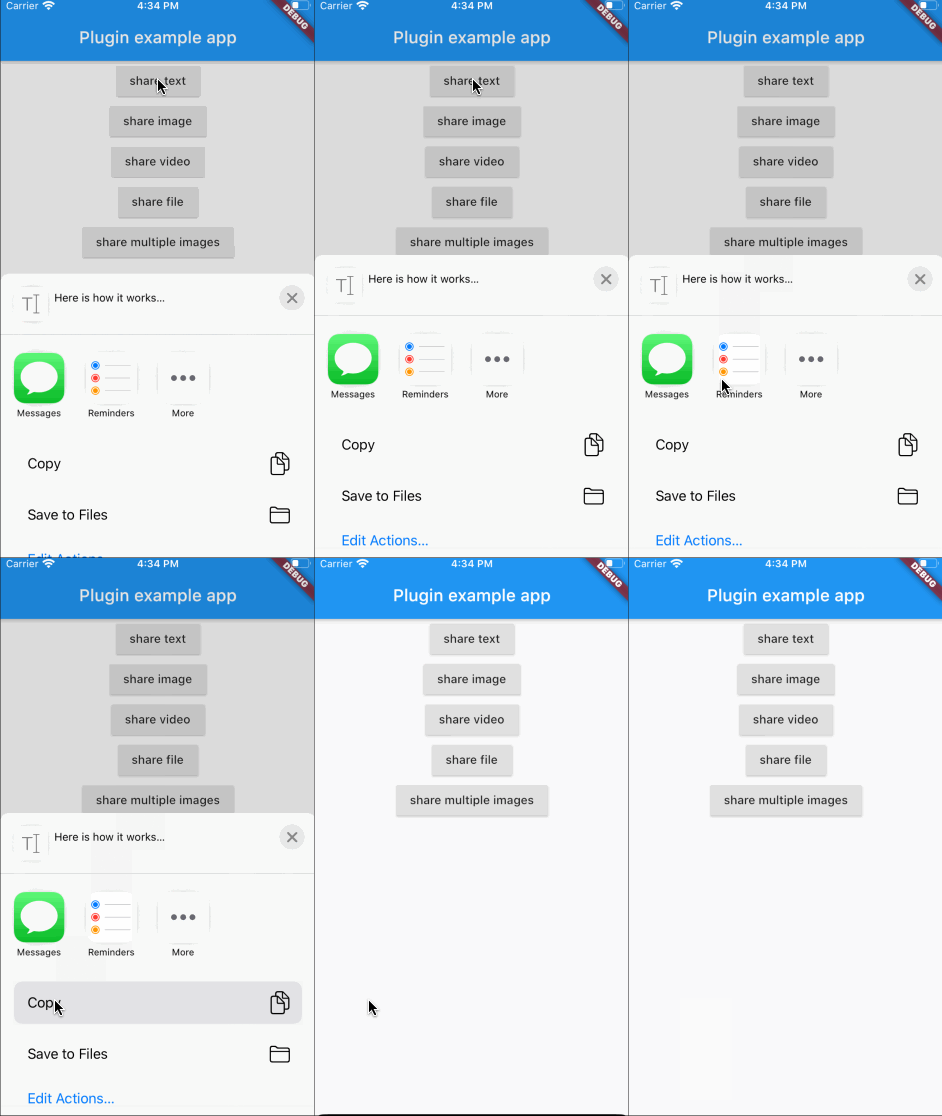
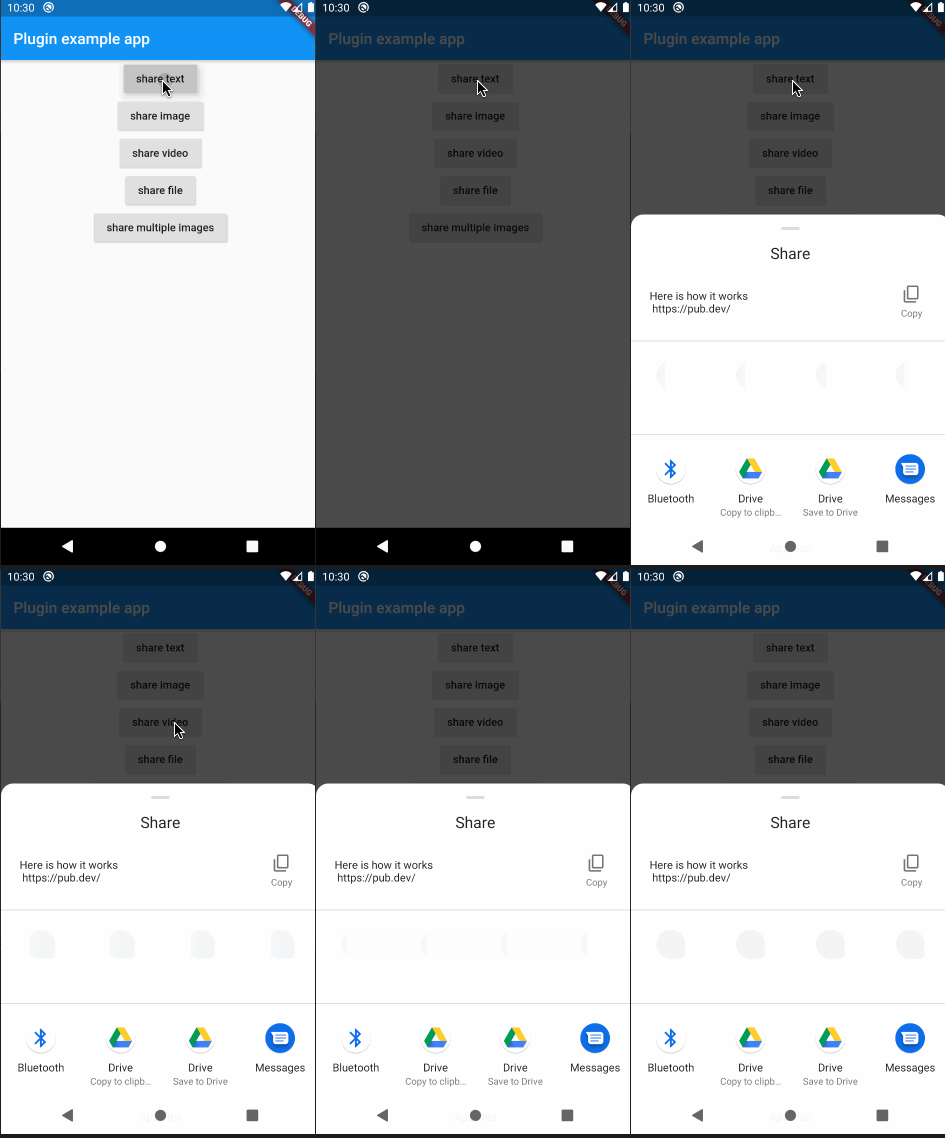
In the beginning, please add flutter_share_plugin as a dependency in your pubspec.yaml file.
Make sure that this row exists in your ios/podfile file after target runner:
...

target 'Runner' do
    use_frameworks!

...
Please note that if you want to share files, you need to setup a FileProvider which will give access to the files for sharing with other applications.
Add to AndroidManifest.xml:
<application>
...
<provider
    android:name="androidx.core.content.FileProvider"
    android:authorities="${applicationId}.provider"
    android:exported="false"
    android:grantUriPermissions="true">
    <meta-data
        android:name="android.support.FILE_PROVIDER_PATHS"
        android:resource="@xml/file_provider_paths"/>
</provider>
</application>
...
Add res/xml/file_provider_paths.xml:
<?xml version="1.0" encoding="utf-8"?>
<paths xmlns:android="http://schemas.android.com/apk/res/android">
    <cache-path name="cache" path="."/>
    <files-path name="cache" path="."/>
</paths>
For full document about FileProvider please refer to the Android documentation.
Here is an example of flutter app sharing text, images and files:
...

            RaisedButton(
                onPressed: () {
                  FlutterSharePlugin.shareText("Here is how it works",
                      title: "share text title",
                      subject: "share text subject",
                      url: "https://pub.dev/");
                },
                child: Text("share text"),
              ),
              RaisedButton(
                onPressed: () async {
                  PickedFile f =
                      await picker.getImage(source: ImageSource.gallery);
                  if (f != null) {
                    FlutterSharePlugin.shareSingle(f.path, ShareType.IMAGE,
                        title: "share image title",
                        subject: "share image subject");
                  }
                },
                child: Text("share image"),
              ),
              RaisedButton(
                onPressed: () async {
                  PickedFile f =
                      await picker.getVideo(source: ImageSource.gallery);
                  if (f != null) {
                    FlutterSharePlugin.shareSingle(
                      f.path,
                      ShareType.VIDEO,
                      title: "share video title",
                      subject: "share video subject",
                    );
                  }
                },
                child: Text("share video"),
              ),
              RaisedButton(
                onPressed: () {
                  _shareStorageFile();
                },
                child: Text("share file"),
              ),
              RaisedButton(
                onPressed: () {
                  _shareMultipleImages();
                },
                child: Text("share multiple images"),
              ),
            ],
          ),
        ),
      ),
    ),
  );
}

  ///share the storage file
  _shareStorageFile() async {
    Directory dir = Platform.isAndroid
        ? await getExternalStorageDirectory()
        : await getApplicationDocumentsDirectory();
    File testFile = File("${dir.path}/flutter/test.txt");
    if (!await testFile.exists()) {
      await testFile.create(recursive: true);
      testFile.writeAsStringSync("test for share documents file");
    }
    FlutterSharePlugin.shareSingle(
      testFile.path,
      ShareType.FILE,
      title: "share file title",
      subject: "share file subject",
    );
  }

  ///share multiple images
  _shareMultipleImages() async {
    List<Asset> assetList = await MultiImagePicker.pickImages(maxImages: 5);
    var imageList = List<String>();
    for (var asset in assetList) {
      String path =
          await _writeByteToImageFile(await asset.getByteData(quality: 30));
      imageList.add(path);
    }
    FlutterSharePlugin.shareMultiple(
      imageList,
      ShareType.IMAGE,
      title: "share multiple images title",
      subject: "share multiple images subject",
    );
  }

  Future<String> _writeByteToImageFile(ByteData byteData) async {
    Directory dir = Platform.isAndroid
        ? await getExternalStorageDirectory()
        : await getApplicationDocumentsDirectory();
    File imageFile = new File(
        "${dir.path}/flutter/${DateTime.now().millisecondsSinceEpoch}.png");
    imageFile.createSync(recursive: true);
    imageFile.writeAsBytesSync(byteData.buffer.asUint8List(0));
    return imageFile.path;
  }
}
If you have any troubles, please, create an issue
Lista de dependências 2 itens
{"sdk":"flutter"}{"sdk":"flutter"}Filtre pelo caso de uso, compare a atividade e confira o projeto original antes de adotá-lo.
“A repository is the most basic element of GitHub.”
GitHub Docs — About repositories ↗