

 v2.0.0
apptex_chat
Este pacote é para tornar o sistema de bate-papo mais fácil e amigável ao usuário, além de controlar as funcionalidades do bate-papo com um único clique.
15Curtidas 81Downloads em 30 dias60Pontos Pub
Plataformas indisponíveis
Este é o pacote de dependência usado para o sistema de chat.

Texto original em inglês. Visite o GitHub para a versão atual.
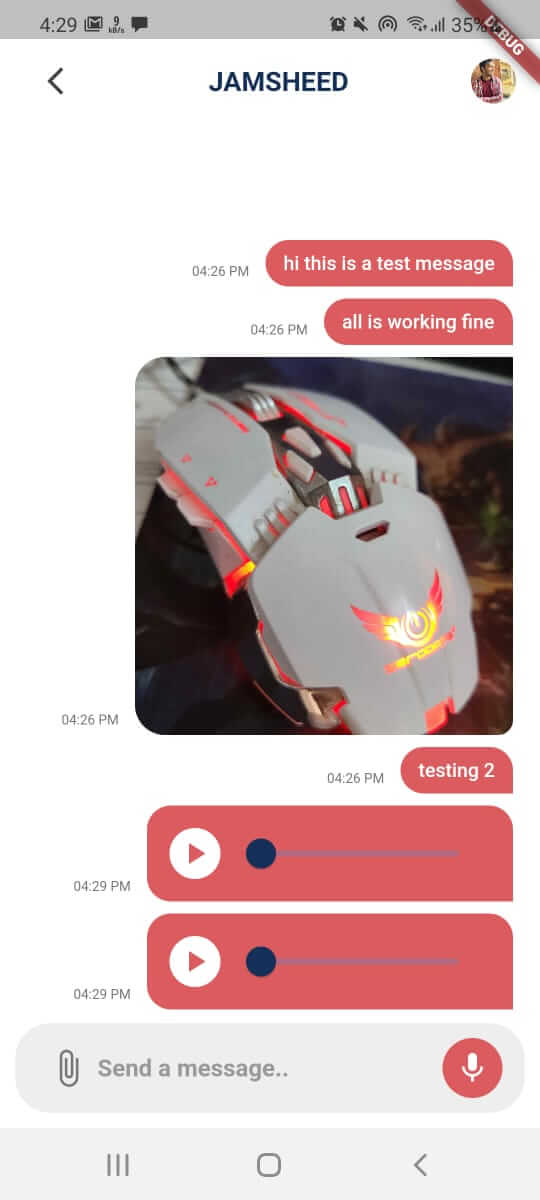
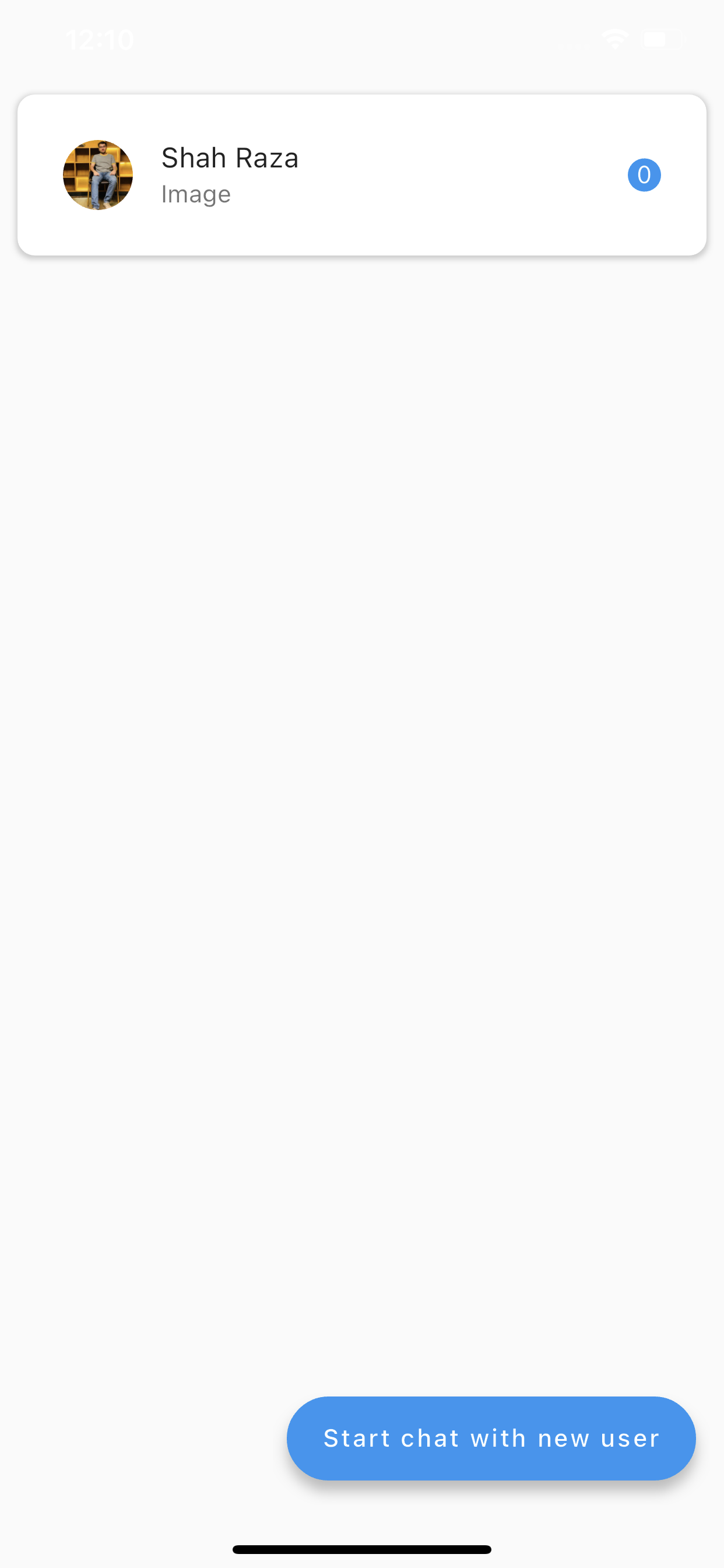
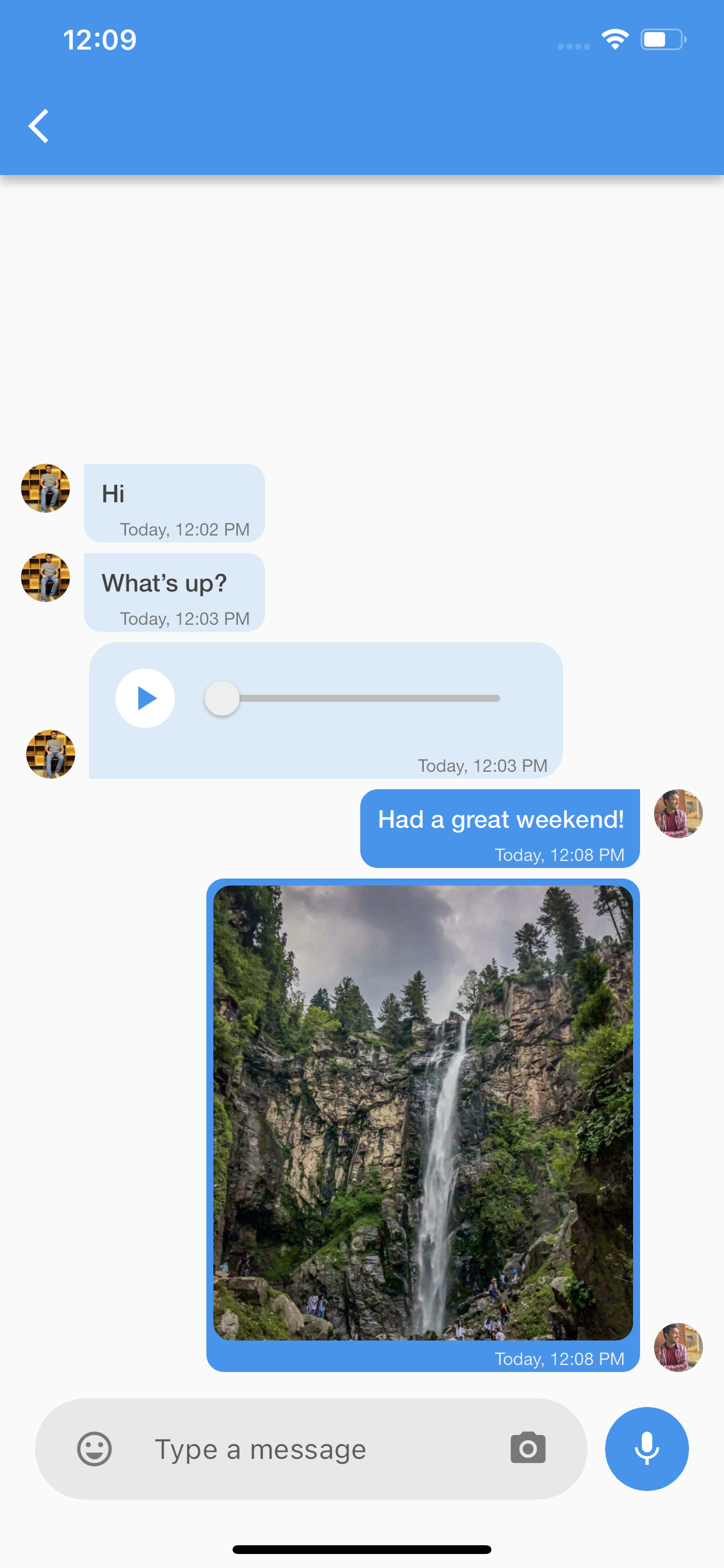
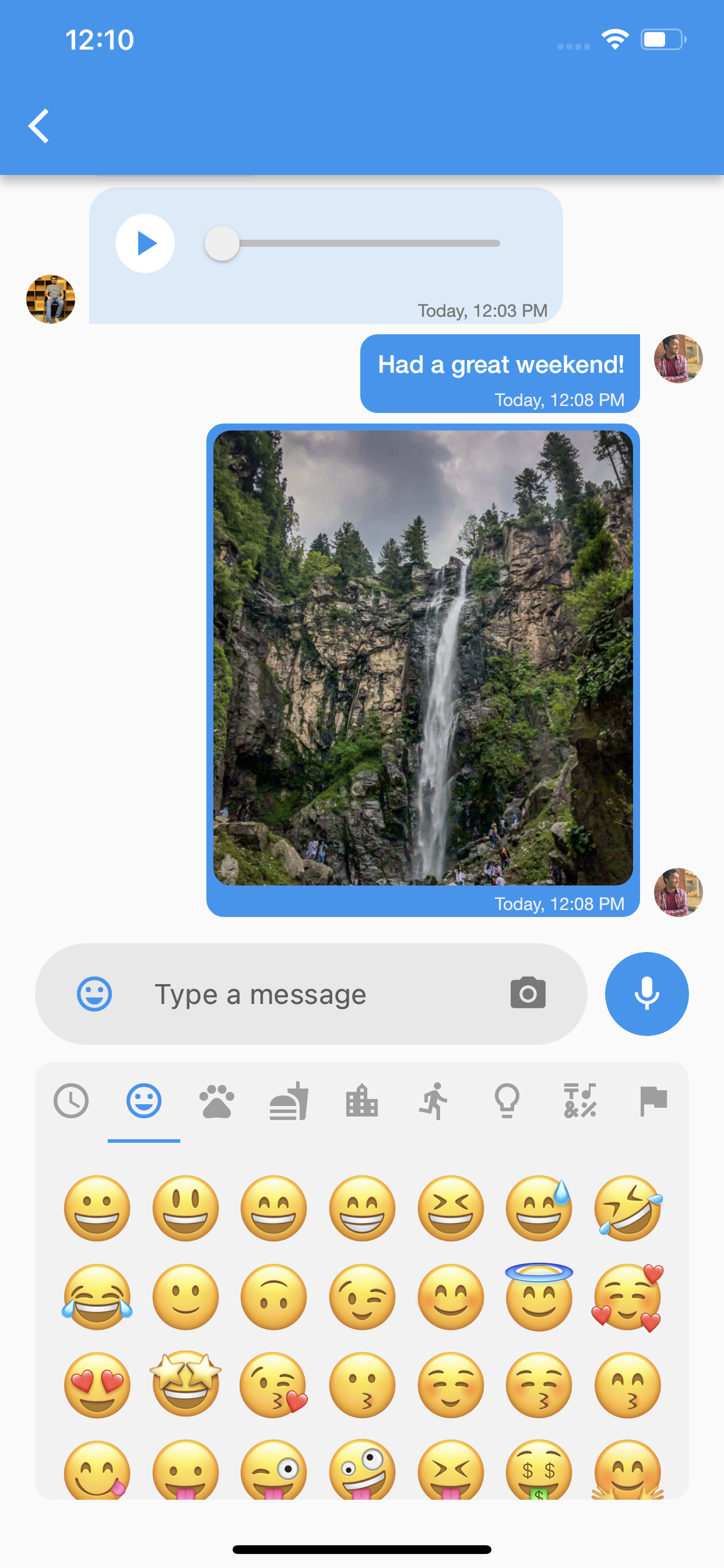
This package is a powerful and versatile solution for implementing real-time chat functionality in your Flutter applications. Built on Firebase Firestore and Firebase Cloud, this package provides a unique and pre-designed chatting system with features such as push notifications and a customizable theme for the Inbox Screen and Chat Screen.
| Android | iOS | macOS | Web | Linux | Windows |
|---|---|---|---|---|---|
| ✔ | ✔ | :x: | :x: | :x: | :x: |
To get started, add the following dependency to your pubspec.yaml file:
dependencies:
  apptex_chat: ^2.0.0
Then, run flutter pub get to install the package.
Step 1 : Firebase Configuration
Step 2 : User Authentication
To enable chat functionality, you need to authenticate users. When a user signs up or logs in, you can pass their information to AppTexChat using the initChat method.
// Here you can set the current user to the Apptex chat
AppTexChat.instance.initChat(
 currentUser: ChatUserModel(
   uid: "{uid}",
   profileUrl: "{Profile url}",
   name: "{Currect User Name}",
   fcmToken: "{Fcm Token}", //Pass empty string if you don't have fcm token
 ),
);
Replace Current User Name, uid, profile URL, and Fcm Token with the corresponding values for the user.
Step 3 : Starting a Chat
To start a chat with another user, call the startNewConversationWith function:
//Here you need to pass the other user's info
AppTexChat.instance.startNewConversationWith(
  ChatUserModel(
    uid: "Other user uid",
    profileUrl: 'Other user profile',
    name: 'Other user name',
    fcmToken: 'Other user fcm token',
  ),
);
To see a list of all the conversations, use the ConversationsScreen widget. It has a builder parameter which gives you the flexibility to list the conversation according to your app's design.
// Example
ConversationsScreen(
  builder: (conversations, isLoading) => ListView.separated(
    separatorBuilder: (context, index) => SizedBox(height: 20),
    shrinkWrap: true,
    padding: EdgeInsets.symmetric(horizontal: 10, vertical: 10),
    itemCount: conversations.length,
    itemBuilder: (context, index) => Container(
      decoration: BoxDecoration(
        borderRadius: BorderRadius.circular(10),
        color: Colors.white,
        boxShadow: [
          BoxShadow(
            color: Colors.grey.withOpacity(0.5),
            spreadRadius: 1,
            blurRadius: 2,
            offset: Offset(0, 1),
          )
        ],
      ),
      padding: EdgeInsets.all(10),
      child: ListTile(
        onTap: () {
          //TODO: Navigate to chat screen
        },
        leading: CircleAvatar(
          backgroundImage:
              NetworkImage(conversations[index].otherUser.profileUrl ?? ''),
        ),
        title: Text(conversations[index].otherUser.name),
        subtitle: Text(conversations[index].lastMessage),
        trailing: Container(
          padding: EdgeInsets.all(5),
          decoration: BoxDecoration(
            color: Colors.blue,
            shape: BoxShape.circle,
          ),
          child: Text(
            conversations[index].unreadMessageCount.toString(),
            style: TextStyle(color: Colors.white),
          ),
        ),
      ),
    ),
  ),
);
To see messages of a specific conversation, use the ChatScreen widget. It has an appBarBuilder(required) and
bubbleBuilder(optional) parameter which gives you the flexibility to create custom appbar and chat bubbles according to your app's design.
ChatScreen(
 conversationModel: conversationModel,
 showMicButton: false, //It is true by default, set it to false if you don't want voice messages
 appBarBuilder: ((currentUser, otherUser) => AppBar()), //Builder to create custom AppBar
);
More is about to Come:
Features that will be added later:
 Sayed Muhammad Idrees 💻 🎨 |
 Shah Raza 💻 |
 Jamshid Ali 💻 |
 Afaq Zahir 💻 |

Lista de dependências 12 itens
{"sdk":"flutter"}^6.6.0^13.0.0^2.0.0^3.4.1^6.1.2^2.0.2^0.19.0^4.4.0^1.1.2{"sdk":"flutter"}^5.0.0Filtre pelo caso de uso, compare a atividade e confira o projeto original antes de adotá-lo.
“A repository is the most basic element of GitHub.”
GitHub Docs — About repositories ↗