Flutter Community: flutter_blurhash
pub package
Twitter
flutter_blurhash
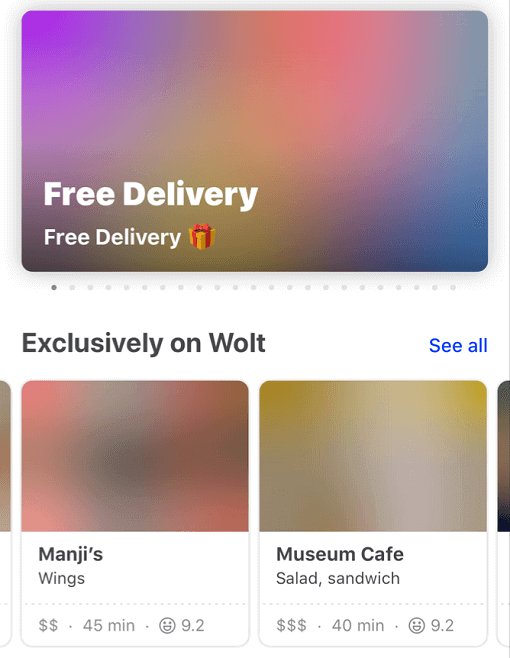
Blurhash is compact representation of a blurred image.
It's often used as a placeholder while waiting for a full image to load.
This package implements the blurhash-decoding algorithm in pure Dart.
It also provides the BlurHash widget that displays the blurhash and can transition into the actual image once it is loaded.
Currently, it doesn't support encoding an image into a blurhash.
Generation
A fast and easy way to get a blurhash for your image is to upload it to https://blurha.sh.
Blurhash demo
Example
Constrain your widget's render area and let BlurHash fill the pixels.
class ExampleApp extends StatelessWidget {
  const ExampleApp({super.key});

  @override
  Widget build(BuildContext context) {
    return MaterialApp(
      home: Scaffold(
        appBar: AppBar(title: const Text("BlurHash")),
        body: const SizedBox.expand(
          child: Center(
            child: AspectRatio(
              aspectRatio: 1.6,
              child: BlurHash(hash: "L5H2EC=PM+yV0g-mq.wG9c010J}I"),
            ),
          ),
        ),
      ),
    );
  }
}
Optimization Modes
- None (
BlurHashOptimizationMode.none): The original algorithm, provided for backward compatibility.
- Standard (
BlurHashOptimizationMode.standard): Optimized decoding with better cache locality and performance.
- Approximation (
BlurHashOptimizationMode.approximation): Fastest mode with an approximated sRGB conversion that produces slightly darker results but significantly improves performance.
class BlurHashApp extends StatelessWidget {
  const BlurHashApp({Key? key}) : super(key: key);

  @override
  Widget build(BuildContext context) => MaterialApp(
    home: Scaffold(
      appBar: AppBar(title: const Text("BlurHash")),
      body: const SizedBox.expand(
        child: Center(
          child: AspectRatio(
            aspectRatio: 1.6,
            child: BlurHash(
              hash: "L5H2EC=PM+yV0g-mq.wG9c010J}I",
              optimizationMode: BlurHashOptimizationMode.approximation,
            ),
          ),
        ),
      ),
    ),
  );
}


 v0.9.1