
 v1.0.2
touchable
Biblioteca Flutter para adicionar vários callbacks de gestos a cada forma que você desenha no seu canvas em seu CustomPainter
232Curtidas 15,4 milDownloads em 30 dias130Pontos Pub
AndroidiOSWebmacOSWindowsLinux
A única biblioteca Flutter para adicionar gestos e animações a formas personalizadas desenhadas no seu canvas.

Lista de dependências 2 itens
{"sdk":"flutter"}{"sdk":"flutter"}Texto original em inglês. Visite o GitHub para a versão atual.
https://raw.githubusercontent.com/nateshmbhat/touchable/master/.github/logo.svg
https://img.shields.io/pub/v/touchable https://img.shields.io/badge/package-flutter-blue https://img.shields.io/github/license/nateshmbhat/touchable https://img.shields.io/github/stars/nateshmbhat/touchable https://img.shields.io/github/forks/nateshmbhat/touchable https://img.shields.io/twitter/url?style=social&url=https%3A%2F%2Fgithub.com%2Fnateshmbhat%2Ftouchable https://img.shields.io/github/languages/code-size/nateshmbhat/touchable https://img.shields.io/badge/author-nateshmbhat-green.svg
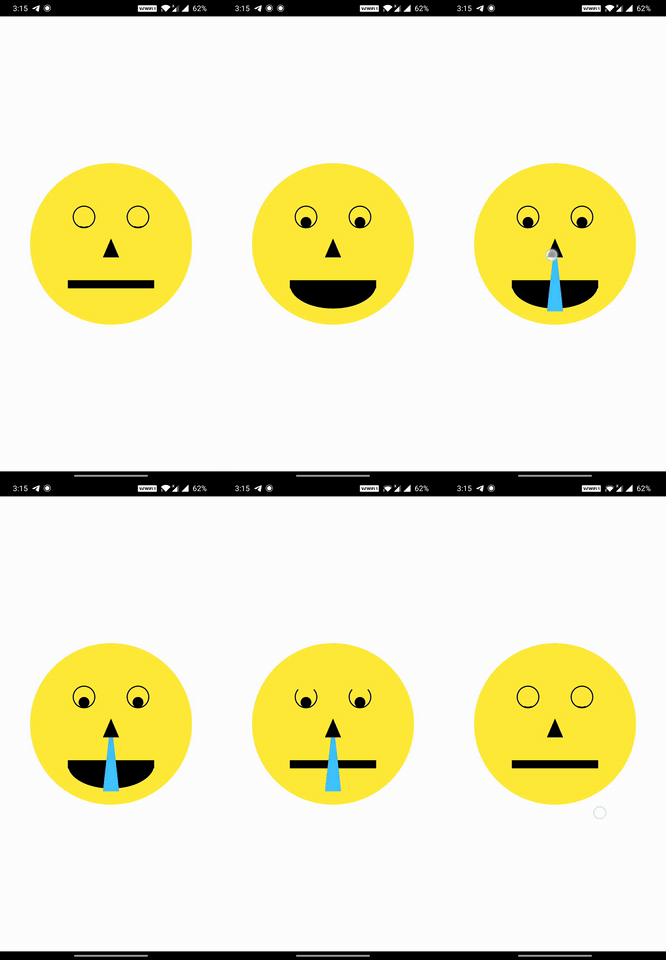
touchable library gives you the ability to add various gestures and animations to each Shape you draw on your canvas in the CustomPainterhttps://i.imgur.com/0Ft9FHJ.gif https://i.imgur.com/Un41cTo.gif
The CustomPainter lets you only draw shapes on the canvas. But most would want to let user interact with the drawings.
Add all kinds of gesture callbacks to each drawing to give interaction capability to the shapes you draw on the canvas.
Animating individual shapes has never been this easy.
Auto Handles the painting style (filled ▮ , stroke ▯) and detects touch accordingly.
Handles Painting stroke width. So if your shapes are painted thick , we still got it covered ✓
Supports clipping and different clipping modes for the drawings.
Supports HitTestBehavior for each shape.
Simple and Easy API. Just wrap your CustomPaint with CanvasTouchDetector and use the TouchyCanvas in your painter.
With touchable , you get what the normal canvas always missed : touchability 😉
Add the touchable package as dependency in your pubspec.yaml
dependencies:
  touchable:
CustomPaint widget with CanvasTouchDetector. It takes a builder function as argument that expects your CustomPaint widget as shown below.CanvasTouchDetector(
builder: (context) =>
CustomPaint(
painter: MyPainter(context)
)
)
CustomPainter class's paint method , create and use the TouchyCanvas object (using the context obtained from the CanvasTouchDetector and canvas) to draw any shape with different gesture callbacks.var myCanvas = TouchyCanvas(context,canvas);
myCanvas.drawRect( rect , Paint() , onTapDown: (tapDetail){
//Do stuff here. Probably change your state and animate
});
class MyPainter extends CustomPainter {

  final BuildContext context ;
  MyPainter(this.context); // context from CanvasTouchDetector

  @override
  void paint(Canvas canvas, Size size) {
    var myCanvas = TouchyCanvas(context,canvas);

    myCanvas.drawCircle(Offset(10, 10), 60, Paint()..color=Colors.orange ,
        onTapDown: (tapdetail) {
         print("orange Circle touched");
       },
        onPanDown:(tapdetail){
          print("orange circle swiped");
        }
    );

    myCanvas.drawLine(
        Offset(0, 0),
        Offset(size.width - 100, size.height - 100),
        Paint()
          ..color = Colors.black
          ..strokeWidth = 50,
        onPanUpdate: (detail) {
            print('Black line Swiped'); //do cooler things here. Probably change app state or animate
    });
  }
}
When you draw shapes on the canvas (TouchyCanvas) , it keeps track of the dimensions of each shape you draw and their painting style , stroke , order , clippings etc.
When user performs any gesture on the screen , based on the location of the gesture , the appropriate shape is selected from the lot taking clipping regions , paint , hitTest behaviour etc into account in an optimized way. Callbacks of the corresponding shapes (one or more depending on the hitTest behavior) are executed.
StrokeCap.round for lines with huge width.