


v0.0.4
flutter_material_symbols
Um pacote Flutter que fornece um conjunto de ícones Material Symbols.
29Curtidas 730Downloads em 30 dias60Pontos Pub
AndroidiOSWebmacOSWindowsLinux
Um pacote Flutter que fornece um conjunto de ícones Material Symbols.

Texto original em inglês. Visite o GitHub para a versão atual.
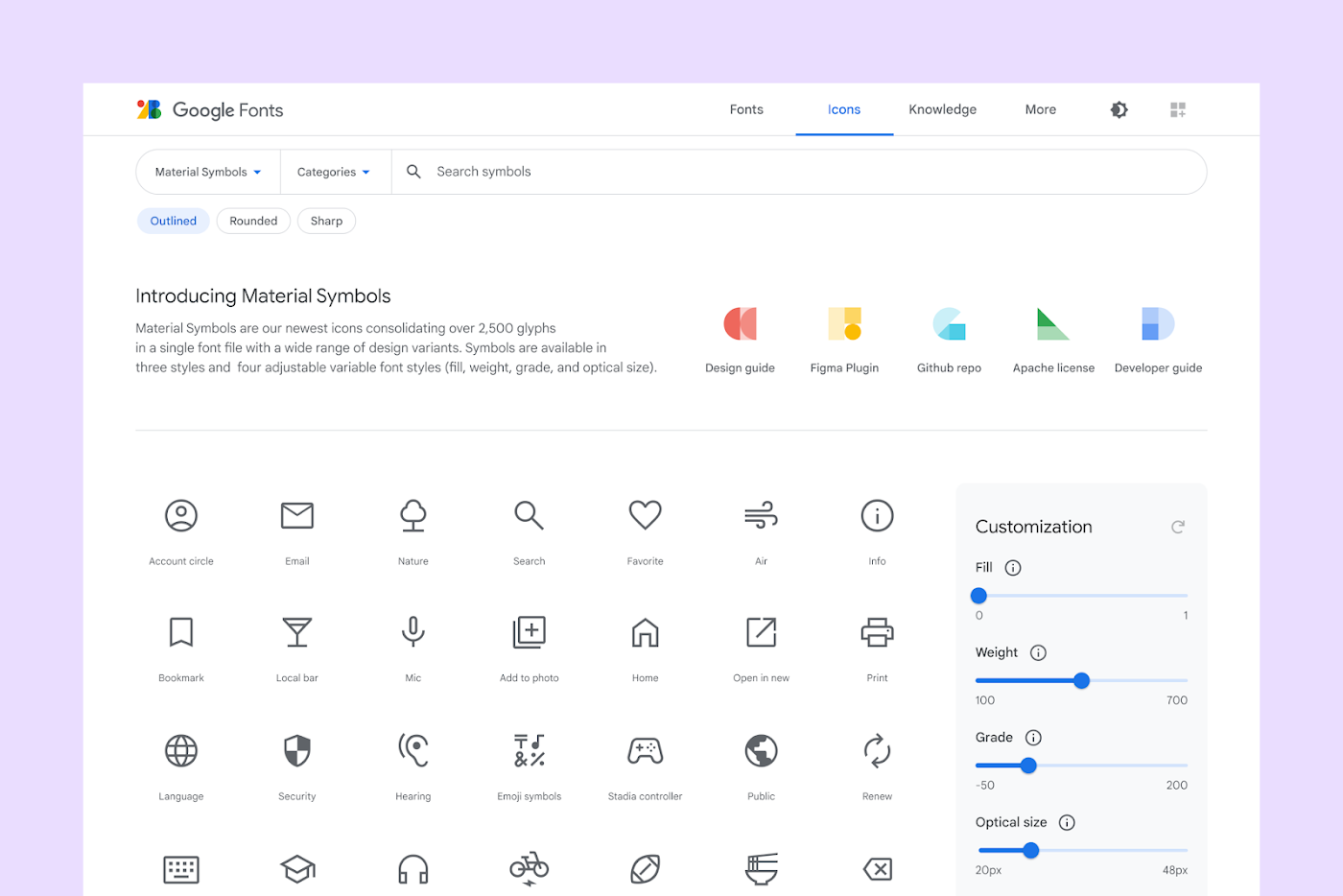 Image Source: material.io

This Flutter package aims to add all icons from Material Symbols introduced by Google along with the Material 3.
Read Google's official announcement here.
To use this package, add flutter_material_symbols as a dependency in your pubspec.yaml file.
Using the command line:
flutter pub add flutter_material_symbols
Or, if you prefer to add directly to your pubspec.yaml file:
dependencies:
  flutter_material_symbols: ^0.0.1
Import the package:
import 'package:flutter_material_symbols/flutter_material_symbols.dart';
Use the MaterialSymbols class to access the icons:
Icon(MaterialSymbols.favorite),
IconButton(
  icon: Icon(MaterialSymbols.add),
  onPressed: () {},
)
This package also supports filled, outlined, and sharp icons, which can be used by adding the filled, outlined, or sharp suffix to the icon name:
 Image Source: material.io
Icon(MaterialSymbols.favorite_filled),
Icon(MaterialSymbols.favorite_outlined),
Icon(MaterialSymbols.favorite_sharp),
If you find any bugs or misplaced icons, please open an issue here.
This package is licensed under the MIT License
Lista de dependências 3 itens
{"sdk":"flutter"}{"sdk":"flutter"}^2.0.0Filtre pelo caso de uso, compare a atividade e confira o projeto original antes de adotá-lo.
“A repository is the most basic element of GitHub.”
GitHub Docs — About repositories ↗