Buscar pacotes, repositórios e categorias de apps

Repositório GitHubthemaaz32/linkify_text

linkify_text

Widget LinkifyText no Flutter

Capa do projeto linkify_text
Estrelas
7
Forks
0
Último push (UTC)
26 de out. de 2021
Status do projeto
Ativo

README original

Texto original em inglês. Visite o GitHub para a versão atual.

LinkifyText

LinkifyText Widget allows to highlight links in Text. It further allow navigation, link opening on browser, on tapping highlighted link.

Code Example

import 'package:flutter/material.dart';
import 'package:linkify_text/linkify_text.dart';

void main() => runApp(MyApp());

class MyApp extends StatelessWidget {
  // This widget is the root of your application.
  @override
  Widget build(BuildContext context) {
    return MaterialApp(
      title: 'Flutter Demo',
      theme: ThemeData(

        primarySwatch: Colors.blue,
      ),
      home: MyHomePage(),
    );
  }
}

class MyHomePage extends StatelessWidget {
  @override
  Widget build(BuildContext context) {
    return Scaffold(
      body: Center(child:
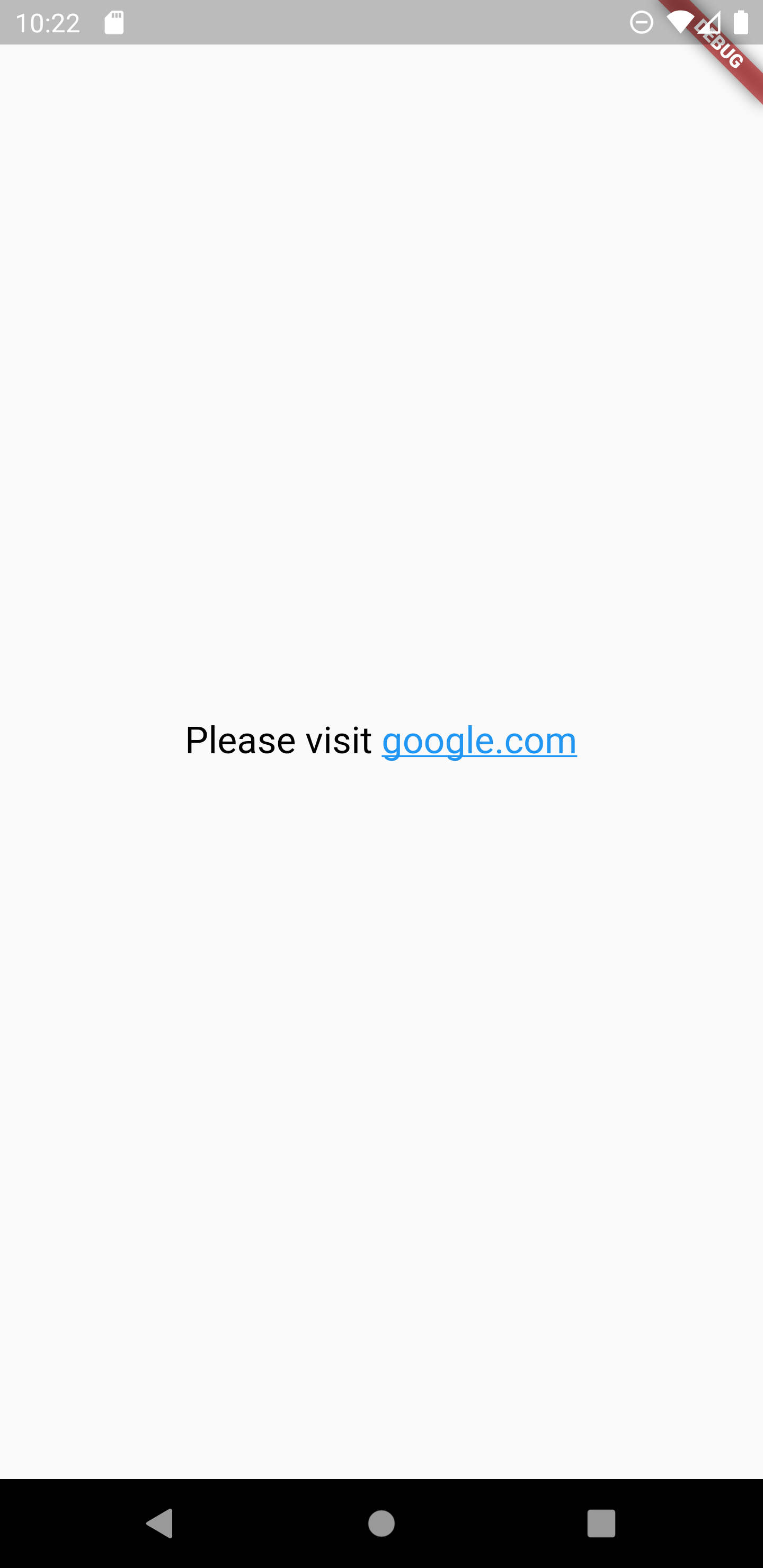
        LinkifyText(

          //String literal that may contain link
          "Please visit google.com",

          //color for all non link text
          fontColor: Colors.black,

          //color to highlight link
          linkColor: Colors.blue,

          //font size
          fontSize: 20,

          //font weight of the text
          fontWeight: FontWeight.w500,

          //font family of the text
          fontFamily: "Roboto",

          //To enable navigation on tapping on highlighted link
          isLinkNavigationEnable: true,
        ),
      ),
    );
  }
}

Image

Screenshot_1582176175

Maaz Aftab GitHub avatar
Autor no GitHub

Maaz Aftab ↗

Founder of Easy Approach. Instructor at Easy Approach Flutter Enthusiast. Youtube.com/EasyApproach

Easy ApproachPakistan
LinguagensDart

Pacotes publicados por este repositório

Dependências usadas

Lista de dependências 3 itens

  • flutter{"sdk":"flutter"}
  • url_launcher^6.0.12
  • flutter_testDesenvolvimento{"sdk":"flutter"}

Como escolher um repositório para seu projeto?

Filtre pelo caso de uso, compare a atividade e confira o projeto original antes de adotá-lo.

  1. Busque por nome, autor ou descrição e filtre por tema.
  2. Compare estrelas, forks e envios recentes. Estrelas indicam interesse, mas não garantem qualidade.
  3. Confira o README, a licença e as issues no GitHub antes de usar o projeto.

Fontes e manutenção

“A repository is the most basic element of GitHub.”

GitHub Docs — About repositories ↗