If you wanna get the result from the time picker sheet then what you have to do is await the result. As you know if we wanna await the result
we need to do it as an async process right? so please make sure to do so. The code must be like this
final result = awaitTimePicker.show<DateTime?>(
context: context,
sheet: TimePickerSheet(
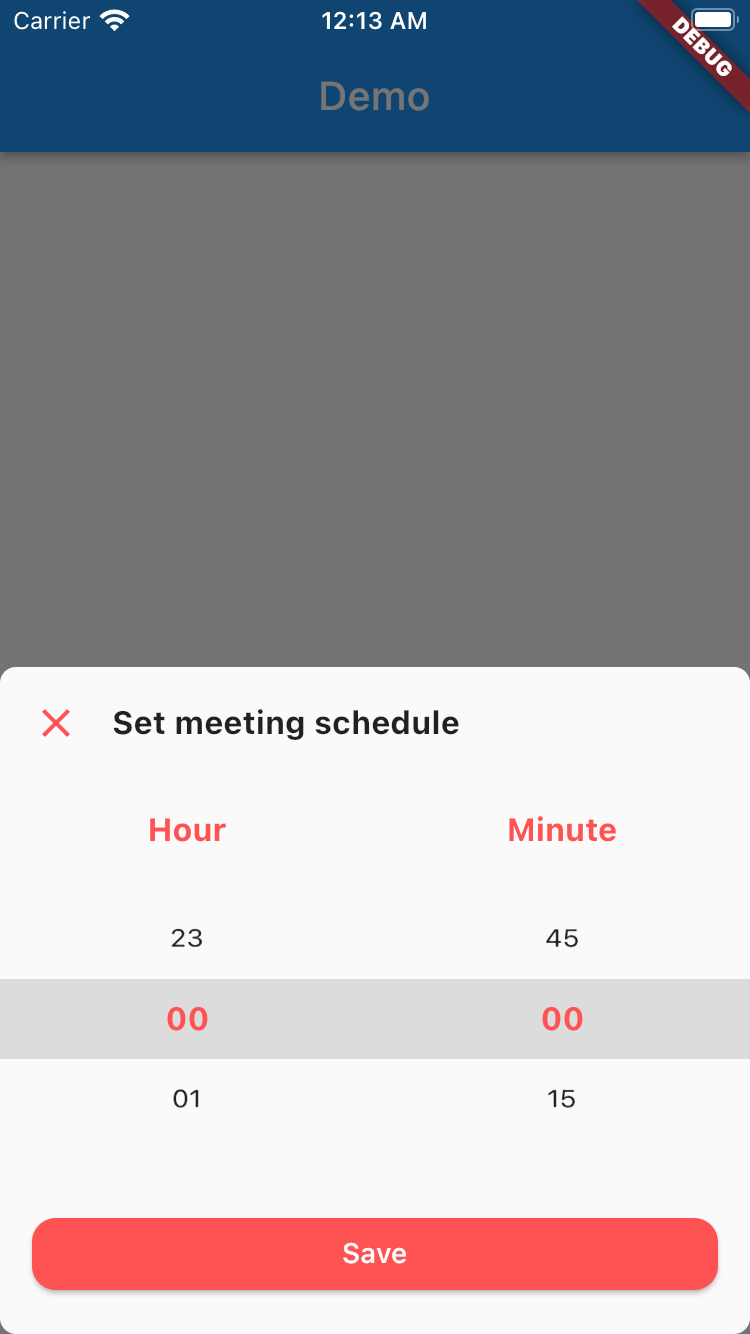
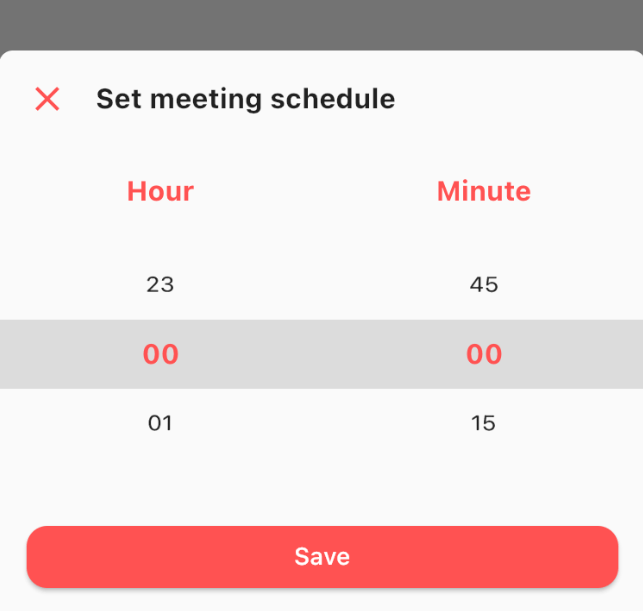
sheetTitle: 'Set meeting schedule',
hourTitle: 'Hour',
minuteTitle: 'Minute',
saveButtonText: 'Save',
),
);
the result from the sheet is should be nullable DateTime, if user closed the sheet the result will be null, but if the user click on the save button
then the result should be the selected time as a DateTime, so you can get the hour & the minute.
Customize
What you can customize?
Sheet title including the style
Sheet close icon including the color
Title hour including the style
Title minute including the style
Selected hour & minute including the style
Save button color & text
1 or 2 digit format
the default format is 2 digit
Hour interval with min & max value
the default interval is 1, so the options will be started from 0 to 23
Minute interval with min & max value
the default interval is 15, so the options will be 0, 15, 30, 45
Initial date time
to make sure when your sheet goes up it select the right time. by default this is set to 00:00
All these things already have default value, so if you want to change one of them please make sure to set it via constructor.



 v0.0.2+1