

 v1.0.1
iconly
用於使用 Iconly 圖標的 Flutter 套件。
126喜歡 3450近 30 天下載50Pub 分數
AndroidiOSWebmacOSWindowsLinux
Iconly 圖標集的 Flutter 實作。

以下為英文專案原文快照,最新內容請造訪 GitHub。


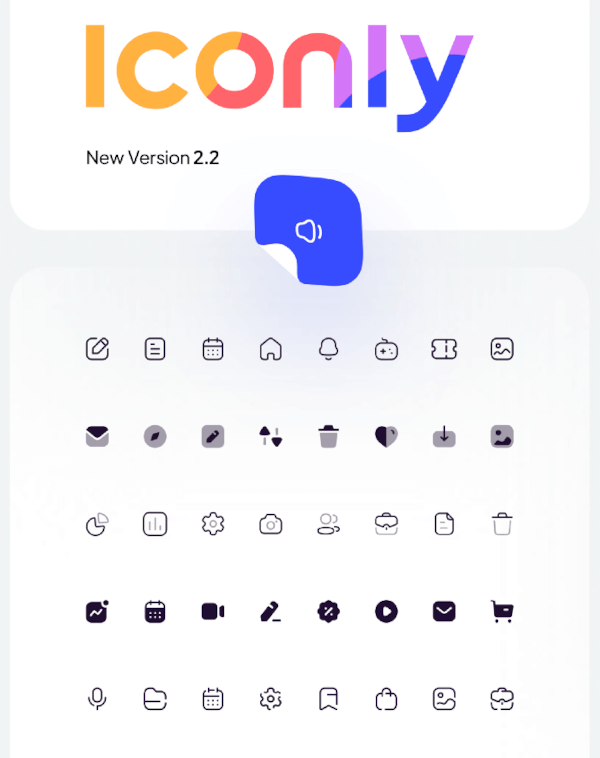
Flutter package for using Iconly Icons. Iconly is totally free, and you can use this package to bring these awesome icons to your Flutter project.
This package has made from Iconly v2.3 version. following sets are currently available in this package:
note: since Flutter does not support multicolor Icons, we can not support Bulk Icon set. but we are going to implement that in the future.
Add the following line to your pubspec.yaml file, under the dependencies: section:
dependencies:
  iconly: <latest_version>
import 'package:font_awesome_flutter/font_awesome_flutter.dart';

class IconlyWidget extends StatelessWidget {

  Widget build(BuildContext context) {
    return IconButton(
      icon: Icon(IconlyLight.search),
      onPressed: () { print("Pressed"); }
     );
  }

}
We have created a sample project where you can find the icon you want and add it to your project. you can also run the example folder on mobile platforms and web. Checkout This Link for more info.
依賴清單 2 項
{"sdk":"flutter"}{"sdk":"flutter"}先依使用情境篩選,再比較專案活躍情況,最後到原始儲存庫確認使用要求。
“A repository is the most basic element of GitHub.”
GitHub Docs — About repositories ↗