
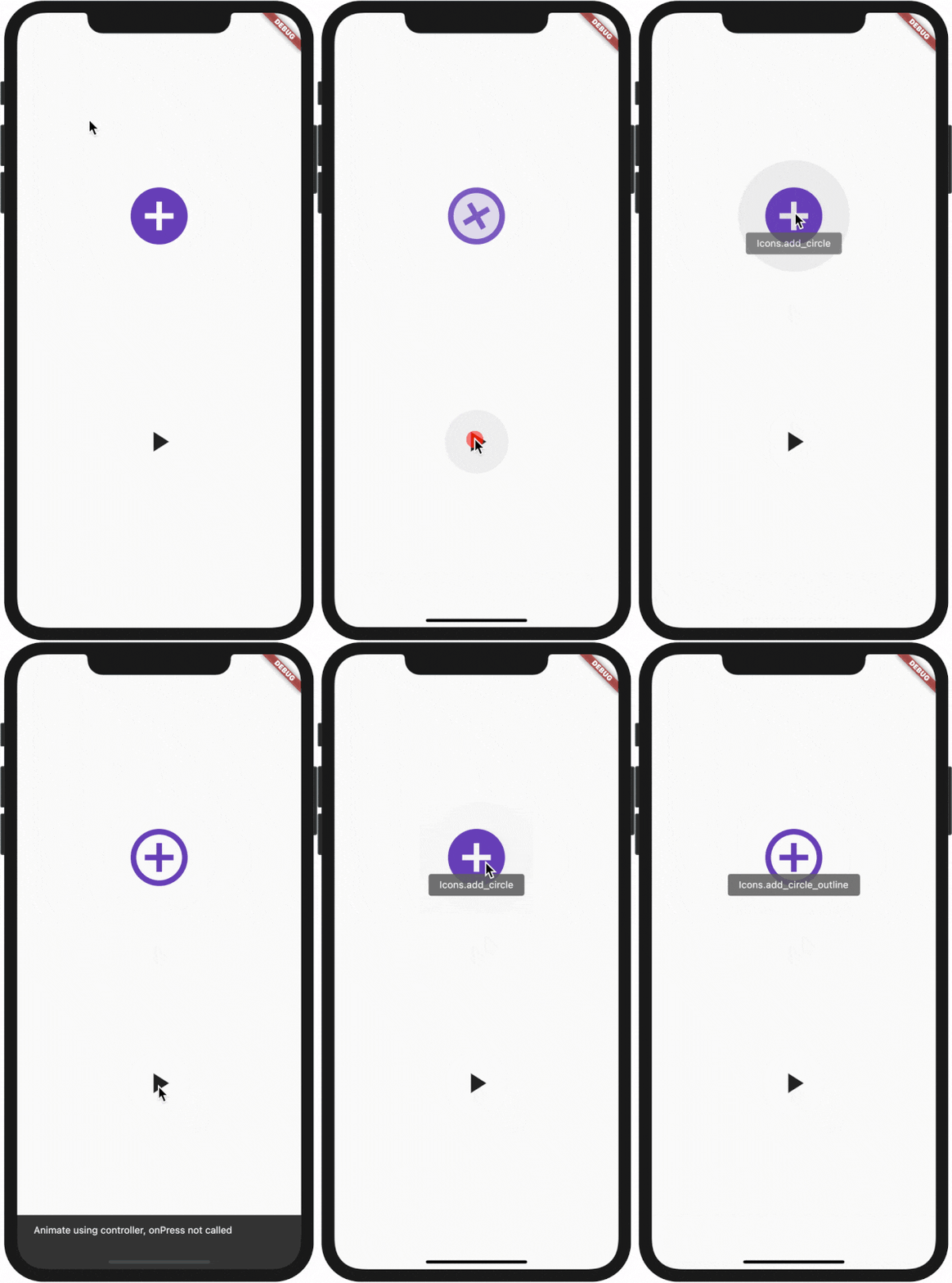
 v2.0.0
animate_icons
這是一個插件,藉由它,您可以像預設提供的 AnimatedIcon 小工具一樣,在任意兩個圖示之間進行動畫切換。
210喜歡 2690近 30 天下載140Pub 分數
AndroidiOSWebmacOSWindowsLinux
使用此外掛來動畫化任何兩個圖示,就像內建的 AnimatedIcons 一樣

依賴清單 2 項
{"sdk":"flutter"}{"sdk":"flutter"}以下為英文專案原文快照,最新內容請造訪 GitHub。
All plugin in your pubspec.yaml
animate_icons:
Make the import:
import 'package:animate_icons/animate_icons.dart';
Use the following widget:
AnimateIcons(
    startIcon: Icons.add_circle,
    endIcon: Icons.add_circle_outline,
    size: 100.0,
    controller: controller,
    // add this tooltip for the start icon
    startTooltip: 'Icons.add_circle',
    // add this tooltip for the end icon
    endTooltip: 'Icons.add_circle_outline',
    size: 60.0,
    onStartIconPress: () {
        print("Clicked on Add Icon");
        return true;
    },
    onEndIconPress: () {
        print("Clicked on Close Icon");
        return true;
    },
    duration: Duration(milliseconds: 500),
    startIconColor: Colors.deepPurple,
    endIconColor: Colors.deepOrange,
    clockwise: false,
),
Define AnimateIconController to animate b/w start and end icons without onIco press, check which icon is there on top - start or end.
AnimateIconController controller;
controller = AnimateIconController();
AnimateIcons(
    startIcon: Icons.add,
    endIcon: Icons.close,
    controller: controller,
    size: 60.0,
    onStartIconPress: () {
        print("Clicked on Add Icon");
        return true;
    },
    onEndIconPress: () {
        print("Clicked on Close Icon");
        return true;
    },
    duration: Duration(milliseconds: 500),
    startIconColor: Colors.deepPurple,
    endIconColor: Colors.deepOrange,
    clockwise: false,
),
if (controller.isStart()) {
    controller.animateToEnd();
} else if (controller.isEnd()) {
    controller.animateToStart();
}