

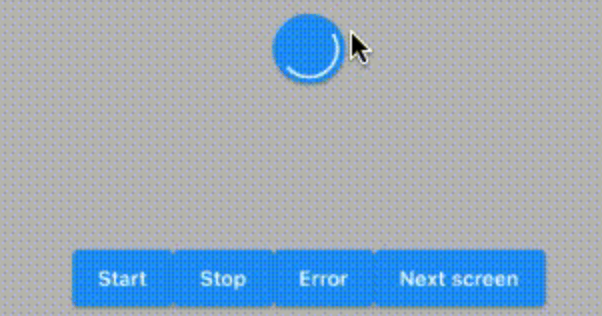
 v0.0.1
loading_transition_button
適用於 Flutter 的可自訂過渡按鈕。輕鬆為您的載入過程添加動畫。
36喜歡 8近 30 天下載70Pub 分數
平台暫無資料
動畫過渡按鈕

以下為英文專案原文快照,最新內容請造訪 GitHub。
A Customizable transition button for Flutter
To use this package, add loading_transition_button as a dependency in your pubspec.yaml file.
dependencies:
 ...
 loading_transition_button: ^0.0.1
In your project add the following import:
import 'package:loading_transition_button/loading_transition_button.dart';
In order to use this widget you have to use a LoadingButtonController to handler the different states.
final _controller = LoadingButtonController();
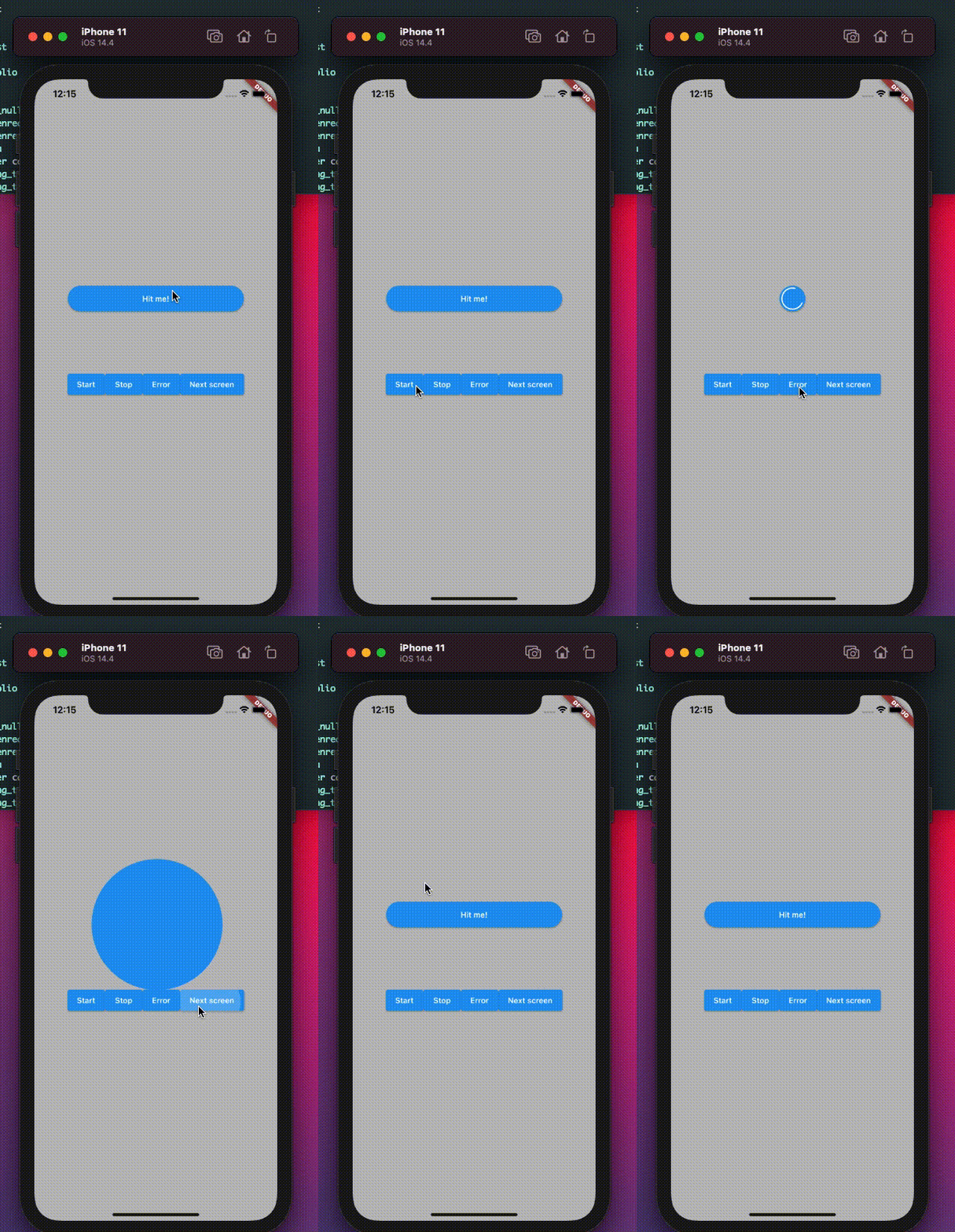
This widget starts a loading animation once it's tapped or by using the controller. You can the launcher to init an error animation or stop the loading animation.
LoadingButton(
    color: Colors.blue,
    onSubmit: () => print('onSubmit'),
    controller: _controller,
    errorColor: Colors.red,
    transitionDuration: Duration(seconds: 1),
    child: Text(
    'Hit me!',
    style: Theme.of(context)
        .textTheme
        .bodyText1!
        .copyWith(color: Colors.white),
    ),
),
To support the transition to a different page to have to call the moveToScreen method
_controller.moveToScreen(
    context: context,
    page: SearchPage(),
    stopAnimation: true,
    navigationCallback: (route) =>
        Navigator.of(context).push(route),
),
navigationCallback will send you a new route that you can use for different navigation method like push or replace.
依賴清單 4 項
{"sdk":"flutter"}^2.1.0{"sdk":"flutter"}^1.3.1先依使用情境篩選,再比較專案活躍情況,最後到原始儲存庫確認使用要求。
“A repository is the most basic element of GitHub.”
GitHub Docs — About repositories ↗