

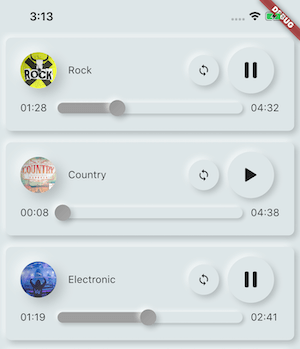
 v3.1.1
assets_audio_player
直接從Flutter和網路、廣播、即時串流、本機檔案播放儲存在assets檔案中的音樂/音訊。與Android、iOS、web和macOS相容。
1180喜歡 2150近 30 天下載110Pub 分數
AndroidiOSWebmacOS
全端音樂播放器應用使用 Flutter 和 Dart 編寫,結合 Node.js 音樂 API。功能完整的音樂播放器,介面類似 Spotify 應用。包含 1000 多首免版稅音樂及藝術家資訊。使用者可建立自己的播放清單或收集喜愛的歌曲。

以下為英文專案原文快照,最新內容請造訪 GitHub。
Full-stack music player app is written in flutter and dart using node.js music API. Fully Functional music player with UI like Spotify app. Added 500+ royalty-free music and information about artists. Application users can make their own playlist or collect liked songs. for backend setup here

And much more
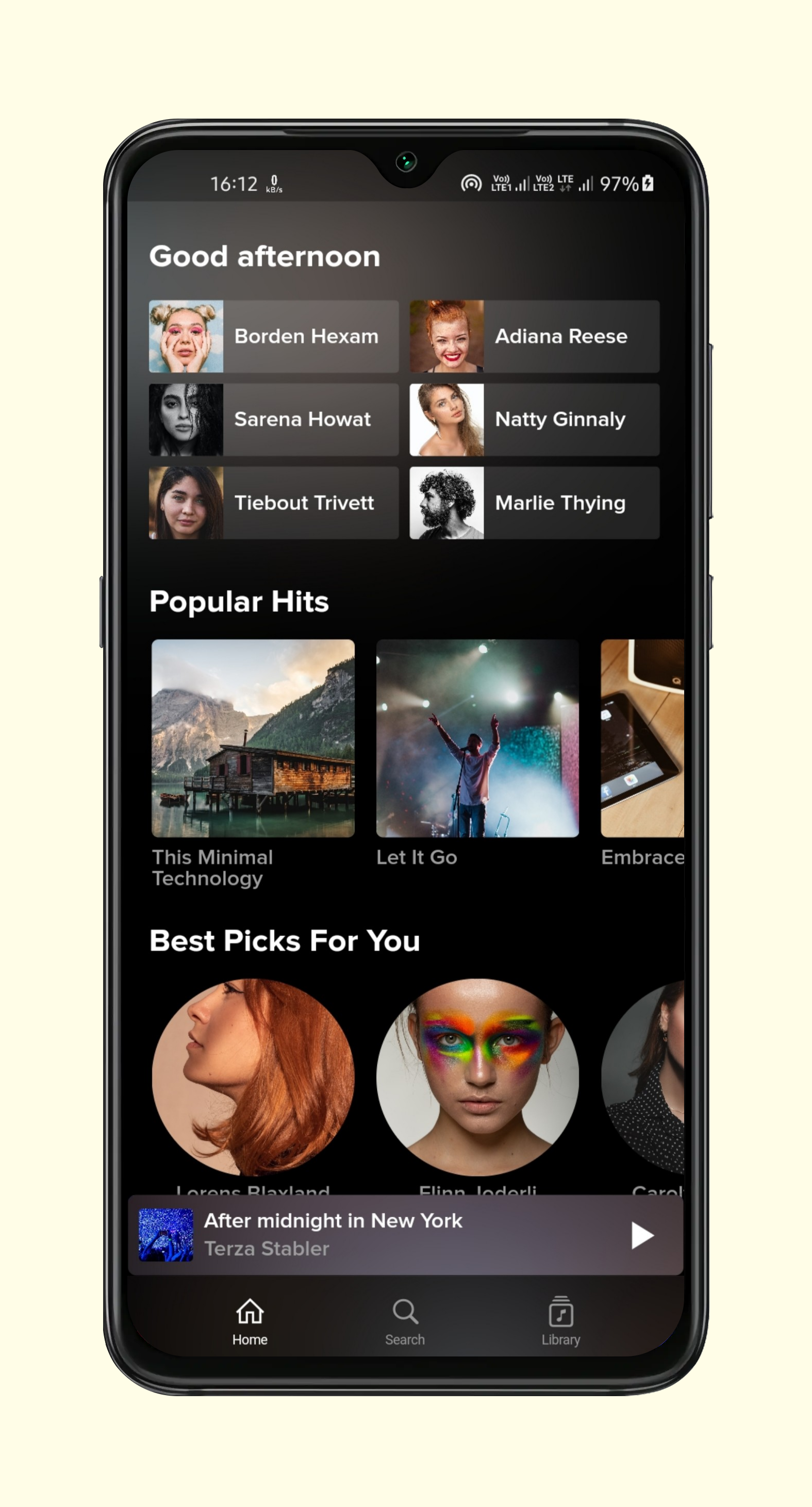
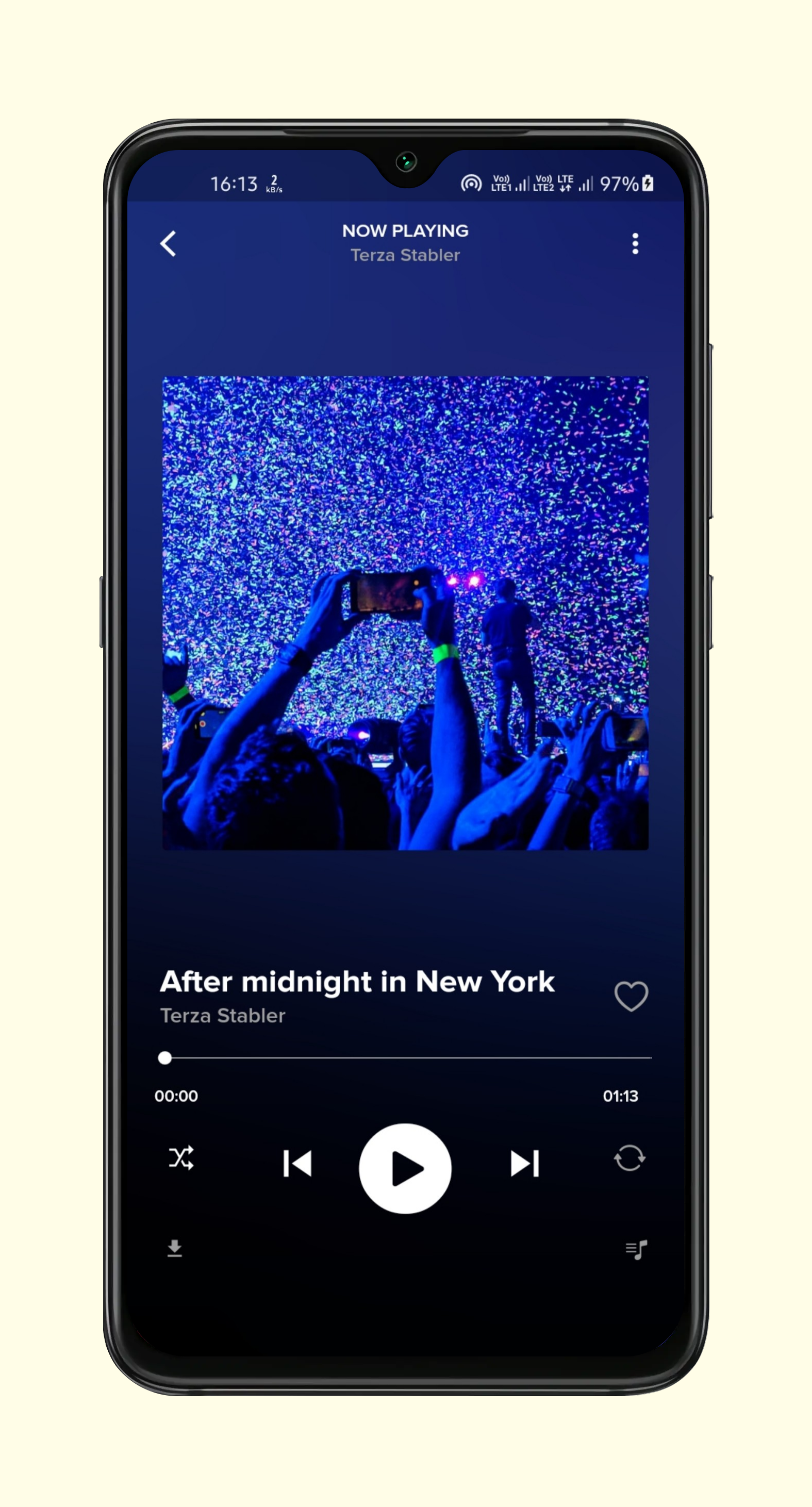
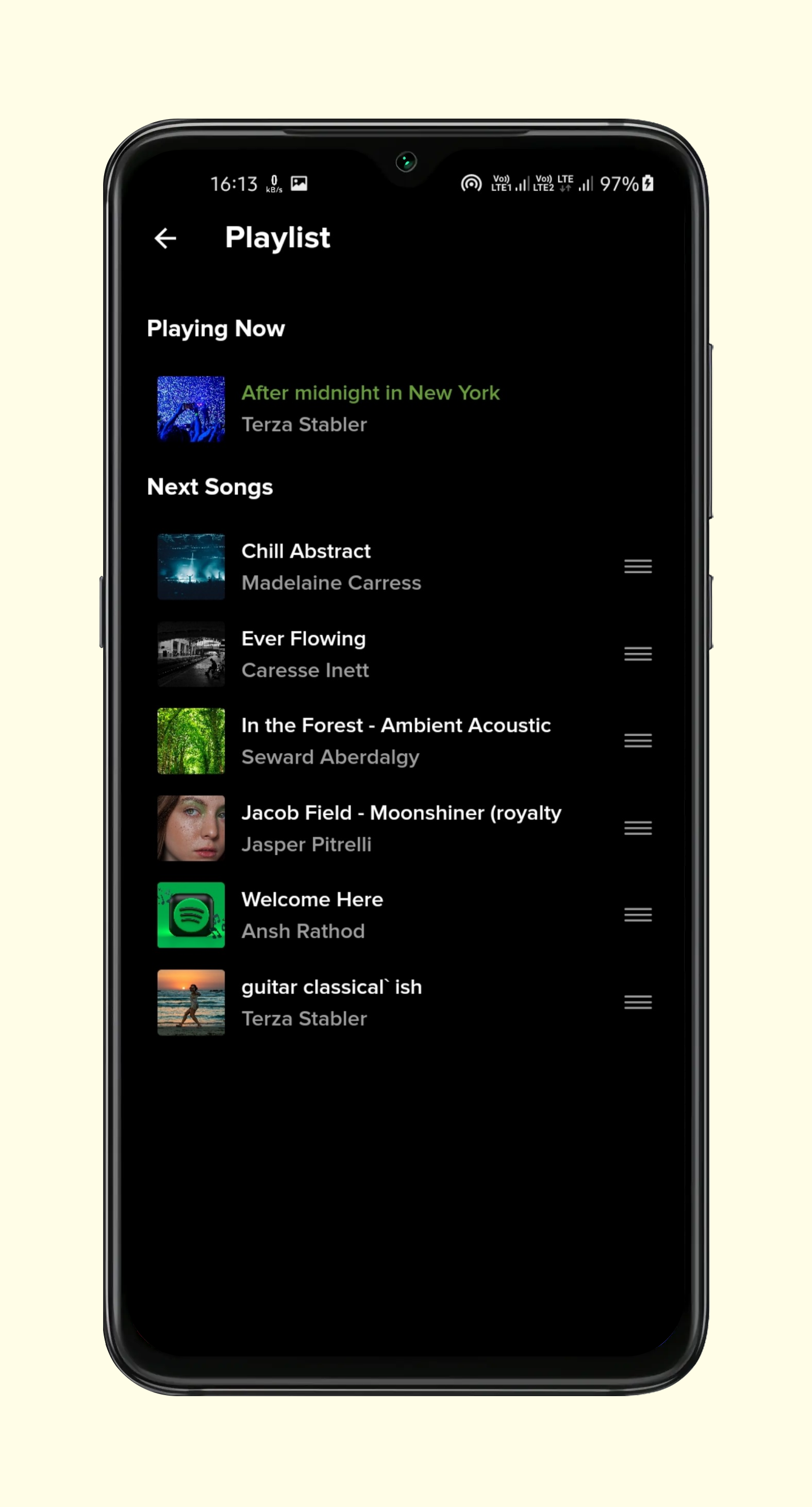
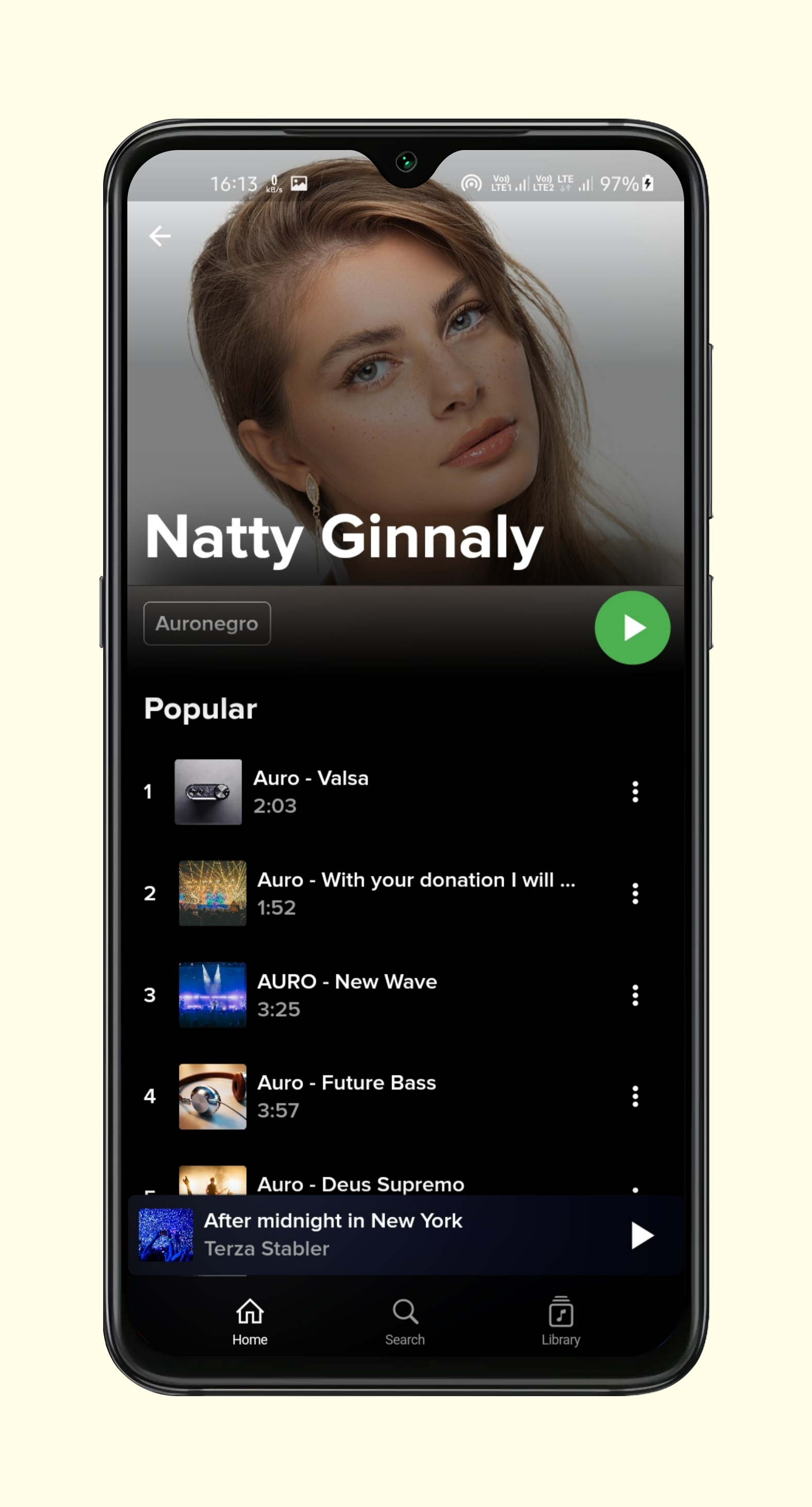
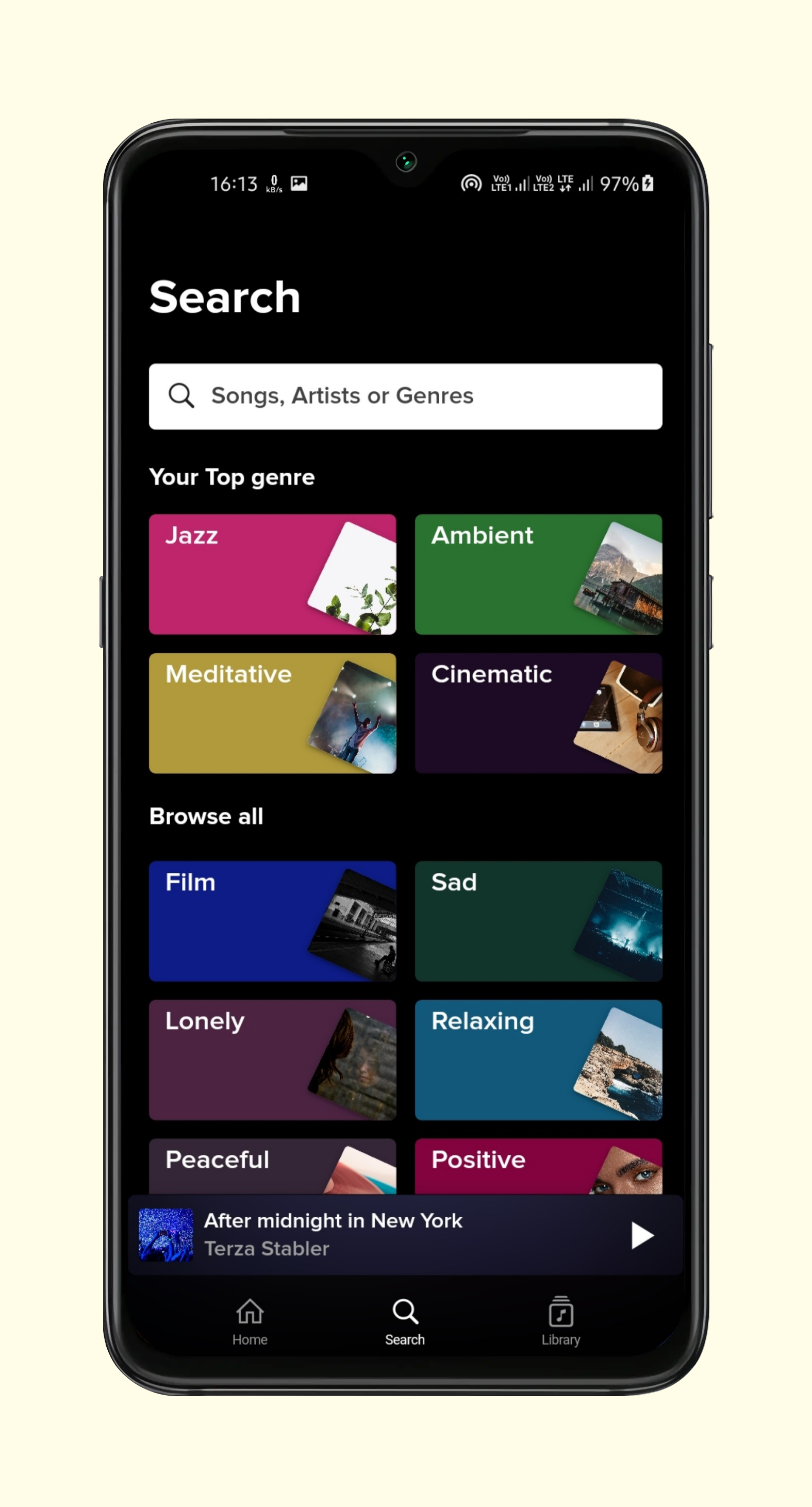
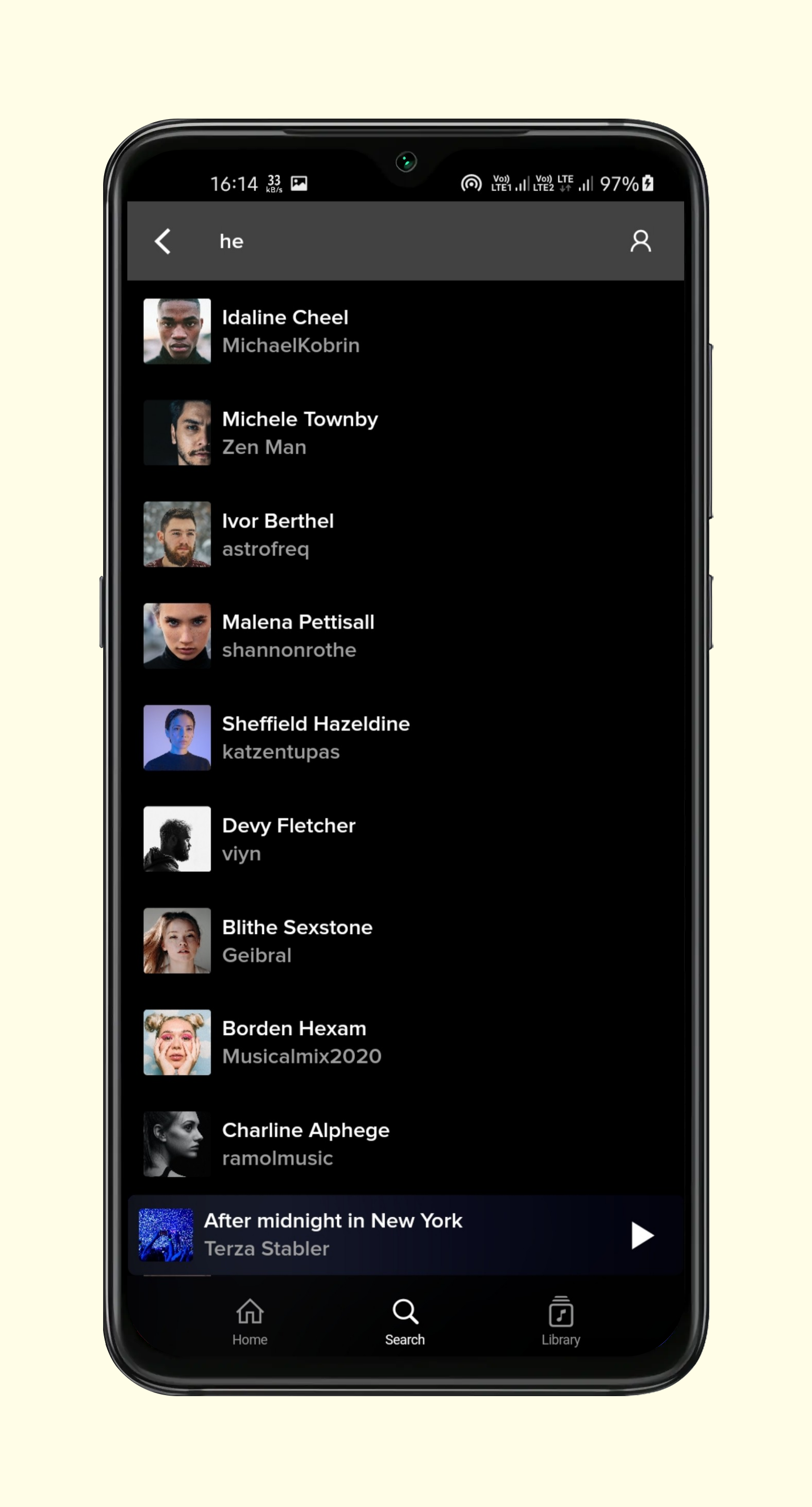
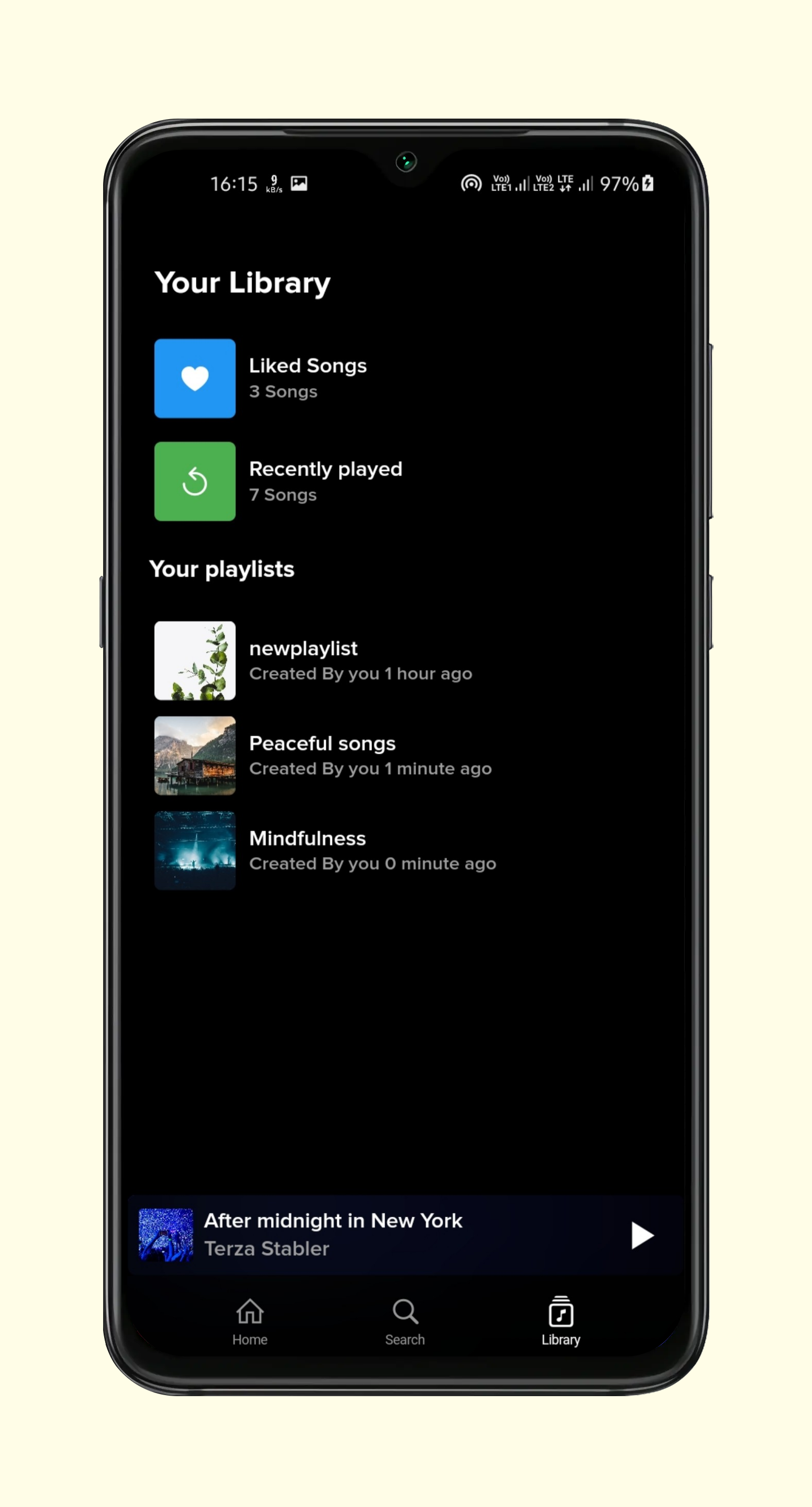
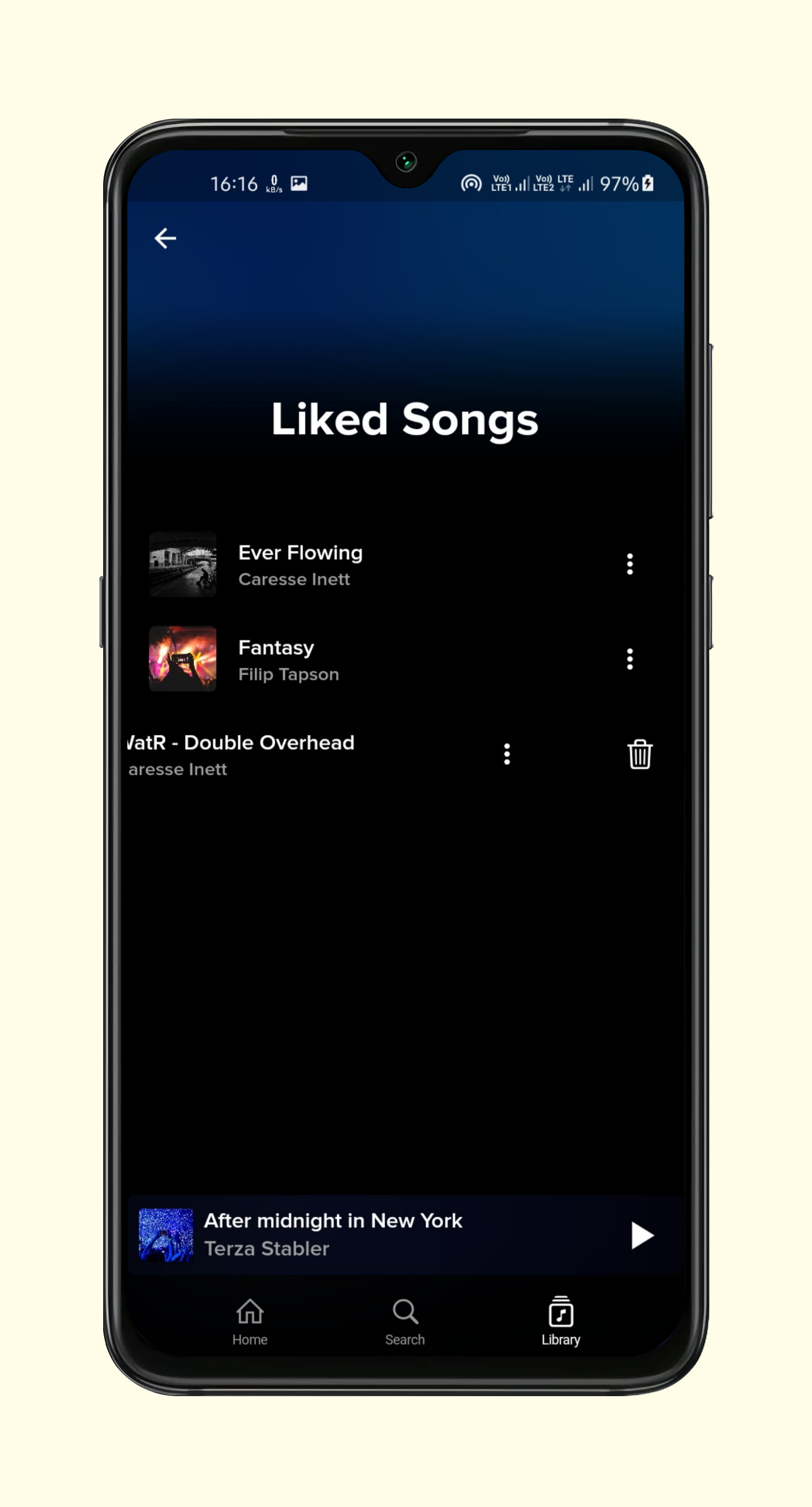
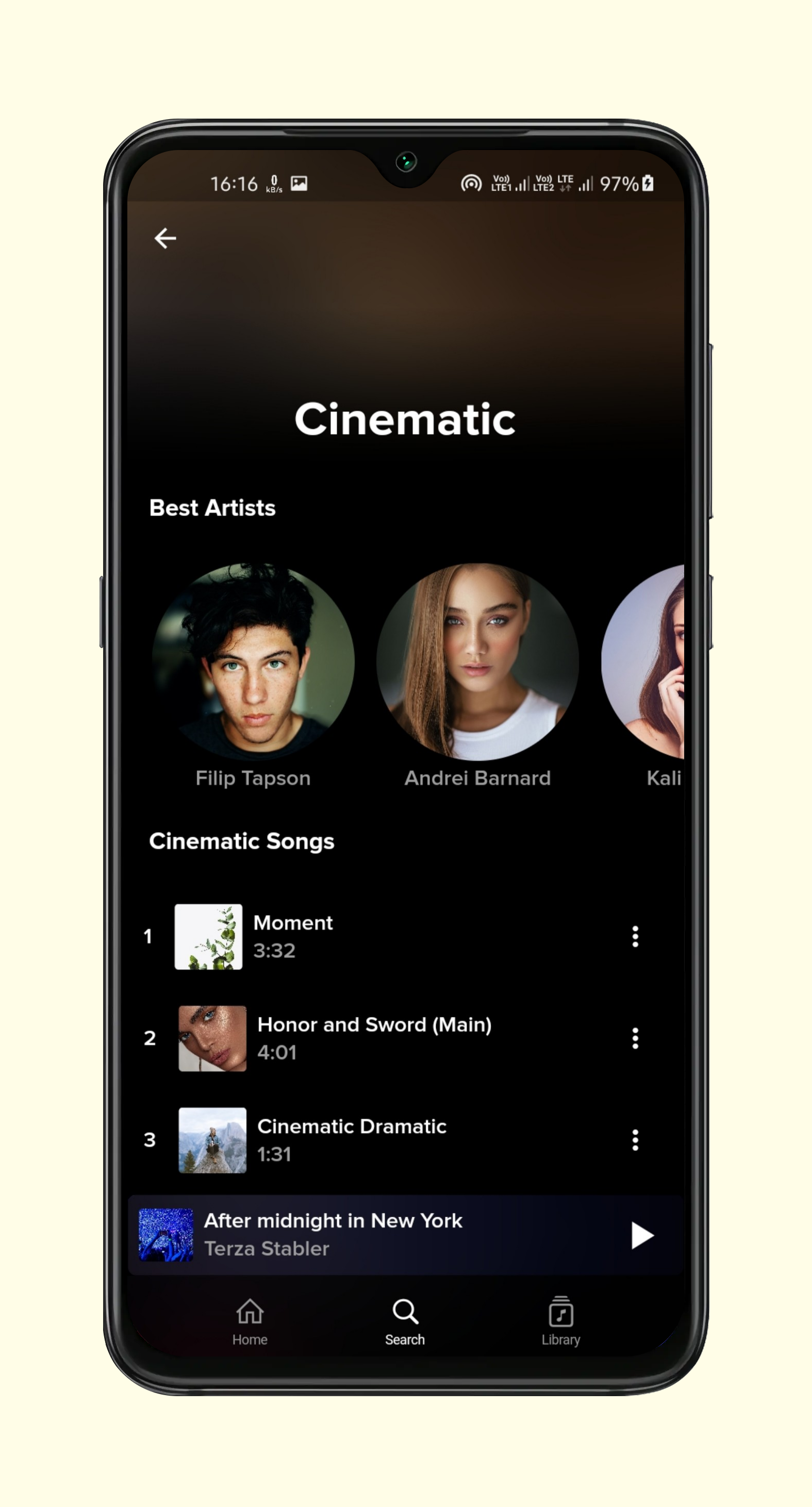
To clone and run this application, you'll need Git and Flutter installed on your computer. From your command line:
Backend setup you can setup backend on heroku. i have attached some steps for setup in readme file of backend. and edit api/url.dart file put your own url in baseUrl variable without "https://"
$ git clone https://github.com/Ansh-Rathod/Flutter-Musive-app.git
$ cd Flutter-Musive-app
$ flutter pub get
$ flutter run
for backend or any other configuration feel free to contact me.


依賴清單 13 項
{"sdk":"flutter"}^1.0.2^0.13.4^3.2.0^8.0.1^2.0.1^3.0.5^6.0.2^1.1.0^2.0.8^6.0.18{"sdk":"flutter"}^1.0.0先依使用情境篩選,再比較專案活躍情況,最後到原始儲存庫確認使用要求。
“A repository is the most basic element of GitHub.”
GitHub Docs — About repositories ↗
