

v0.0.3
background_remover
移除自拍照背景的 Flutter 套件
24喜歡 65近 30 天下載145Pub 分數
Android
首個使用 Google ML Kit 從自拍照中移除背景的 Flutter 套件

以下為英文專案原文快照,最新內容請造訪 GitHub。
| Before | After |
|---|---|
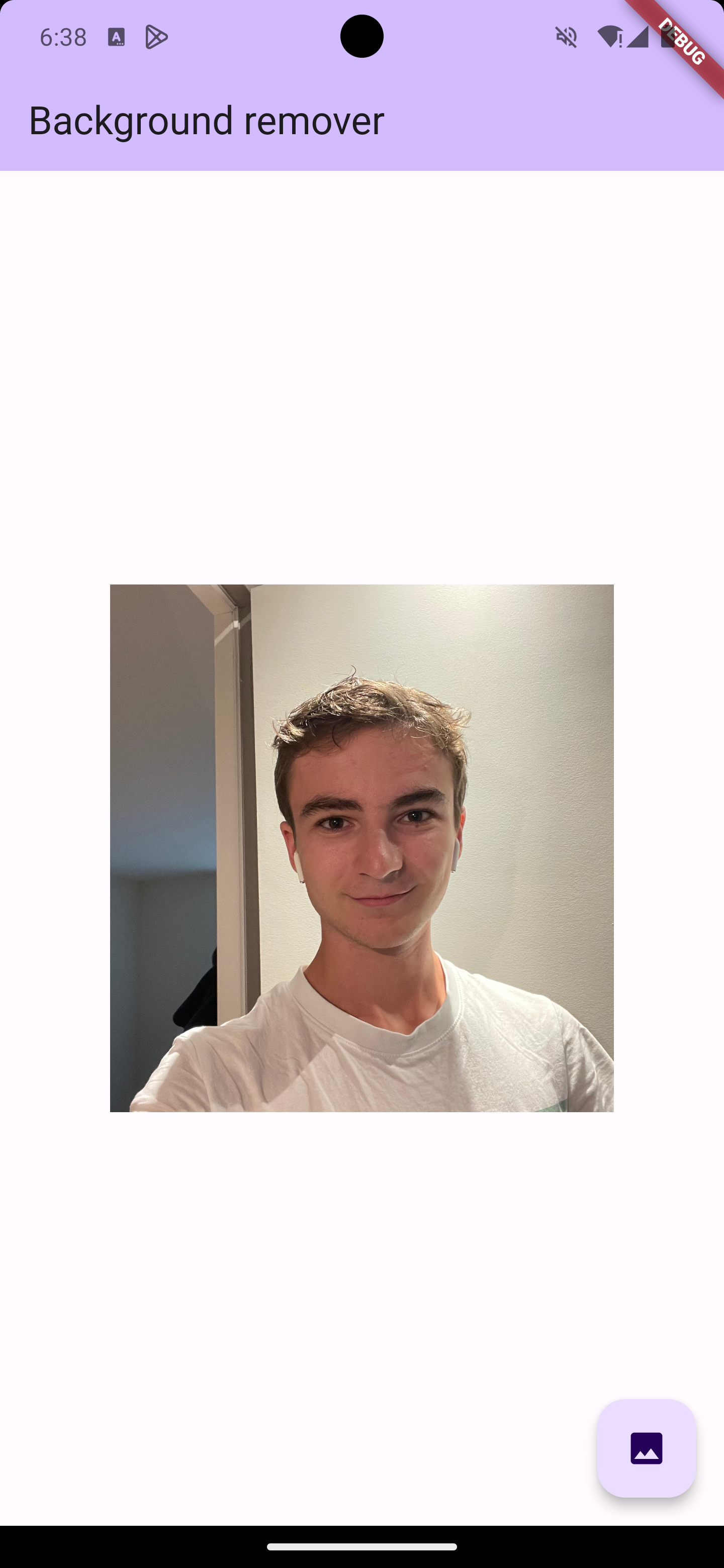 |
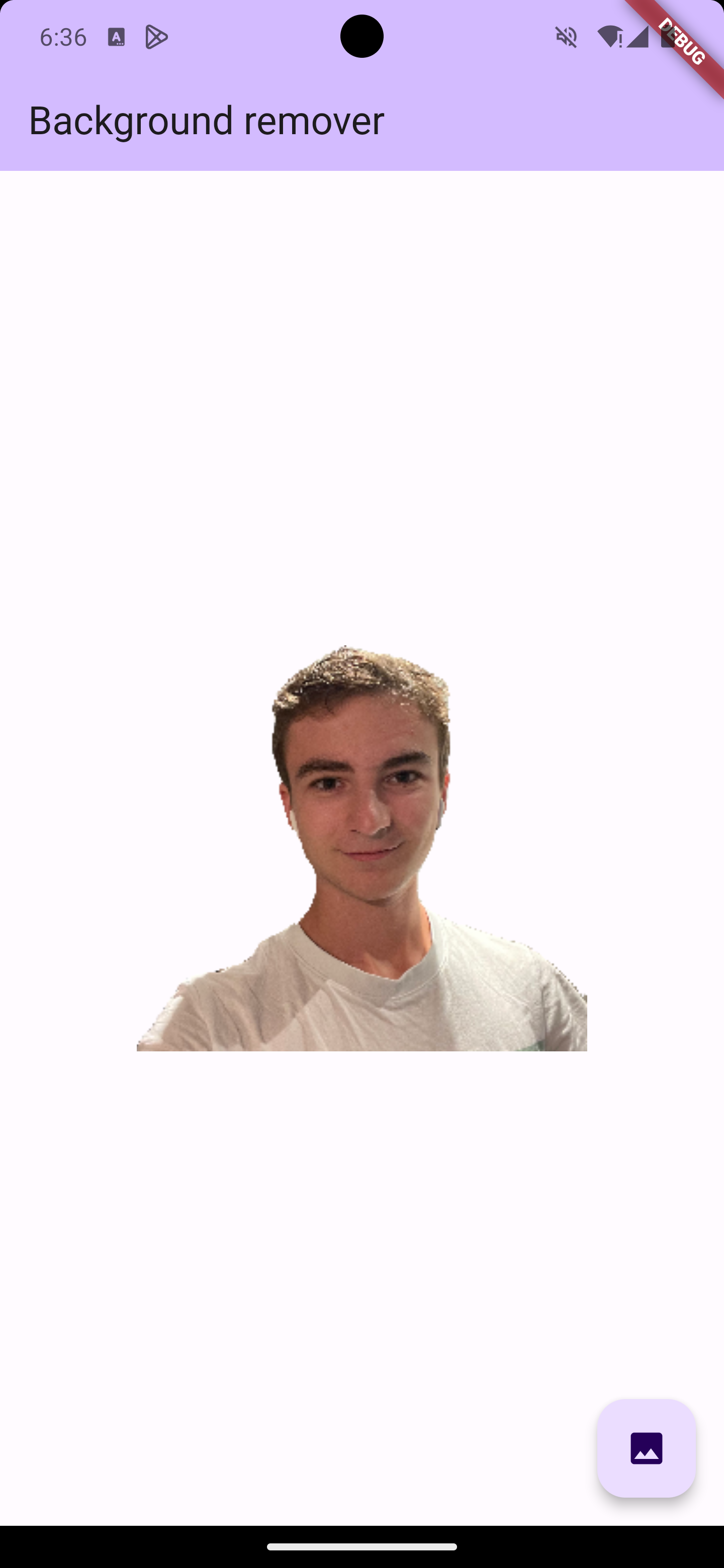 |
The background_remover package is the first Flutter plugin designed for easy integration of background removal functionality into Flutter applications. This package provides a straightforward way to pick images from the gallery and process them to remove their background.
To use the background_remover package, follow these steps:
Add background_remover to your pubspec.yaml file:
dependencies:
  flutter:
    sdk: flutter
  background_remover: ^1.0.0
Import the package along with other required packages in your Dart file:
import 'package:background_remover/background_remover.dart';
Here is a basic example of how to use the background_remover package in a Flutter application:
Uint8List imageBytes = your image as byte;

removeBackground(imageBytes: imageBytes).then((Uint8List backgroundRemoveBytes) {
// then do whatever you want with byte of images such as display it in image.memory()..
});
removeBackground() is the method that handles the background removal process.
Contributions to the background_remover package are welcome. Please feel free to fork the repository, make changes, and create a pull request to upgrade it.
This package is licensed under the Apache License.
This README provides a basic introduction to the background_remover package. It assumes the reader has a fundamental understanding of Flutter and Dart.
依賴清單 3 項
{"sdk":"flutter"}{"sdk":"flutter"}^2.0.0先依使用情境篩選,再比較專案活躍情況,最後到原始儲存庫確認使用要求。
“A repository is the most basic element of GitHub.”
GitHub Docs — About repositories ↗