

 v6.2.0
appflowy_editor
一個高度可自定義的富文本編輯器,適用於 Flutter。AppFlowy 編輯器專案,適用於 AppFlowy 及其以外的應用。
517喜歡 1.6萬近 30 天下載60Pub 分數
AndroidiOSWebmacOSWindowsLinux
一個高度可自定義的富文本編輯器,適用於 Flutter。AppFlowy 編輯器專案,適用於 AppFlowy 及其以外的應用。

以下為英文專案原文快照,最新內容請造訪 GitHub。
A highly customizable rich-text editor for Flutter

| Preview | Customize your own theme |
|---|---|
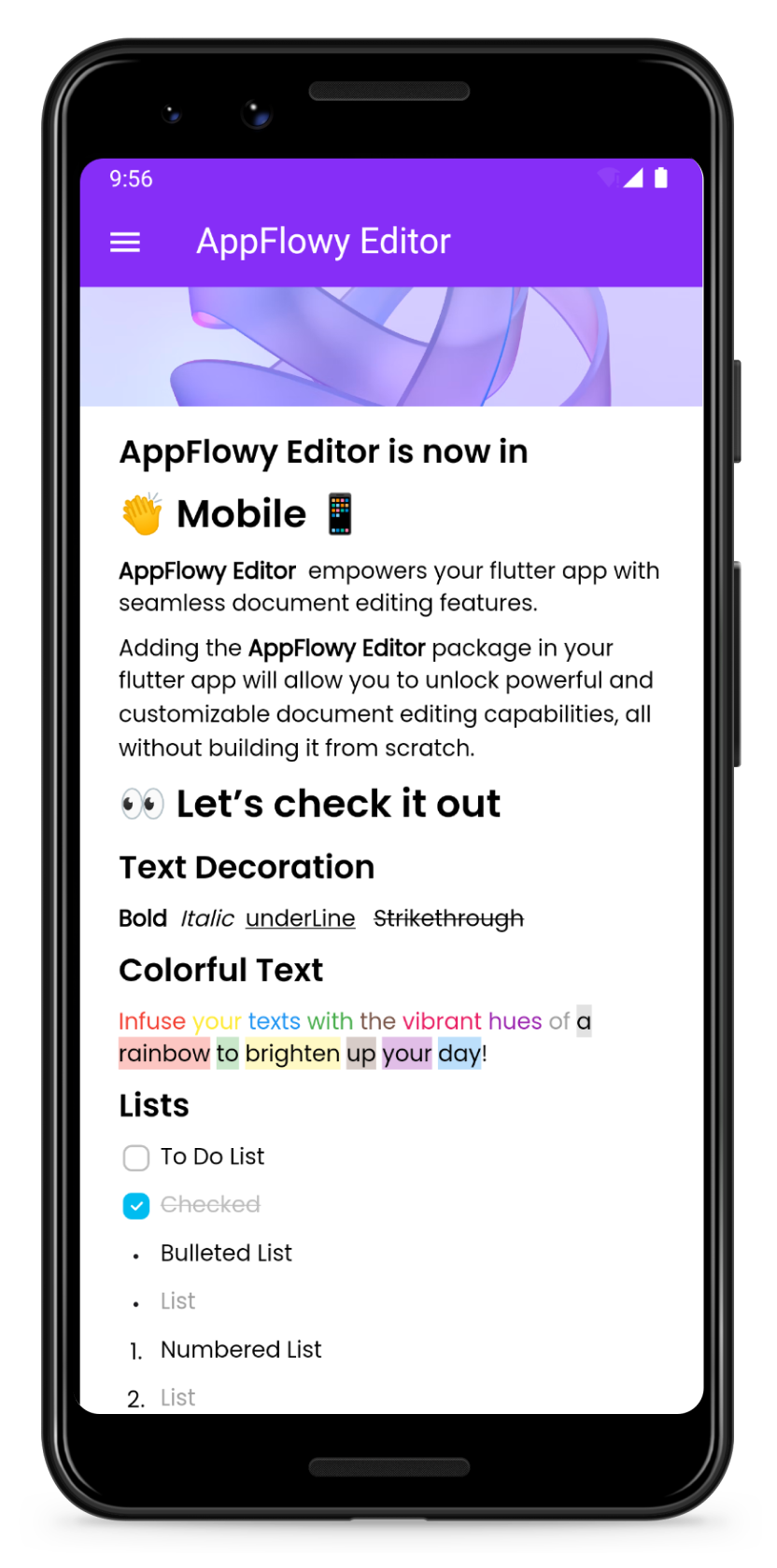 |
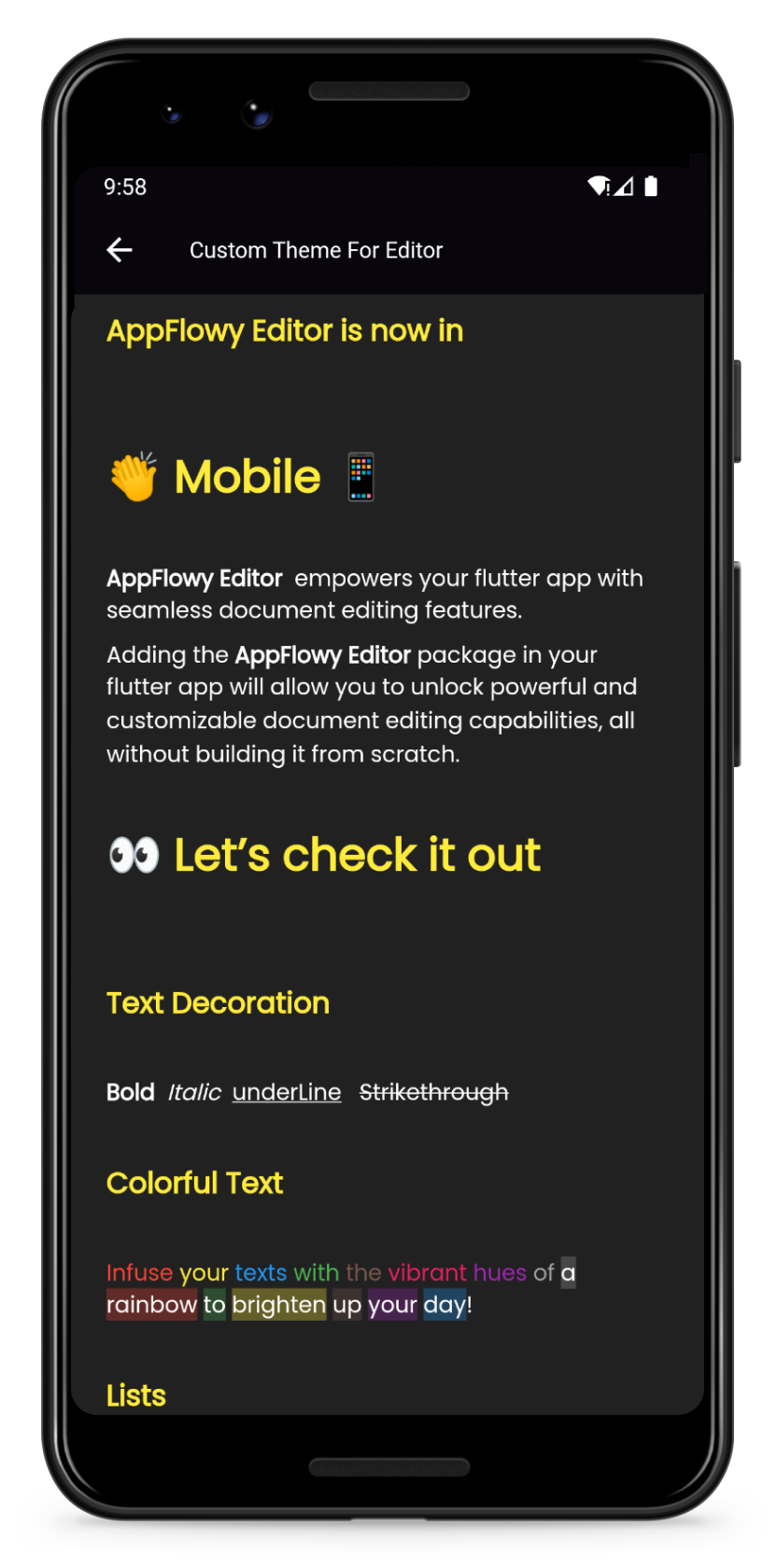 |
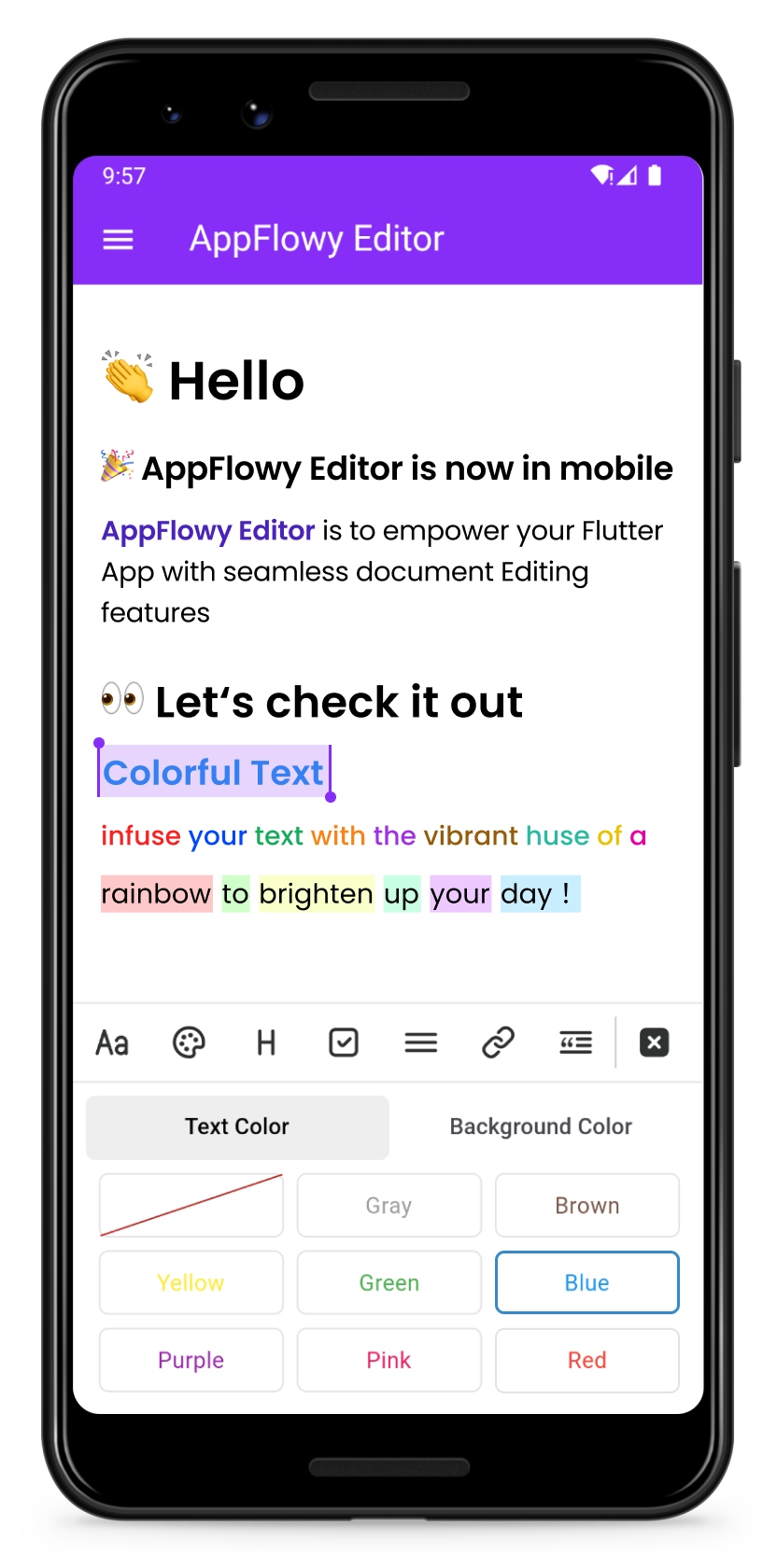
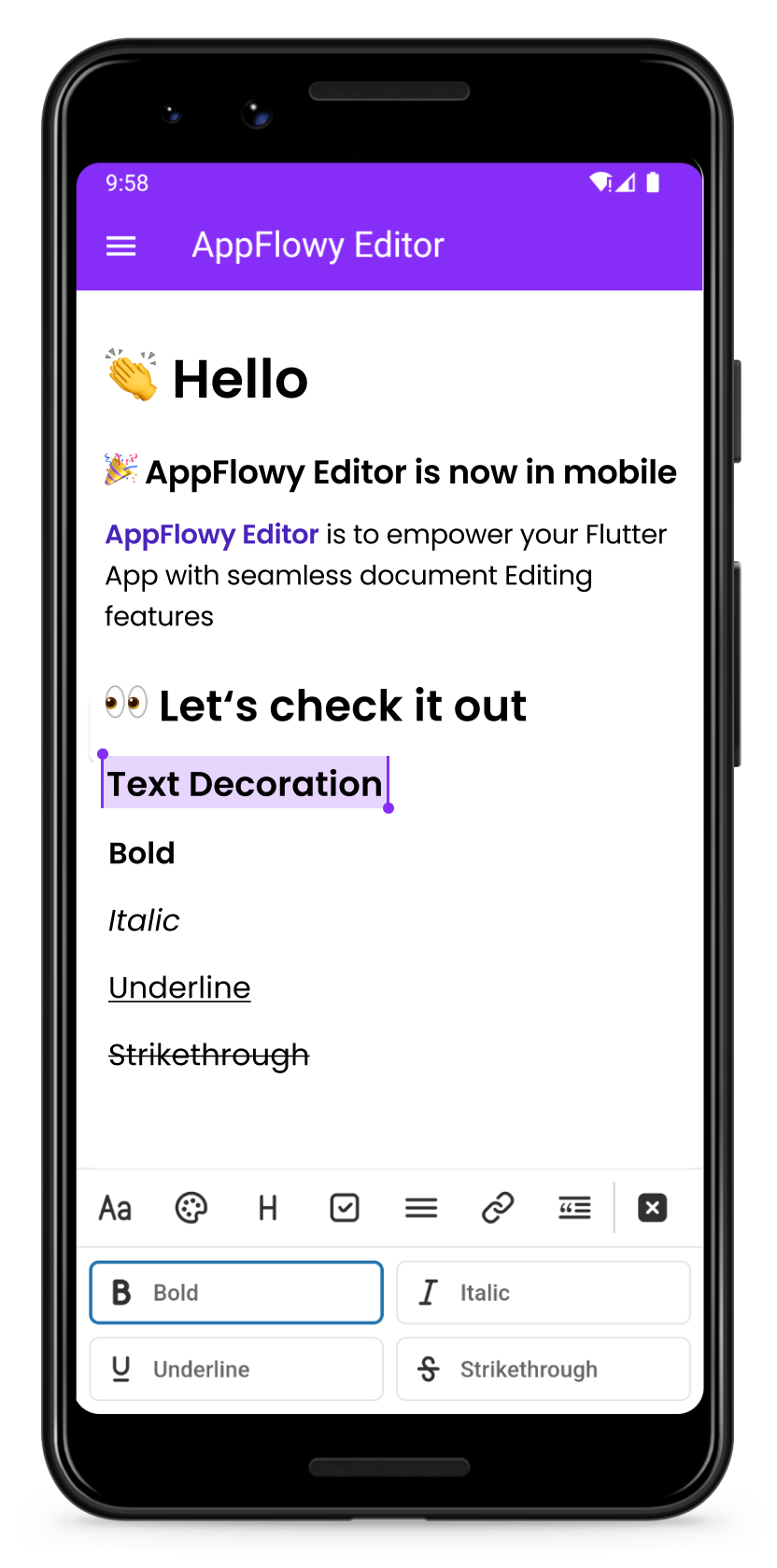
| Change the color of your text | Format your text |
|---|---|
 |
 |
Add the AppFlowy editor Flutter package to your environment.
flutter pub add appflowy_editor
flutter pub get
Start by creating a new empty AppFlowyEditor object.
final editorState = EditorState.blank(withInitialText: true); // with an empty paragraph
final editor = AppFlowyEditor(
  editorState: editorState,
);
You can also create an editor from a JSON object in order to configure your initial state. Or you can create an editor from Markdown or Quill Delta.
final json = jsonDecode('YOUR INPUT JSON STRING');
final editorState = EditorState(document: Document.fromJson(json));
final editor = AppFlowyEditor(
  editorState: editorState,
);
Note: The parameters
localizationsDelegatesneed to be assigned in MaterialApp widget
MaterialApp(
  localizationsDelegates: const [
    AppFlowyEditorLocalizations.delegate,
  ],
);
To get a sense of how the AppFlowy Editor works, run our example:
git clone https://github.com/AppFlowy-IO/appflowy-editor.git
flutter pub get
flutter run
Please refer to our documentation on customizing AppFlowy for a detailed discussion about customizing theme.
Please refer to our documentation on customizing AppFlowy for a detailed discussion about customizing components.
Below are some examples of component customizations:
Please refer to our documentation on customizing AppFlowy for a detailed discussion about customizing shortcut events.
Below are some examples of shortcut event customizations:
Please refer to the migration documentation.
Please refer to the API documentation.
Contributions are what make the open source community such an amazing place to learn, inspire, and create. Any contributions you make are greatly appreciated.
Please look at CONTRIBUTING.md for details.
All code contributed to the AppFlowy Editor project is dual-licensed, and released under both of the following licenses:
See LICENSE for more information.
依賴清單 31 項
^1.18.0^12.3.0^0.4.1^10.3.10{"sdk":"flutter"}^2.0.6^0.15.5^1.2.0^0.20.2^0.1.5^1.2.0^7.2.1^1.0.0^2.1.2^3.10.7^6.0.5^3.0.1^1.0.0^2.2.4^1.1.0^6.1.11{"git":{"url":"https://github.com/LucasXu0/awesome_lints.git","ref":"main"}}^0.8.1^6.0.0{"sdk":"flutter"}{"sdk":"flutter"}^2.8.2^5.4.1^2.1.1^2.0.5^1.0.5先依使用情境篩選,再比較專案活躍情況,最後到原始儲存庫確認使用要求。
“A repository is the most basic element of GitHub.”
GitHub Docs — About repositories ↗