

 v0.0.15
aesthetic_dialogs
此 Flutter 插件可讓您顯示漂亮的自訂對話方塊。
92喜歡 149近 30 天下載140Pub 分數
AndroidiOSWeb
📱 用於 💫流暢、😍美觀、🎨自訂對話方塊的 Flutter 插件

以下為英文專案原文快照,最新內容請造訪 GitHub。
AestheticDialogs is inspired by Laravel Notify This Flutter plugin allows you to display nice custom dialog boxes. It is only available on Android at the moment.
Android Version : AestheticDialogs
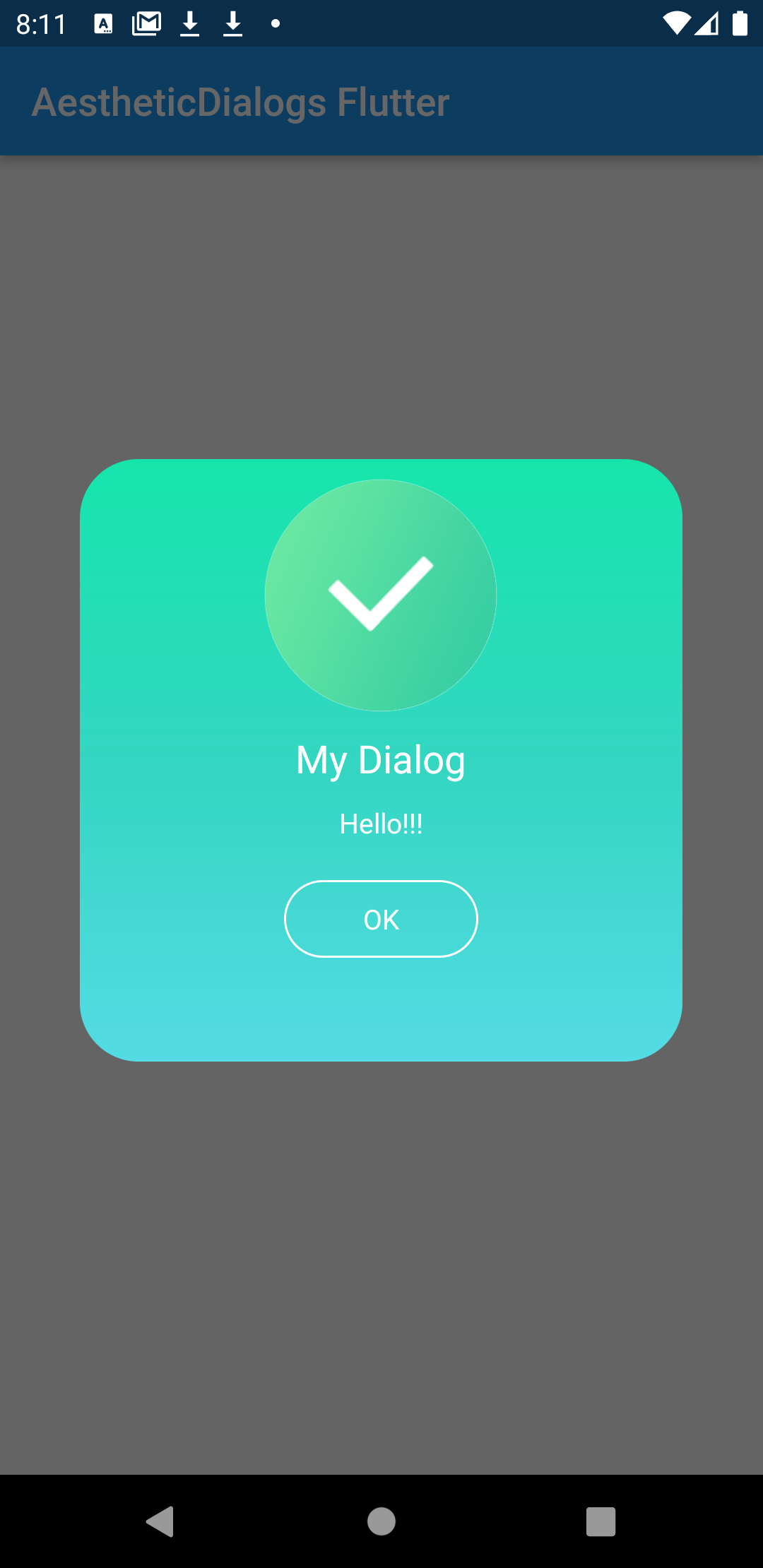
Kotlin version : minimum 1.3.40
AestheticDialog use AppCompat Themes
Add the dependency
dependencies {
	...
	implementation 'androidx.appcompat:appcompat:1.2.0'
}
Follow the instructions to integrate a package into your Flutter application. Make sure you also use the AppCompat themes :
import 'package:AestheticDialogs/AestheticDialogs.dart';

...

AestheticDialogs.showDialog(
        title: "My Dialog",
        message: "Hello!!!",
        cancelable: true,
        darkMode: false,
        dialogAnimation: DialogAnimation.IN_OUT,
        dialogGravity: DialogGravity.CENTER,
        dialogStyle: DialogStyle.EMOJI,
        dialogType: DialogType.INFO,
        duration: 3000);
The time is expressed in milliseconds and by default it is 3000ms. A more complete example can be found in the "example" folder of the Git repository.
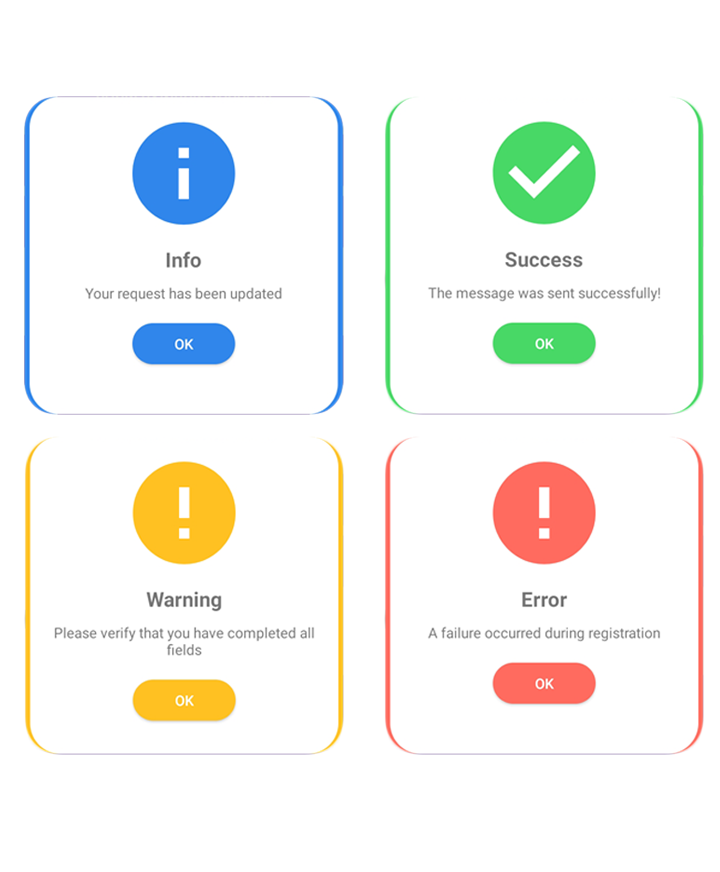
AestheticDialog At this moment, library provides eight types of dialog i.e.
| 1. Flash Dialog | 2. Connectify Dialog | 3. Toaster Dialog |
|---|---|---|
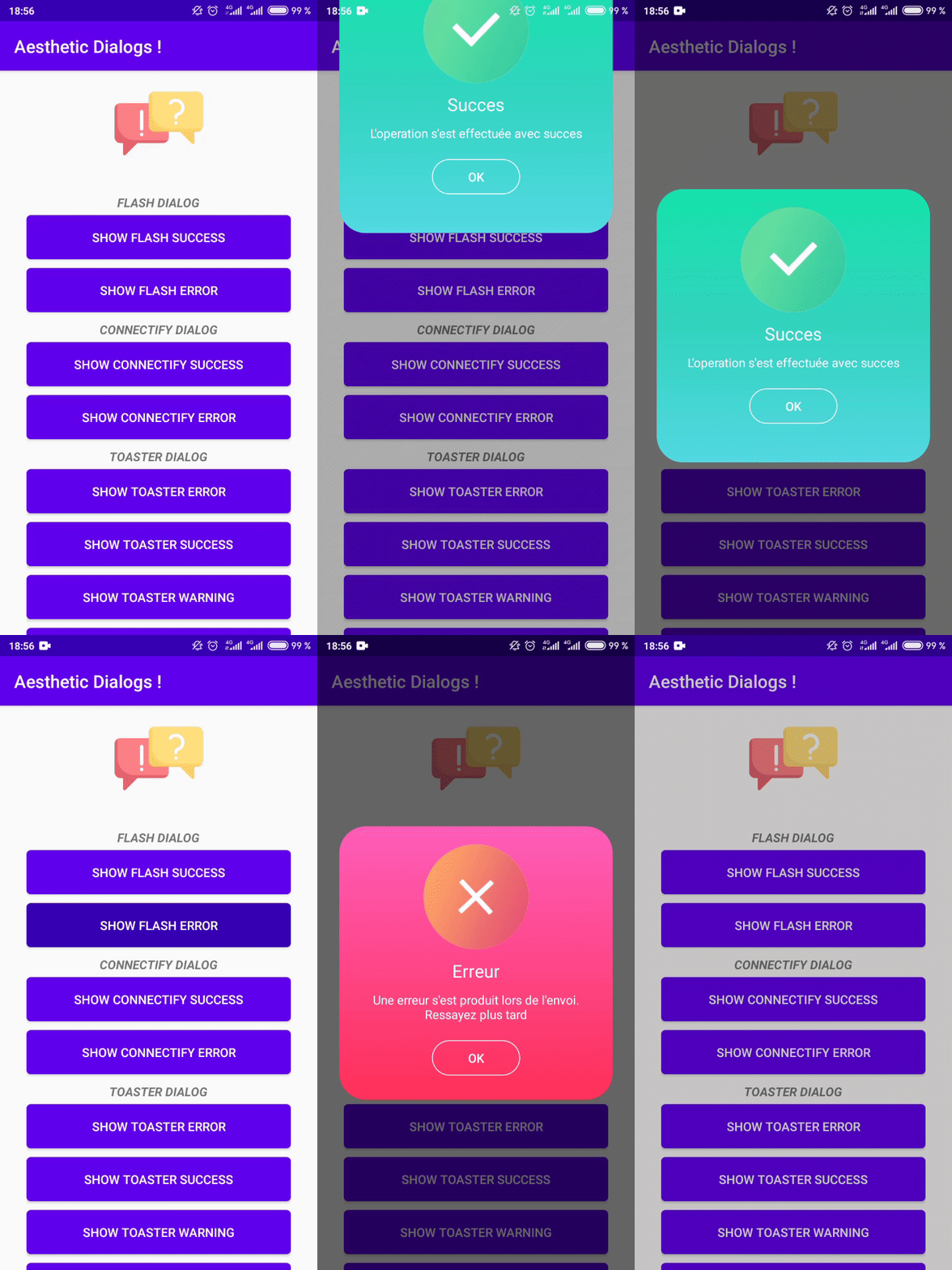 |
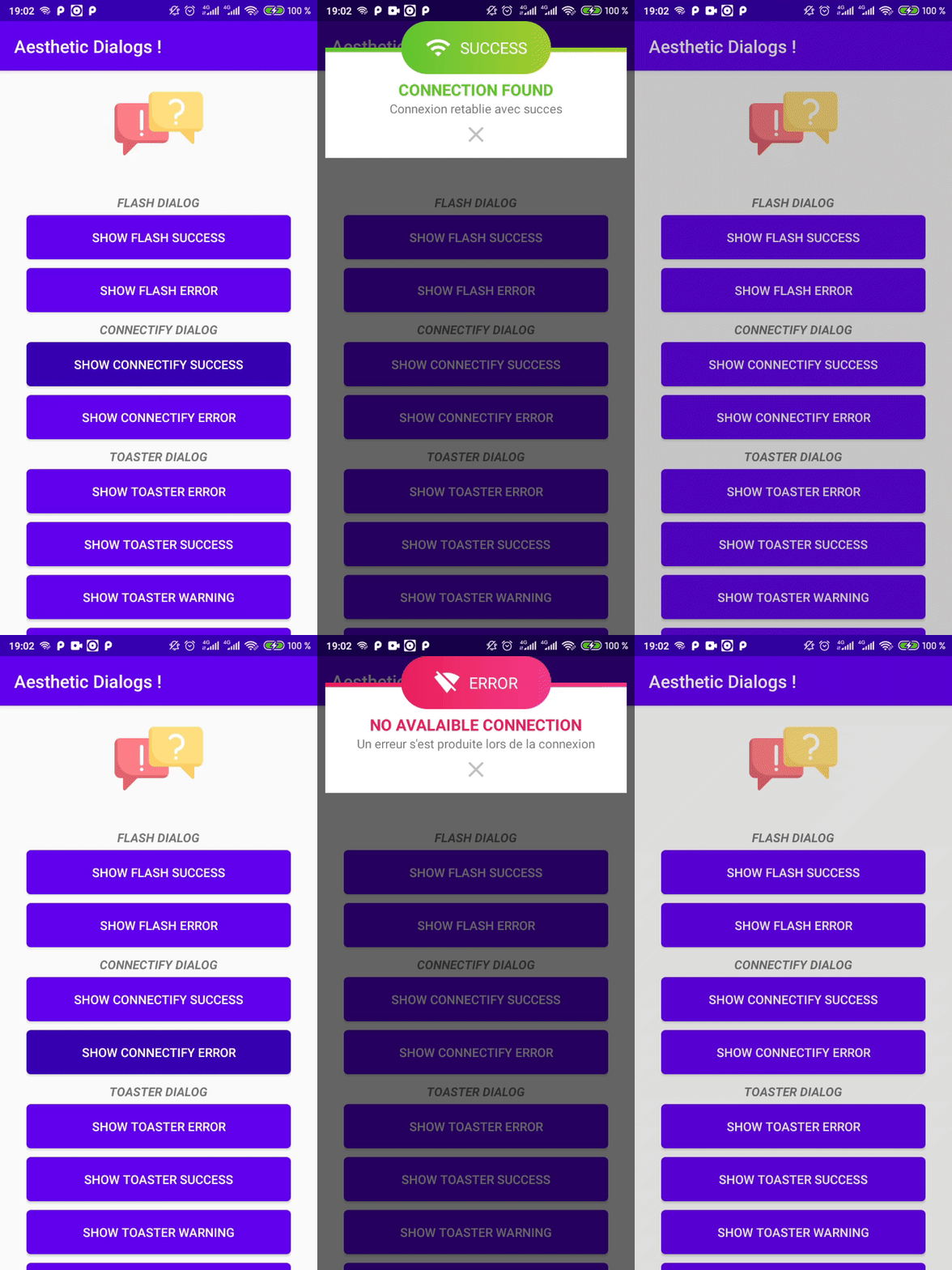 |
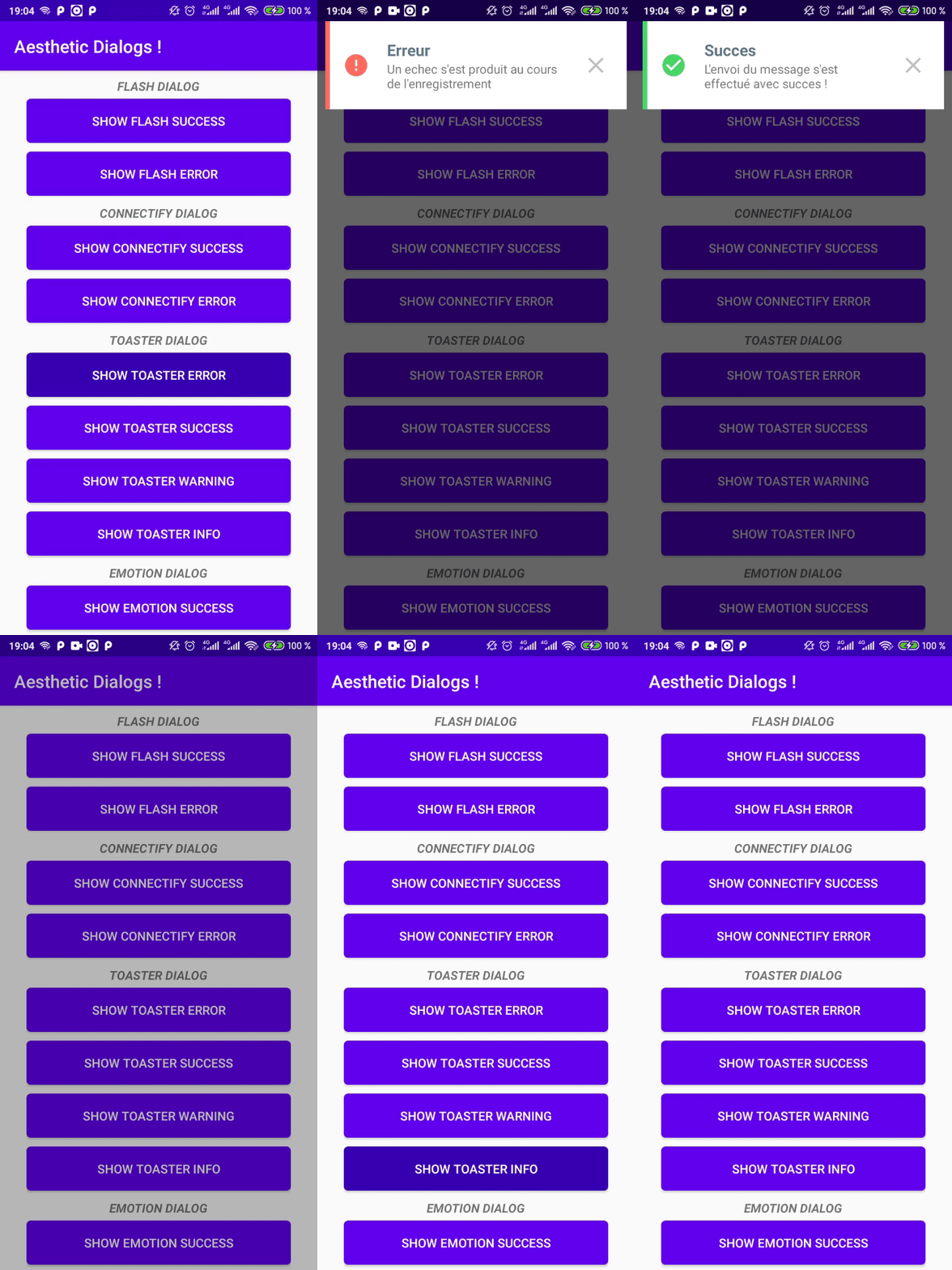 |
| 4. Emotion Dialog | 5. Drake Dialog | 6. Emoji Dialog |
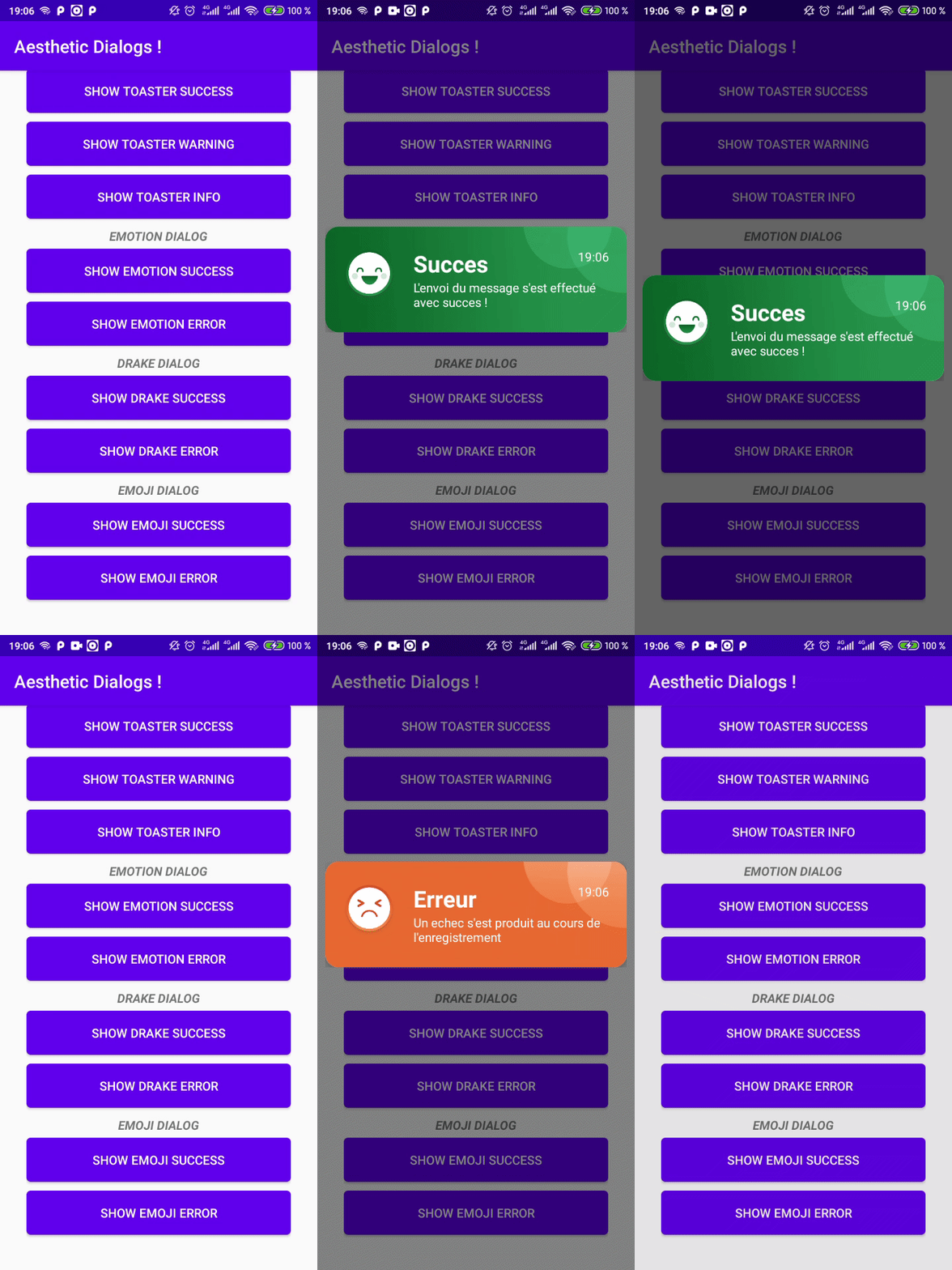 |
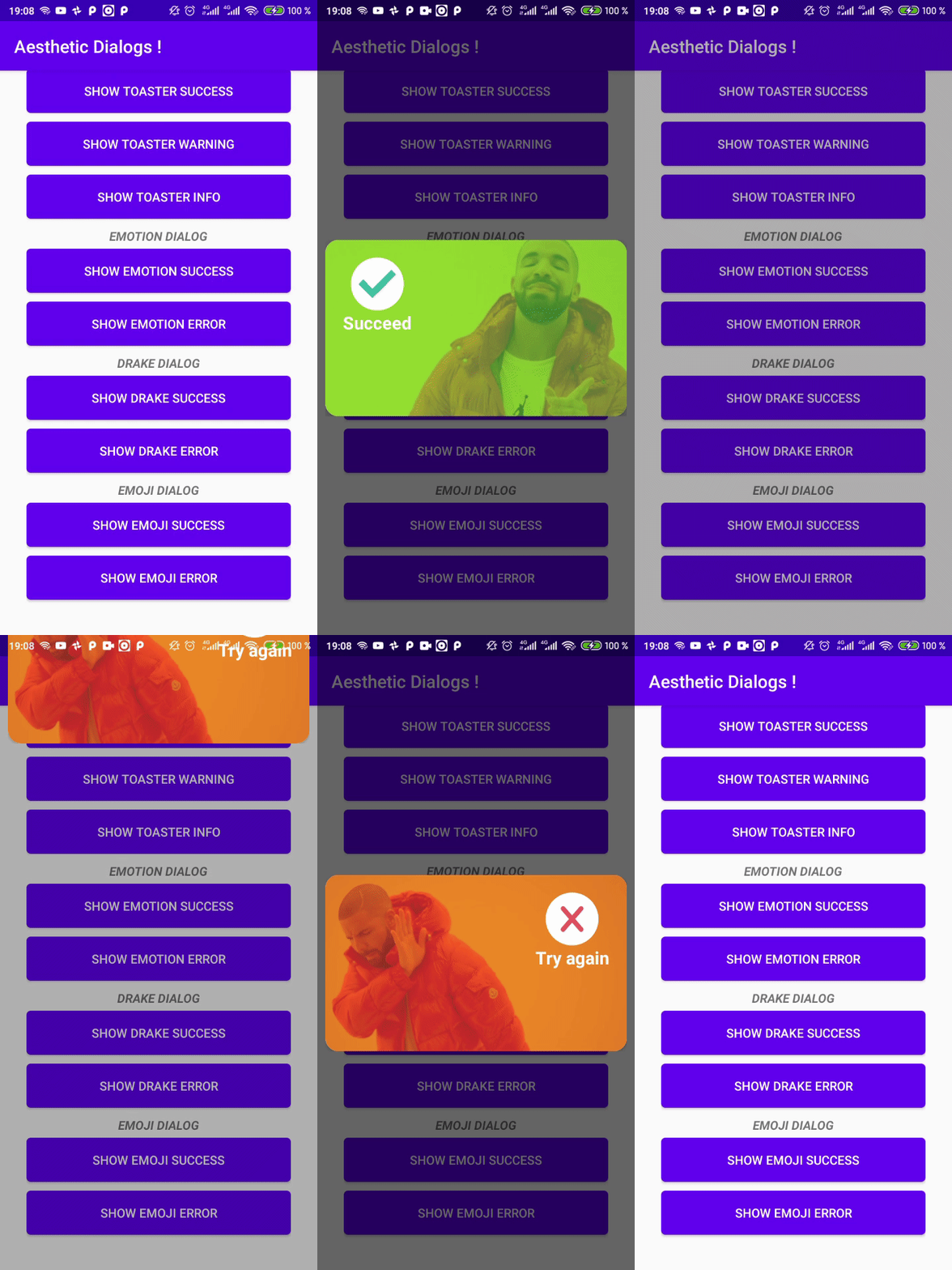 |
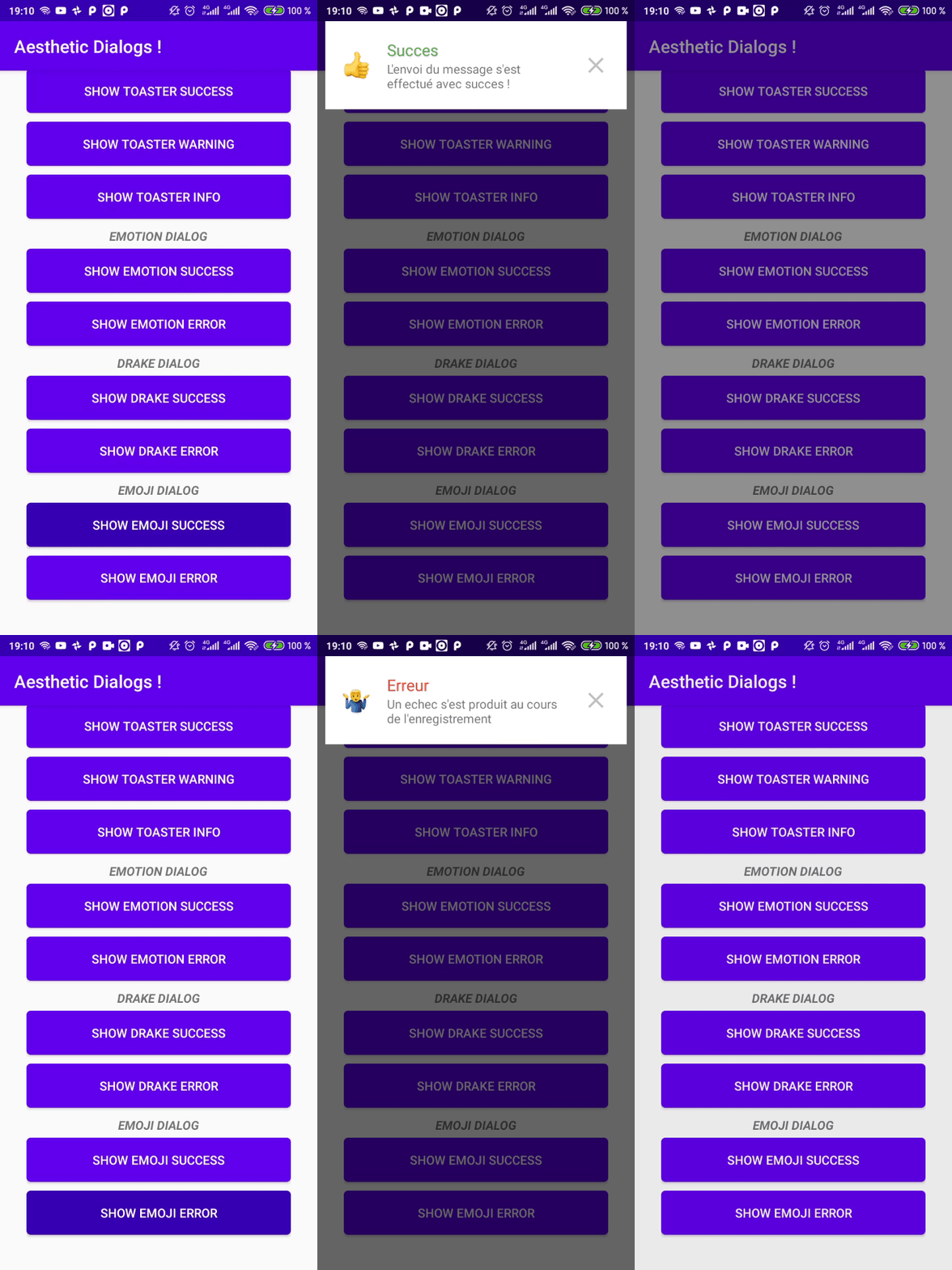 |
| 7. Rainbow Dialog | 8. Flat Dialog | |
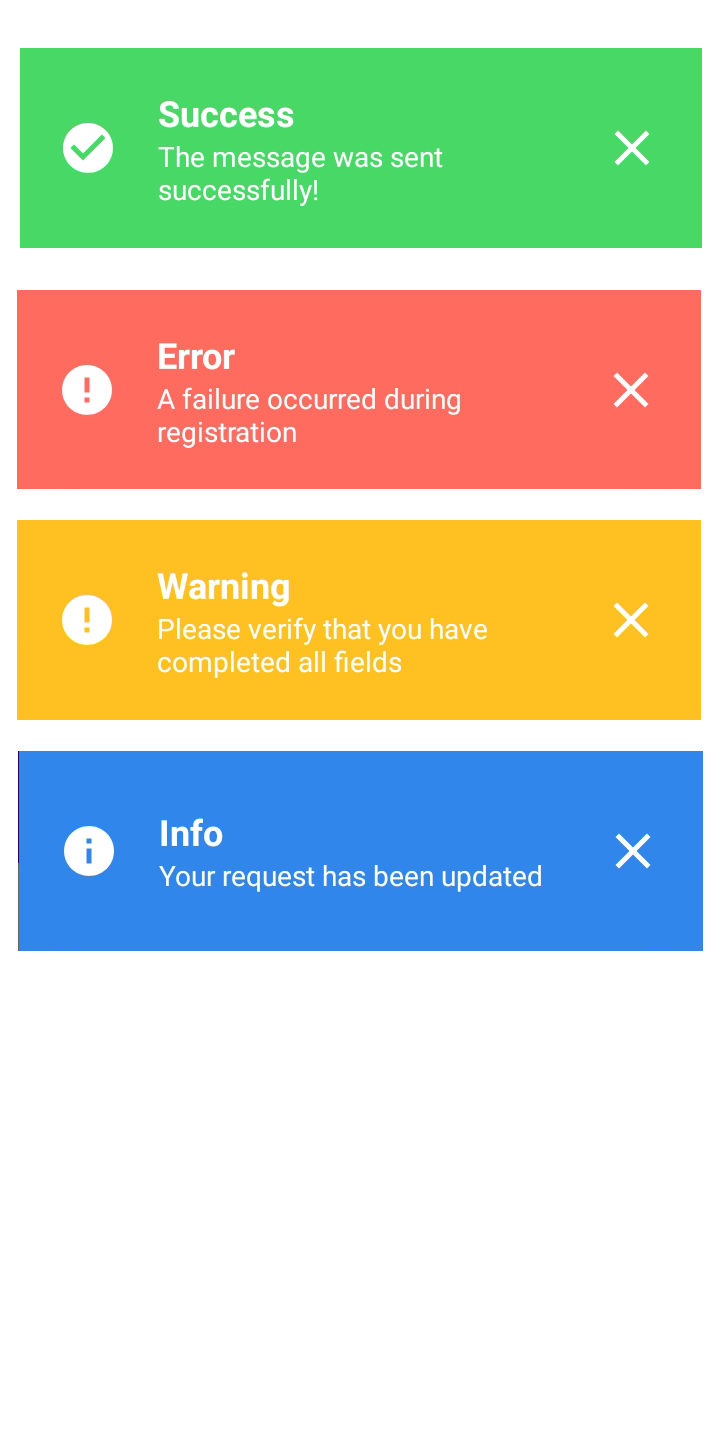 |
 |
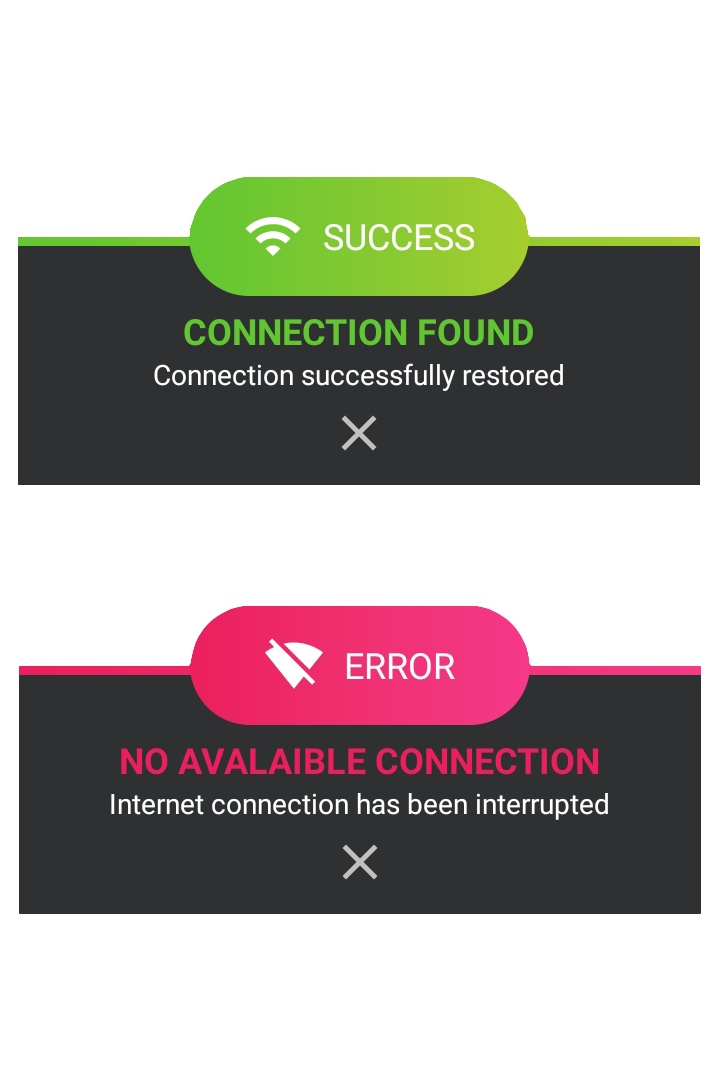
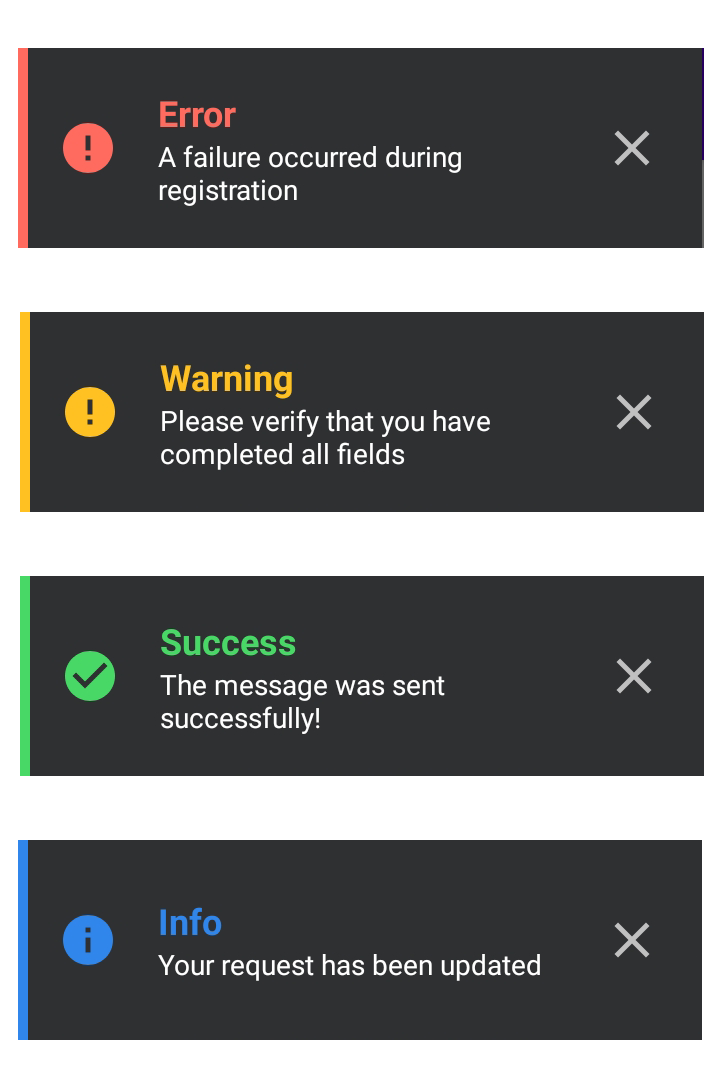
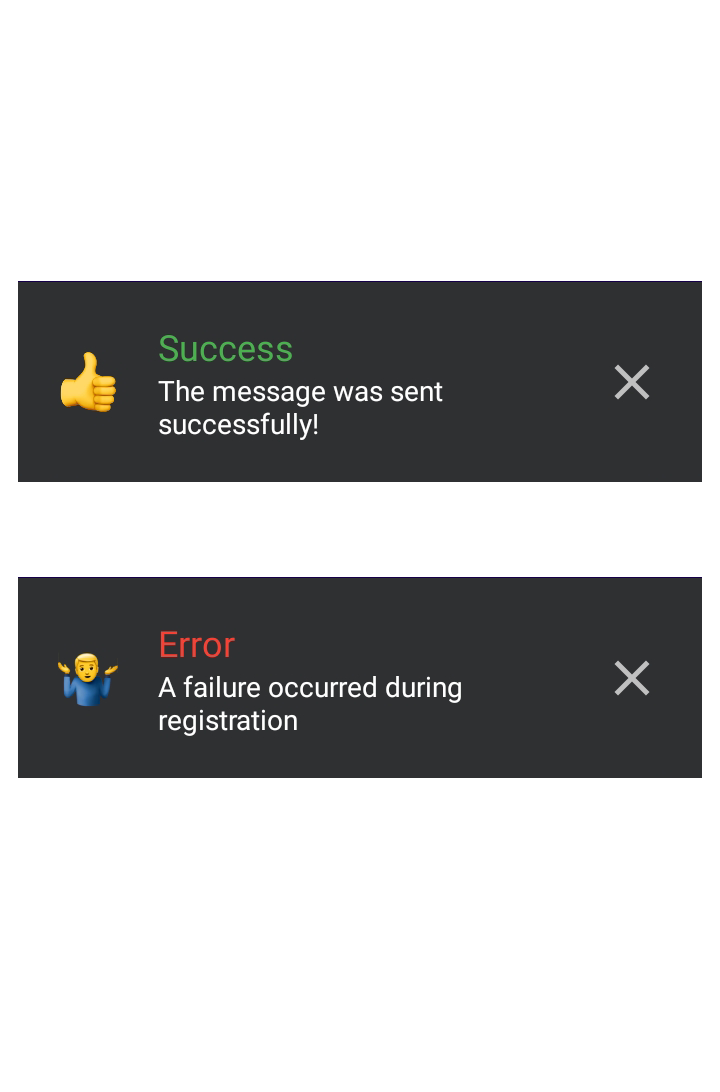
AestheticDialog Also provides Dark Theme for some dialogs i.e.
| 1. Connectify Dark Dialog | 2. Toaster Dark Dialog | 3. Emoji Dark Dialog |
|---|---|---|
 |
 |
 |
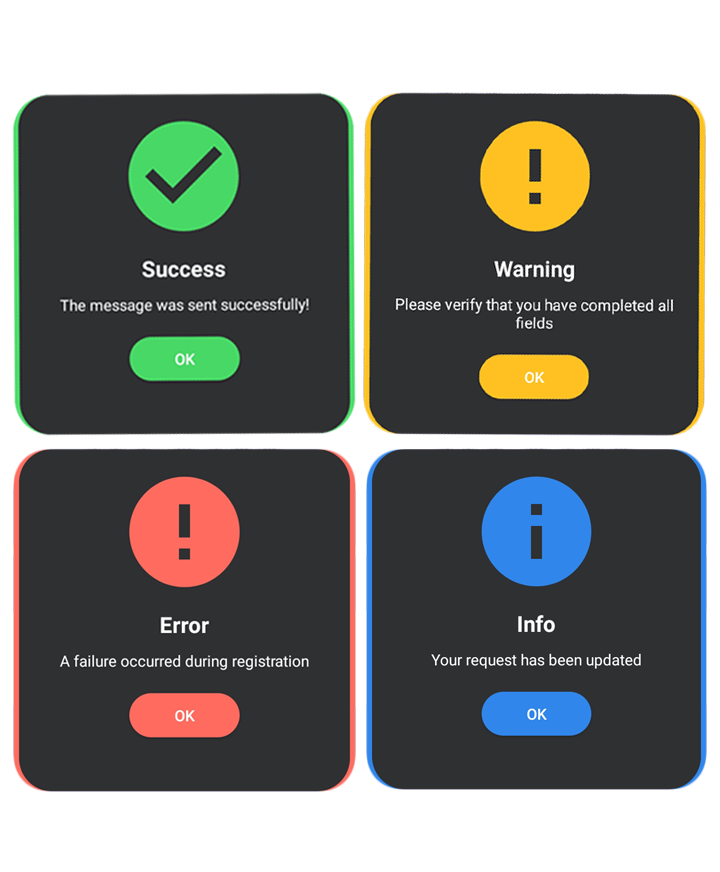
| 4. Flat Dark Dialog | LET's USE aesthetic Dialog ! | |
 |
||
Constants
| DIALOG STYLE | DIALOG TYPE | DIALOG ANIMATION |
|---|---|---|
| RAINBOW FLAT CONNECTIFY TOASTER DRAKE EMOJI EMOTION |
SUCCESS ERROR WARNING INFO |
DEFAULT SLIDE_UP, SLIDE_DOWN SLIDE_LEFT, SLIDE_RIGHT SWIPE_LEFT, SWIPE_RIGHT IN_OUT CARD SHRINK SPLIT DIAGONAL SPIN WINDMILL FADE ZOOM |
You can download the demo app on PlayStore
You can contribute us by filing issues, bugs and PRs.
dev branch. Add nice description in PR.依賴清單 3 項
{"sdk":"flutter"}{"sdk":"flutter"}{"sdk":"flutter"}先依使用情境篩選,再比較專案活躍情況,最後到原始儲存庫確認使用要求。
“A repository is the most basic element of GitHub.”
GitHub Docs — About repositories ↗