
日期時間選擇器控制項
CeylonCodeLabs/date_time_picker_widget open-source repository details.

- 星標
- 8
- 分支
- 15
- 最近推送(UTC)
- 2026年6月24日
- 專案狀態
- 未封存
原始 README
以下為英文專案原文快照,最新內容請造訪 GitHub。
date_time_picker_widget

This package brings us a way to pick date and time with fresh new UI design
Usage
In the pubspec.yaml of your flutter project, add the following dependency:
dependencies:
  ...
  date_time_picker_widget: ^2.0.0
In your library add the following import:
import 'package:date_time_picker_widget/date_time_picker_widget.dart';
For help getting started with Flutter, view the online documentation.
Example
There are three presentations for DateTimePickerWidget and can be defined in the type parameter:
DateTimePickerType.Datewill present date picker;DateTimePickerType.Timewill present time picker;DateTimePickerType.Bothwill present date and time picker both;
DateTimePicker(
  type: DateTimePickerType.Both, // options: [Date | Time | Both], default is Both
  ...
)
More complete example:
DateTimePicker(
  initialSelectedDate: dt,
  startDate: dt.add(Duration(days: 1)),
  endDate: dt.add(Duration(days: 60)),
  startTime: DateTime(dt.year, dt.month, dt.day, 6),
  endTime: DateTime(dt.year, dt.month, dt.day, 18),
  timeInterval: Duration(minutes: 15),
  datePickerTitle: 'Pick your preferred date',
  timePickerTitle: 'Pick your preferred time',
  timeOutOfRangeError: 'Sorry shop is closed now',
  is24h: false,
  onDateChanged: (date) {
    setState(() {
      _d1 = DateFormat('dd MMM, yyyy').format(date);
    });
  },
  onTimeChanged: (time) {
    setState(() {
      _t1 = DateFormat('hh:mm:ss aa').format(time);
    });
  },
)
Demo
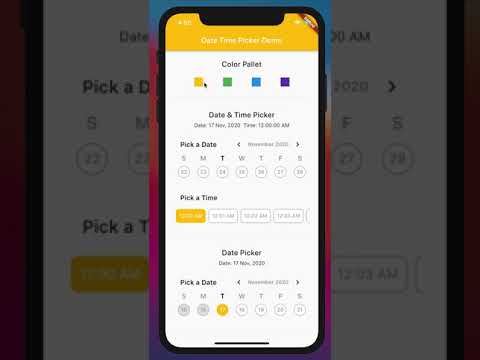
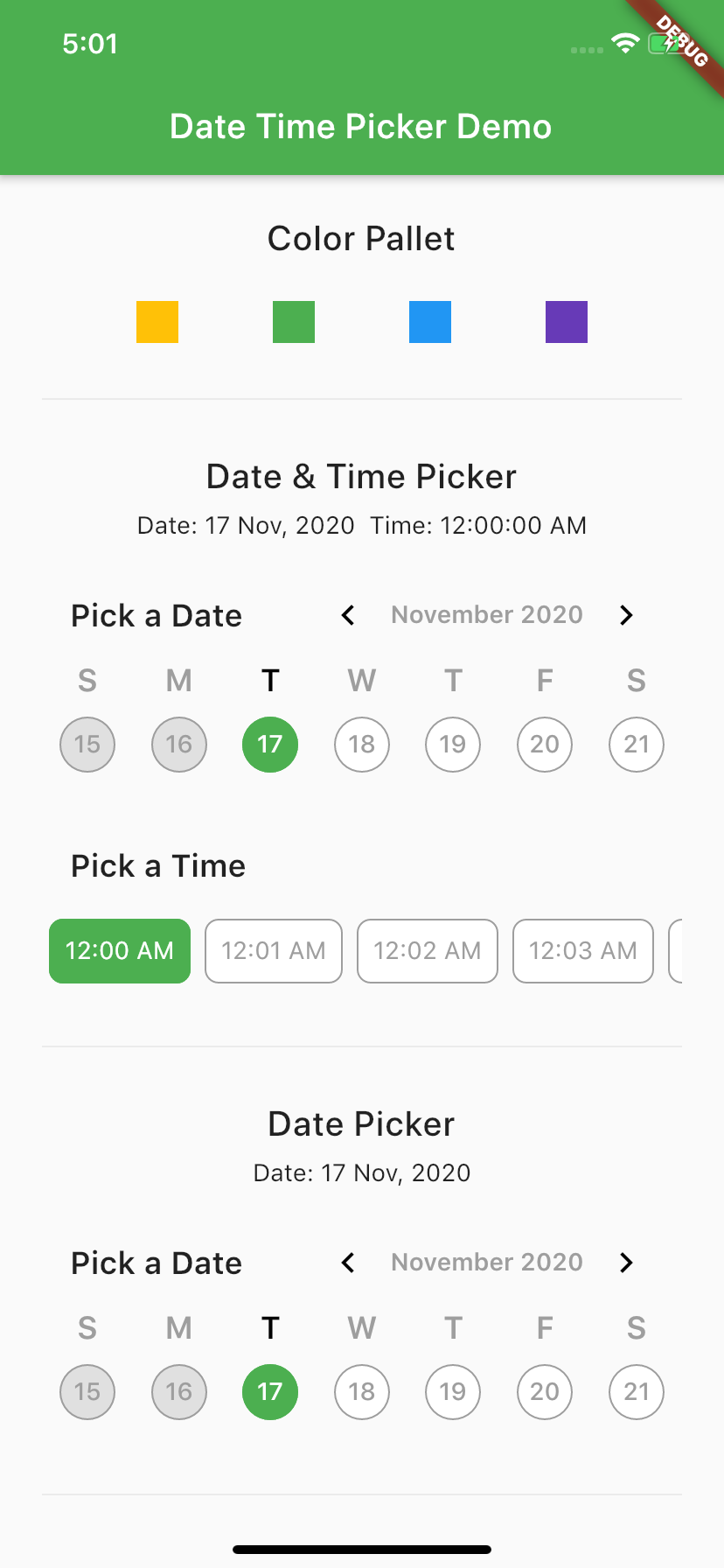
Screen Shot

GitHub 作者
CeylonCodeLabs ↗
語言DartHTMLSwiftKotlinObjective-C
使用的依賴
依賴清單 6 項
- flutter
{"sdk":"flutter"} - intl
^0.18.1 - stacked
^3.4.0 - jiffy
^6.2.1 - scrollable_positioned_list
^0.3.8 - flutter_test開發依賴
{"sdk":"flutter"}
如何選擇適合專案的儲存庫?
先依使用情境篩選,再比較專案活躍情況,最後到原始儲存庫確認使用要求。
- 透過儲存庫名稱、作者或描述搜尋,再依技術分類縮小範圍。
- 綜合星標、分支與最近推送比較專案;星標反映社群關注,不保證品質。
- 使用前在 GitHub 確認 README、授權條款與 Issues。
來源與維護
“A repository is the most basic element of GitHub.”
GitHub Docs — About repositories ↗