 v11.6.0
flutter_quill
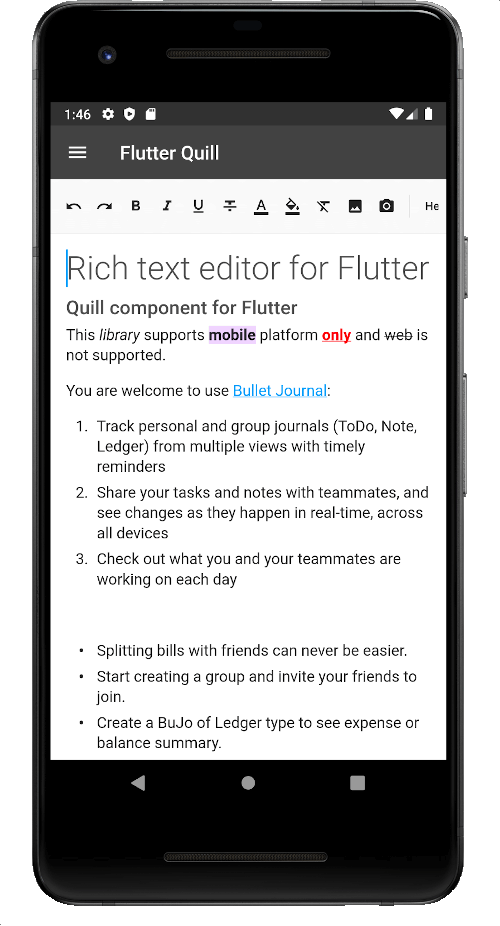
一個為 Android、iOS、Web 和桌面平台打造的富文字編輯器。它是 Flutter 的 WYSIWYG 編輯器與 Quill 元件。
2160喜歡 33.1萬近 30 天下載150Pub 分數
AndroidiOSmacOSWindowsLinux
CircuitVerse 的行動應用程式

以下為英文專案原文快照,最新內容請造訪 GitHub。


CircuitVerse for mobile is a cross-platform application built in Flutter using CircuitVerse API.
Follow these instructions to build and run the project
3.32.2 (stable)3.8.1Tip: To ensure you’re always using the correct Flutter version, consider using FVM (Flutter Version Manager) to manage versions.
A detailed guide for multiple platforms setup can be found in the Flutter installation guide
git clone https://github.com/CircuitVerse/mobile-app.git.cd into mobile_app.flutter pub get to get all the dependencies.flutter pub run build_runner build --delete-conflicting-outputs
git config core.hooksPath .githooks/

# Make sure npm is installed to run the next command
npm install -g @commitlint/config-conventional @commitlint/cli
Mobile App enforces Conventional Commits specification, make sure to read and follow them.
Make sure you have a connected Android/iOS device/simulator and run the following command to build and run the app in debug mode.
flutter run
To run the app on Chrome, use:
flutter run -d chrome
Note: When running on Chrome locally, all API calls to
circuitverse.orgwill be blocked by the browser's CORS policy. This causes Login, Register, and all data loading to fail. To bypass this during local development, launch Chrome with the--disable-web-securityflag:
flutter run -d chrome --web-browser-flag "--disable-web-security"
⚠️ Only use
--disable-web-securityfor local development. Never use it in production.
This project uses Flutter 3.32.2 and hence the support for compile-time variables. To use compile-time variables pass them in --dart-defines as flutter run --dart-define=VAR_NAME=VAR_VALUE. Supported dart-defines include :
GITHUB_OAUTH_CLIENT_IDGITHUB_OAUTH_CLIENT_SECRETFor Google OAuth we use google_sign_in. You'll require a Java KeyStore(.jks)
cv_debug.jks in android/app/.key.debug.properties in android/.Note: The OAuth Configuration section is not mandatory to get started. To get hold of the above secrets/files drop a message on slack with clear requirements and we'll take care.
mobile-app/lib/
├── config/                         # configuration files like environment_config
├── enums/                          # enum files
|   └── view_state.dart             # defines view states i.e Idle, Busy, Error
|   └── auth_state.dart             # defines auth states i.e logged in using Google/Github/Email
├── l10n/                           # localization files like intl_en.arb
├── locale/                         # AppLocalization & AppLocalizationDelegate
├── managers/
|   └── dialog_manager.dart         # show dialogs using dialog navigation key
├── models/                         # model classes
|   └── dialog_models.dart          # dialog request and response models
        ...
├── services/                       # services
|   ├── API/                        # API implementations
|   └── dialog_service.dart         # handles dialog
|   └── local_storage_service.dart  # handles local storage (shared prefs)
├── ui/                             # UI layer
|  ├── views/                       # views
|  |  └── base_view.dart
|  |  └── cv_landing_view.dart
|  |  └── startup_view.dart
|  └── components/                  # shared components
├── utils/                          # utilities such as api_utils routes.dart and styles.dart
├── viewmodels/                     # Viewmodels layer
├── app_theme.dart                  # Shared App Colors/border decorations etc.
├── constants.dart                  # App constants
├── locator.dart                    # dependency injection using get_it
├── main.dart                       # <3 of the app
We would love to hear from you! We communicate on the following platforms:

Whether you have feature requests/ideas, code improvements, refactoring, performance improvements, help is always welcome. The more contributions, the better it gets.
If you found any bugs, consider opening an issue.
This project is licensed under the MIT License.
一個為 Android、iOS、Web 和桌面平台打造的富文字編輯器。它是 Flutter 的 WYSIWYG 編輯器與 Quill 元件。
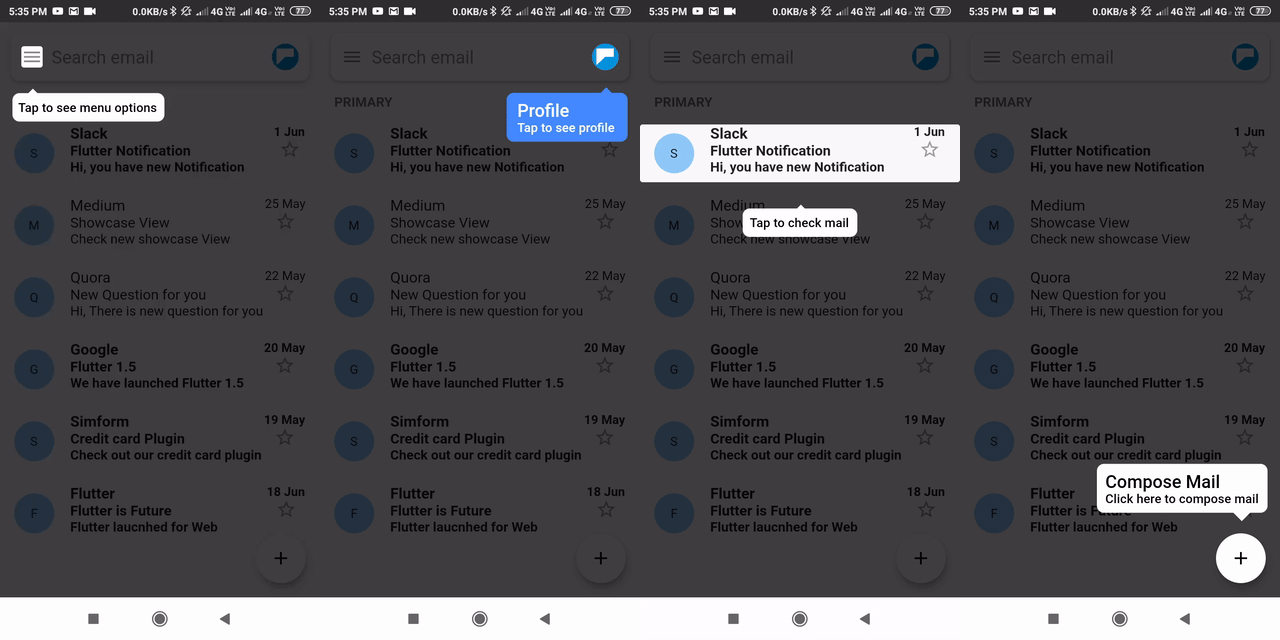
一個用於逐步展示/強調組件的Flutter套件。
適用於 Android、iOS 和 Web 的 Flutter 外掛程式,支援影像裁切
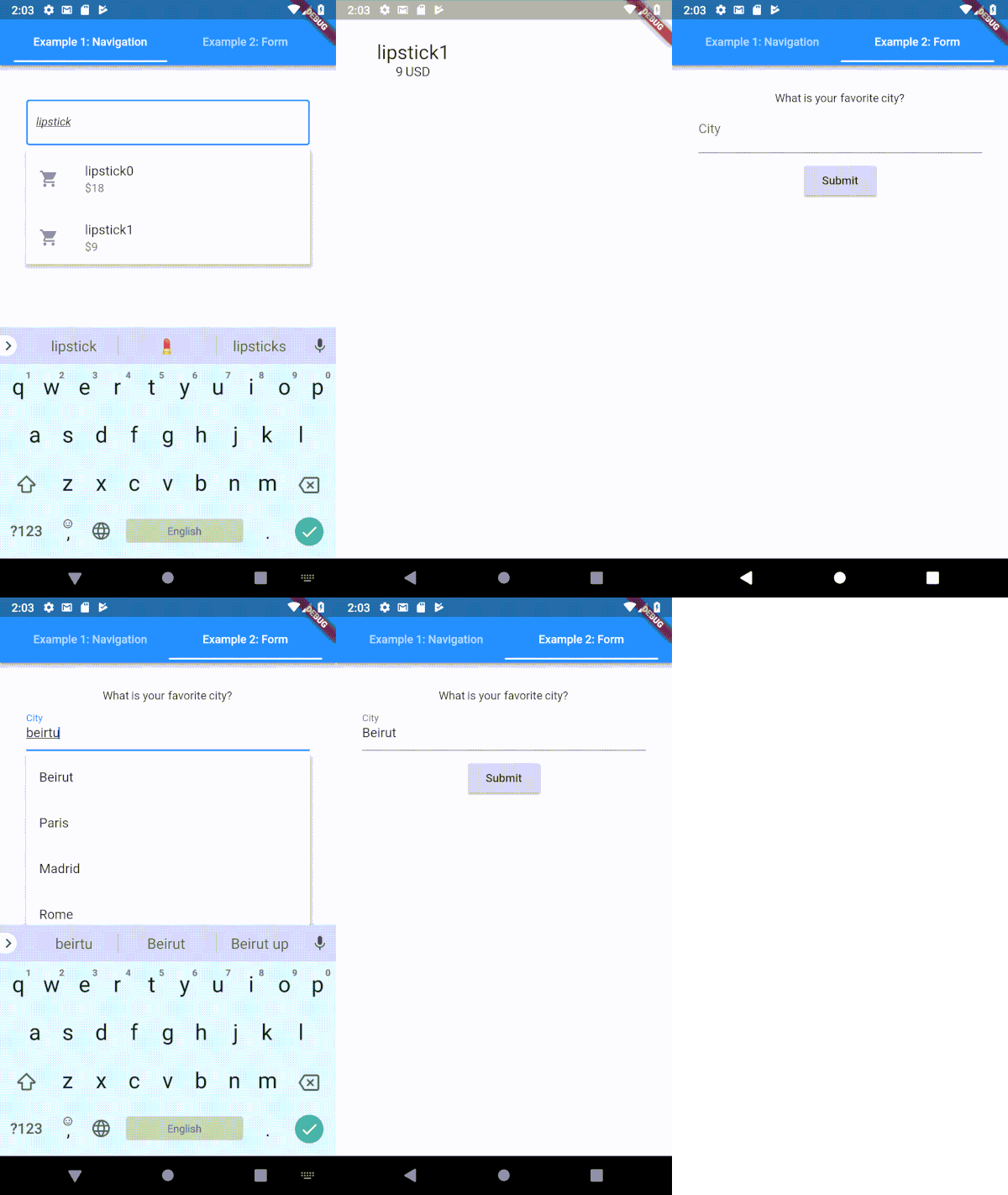
一個高度可自訂的 Flutter 類型提示(自動完成)文字輸入欄位
在 Flutter 中滾動到任何可滾動組件的特定子項
用於在 Android 和 iOS 上發現軟鍵盤可見性狀態的 Flutter 插件。
易於使用且可自訂的主題提供者。此組件可用來輕鬆地在整個元件樹中提供主題控制項。
Dart 程式碼中以 Uint8List 表示的透明影像。
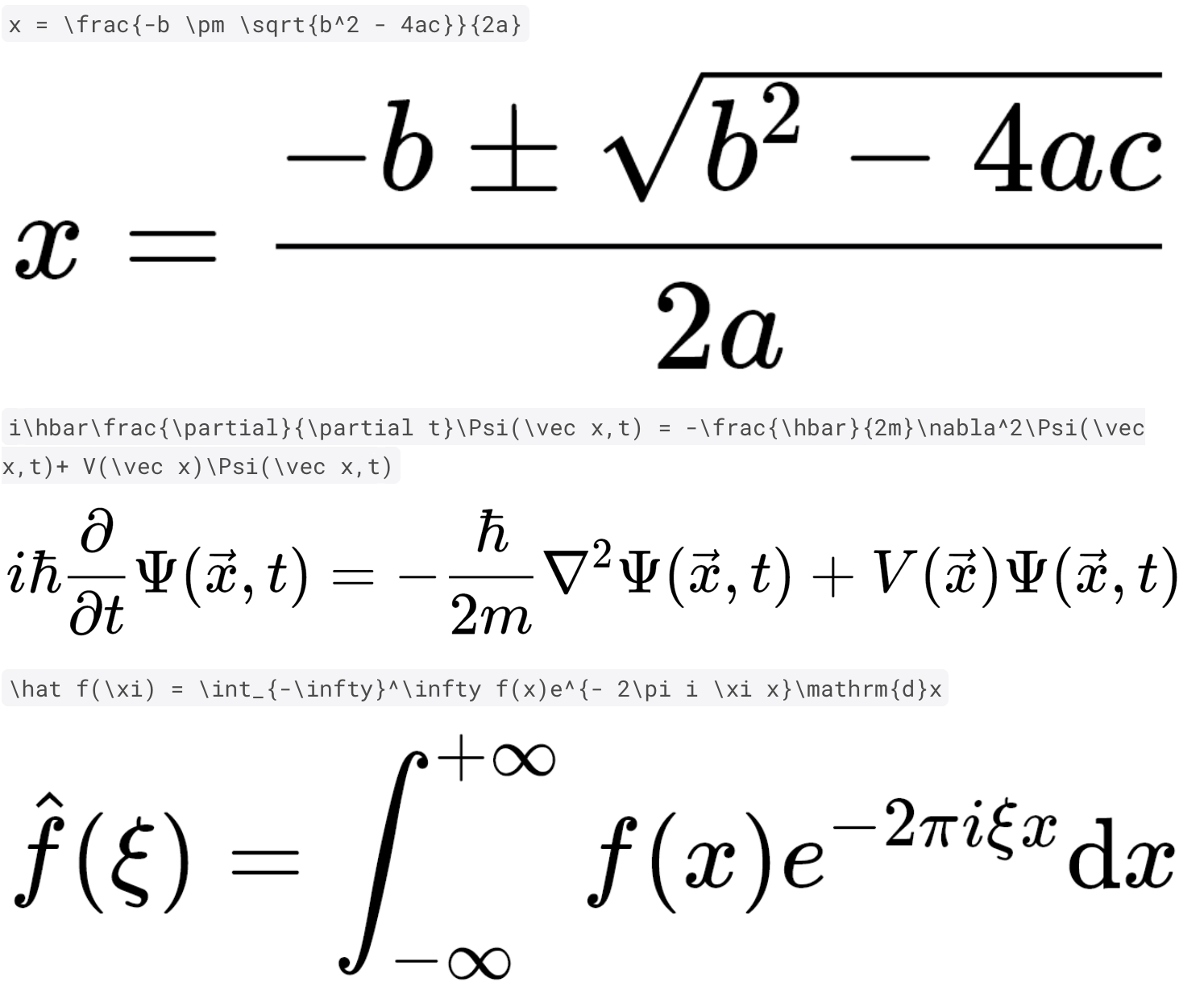
使用純 Dart 與 Flutter 快速且高品質地呈現 TeX 數學方程式。
一個用於解碼HTML的小型函數庫。支援所有名稱字元參考、十進位字元參考和十六進位字元參考。
來自流行網路圖示字型的 Flutter 圖示。使用 fluttericon.com 自訂您的最終圖示套件。
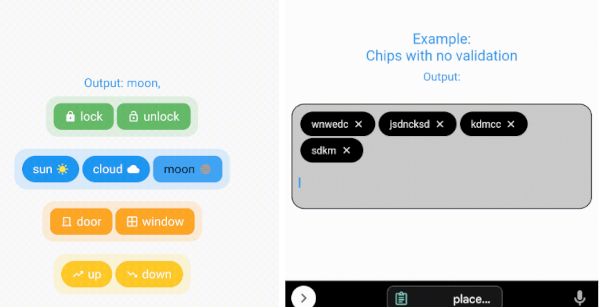
包含兩個庫以建立晶片和選擇晶片的最可自訂套件
依賴清單 43 項
^2.0.2^1.0.9^2.0.0{"sdk":"flutter"}^6.1.5^3.0.0-alpha.6^6.0.0{"sdk":"flutter"}^0.7.7+1^2.2.4^6.0.0^2.0.0^4.7.3^9.2.1^6.2.1^2.0.4^1.1.00.15.7^12.2.1^1.2.3^0.20.3^2.1.6^12.0.3^0.15.0^4.3.3^6.1.5^12.0.2^2.5.3^1.2.2^0.6.0^3.7.1^2.0.0^6.3.2any4.13.1^11.4.2^5.4.4^2.4.13^6.0.0{"sdk":"flutter"}^2.15.1^4.13.0any先依使用情境篩選,再比較專案活躍情況,最後到原始儲存庫確認使用要求。
“A repository is the most basic element of GitHub.”
GitHub Docs — About repositories ↗