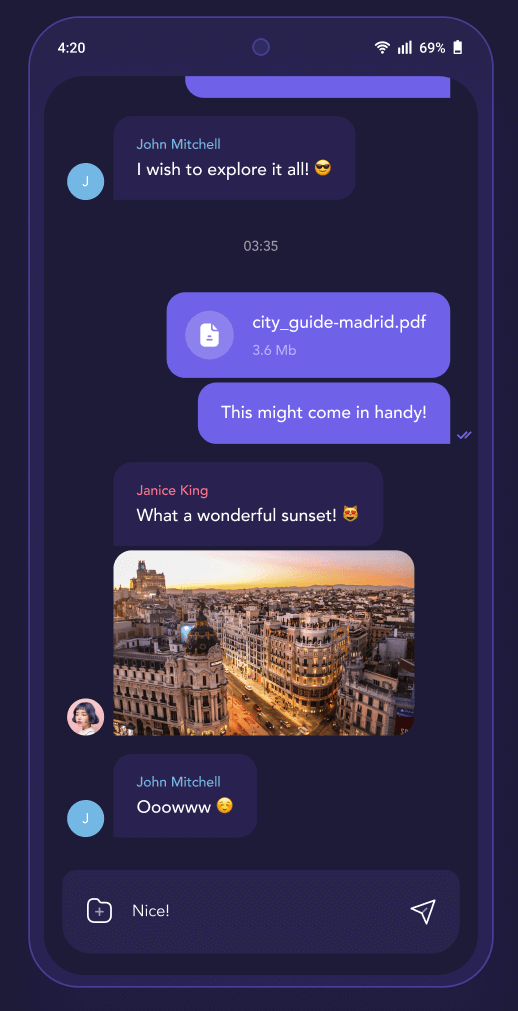
 v2.12.0
flutter_chat_ui
免費開源的聊天 SDK。使用高效率、可自訂的跨平台介面,快速建立即時應用與生成式 AI 代理。
1630喜歡 14萬近 30 天下載140Pub 分數
AndroidiOSWebmacOSWindowsLinux
KitX 的行動客戶端

以下為英文專案原文快照,最新內容請造訪 GitHub。
Mobile Client for KitX
Runs on Android, iOS
Warning Please use physical devices to debug, any emulator may cause problems. Android emulators are currently known to experience problems; the situation with iOS simulators is currently unknown.
Pass flutter doctor -v
[China Mainland Developer] Config flutter related SDKs mirror through commands:
set PUB_HOSTED_URL=https://mirrors.tuna.tsinghua.edu.cn/dart-pub
set FLUTTER_STORAGE_BASE_URL=https://mirrors.tuna.tsinghua.edu.cn/flutter
Only works in current session. Config system envrionment varieties for permanent effect.
Set system environment varieties GRADLE_OPTS to -Dfile.encoding=UTF-8.
Run init_packages.sh/ps1 to fetch packages.
Use flutter run to run the project
[Android] You need connect your phone to your computer in adb first.[iOS] Open your simulator first or connect your iPhone to your XCode.[Android] Use flutter build --split-per-abi to build the project, remove --split-per-abi arguments for flat apk which is much bigger but support more platforms.
build.py instead.[iOS] Build app in XCode.[Android] The output apk is in /kitx_mobile/build/app/outputs/flutter-apk/ folder.
update-version.py for both android and iOS
pubspec.yaml.XCode build phases by add custom script:cd ..
python3 update-version.py
dependencies-analyzer.py
pubspec.yaml and update thirdparty data in both mobile and kitx docs.--export-for-mobile-about--export-for-website-docs免費開源的聊天 SDK。使用高效率、可自訂的跨平台介面,快速建立即時應用與生成式 AI 代理。
用於存取電池狀態(充滿、充電、放電)資訊的 Flutter 外掛程式。
用於發現網路資訊(例如 WiFi 詳細資料)的 Flutter 插件。
用於存取加速度計、陀螺儀和磁力計感測器的 Flutter 插件。
用於您資源、字型、顏色等的 Flutter 程式碼產生器 —— 摒棄所有基於字串的 API。
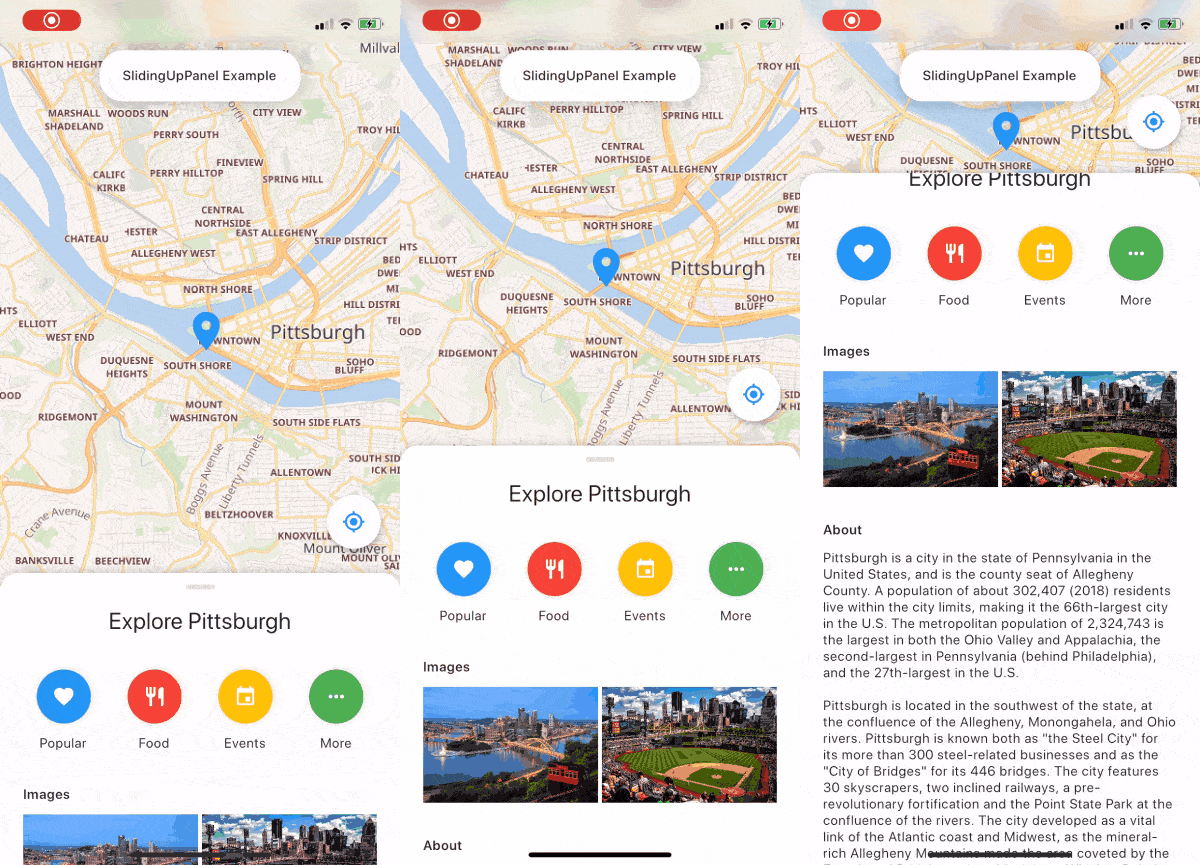
一個可拖曳的 Flutter 小部件,讓實作 SlidingUpPanel 變得更容易!
用於連接和與藍牙低功耗設備通訊的 Flutter 插件。
用於 2D 和 3D 應用的向量數學庫。
同心過渡效果。適用於引導頁、頁面切換等情境。
FLog 提供快速且簡單的日誌記錄解決方案。所有日誌都儲存在資料庫中,之後可匯出為檔案。
一個基於 https://materialdesignicons.com/ 的社群版 Material Design 圖示 Flutter 套件。
先依使用情境篩選,再比較專案活躍情況,最後到原始儲存庫確認使用要求。
“A repository is the most basic element of GitHub.”
GitHub Docs — About repositories ↗