
WhatsApp-克隆-Flutter
使用 Flutter 開發聊天應用 UI 部分的倉儲(YouTube 系列)

- 星標
- 589
- 分支
- 248
- 最近推送(UTC)
- 2024年3月16日
- 專案狀態
- 未封存
原始 README
以下為英文專案原文快照,最新內容請造訪 GitHub。
Chat App Development Front-End and Back-End using Flutter, SocketIo, and NodeJS. (Limited code)

( You can buy the full source code of tutorial in $30 (mail me): devstackin@gmail.com )
In this full tutrial source code you will get:
- One to one chatting
- One to one file sharing
- All the basic UI of whatsapp
- Camera and Video integration
- Socket Integration
Things are not there yet:
- Database integration
- Group chat functionality
- Calling and Voice features
Please note in $30 you will going to get the full tutorial code, which I have covered in youtube, It is just a tutorial code not real whatsapp code
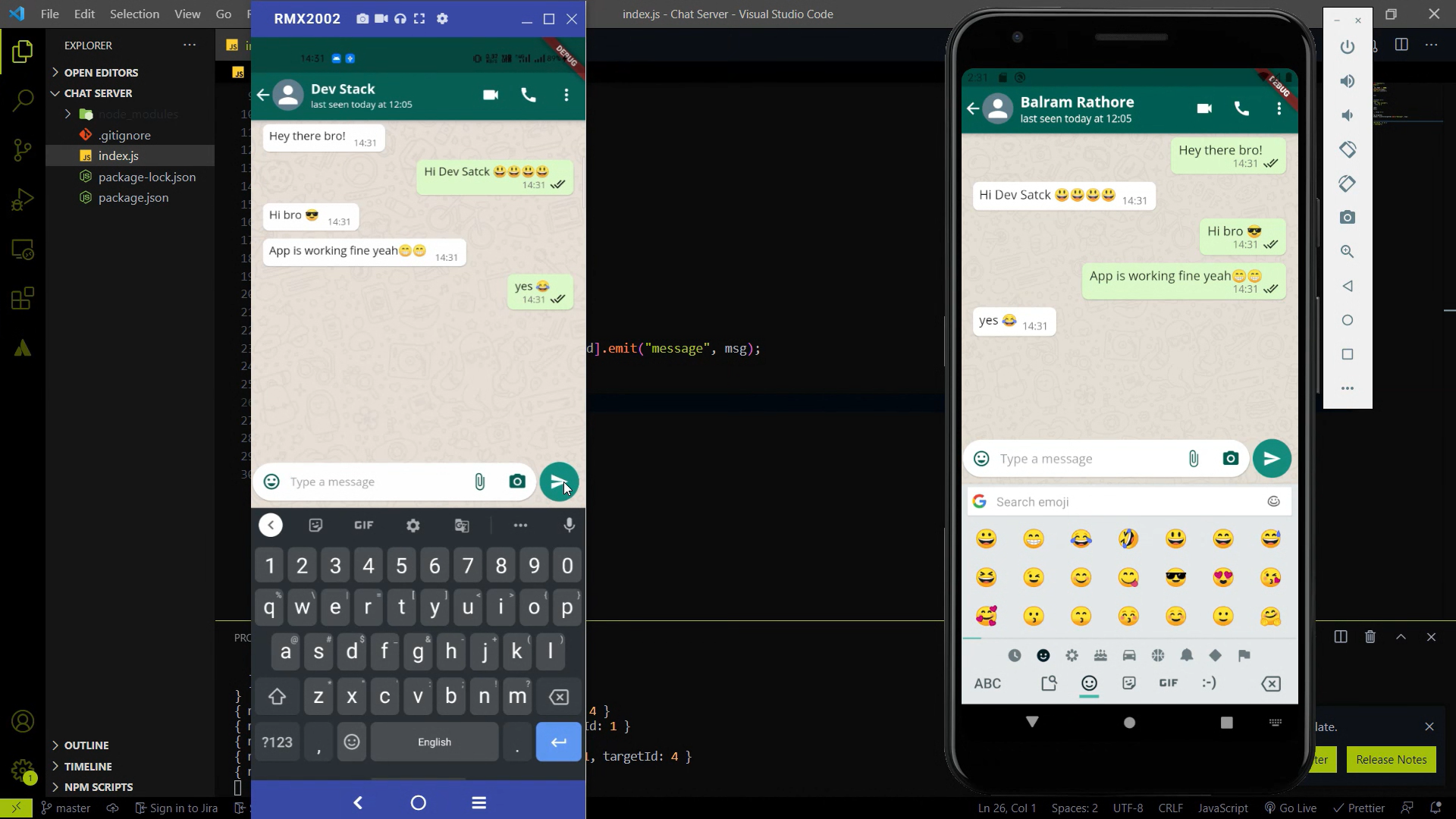
Playlist for Chat App Development series -:
| Playlist Name | YouTube Playlist Link | |
|---|---|---|
| Chat App Development (Main Playlist) | Link | |
| Chat App Development (Only Front-End using Flutter) | Link | |
| Chat Server Development (Only Back-End using Node/SocketIo) | Link |
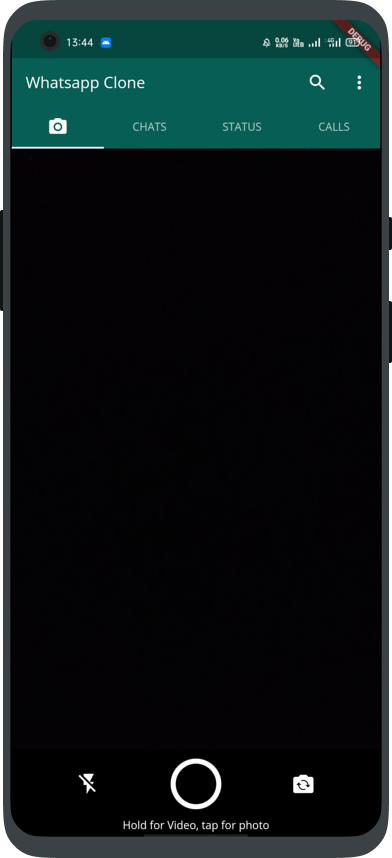
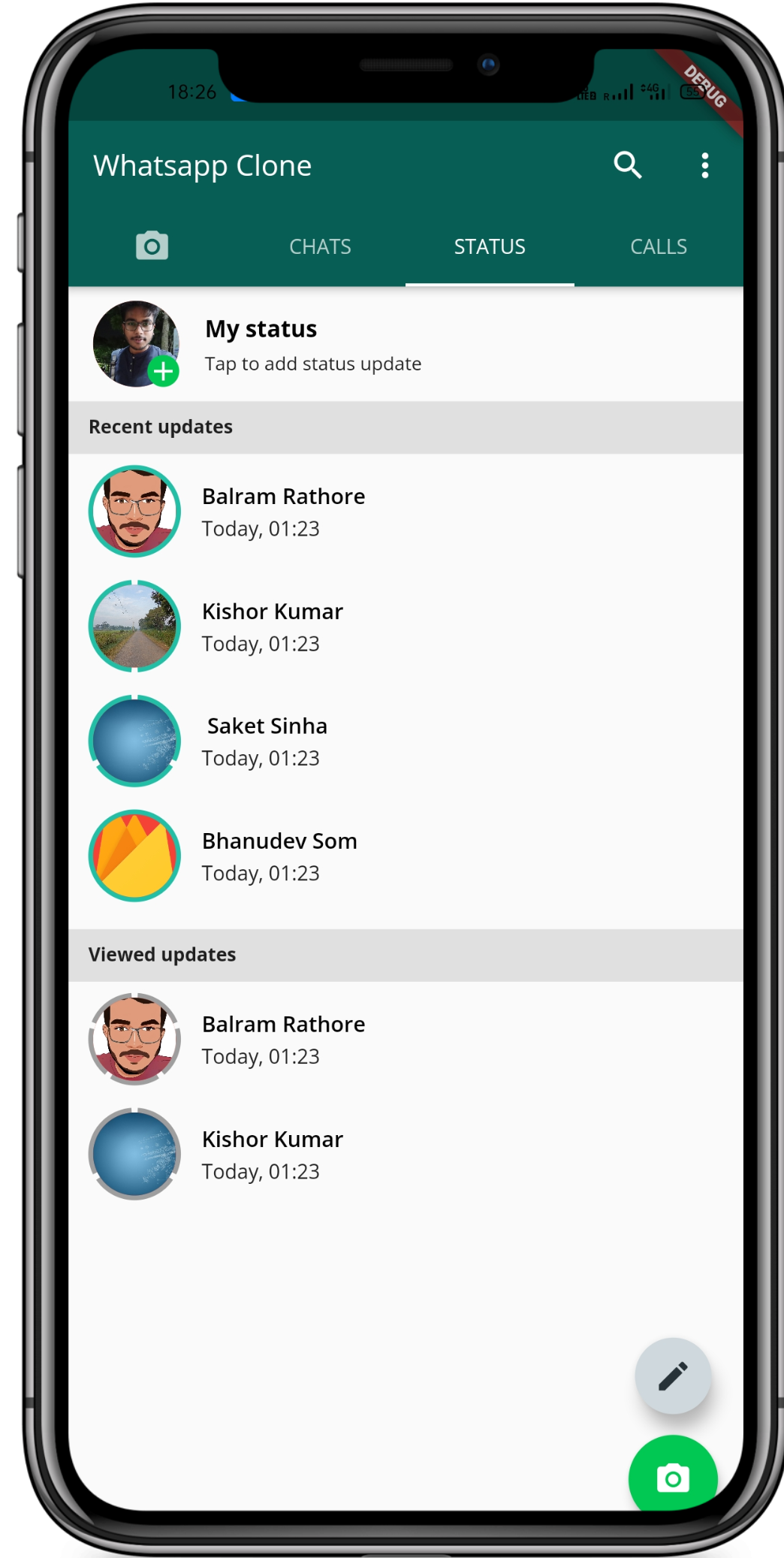
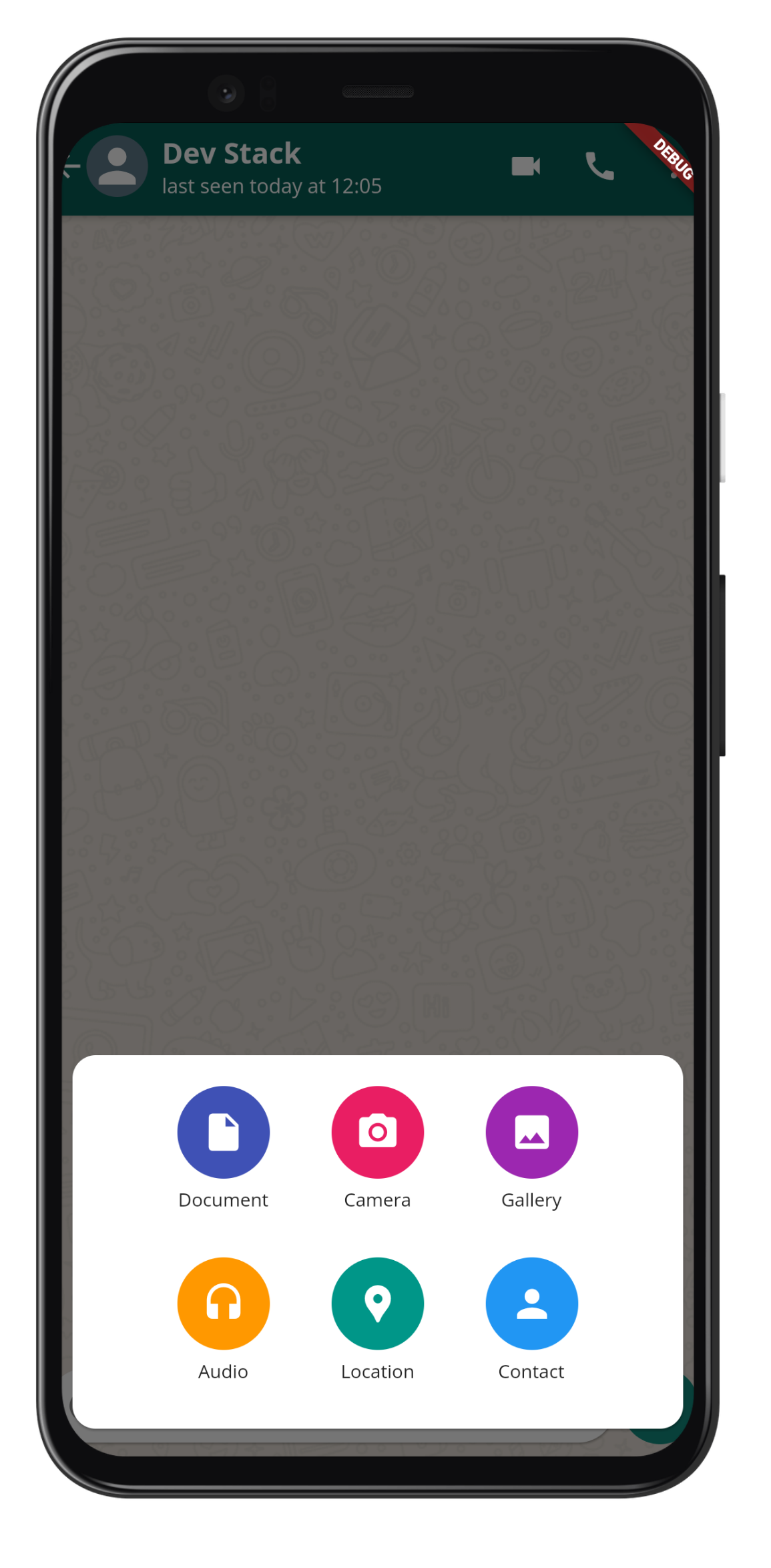
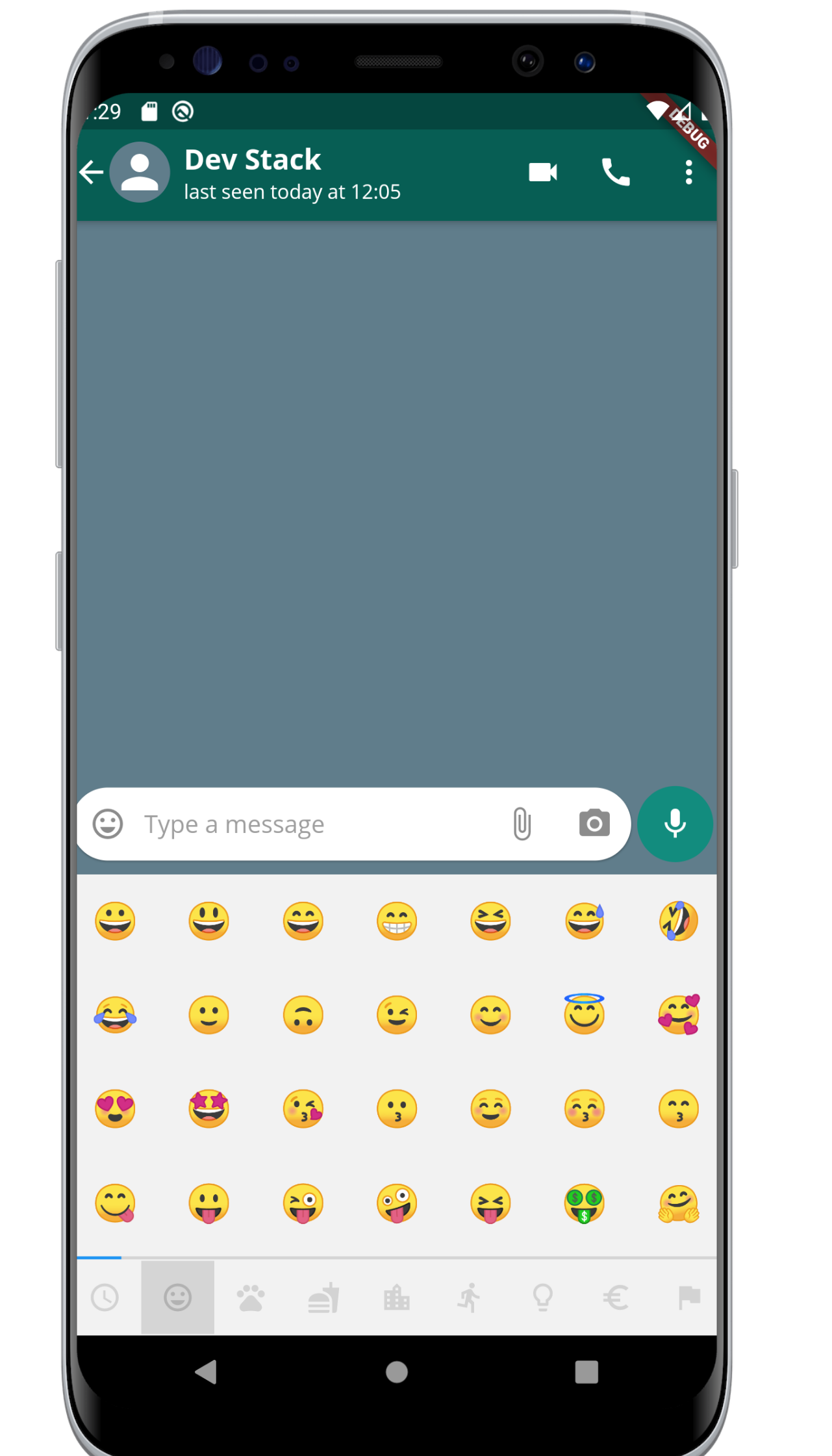
Some Screenshots of this series
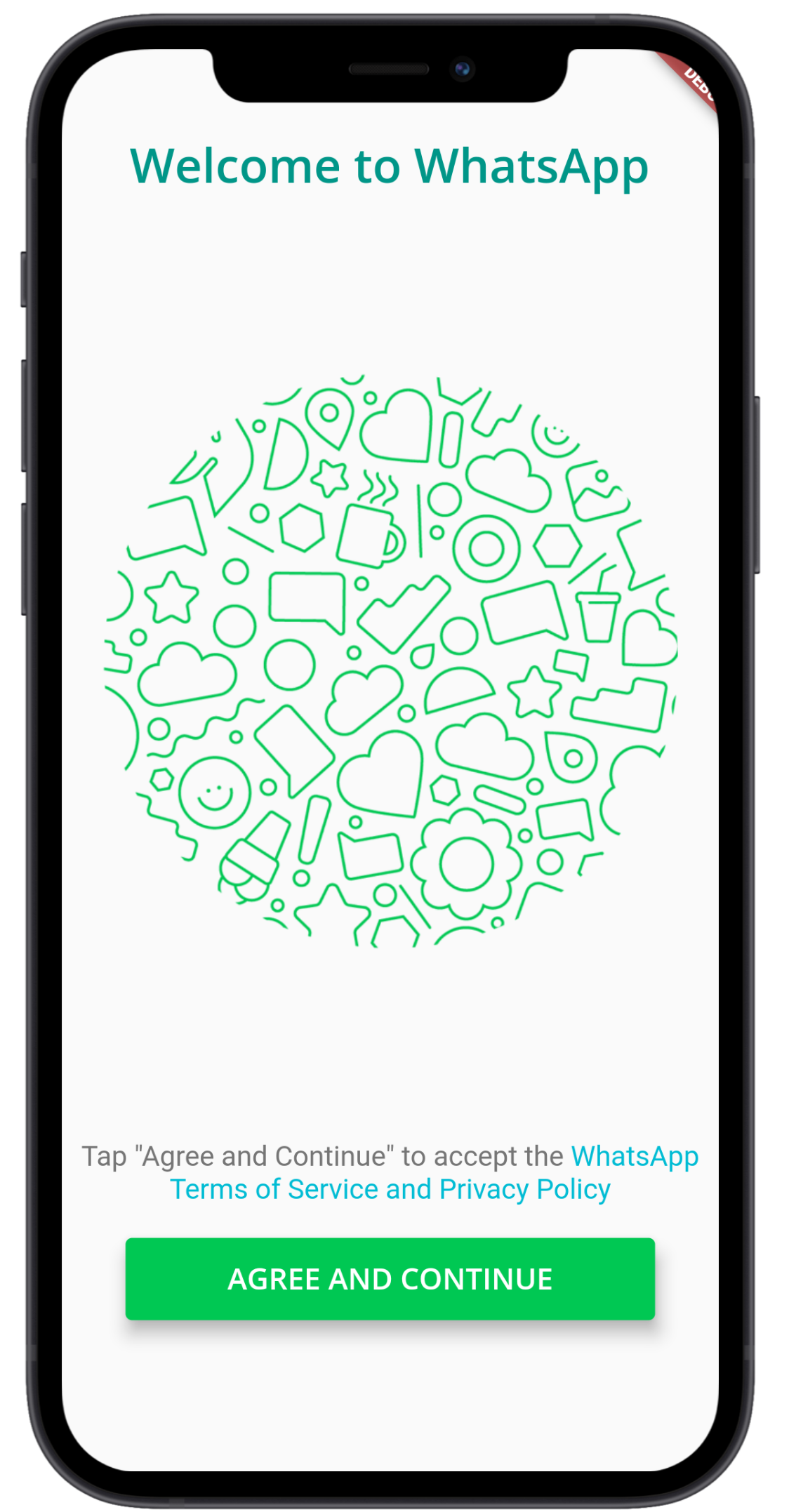
1. Landing Page
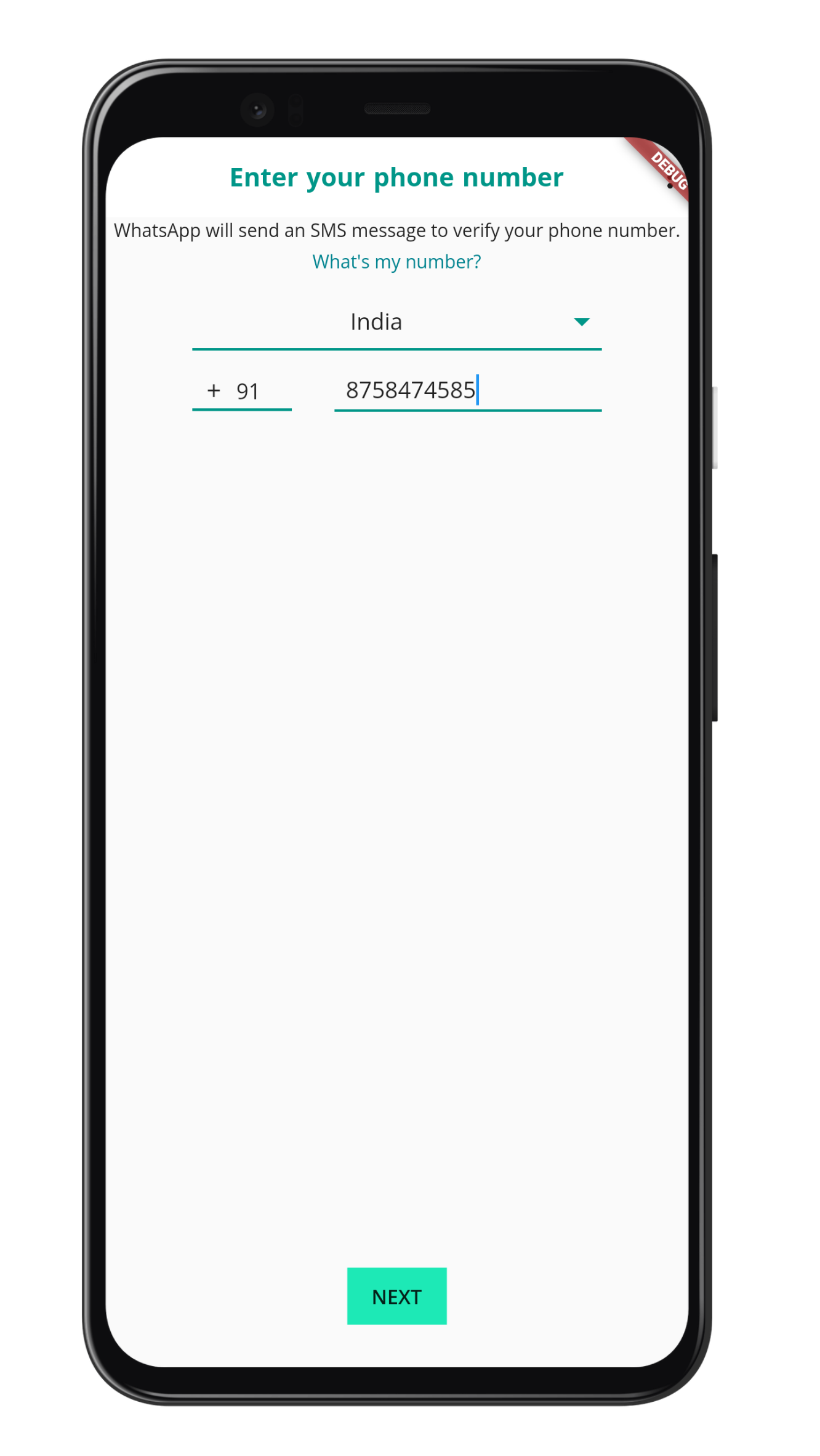
2. Login Page
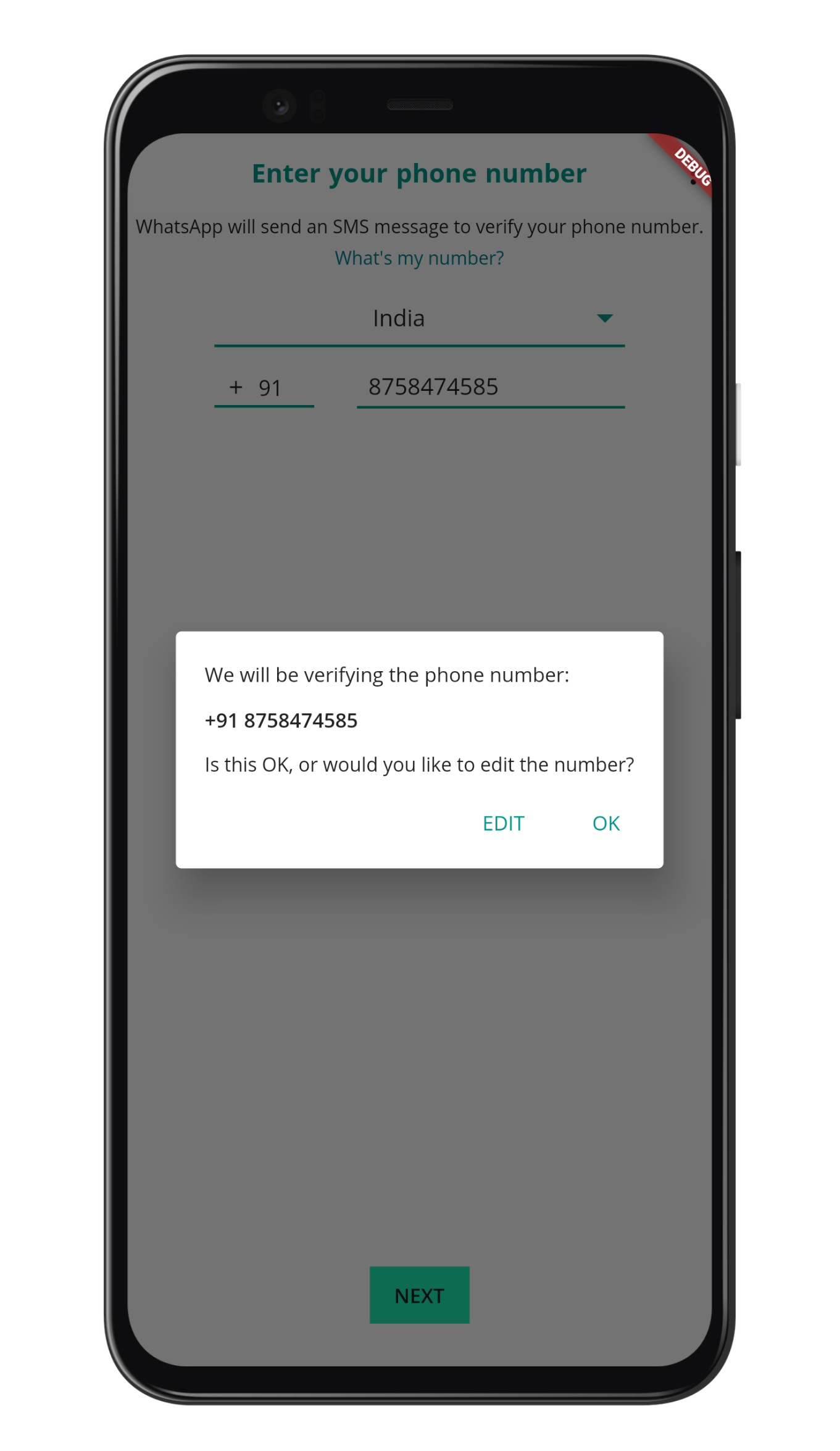
3. Login Page with Alert
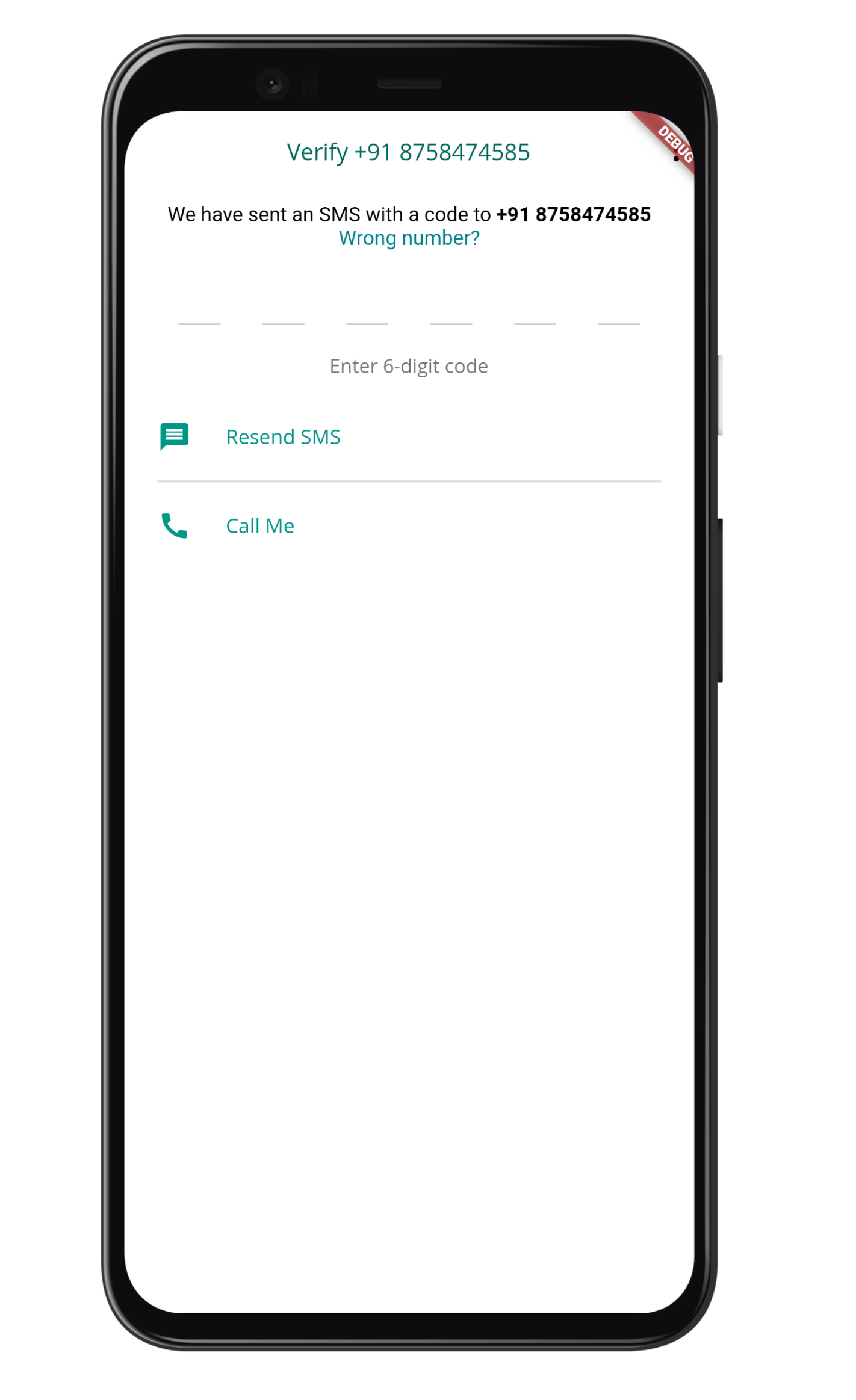
4. OTP Screen
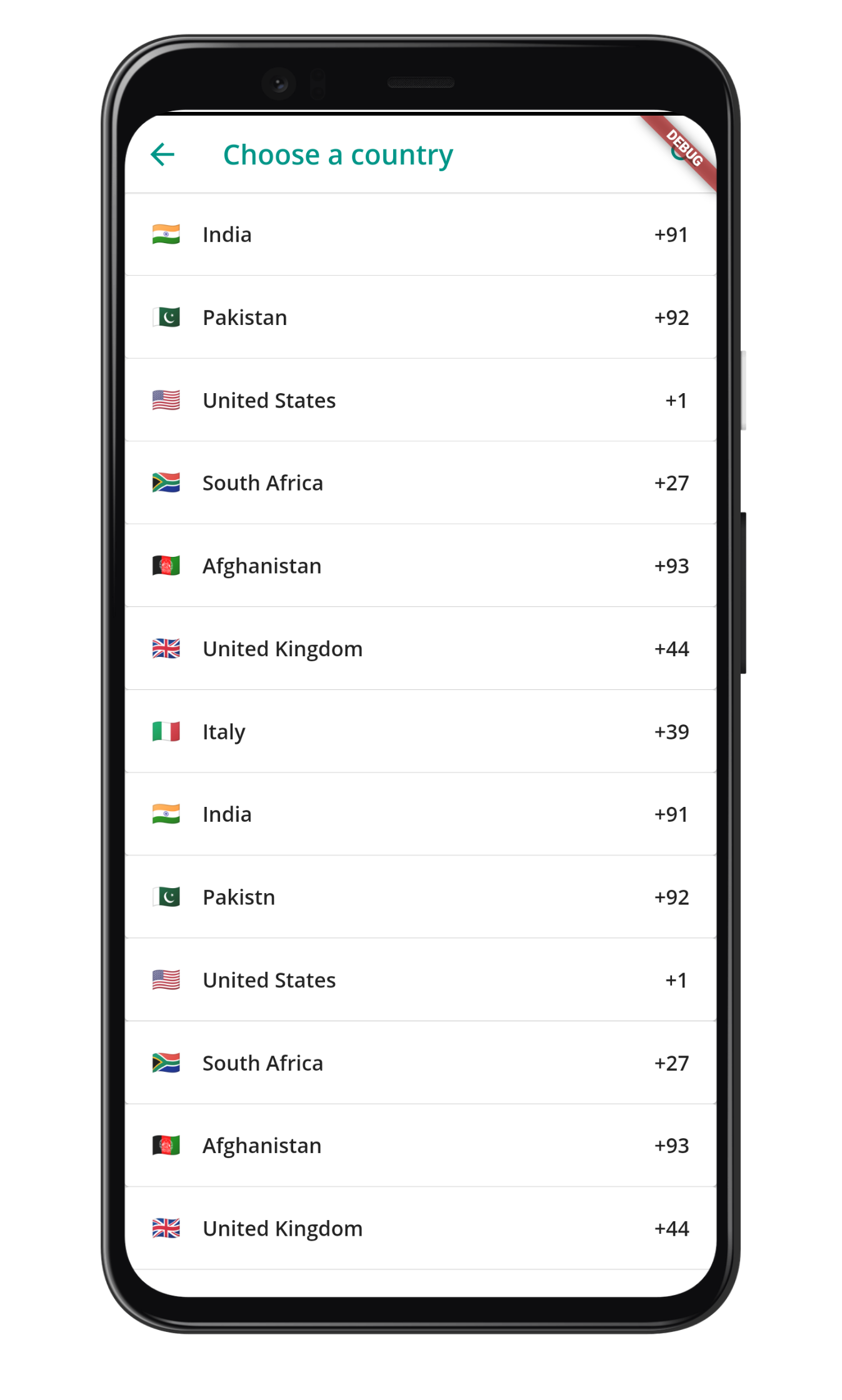
5. Country Page
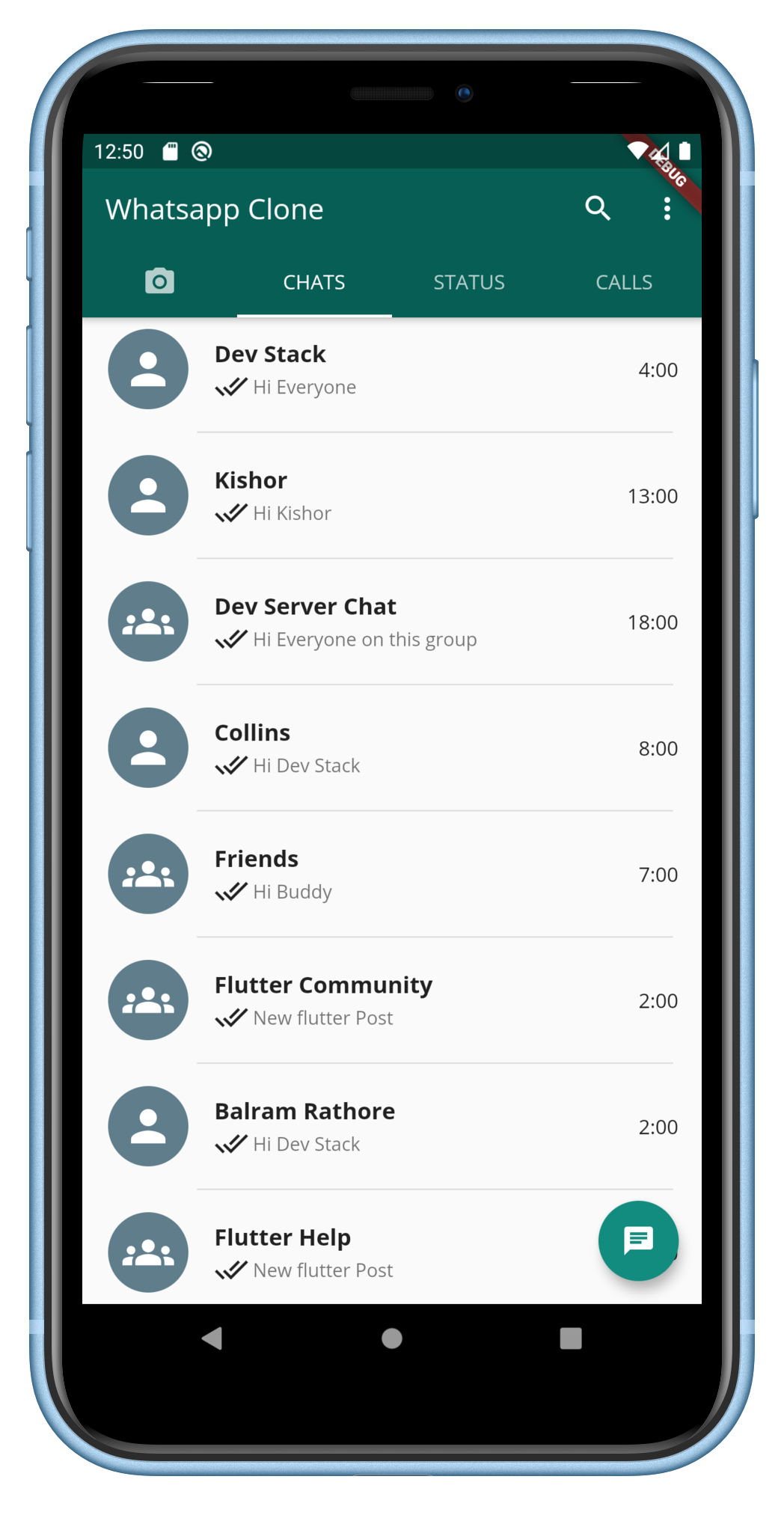
6. Home page
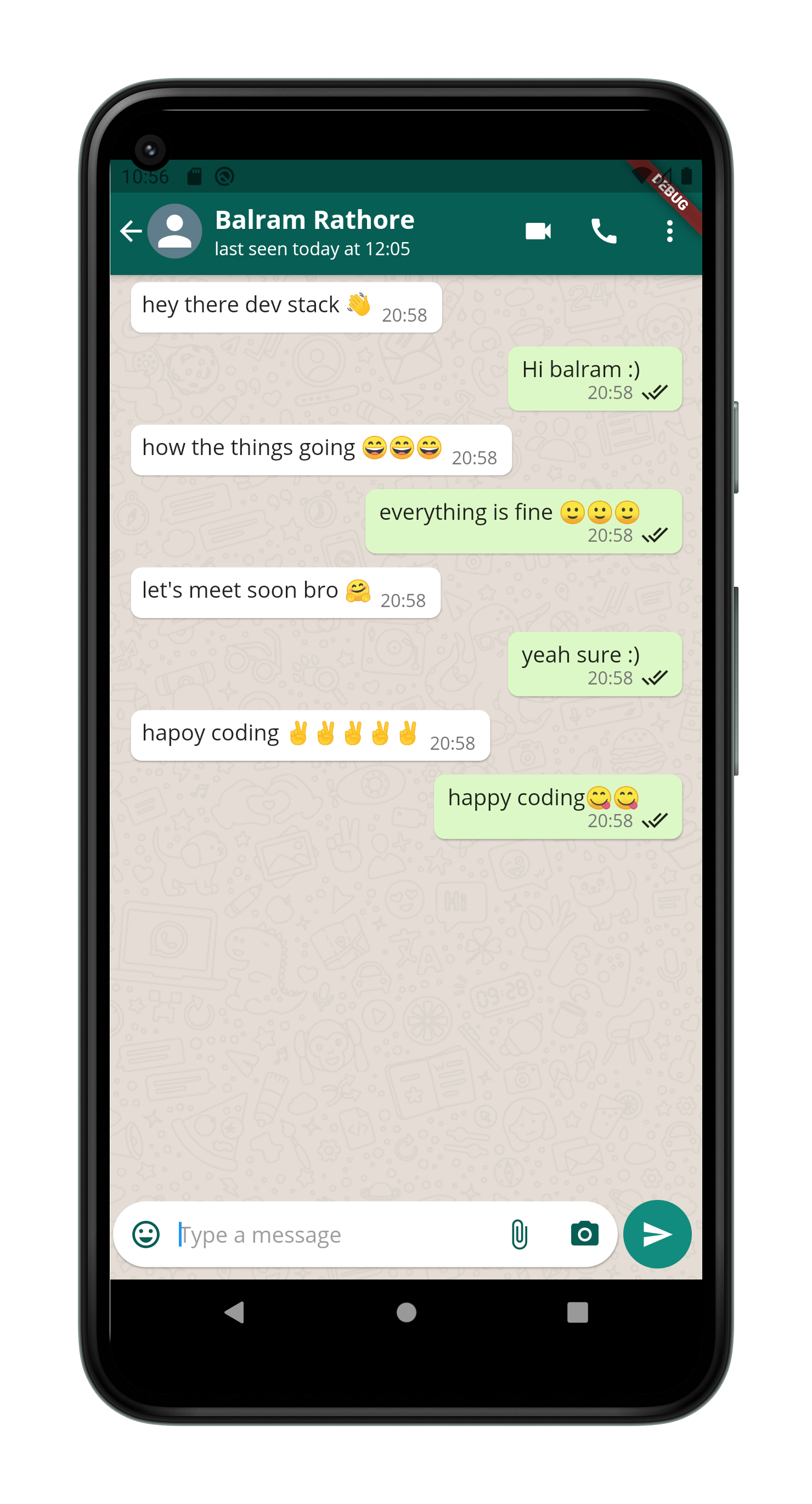
7. Chat page
8. Camera Page
9. Status Page
10. PopUp Menu Item
11. Emoji Picker
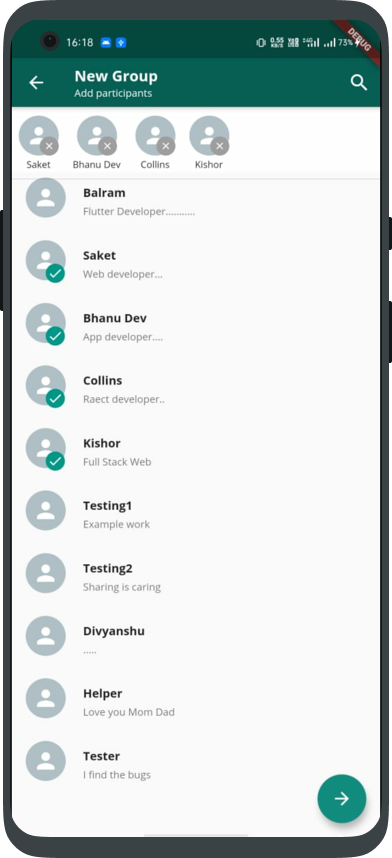
12. Create Group Page
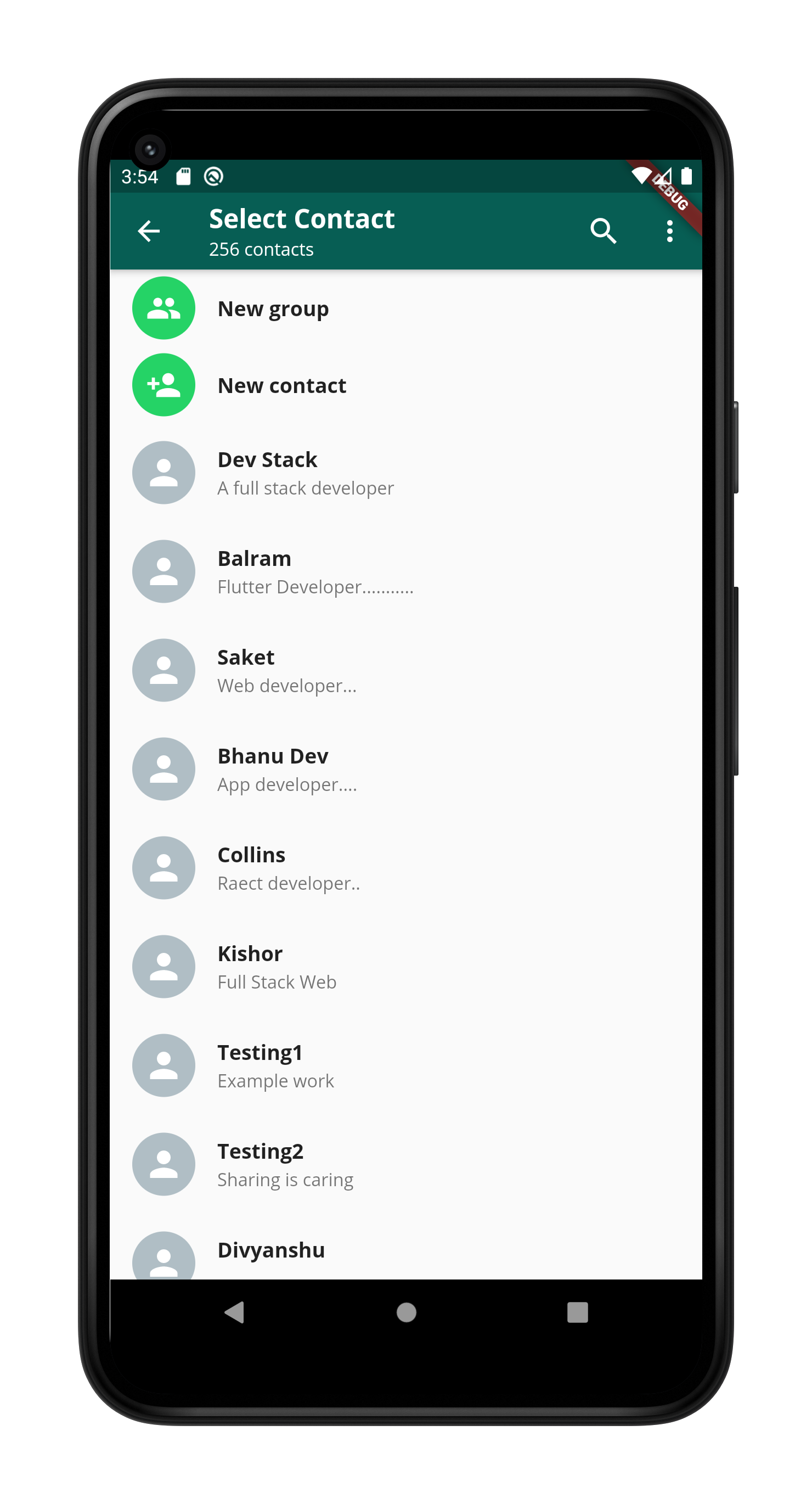
13. Select Contact Page
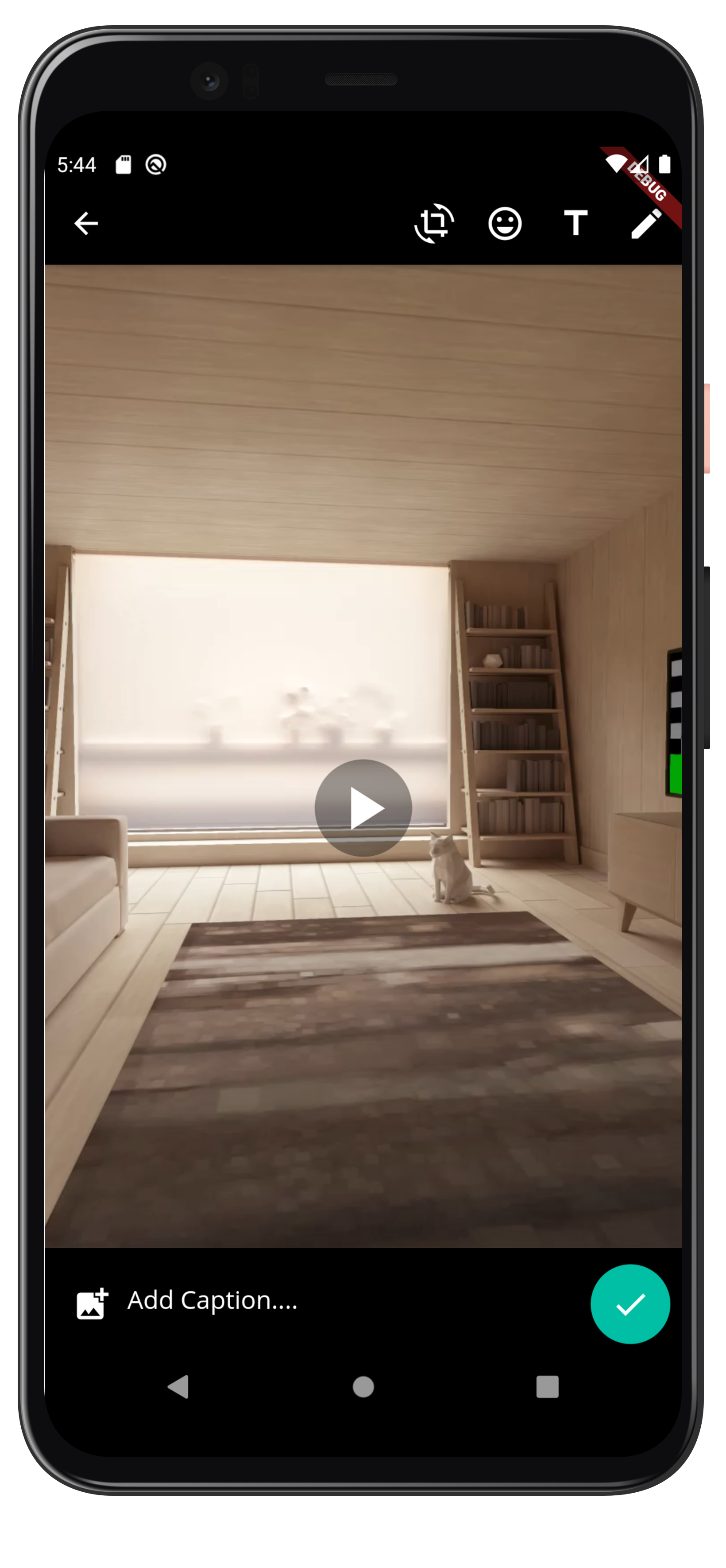
14.View Image/Video Page
Some Other playlist
| Playlist Name | YouTube Playlist Link | |
|---|---|---|
| Flutter model class series, for Rest API connection and JSON parsing | Link | |
| Flutter Basic series | link | |
| Blog App Development (Main Playlist) | Link | |
| Blog App Development (Only Front-End using Flutter) | Link | |
| Blog App Development (Only Back-End using Node/ExpressJs) | Link |
If this tutorial helped you please give a star and also fork the repo, Thank you happy coding :)
To use this app follow below instructions-:
-
Clone this app using below syntax -:
git clone https://github.com/DevStack06/Whatsapp-Clone-Flutter.git
-
After cloning install packages using below syntax -:
flutter pub get
Above command will install all the neccery packges.
- Run the app on your mobile using below command -:
flutter run

GitHub 作者
Balram Rathore ↗
語言DartHTMLSwiftKotlinObjective-C
分類
使用的依賴
依賴清單 11 項
- flutter
{"sdk":"flutter"} - cupertino_icons
^1.0.0 - flutter_svg
^0.19.3 - emoji_picker
^0.1.0 - shared_preferences
^0.5.12+4 - camera
^0.7.0+2 - path_provider
^1.6.22 - path
— - video_player
^1.0.1 - socket_io_client
^0.9.12 - flutter_test開發依賴
{"sdk":"flutter"}
所在榜單
如何選擇適合專案的儲存庫?
先依使用情境篩選,再比較專案活躍情況,最後到原始儲存庫確認使用要求。
- 透過儲存庫名稱、作者或描述搜尋,再依技術分類縮小範圍。
- 綜合星標、分支與最近推送比較專案;星標反映社群關注,不保證品質。
- 使用前在 GitHub 確認 README、授權條款與 Issues。
來源與維護
“A repository is the most basic element of GitHub.”
GitHub Docs — About repositories ↗