

 v1.0.2
animated_icon_button
用於建立自訂動畫 IconButton 的 Flutter 套件。包含所有可用圖示。基於原生 IconButton。
295喜歡 1.7萬近 30 天下載160Pub 分數
AndroidiOSWebmacOSWindowsLinux
:rainbow: 用於建立自訂動畫 IconButton 的 Flutter 套件。包含所有可用圖示。

以下為英文專案原文快照,最新內容請造訪 GitHub。
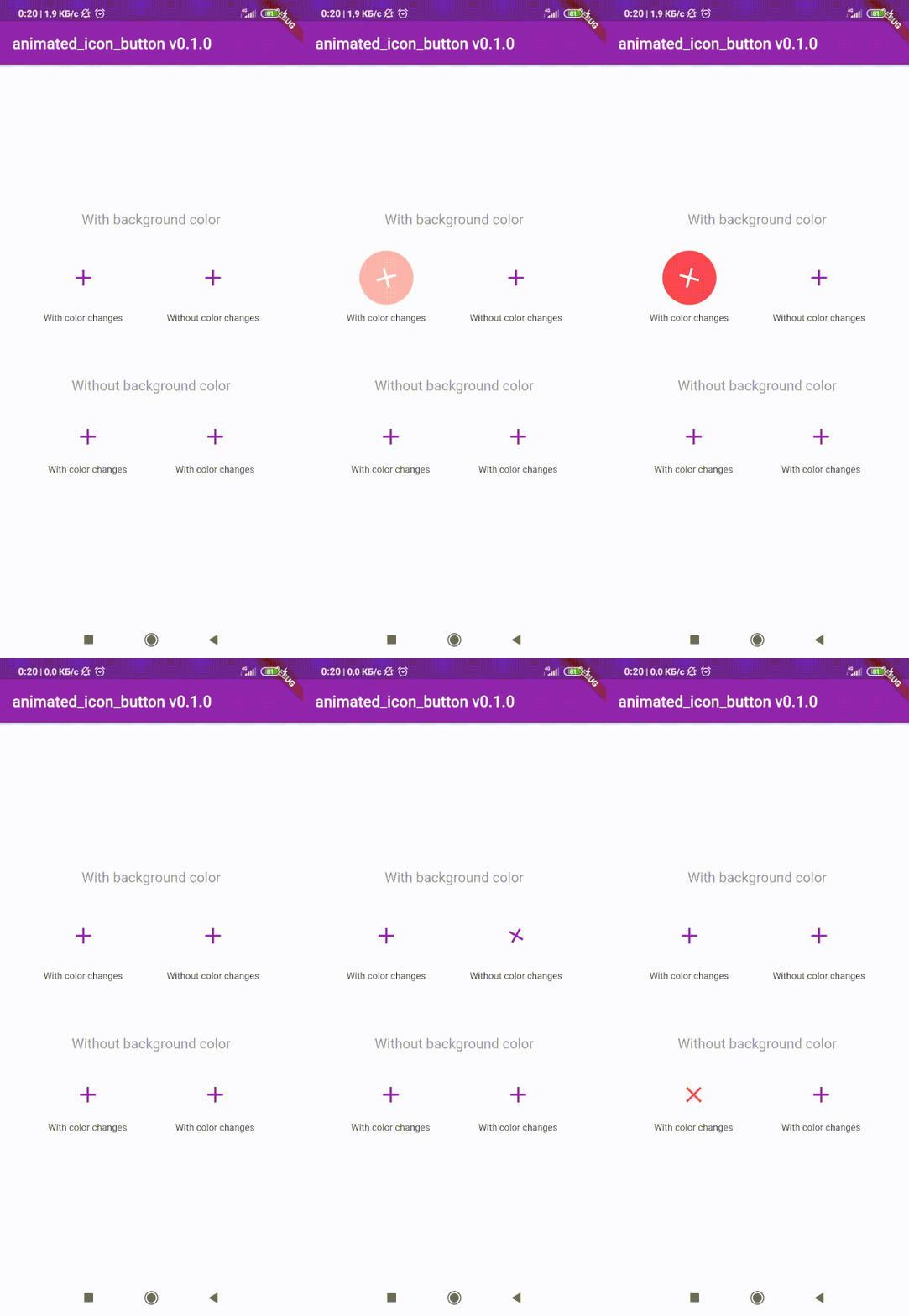
😵 Includes all available icons. Based on native IconButton.


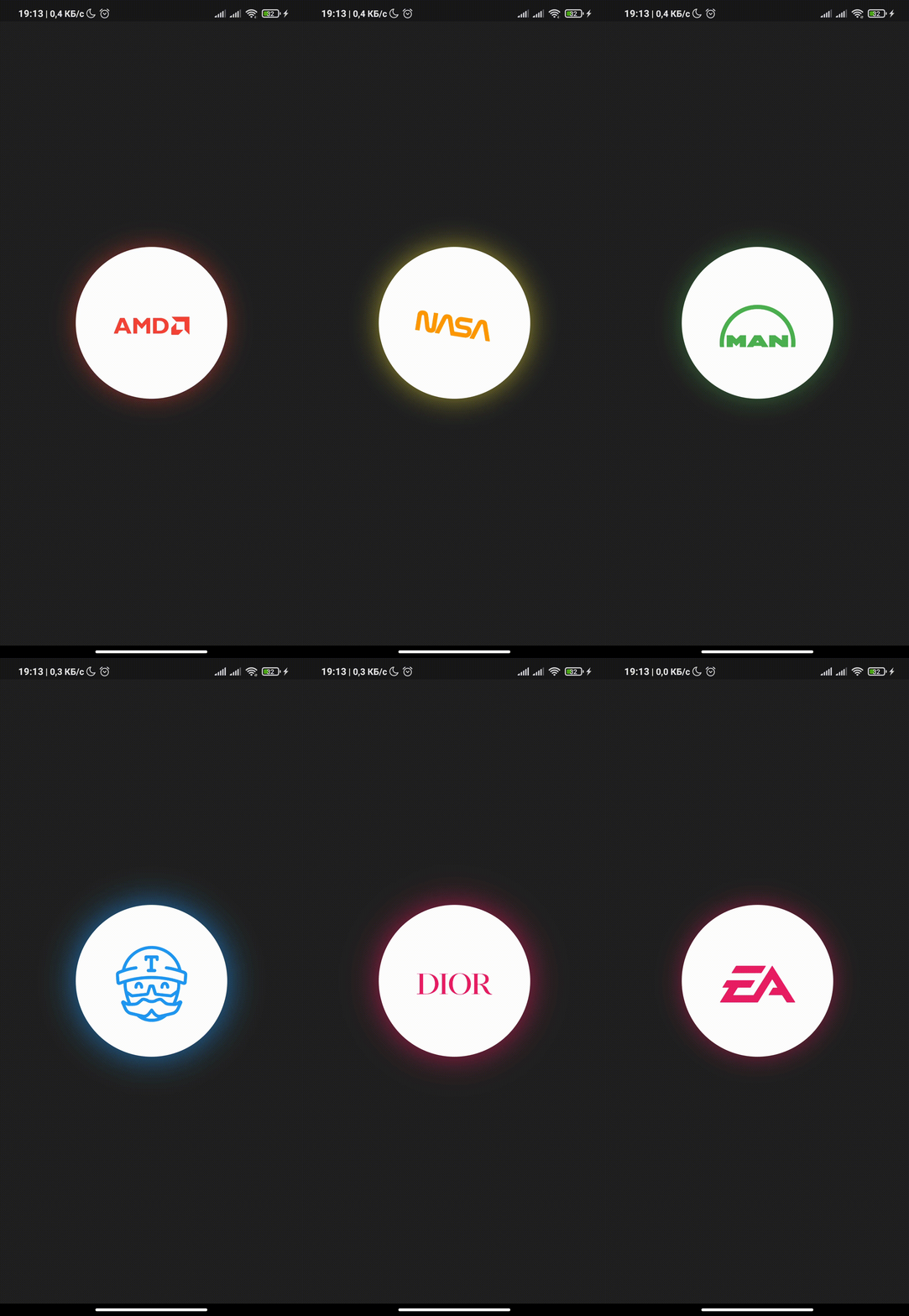
After 1.0.2 version you can use multiple icons.
Follow these steps to use this library
dependencies:
  animated_icon_button: ^1.0.2 #latest version
import 'package:animated_icon_button/animated_icon_button.dart';
Simple example of use AnimatedIconButton
Put this code in your project at an screen and wait for magic 😊
    AnimatedIconButton(
        onPressed: () => print('all icons pressed'),
        icons: [
            AnimatedIconButtonEntry(
                icon: Icon(Icons.add),
                onPressed: () => print('add pressed'),
            ),
            AnimatedIconButtonEntry(
                icon: Icon(Icons.close),
            ),
        ],
    ),
Now you can use more than 2 icons Add new icons to your list and they will change one by one
    AnimatedIconButton(
        size: 35,
        onPressed: () {
            print('all icons pressed');
        },
        duration: const Duration(milliseconds: 200),
        icons: <AnimatedIconButtonEntry>[
            AnimatedIconButtonEntry(
                icon: Icon(
                    Icons.mic,
                    color: Colors.purple,
                ),
                onPressed: () => print('mic pressed'),
                backgroundColor: Colors.white,
            ),
            AnimatedIconButtonEntry(
                icon: Icon(
                    Icons.g_translate,
                    color: Colors.purple,
                ),
                backgroundColor: Colors.white,
            ),
            AnimatedIconButtonEntry(
                icon: Icon(
                    Icons.collections_sharp,
                    color: Colors.purple,
                ),
                backgroundColor: Colors.white,
            ),
        ],
    ),
In order to animate your icons in a custom way, like on text changed or when pressing a button, just use the animationController property as follows.
    var animationController = AnimationController(
        vsync: this,
        duration: Duration(milliseconds: 200),
        reverseDuration: Duration(milliseconds: 200),
    );

    AnimatedIconButton(
        animationController: animationController,
        size: 35,
        onPressed: () {
            print('all icons pressed');
        },
        duration: const Duration(milliseconds: 200),
        icons: <AnimatedIconButtonEntry>[
            AnimatedIconButtonEntry(
                icon: Icon(
                    Icons.mic,
                    color: Colors.purple,
                ),
                onPressed: () => print('mic pressed'),
                backgroundColor: Colors.white,
            ),
            AnimatedIconButtonEntry(
                icon: Icon(
                    Icons.g_translate,
                    color: Colors.purple,
                ),
                backgroundColor: Colors.white,
            ),
            AnimatedIconButtonEntry(
                icon: Icon(
                    Icons.collections_sharp,
                    color: Colors.purple,
                ),
                backgroundColor: Colors.white,
            ),
        ],
    ),
Then, whenever you want, execute your animationController.forward() and animationController.reverse() methods to get your icons animated.
Don't forget when you use this property duration is not used, so it can be emitted.
依賴清單 5 項
{"sdk":"flutter"}—^1.11.5{"sdk":"flutter"}—先依使用情境篩選,再比較專案活躍情況,最後到原始儲存庫確認使用要求。
“A repository is the most basic element of GitHub.”
GitHub Docs — About repositories ↗