

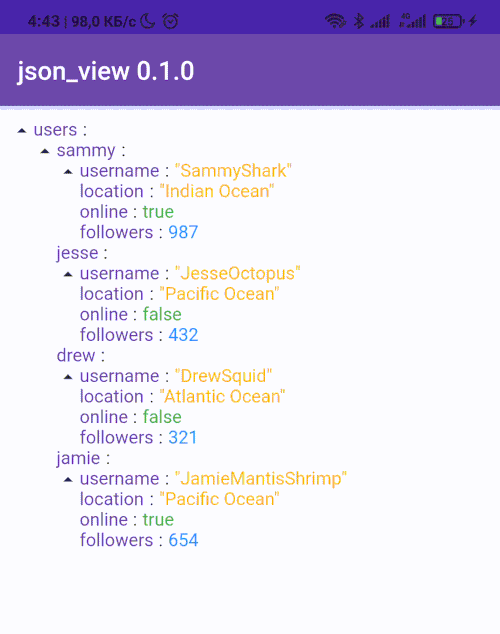
 v1.1.5
flutter_json_view
使用自訂選項在 Flutter 小部件中顯示 JSON 模型。
145喜歡 1.8萬近 30 天下載160Pub 分數
AndroidiOSWebmacOSWindowsLinux
:page_facing_up: 在 Flutter 小部件中顯示 JSON 模型

以下為英文專案原文快照,最新內容請造訪 GitHub。

😎 Cool solution for viewing models in debug working
Show some ❤️ and star the repo to support the project!




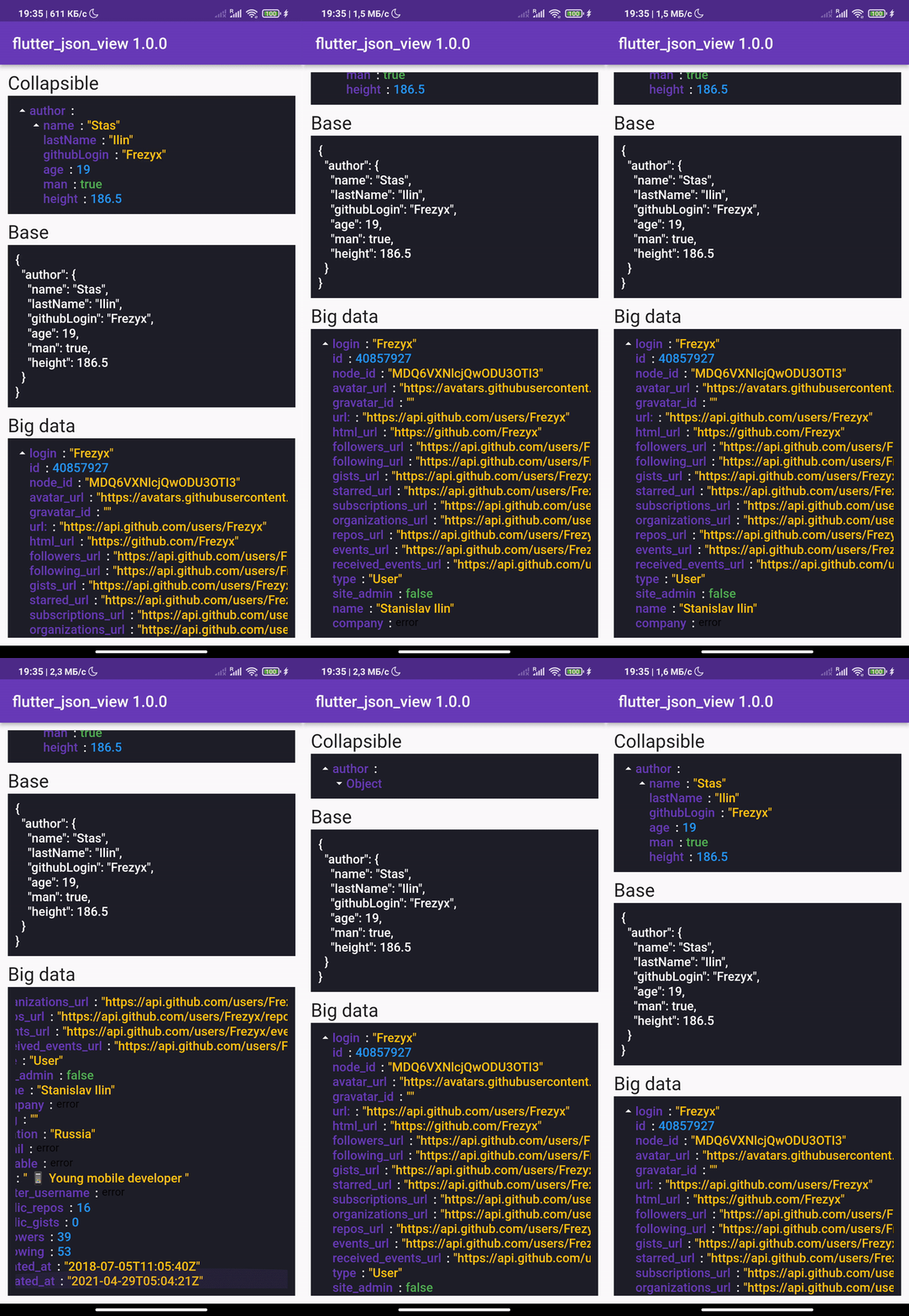 |
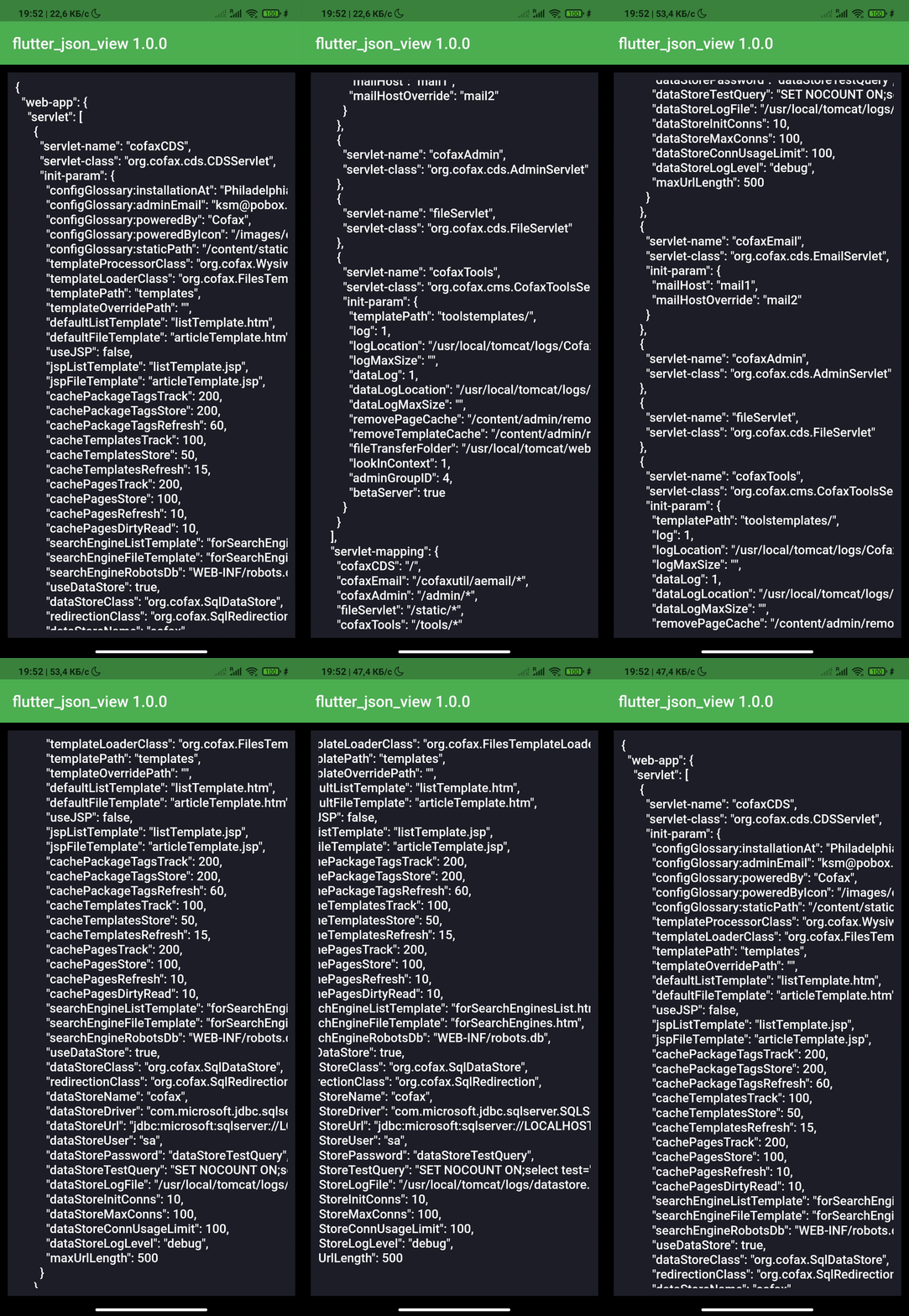 |
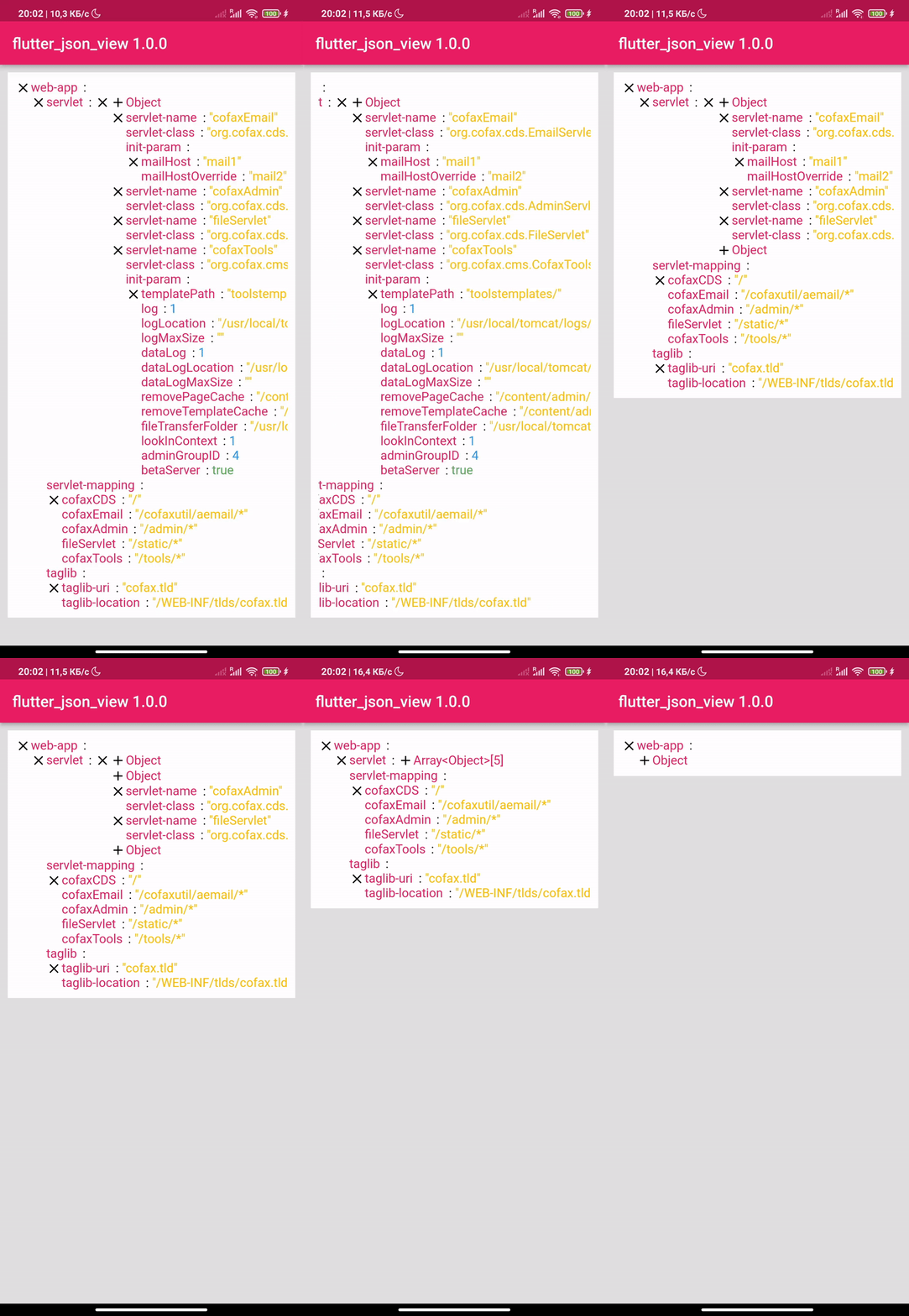 |
|---|
dependencies:
  flutter_json_view: ^1.1.5
import 'package:flutter_json_view/flutter_json_view.dart';
Add one of the constructors in your code
JsonView.string('{"key":"value"}'),
JsonView.asset('assets/data.json'),
JsonView.map({"key":"value"}),
🎨 The package was created in order to be able to customize your json view

JsonView.string(
    '{"key":"value"}',
    theme: JsonViewTheme(
      keyStyle: TextStyle(
        color: Colors.black54,
        fontSize: 16,
        fontWeight: FontWeight.w600,
      ),
      doubleStyle: TextStyle(
        color: Colors.green,
        fontSize: 16,
      ),
      intStyle: TextStyle(
        color: Colors.green,
        fontSize: 16,
      ),
      stringStyle: TextStyle(
        color: Colors.green,
        fontSize: 16,
      ),
      boolStyle: TextStyle(
        color: Colors.green,
        fontSize: 16,
      ),
      closeIcon: Icon(
        Icons.close,
        color: Colors.green,
        size: 20,
      ),
      openIcon: Icon(
        Icons.add,
        color: Colors.green,
        size: 20,
      ),
      separator: Padding(
        padding: EdgeInsets.symmetric(horizontal: 8.0),
        child: Icon(
          Icons.arrow_right_alt_outlined,
          size: 20,
          color: Colors.green,
        ),
      ),
    ),
  ),
More examples you can see here
Thanks to all contributors of this package
For help getting started with Flutter, view our online documentation, which offers tutorials, samples, guidance on mobile development, and a full API reference.
依賴清單 3 項
{"sdk":"flutter"}{"sdk":"flutter"}>=2.0.0 <4.0.0先依使用情境篩選,再比較專案活躍情況,最後到原始儲存庫確認使用要求。
“A repository is the most basic element of GitHub.”
GitHub Docs — About repositories ↗