

 v2.0.0
full_screen_image
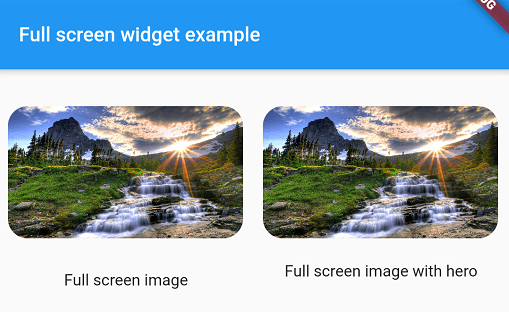
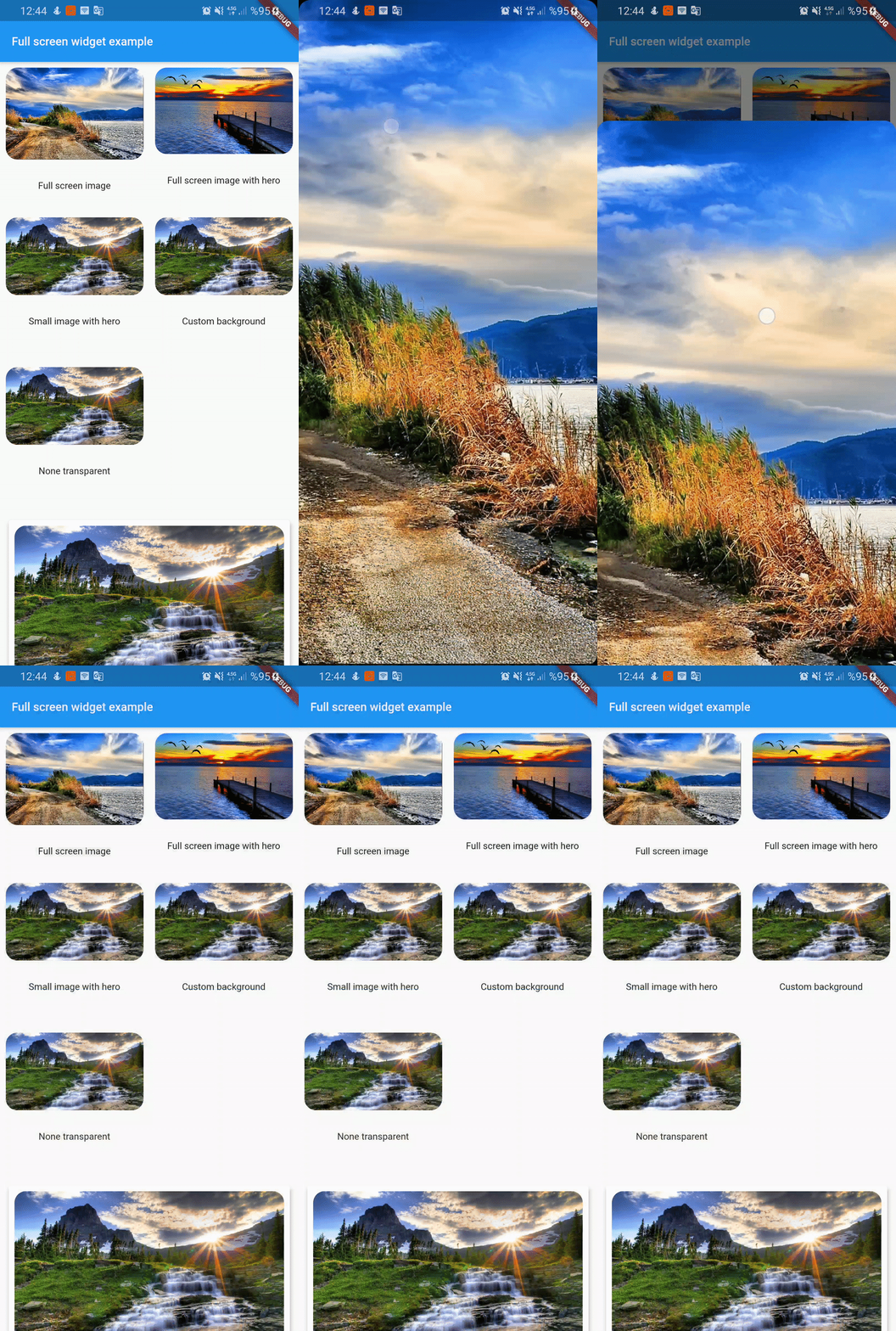
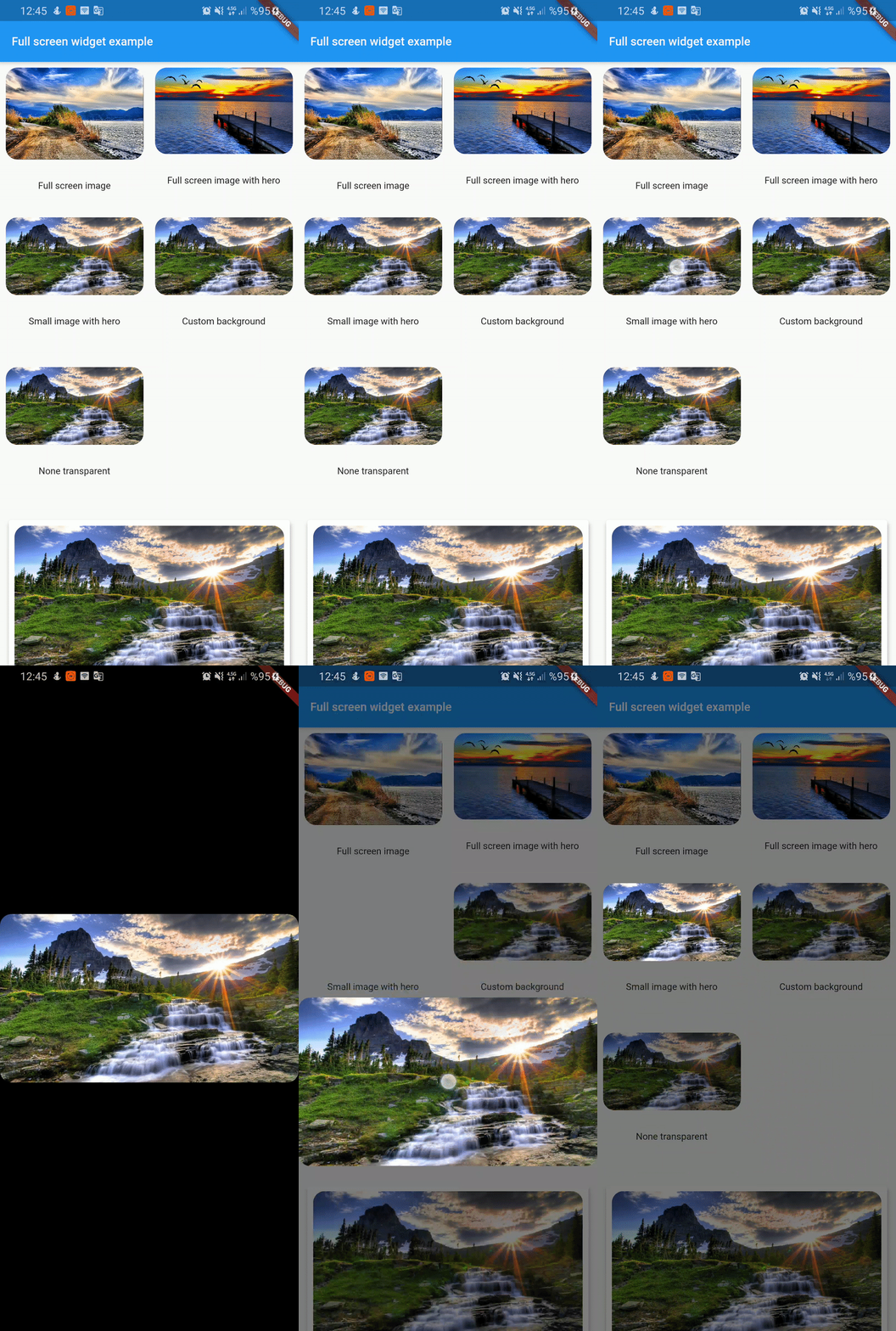
全螢幕照片檢視器。垂直滾動時會關閉。可與 Hero 小部件一起使用。
131喜歡 2110近 30 天下載130Pub 分數
AndroidiOSWebmacOSWindowsLinux
全螢幕照片檢視器。垂直滾動時會關閉。可與 Hero 小部件一起使用。

以下為英文專案原文快照,最新內容請造訪 GitHub。
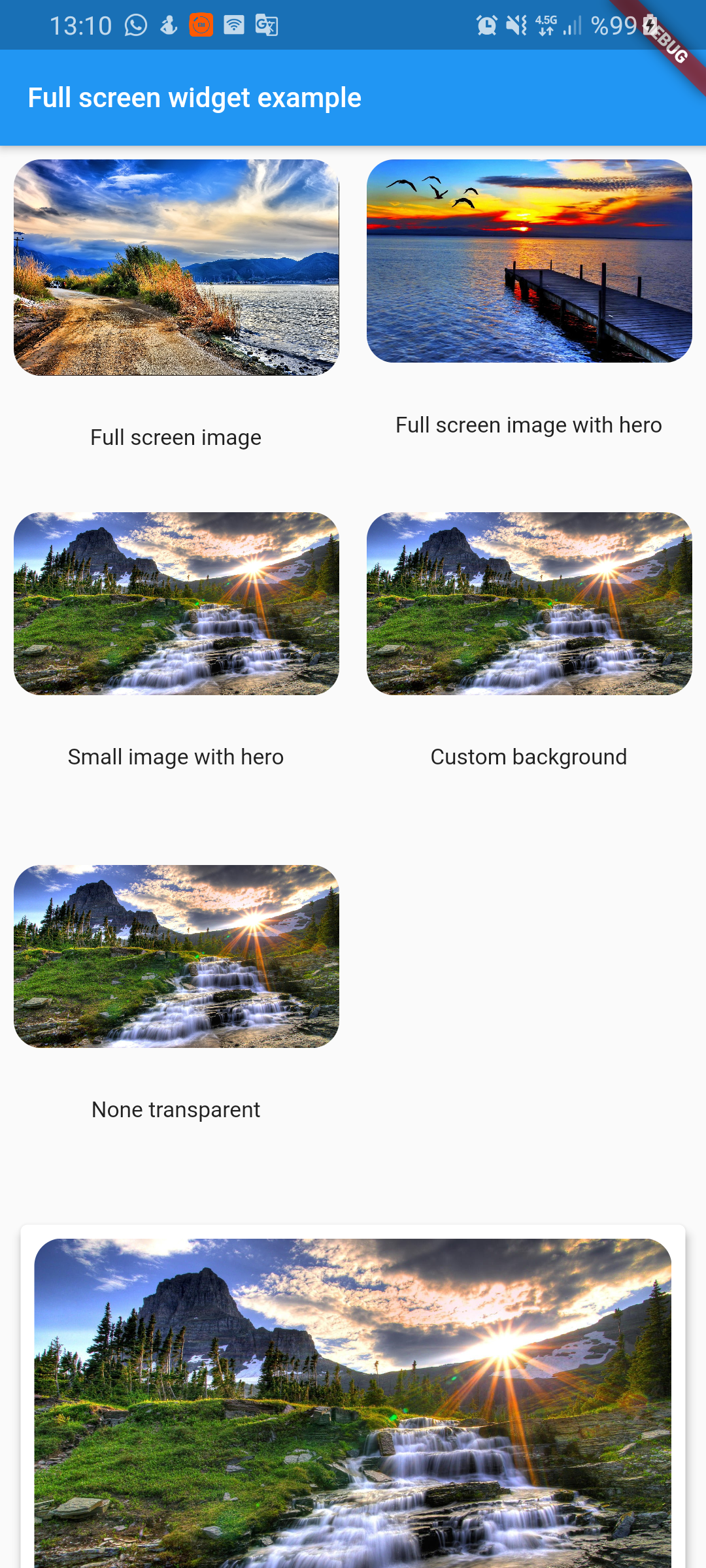
Full screen photo viewer. It shuts off when scrolling vertically. Can work with Hero widget
To use this plugin, add full_screen_image as a dependency in your pubspec.yaml file.
full_screen_image: any
Check out the example app using full_screen_image.
  FullScreenWidget(
        child: ClipRRect(
          borderRadius: BorderRadius.circular(16),
          child: Image.asset(
            "assets/image1.jpg",
            fit: BoxFit.cover,
          ),
        ),
      )
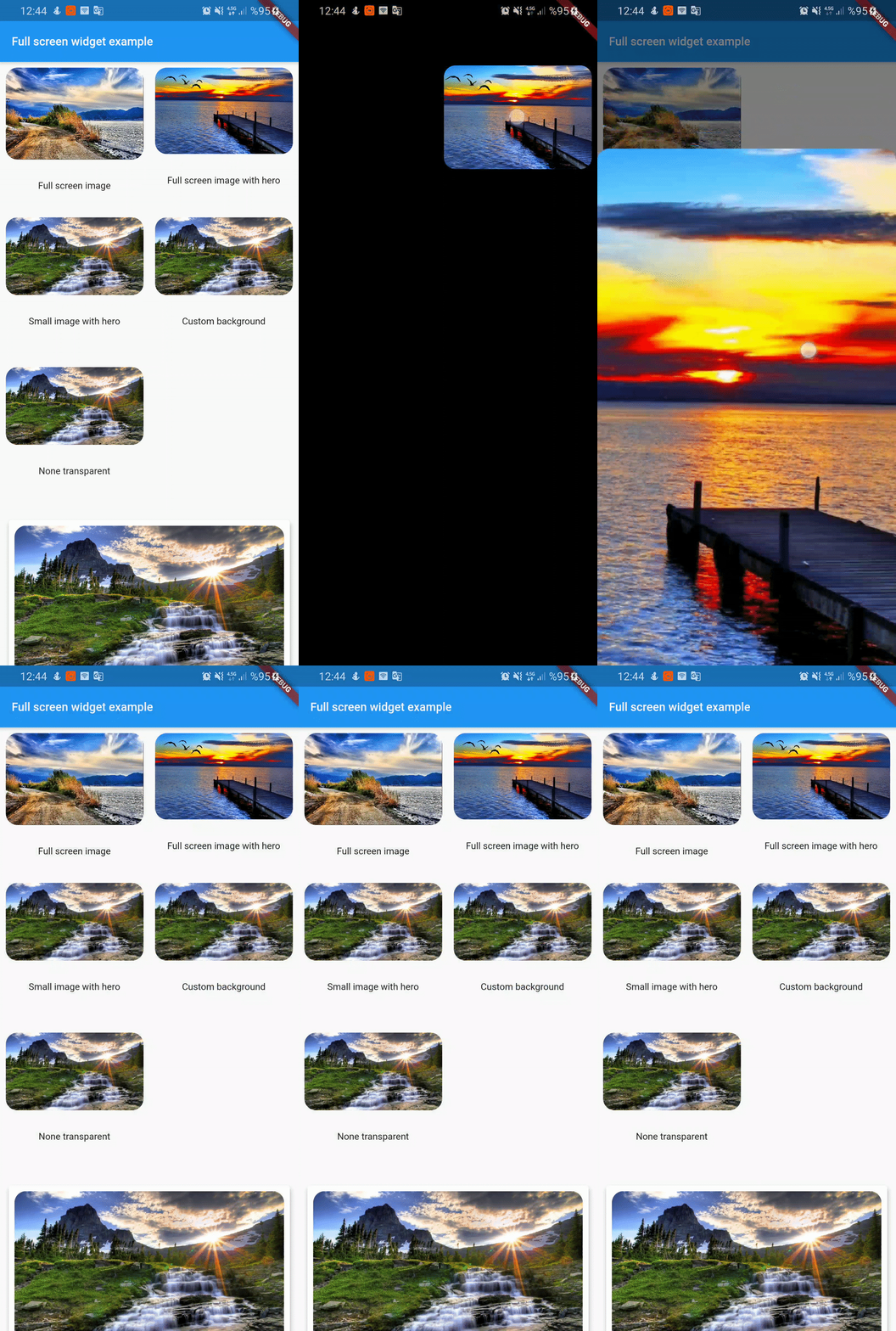
FullScreenWidget(
        child: Hero(
          tag: "customTag",
          child: ClipRRect(
            borderRadius: BorderRadius.circular(16),
            child: Image.asset(
              "assets/image2.jpg",
              fit: BoxFit.cover,
            ),
          ),
        ),
      );
if you don't want widget full screen then use center widget
 FullScreenWidget(
        child: Center(
          child: Hero(
            tag: "smallImage",
            child: ClipRRect(
              borderRadius: BorderRadius.circular(16),
              child: Image.asset(
                "assets/image3.jpg",
                fit: BoxFit.cover,
              ),
            ),
          ),
        ),
      );
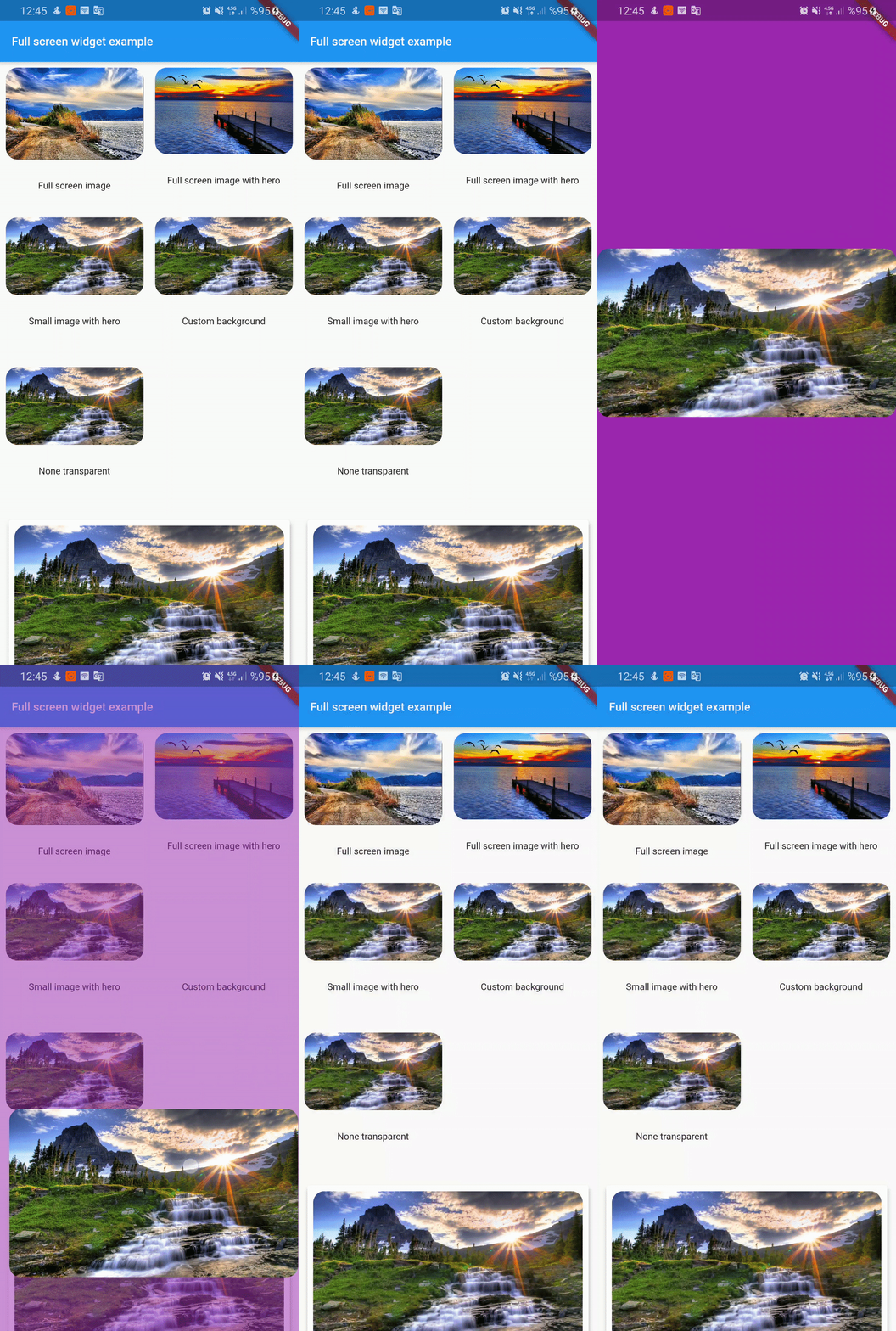
FullScreenWidget(
        backgroundColor: Colors.purple,
        child: Center(
          child: Hero(
            tag: "customBackground",
            child: ClipRRect(
              borderRadius: BorderRadius.circular(16),
              child: Image.asset(
                "assets/image3.jpg",
                fit: BoxFit.cover,
              ),
            ),
          ),
        ),
      );
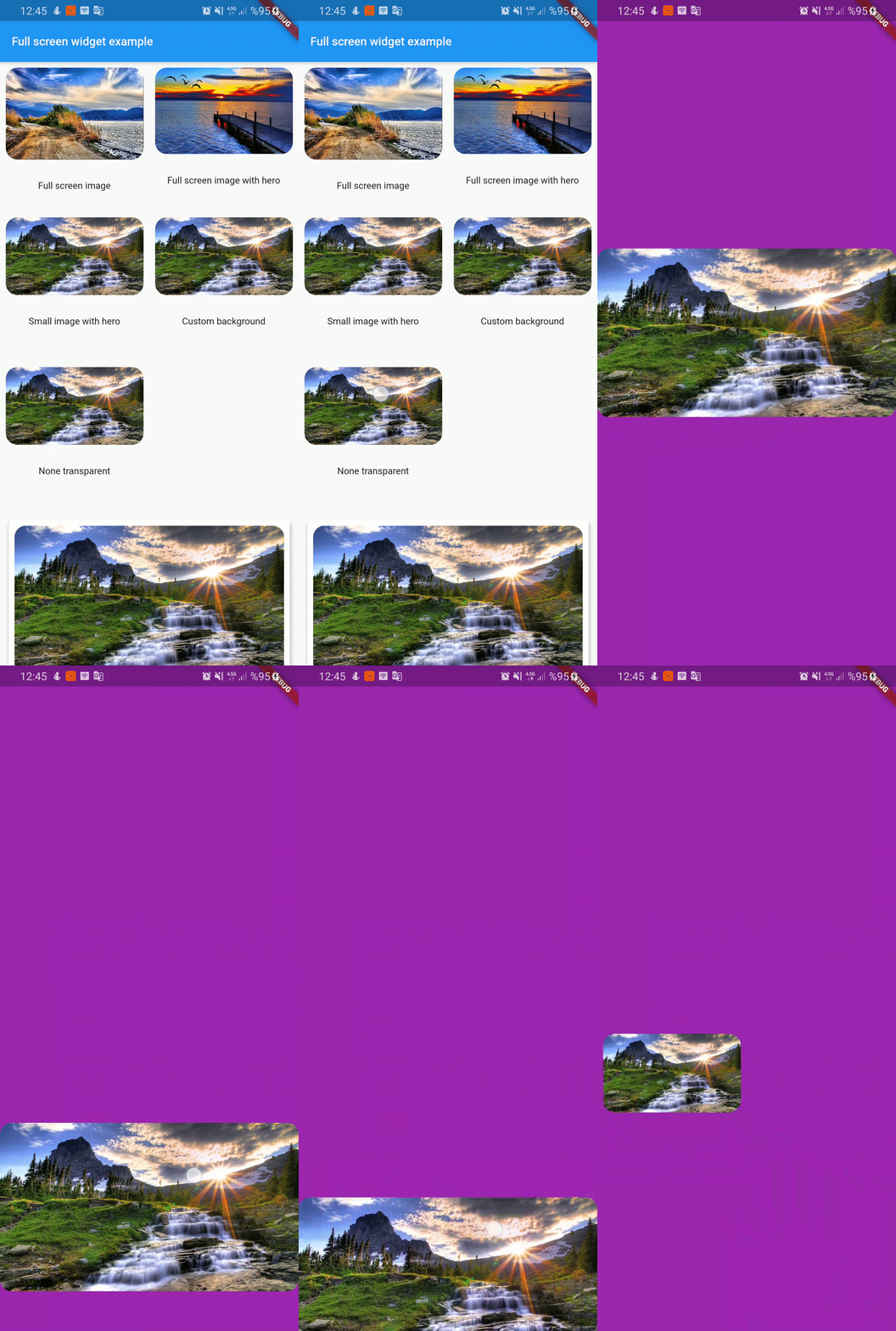
FullScreenWidget(
        backgroundColor: Colors.purple,
        backgroundIsTransparent: false,
        child: Center(
          child: Hero(
            tag: "nonTransparent",
            child: ClipRRect(
              borderRadius: BorderRadius.circular(16),
              child: Image.asset(
                "assets/image3.jpg",
                fit: BoxFit.cover,
              ),
            ),
          ),
        ),
      );
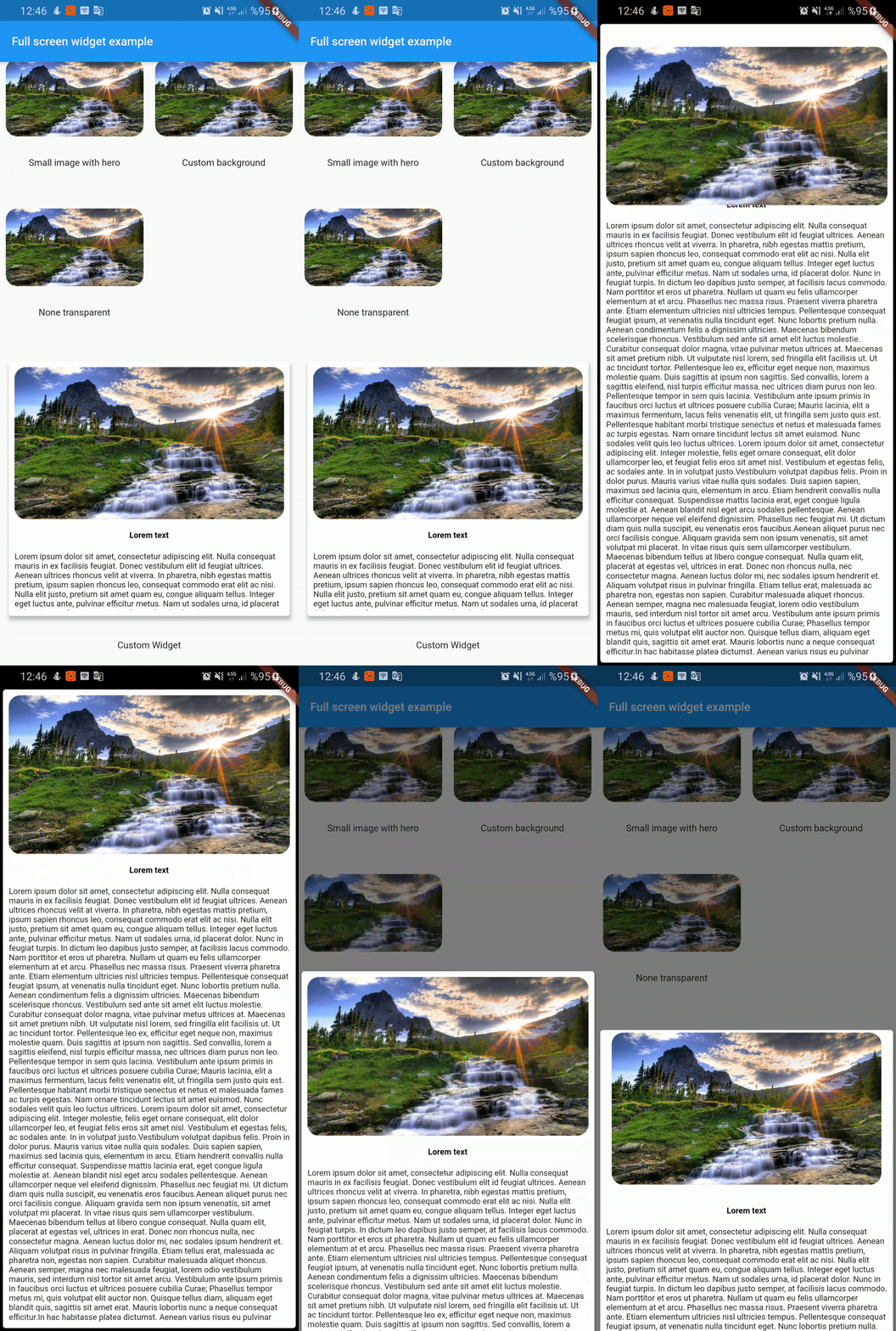
  FullScreenWidget(
        child: SafeArea(
          child: Card(
            elevation: 4,
            child: Container(
              height: 350,
              padding: const EdgeInsets.all(8.0),
              child: Column(
                children: <Widget>[
                  Hero(
                    tag: "customWidget",
                    child: ClipRRect(
                      borderRadius: BorderRadius.circular(16),
                      child: Image.asset(
                        "assets/image3.jpg",
                        fit: BoxFit.cover,
                      ),
                    ),
                  ),
                  SizedBox(
                    height: 16,
                  ),
                  Text('Lorem text',style: TextStyle(color: Colors.black,fontWeight: FontWeight.bold),),
                  SizedBox(
                    height: 16,
                  ),
                  Expanded(
                    child: Text(
                      lorem,
                    ),
                  ),

                ],
              ),
            ),
          ),
        ),
      );
依賴清單 2 項
{"sdk":"flutter"}{"sdk":"flutter"}先依使用情境篩選,再比較專案活躍情況,最後到原始儲存庫確認使用要求。
“A repository is the most basic element of GitHub.”
GitHub Docs — About repositories ↗