v3.0.0
screenshot
Flutter 截圖套件(執行時)。將任何 Widget 當作影像擷取。
1560喜歡 60.4萬近 30 天下載140Pub 分數
AndroidiOSWebmacOSWindowsLinux
一款用於儲存您忠誠卡的 Android 應用,完全開源、免費,無需 Google 或第三方服務。立即試用!📱

以下為英文專案原文快照,最新內容請造訪 GitHub。
Lightweight digital wallet to securely scan, store, and manage loyalty cards offline.


More info here


OR

[!NOTE] F-Droid releases might not be in sync with those from GitHub.
Currently, the app uses these permissions (+ why are they needed) :


Contact me for more info :). If your phone does not have issues with the app, you can add your device into the Tests file.
git clone the repository,cd cardabase-app into it,flutter pub get to download the dependencies,flutter build apk in Terminal (you can add --split-per-abi if you want to get multiple versions).[!NOTE] Signing of the app is ON. You need a singature key and a key.properties in the /cardabase-app/android folder or else the build will fail. You can change THIS LINE to debug to sign it with a debug key.
Used versions:
Note: Java and Gradle versions must be compatible with each other. See this Compatibility Matrix.
You may need to:
android/gradle.properties, add a line org.gradle.java.home="C:\\path\\to\\the\\jdk", where you have to specify your path, (<- in case of multiple/no versions or JAVA_HOME environment variable not specified)android\gradle\wrapper\gradle-wrapper.properties, last line "distributionUrl" (change the "X.X" or "X.X.X" number). (<- in case of different Gradle installation)


Flutter 截圖套件(執行時)。將任何 Widget 當作影像擷取。
Hive 社區版 - Hive v2 的精神延續
Hive 的擴展。讓在 Flutter 應用中使用 Hive 更加容易。
Hive 的擴展。自動為任何類別產生 TypeAdapters 來儲存資料。
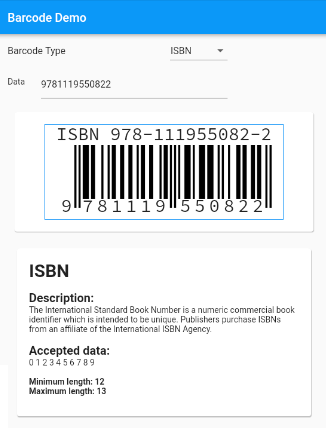
支援標準條碼的 Flutter 條碼產生元件。
一個用於控制螢幕亮度的外掛程式,已實作應用程式生命週期重設
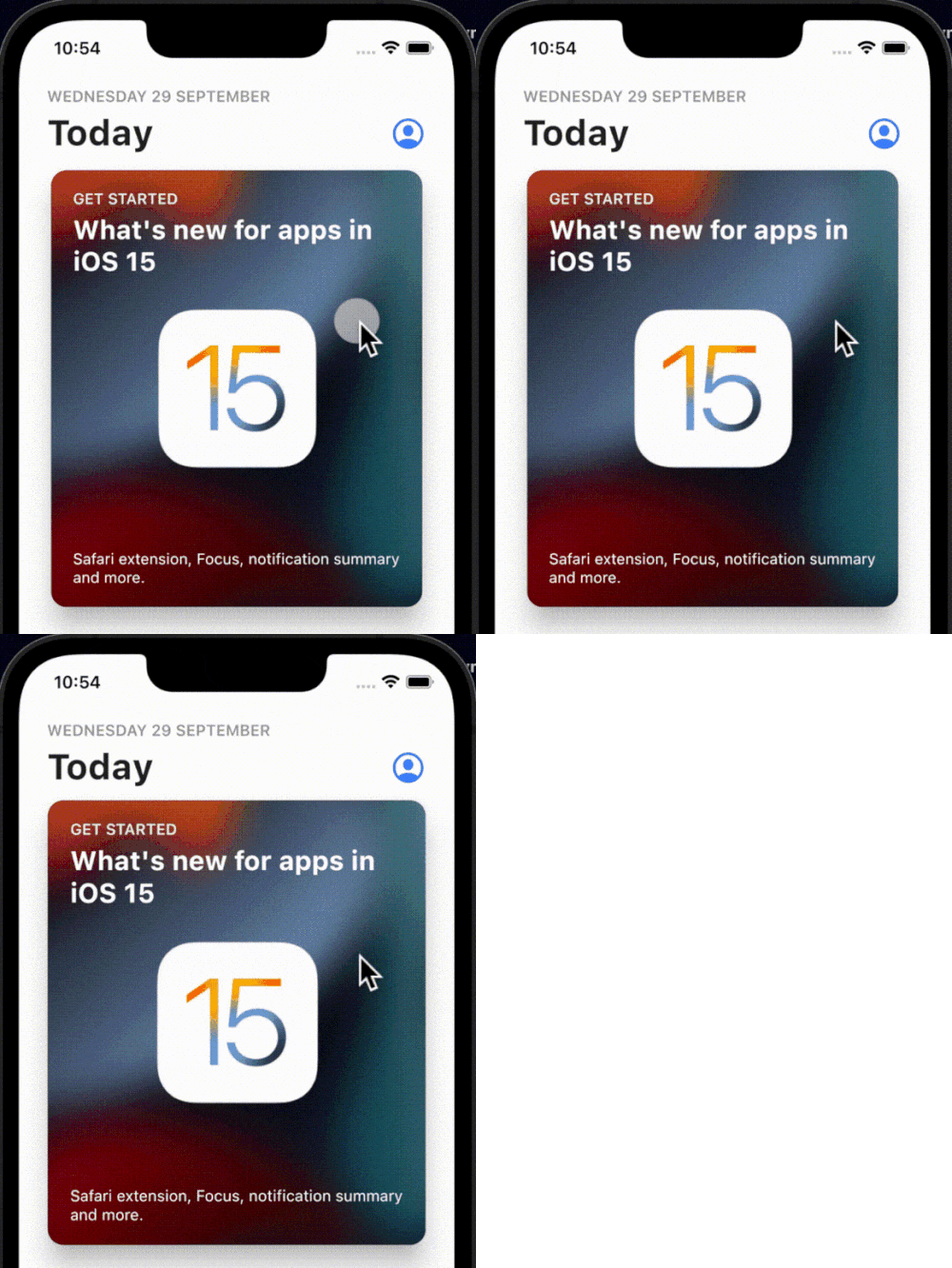
一個簡單、互動式且可自訂的點擊彈跳動畫,可包裝在您喜歡的任何組件上。
一個以 Dart 實作的多格式一維/二維條碼影像處理程式庫。這是 Android 程式庫的移植版本。
用於觸覺反饋的 Flutter 外掛程式。雖然它使用標準的 iOS 觸覺反饋,但旨在於 Android 上模擬相同的觸覺模式,以實現跨平台的一致體驗。
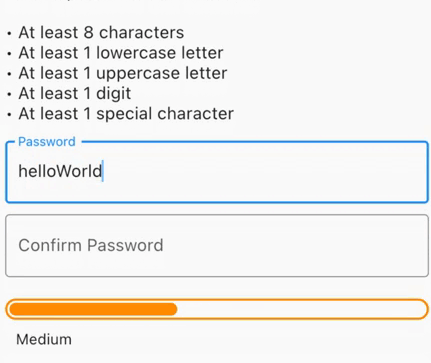
產生安全密碼,檢查洩露密碼,取得強度的視覺反饋,或在需要最低密碼強度時進行表單驗證。
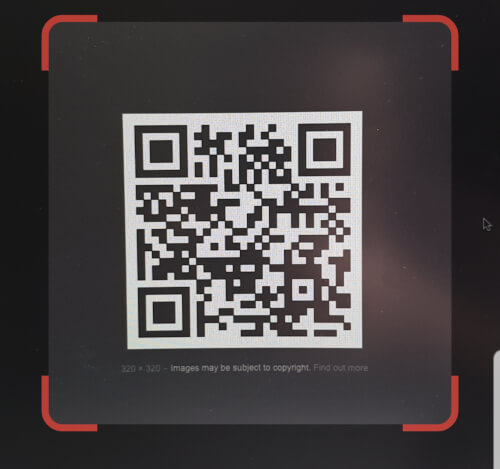
可嵌入 Flutter 的 QR 碼掃描器。Android 使用 zxing,iOS 使用 AVFoundation。
可重新排序的網格視圖
依賴清單 43 項
^4.0.9^2.0.4^0.12.0+1^1.0.2^2.1.0^12.0.0-beta.7{"sdk":"flutter"}^1.2.0^1.1.0^0.14.4^4.0.3>=9.0.0 <10.0.0^0.6.4+3>=2.19.3 <3.0.0>=2.3.4 <3.0.0^1.4.0^4.9.1^1.2.2^2.3.0^1.0.0^10.1.0^1.3.2>=1.9.1 <2.0.9^2.1.6^12.0.3^2.1.2^1.1.0^1.8.1^2.2.8^2.1.11^3.0.0^6.3.2>=4.0.0 <5.0.0^0.2.4^2.4.6^2.2.0{"sdk":"flutter"}{"sdk":"flutter"}^1.11.1^6.0.0^1.0.0^2.1.3^2.1.8先依使用情境篩選,再比較專案活躍情況,最後到原始儲存庫確認使用要求。
“A repository is the most basic element of GitHub.”
GitHub Docs — About repositories ↗