

 v5.0.0+1
currency_textfield
一個實現貨幣文字輸入控制器的 Flutter 套件。
53喜歡 395近 30 天下載160Pub 分數
AndroidiOSWebmacOSWindowsLinux
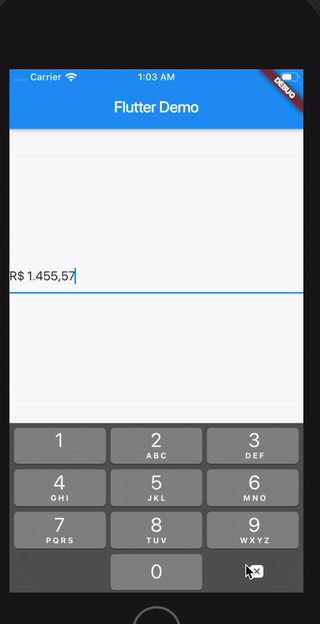
用於貨幣文字輸入的控制器。

以下為英文專案原文快照,最新內容請造訪 GitHub。


A Controller for currency text input
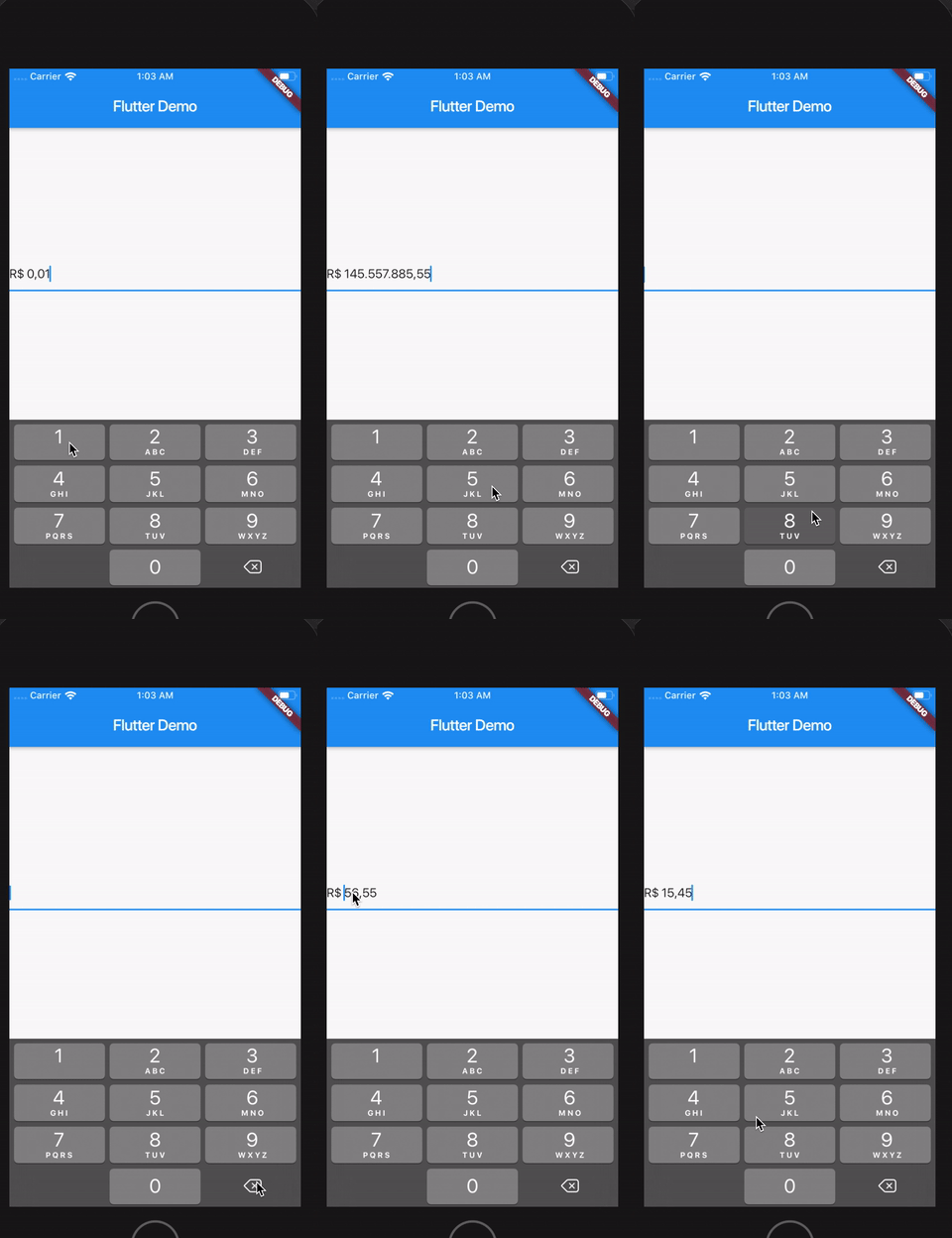
Follow this guide
Import the library
import 'package:currency_textfield/currency_textfield.dart';
Create the Controller
CurrencyTextFieldController controller = CurrencyTextFieldController()
It's possible to customize currencySymbol, decimalSymbol and thousandSymbol:
var controller = CurrencyTextFieldController(currencySymbol: "RR", decimalSymbol: ".", thousandSymbol: ",");
To get the number value from controller, you can use both the doubleValue or the intValue properties:
//Double value:
final double val = controller.doubleValue;
//Int value:
final int val = controller.intValue;
//String number:
final int val = controller.textWithoutCurrencySymbol;
You can initialize the controller using a int or a double, but not both at the same time.
To make this, just use initDoubleValue or initIntValue:
final CurrencyTextFieldController controller2 = CurrencyTextFieldController(initDoubleValue: 10);
final CurrencyTextFieldController controller3 = CurrencyTextFieldController(initIntValue: 1000);

// this will raise an error!
final CurrencyTextFieldController controller4 = CurrencyTextFieldController(initIntValue: 1000,initDoubleValue: 10);
You can decide if the symbol will be before or after the number.
To make this, just use currencyOnLeft:
// default with the currency before the number
final CurrencyTextFieldController controller = CurrencyTextFieldController();

// currency after the number
final CurrencyTextFieldController controller2 = CurrencyTextFieldController(currencyOnLeft: false);
And also define the separator between the symbol and the value with currencySeparator:
// the default value is a single space
final CurrencyTextFieldController controller = CurrencyTextFieldController(currencySeparator: ' -> ');
Just set enableNegative to false
final CurrencyTextFieldController controller = CurrencyTextFieldController();
// using a double
controller.forceValue(initDoubleValue: 300.5);

// using an int
controller.forceValue(initIntValue: 10000);
final CurrencyTextFieldController controller = CurrencyTextFieldController();
// keeping the current value:
controller.replaceCurrencySymbol('EUR');

// reseting the current value:
controller.replaceCurrencySymbol('EUR', resetValue: true);
依賴清單 3 項
{"sdk":"flutter"}{"sdk":"flutter"}^6.0.0先依使用情境篩選,再比較專案活躍情況,最後到原始儲存庫確認使用要求。
“A repository is the most basic element of GitHub.”
GitHub Docs — About repositories ↗