

 v0.1.2
dynamic_timeline
一個用於建立每日時間軸、時程表、甘特圖等的組件。
46喜歡 1910近 30 天下載70Pub 分數
平台暫無資料
一個用於建立每日時間軸、時程表、甘特圖等的組件。

以下為英文專案原文快照,最新內容請造訪 GitHub。


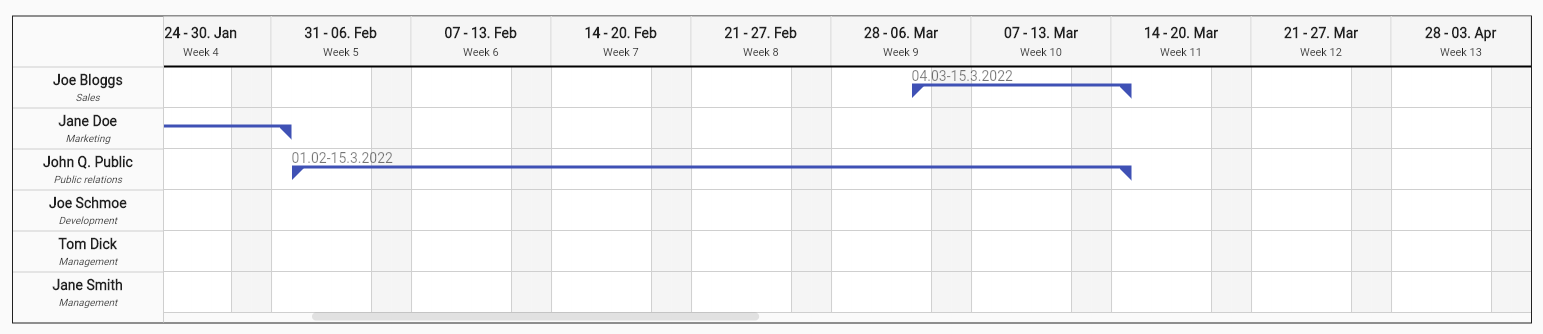
A widget to create daily timelines, timetables, gantt charts* and more.
Note: This package is in early stage and has not been tested with large amount of data.
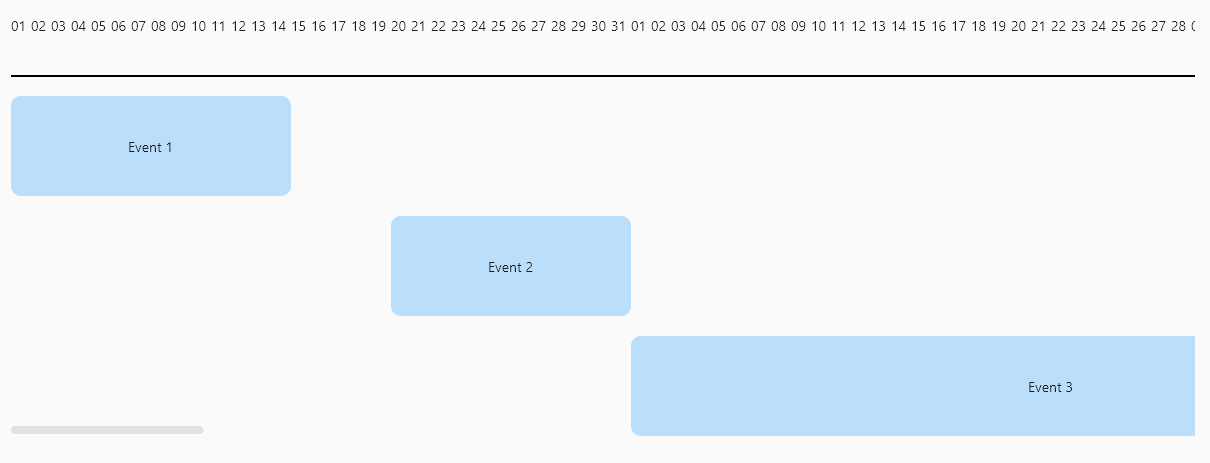
Add the following line to pubspec.yaml:
dependencies:
  dynamic_timeline: ^0.1.2
Make sure to check out the example for more details.
Dynamic timeline requires you to provide firstDateTime, lastDateTime, labelBuilder and a list of items.
Another important property is intervalDuration, that is the lenght of time between each mark.
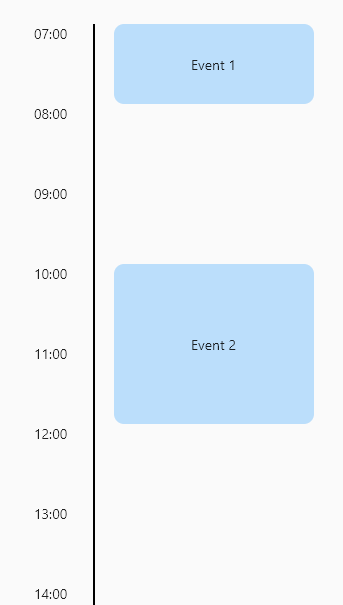
Example of a daily timeline.
DynamicTimeline(
    firstDateTime: DateTime(1970, 1, 1, 7),
    lastDateTime: DateTime(1970, 1, 1, 22),
    labelBuilder: DateFormat('HH:mm').format,
    intervalDuration: const Duration(hours: 1),
    children: [
      TimelineItem(
        startDateTime: DateTime(1970, 1, 1, 7),
        endDateTime: DateTime(1970, 1, 1, 8),
        child: const Event(title: 'Event 1'),
      ),
      TimelineItem(
        startDateTime: DateTime(1970, 1, 1, 10),
        endDateTime: DateTime(1970, 1, 1, 12),
        child: const Event(title: 'Event 2'),
      ),
      TimelineItem(
        startDateTime: DateTime(1970, 1, 1, 15),
        endDateTime: DateTime(1970, 1, 1, 17),
        child: const Event(title: 'Event 3'),
      ),
    ],
),
依賴清單 5 項
{"sdk":"flutter"}{"sdk":"flutter"}^5.4.0^0.5.0+1^5.0.0先依使用情境篩選,再比較專案活躍情況,最後到原始儲存庫確認使用要求。
“A repository is the most basic element of GitHub.”
GitHub Docs — About repositories ↗