v2.19.0
google_maps_flutter
一個用於在 iOS 和 Android 應用程式中整合 Google 地圖的 Flutter 插件。
4630喜歡 110萬近 30 天下載150Pub 分數
AndroidiOSWeb
使用 Flutter 的消費者應用程式

以下為英文專案原文快照,最新內容請造訪 GitHub。

This app is an open source quick commerce app in flutter. Feel free to go to the issues list and comment on them to get assigned.
This project uses the concept of Clean Architecture which will divide the project into theses layers.

LaCoro uses back4app as backend as service. You need to have a back4app account or create a new one to configure your instance of the LaCoro backend. Then, you need to go to LaCoro Issues and create an issue requesting transfer a clone of the Back4App app into your back4app account. For the request you need to share the email that you're using with your Back4App account. It should take some hours to be done.
After that, you will be able to get the keys to establishing a connection for the Consumer App and Admin App with your brand new backend.
LaCoro uses flutter_dotenv package in order to set the environment variables.
Once you get the back4app credentials you need to add a development.env file.
Follow the structure defined in mock-development.env


Thanks goes to these wonderful people (emoji key):
 William Alvis P 💻 🖋 🐛 |
 Juan Gabriel Gutierrez 💼 💻 🚇 |
 Ana Marin 🎨 💡 🚧 |
 Diego Alvis 📆 👀 🚧 |
This project follows the all-contributors specification. Contributions of any kind welcome!
一個用於在 iOS 和 Android 應用程式中整合 Google 地圖的 Flutter 插件。
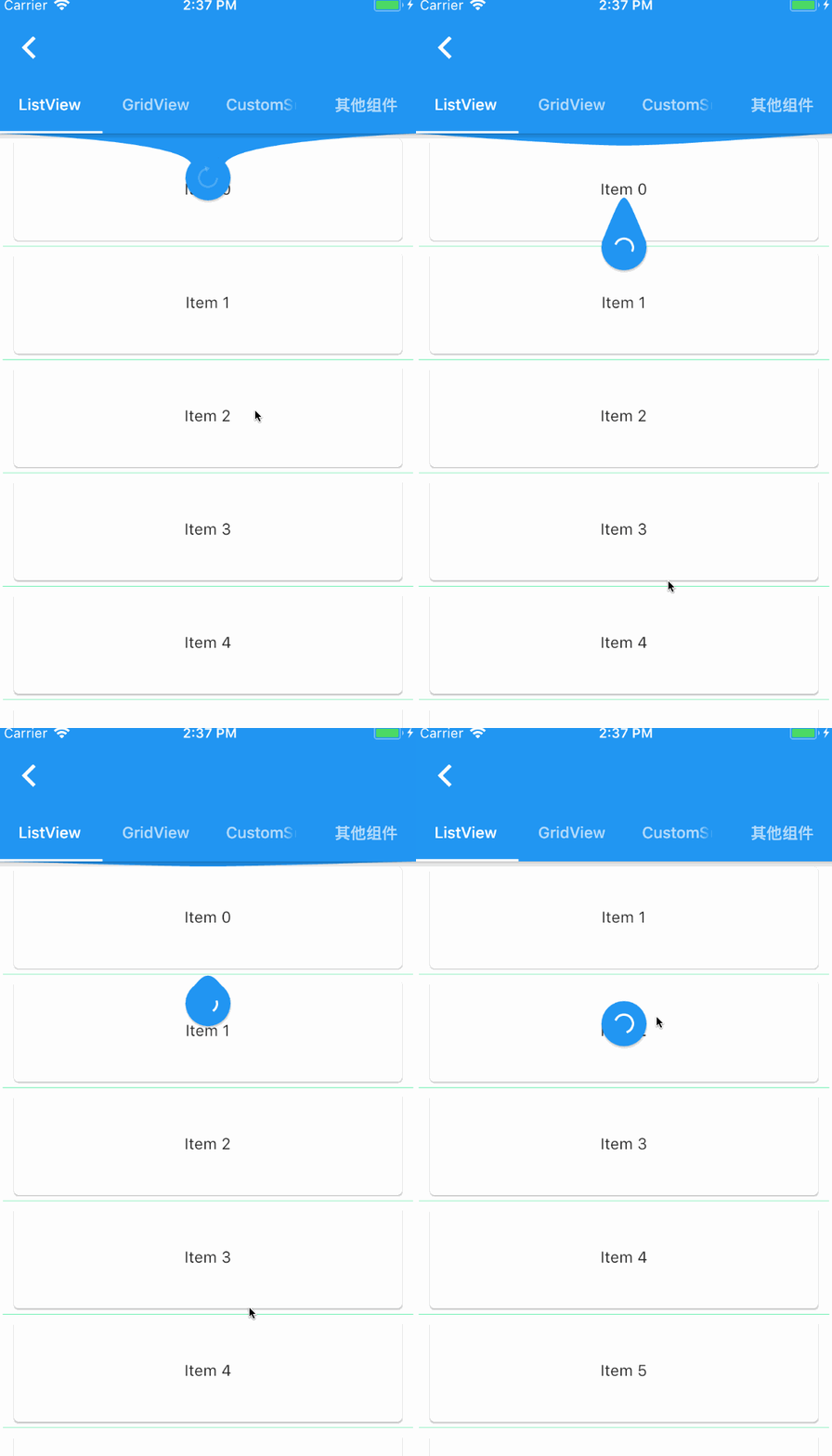
一個提供給 Flutter 滾動組件下拉刷新和上拉加載的元件。
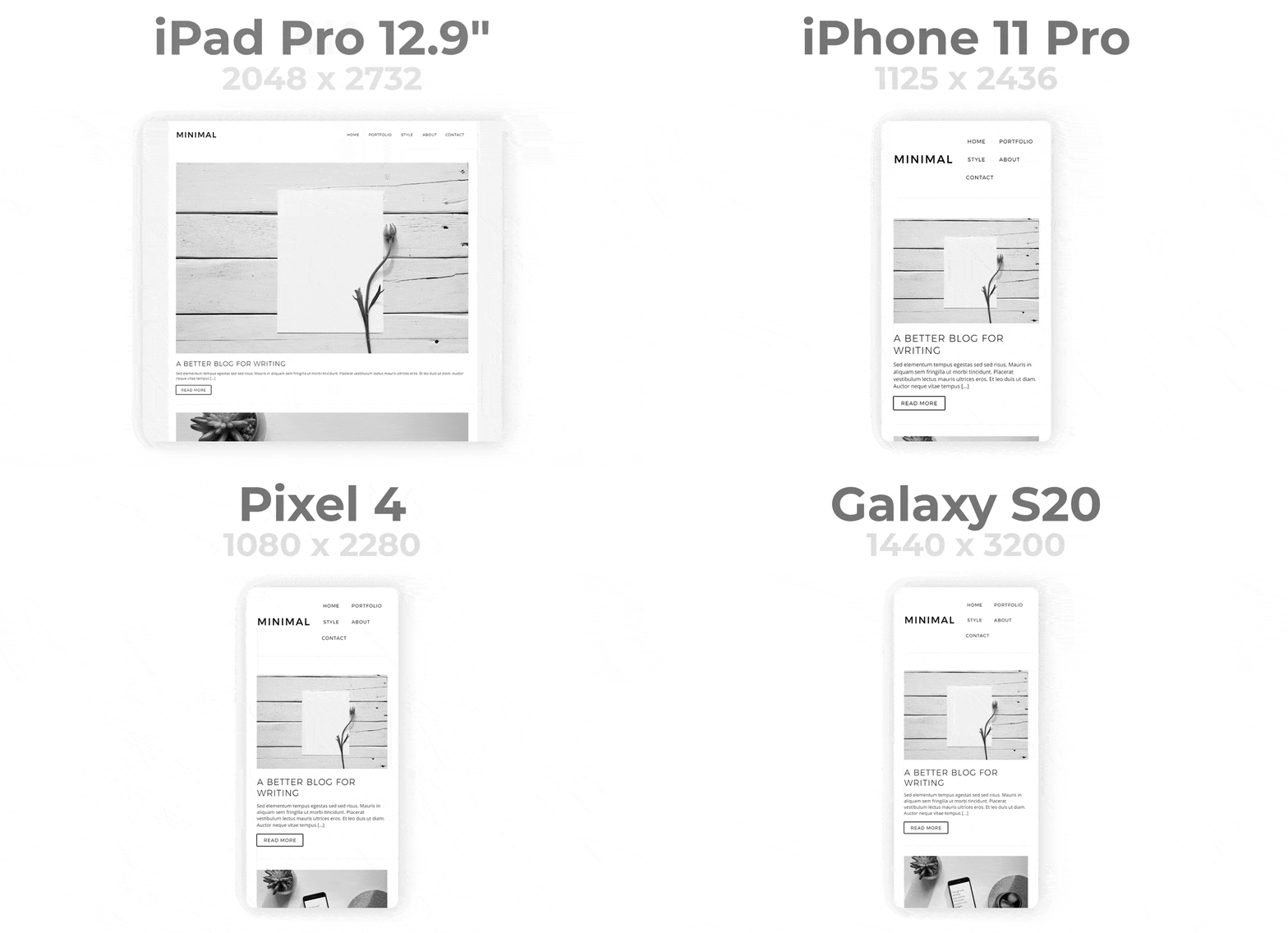
輕鬆打造 Flutter 應用的響應式介面。自動適應不同螢幕尺寸。讓響應式設計變得簡單。
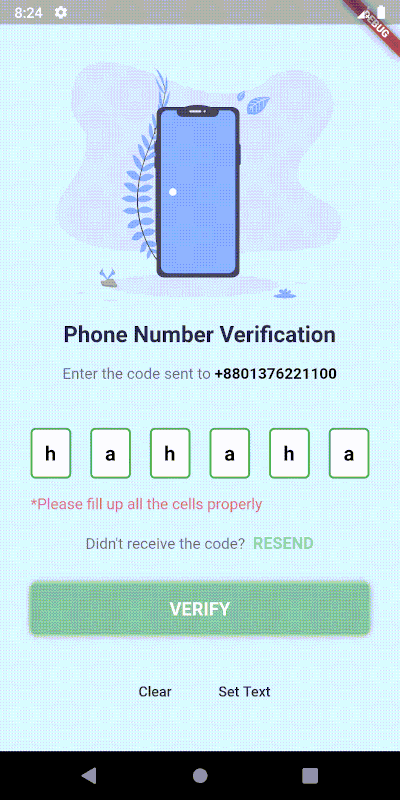
一個高度可自訂的 PIN/OTP 輸入欄位,支援 Material Design,並具備用於自訂 UI 的無頭核心。
在 Flutter 中滾動到任何可滾動組件的特定子項
使用 .env 檔案輕鬆設定任何 Flutter 應用程式的全域變數。
一個簡單且可自定義的 Flutter 套件,用於輸入國際格式的電話號碼,使用 Google 的 libphonenumber。
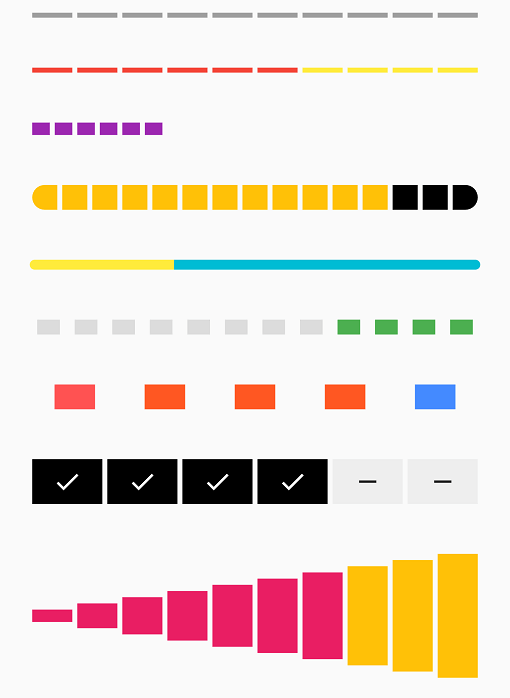
由一系列選中與未選中步驟組成的條形指示器
一個 ScrollView 的包裝器,當到達頁面底部時會觸發回調
一個超簡單的 Flutter 依賴注入實現,行為類似於任何正常的 IOC 容器,且不依賴於 mirrors。
適用於 Dart 語言(含 Flutter 支持)的 PubNub SDK v6,可讓您建立即時應用程式
一個時間與空間效率高的資料結構和演算法集合,用於處理 Dart 中的資料。
依賴清單 27 項
{"sdk":"flutter"}{"sdk":"flutter"}{"path":"./data"}{"path":"./domain"}^1.4.0^1.0.2^2.0.0^5.1.0^2.0.0^7.1.0^6.2.1^8.0.1^3.0.1^2.6.0^11.0.0^2.2.2^1.1.0^3.0.7^4.3.2^0.7.4^2.0.2^2.27.2^4.18.0^1.0.6{"sdk":"flutter"}^2.4.8^0.13.1先依使用情境篩選,再比較專案活躍情況,最後到原始儲存庫確認使用要求。
“A repository is the most basic element of GitHub.”
GitHub Docs — About repositories ↗