
 v3.4.0
top_snackbar_flutter
頂部訊息欄套件是為了以美觀且方便的方式通知使用者發生了什麼事而設計的。
530喜歡 3.9萬近 30 天下載160Pub 分數
AndroidiOSWebmacOSWindowsLinux
現代 UI 通知欄小部件

{"sdk":"flutter"}{"sdk":"flutter"}以下為英文專案原文快照,最新內容請造訪 GitHub。
Made in lanars.com.
If you need to show the user some information in a nice way, you can use this package. The API is as simple
as API for regular Material method showDialog. If you need to use your own widget to display, you
can pass it into showTopSnackBar function.
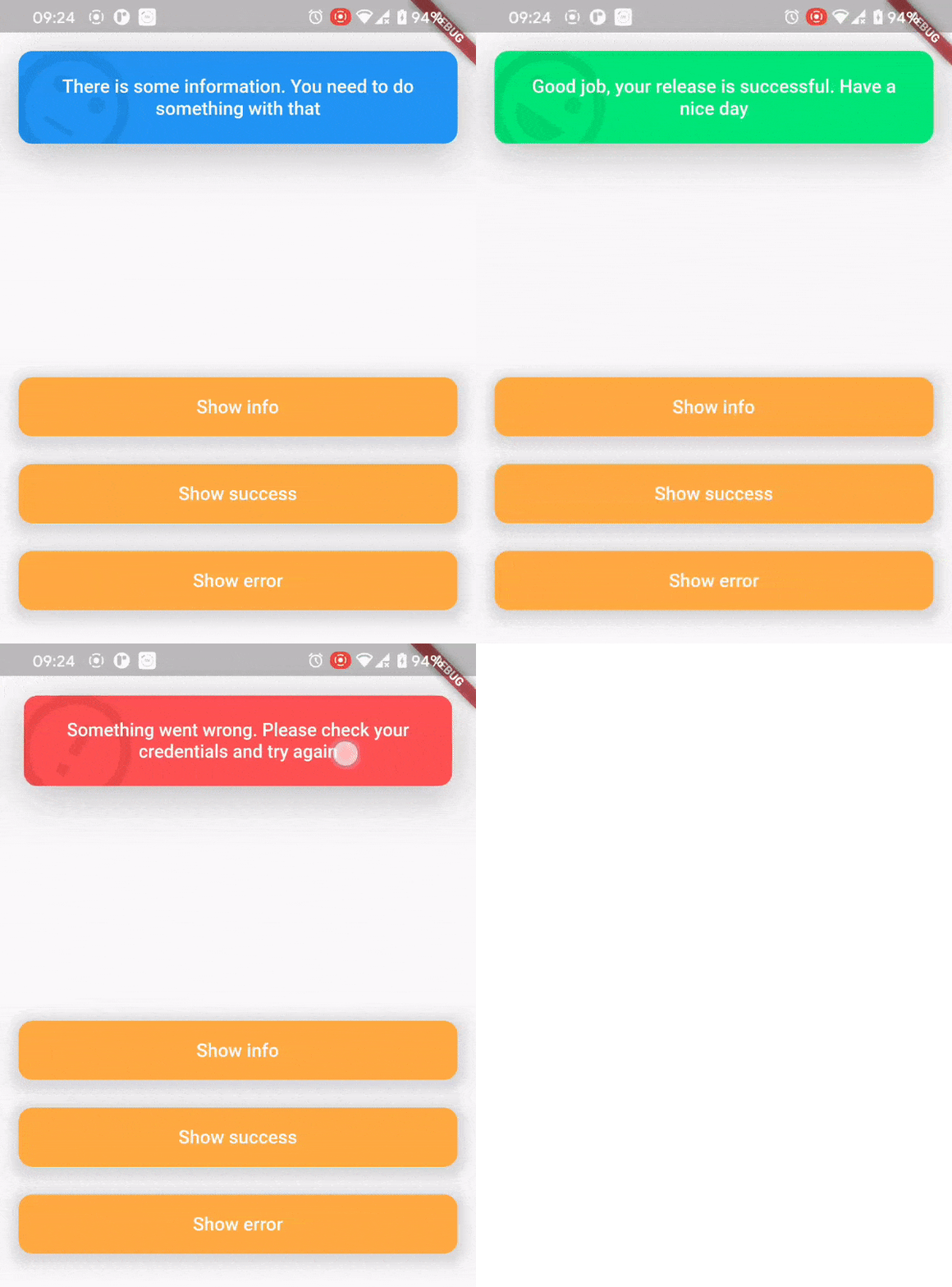
In order to show a CustomSnackBar you need to call a showTopSnackBar function. You can pass there any widget you want but we have a CustomSnackBar for example.
showTopSnackBar(
    Overlay.of(context),
    CustomSnackBar.success(
      message:
          "Good job, your release is successful. Have a nice day",
    ),
);
showTopSnackBar(
    Overlay.of(context),
    CustomSnackBar.info(
      message:
          "There is some information. You need to do something with that",
    ),
);
showTopSnackBar(
    Overlay.of(context),
    CustomSnackBar.error(
      message:
          "Something went wrong. Please check your credentials and try again",
    ),
);
There is a usage example demo example/main.dart
AnimationController localAnimationController;
TapBounceContainer(
    onTap: () {
        showTopSnackBar(
            Overlay.of(context),
            CustomSnackBar.info(
              message: "Persistent SnackBar",
            ),
            persistent: true,
            onAnimationControllerInit: (controller) =>
              localAnimationController = controller,
        );
    },
    child: buildButton(context, "Show persistent SnackBar"),
),
TapBounceContainer(
    onTap: () => localAnimationController.reverse(),
    child: buildButton(context, "Dismiss"),
),