

 v2.1.0+1
background_app_bar
一個背景應用欄插件,若要於捲動時保留滑動應用欄的背景,請使用此插件。
47喜歡 54近 30 天下載140Pub 分數
AndroidiOSWebmacOSWindowsLinux
LeonColt/background_app_bar open-source repository details.

以下為英文專案原文快照,最新內容請造訪 GitHub。
A background app bar plugin, use this plugin if you want to preserve background of sliver app bar when scrolling,
inspired by GradientAppBar GitHub
Don't forget to tap + button 5 times
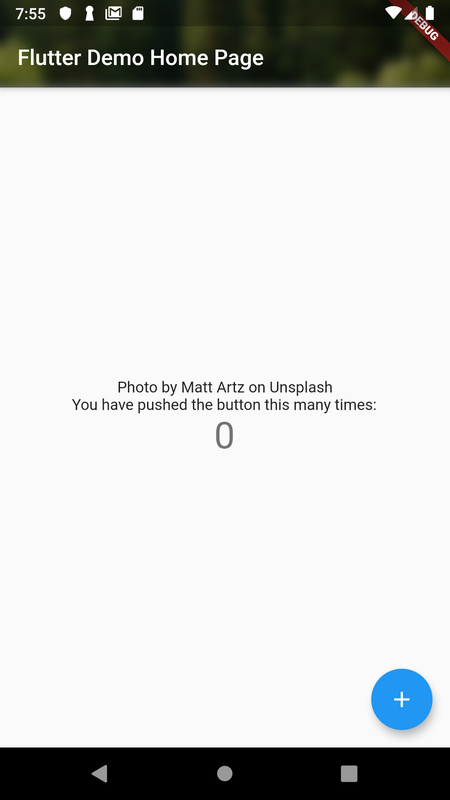
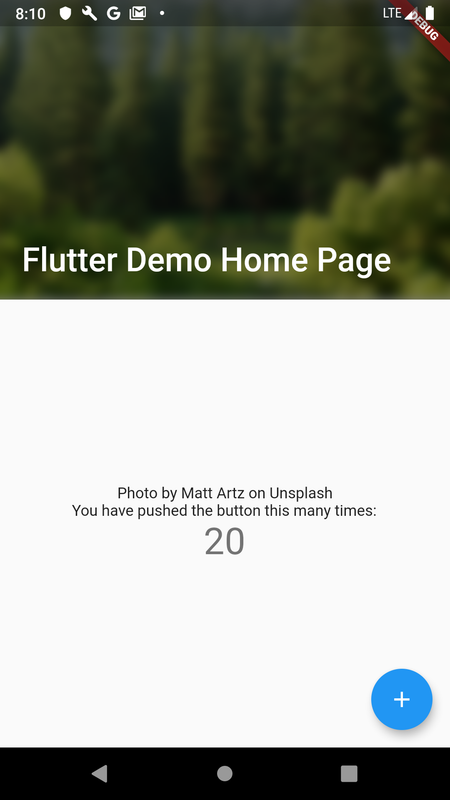
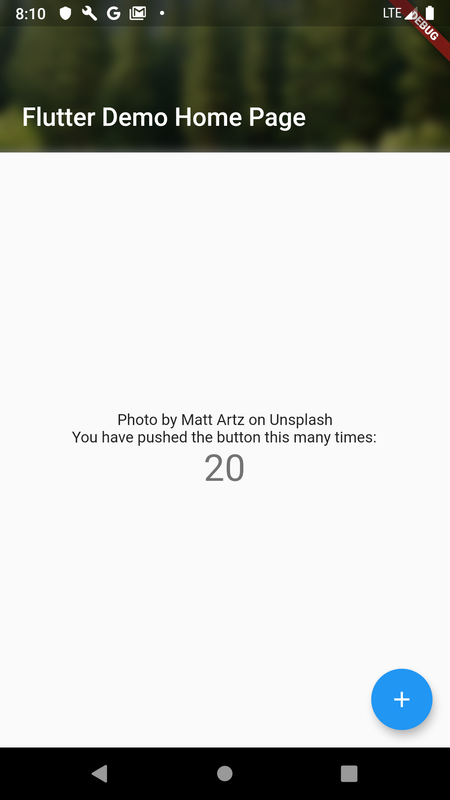
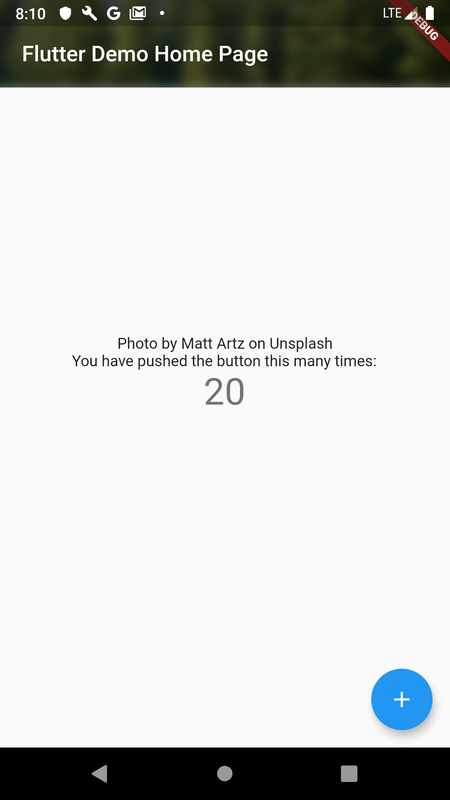
Depend on it by adding this to your pubspec.yaml file: background_app_bar: ^1.0.0
Import it: import 'package:background_app_bar/background_app_bar.dart'
Replace your current FlexibleSpaceBar (In the AppBar or SliverAppBar) to BackgroundFlexibleSpaceBar.
SliverAppBar(
    expandedHeight: _kAppBarSize,
    floating: false,
    pinned: true,
    snap: false,
    elevation: 0.0,
    backgroundColor: Colors.transparent,
    flexibleSpace: BackgroundFlexibleSpaceBar(
        title: widget.title != null ? Text(widget.title!) : null,
        centerTitle: false,
        titlePadding: const EdgeInsets.only(left: 20.0, bottom: 20.0),
        background: ClipRect(
            child: Container(
                child: BackdropFilter(
                    filter: ImageFilter.blur(sigmaX: 5.0, sigmaY: 5.0),
                    child: Container(
                        decoration: BoxDecoration(
                            color: Colors.black.withOpacity(0.5),
                        ),
                    ),
                ),
                decoration: const BoxDecoration(
                    image: DecorationImage(
                        image: AssetImage("images/bg.jpg"),
                        fit: BoxFit.fill,
                    ),
                ),
            ),
        ),
    ),
)
依賴清單 3 項
{"sdk":"flutter"}^5.0.0{"sdk":"flutter"}先依使用情境篩選,再比較專案活躍情況,最後到原始儲存庫確認使用要求。
“A repository is the most basic element of GitHub.”
GitHub Docs — About repositories ↗