
v5.8.2
basic_utils
用於字串、日期、X509、PKCS、加密等的通用工具類。
381喜歡 35.1萬近 30 天下載140Pub 分數
AndroidiOSWebmacOSWindowsLinux
關於COVID-19的資料視覺化
以下為英文專案原文快照,最新內容請造訪 GitHub。
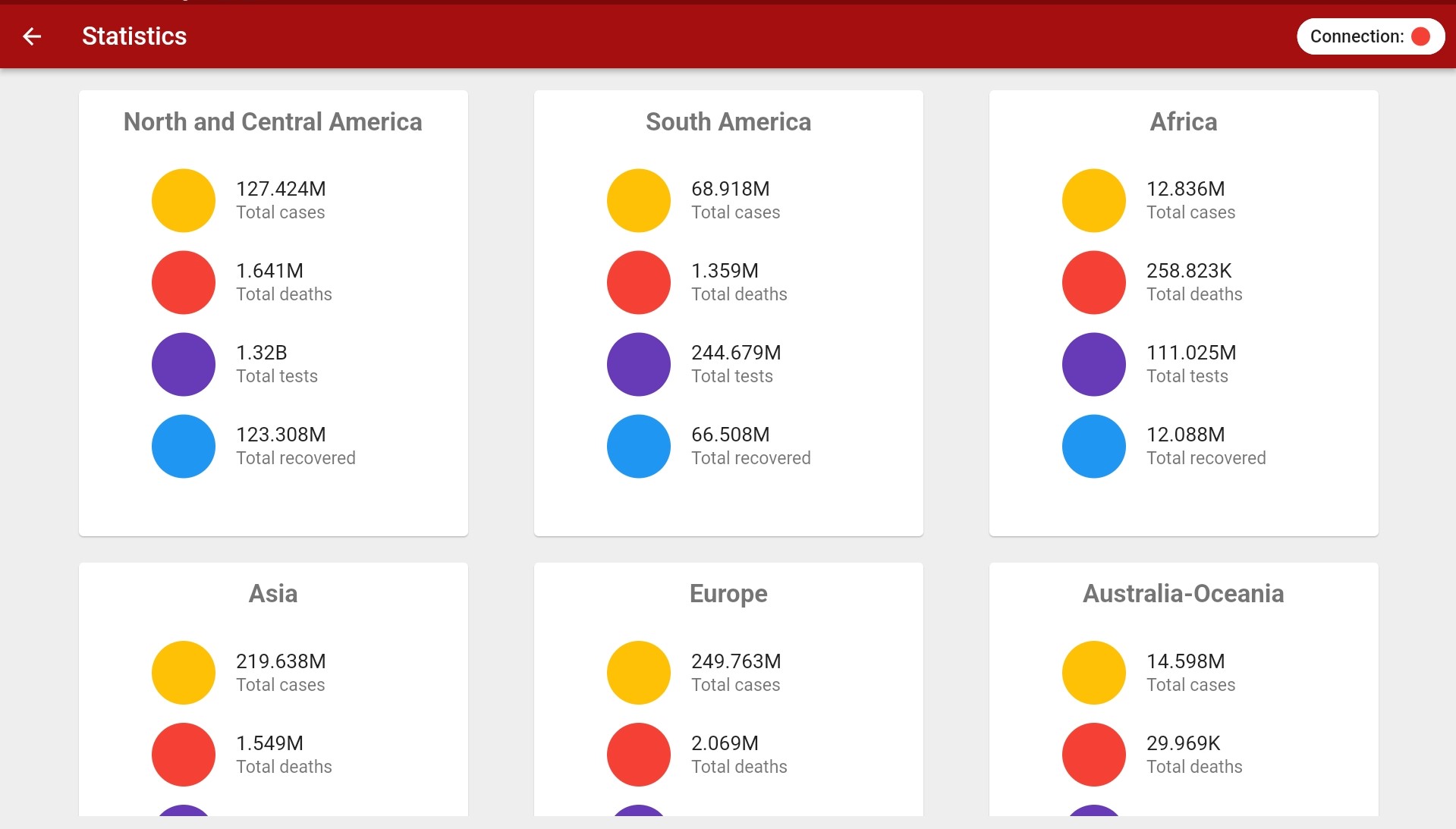
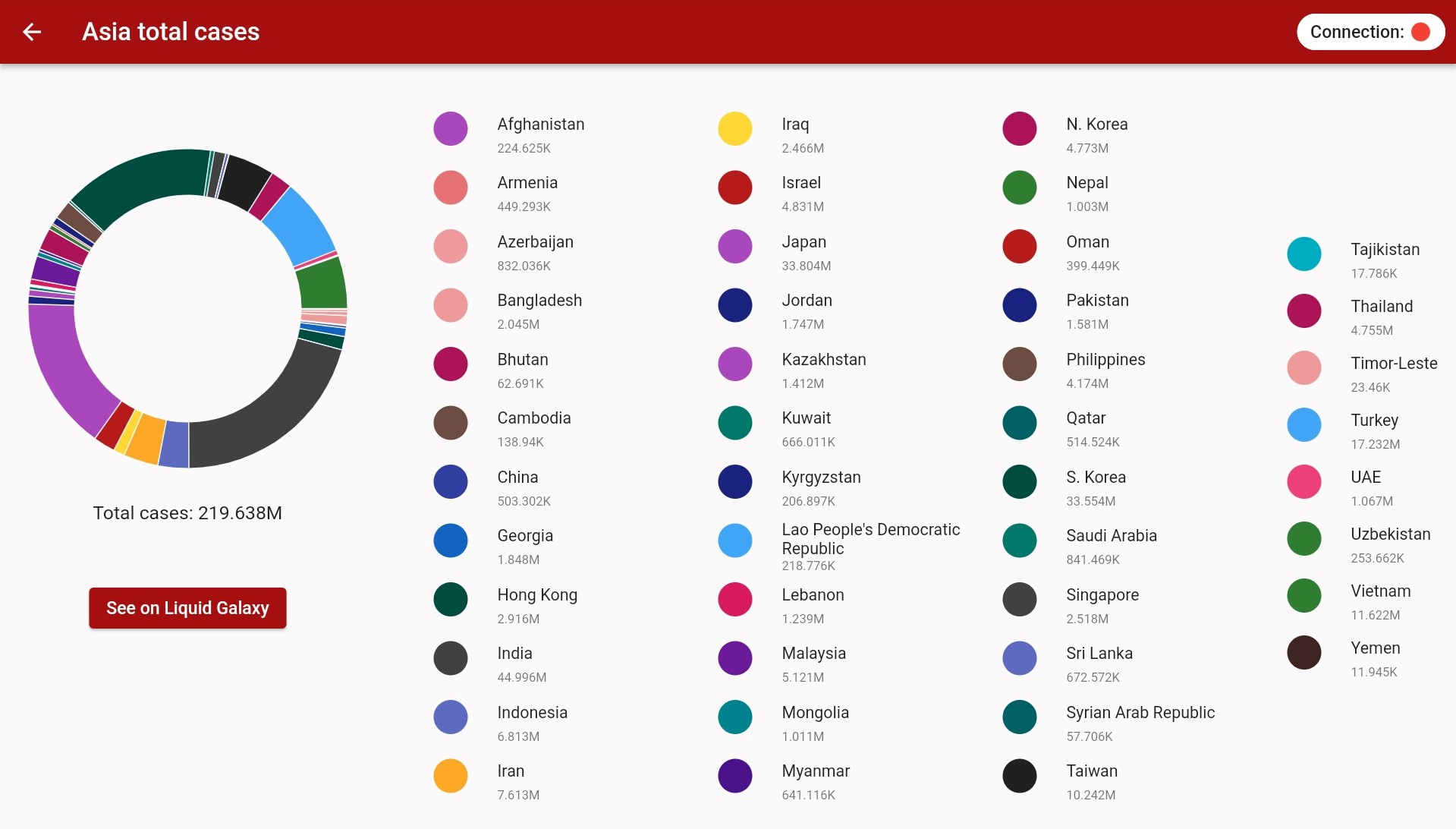
The project is a data visualizer about COVID 19, it aims to analyze the data obtained about the virus through the Disease API and Athena API, process and show it in a Liquid Galaxy cluster. Thus, it will be possible for the user to filter the data about the virus and view its trajectory around the world.
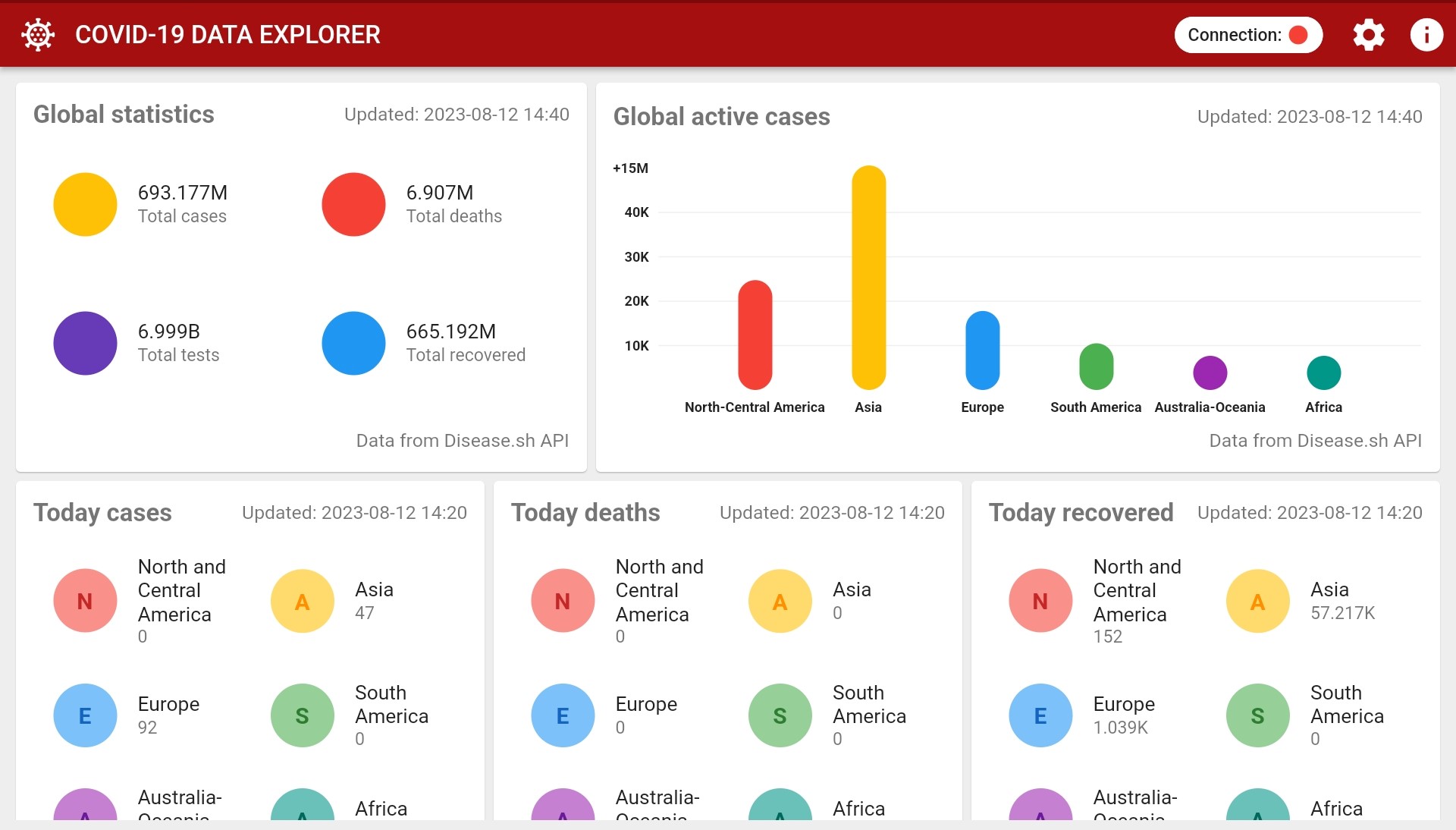
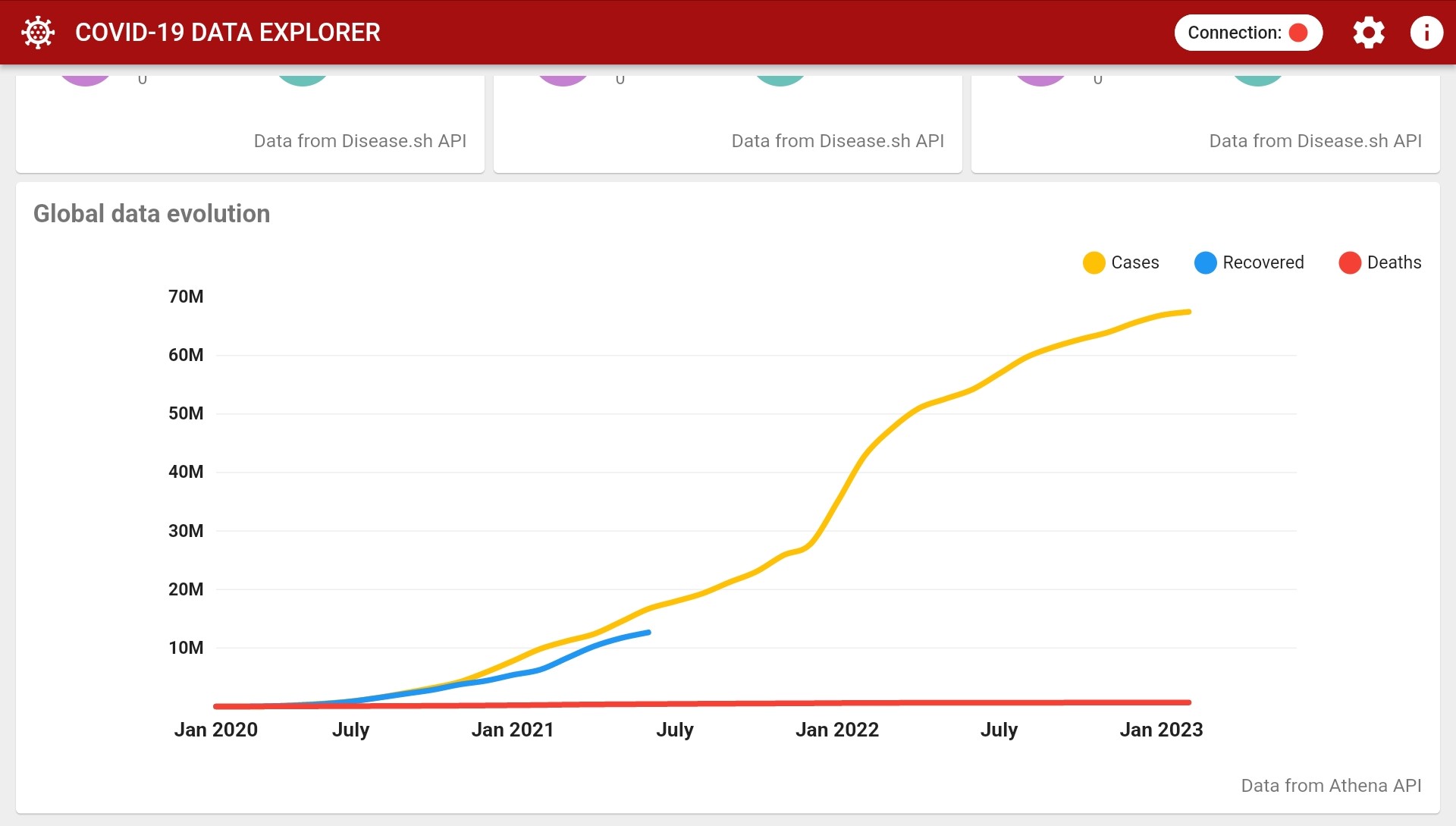
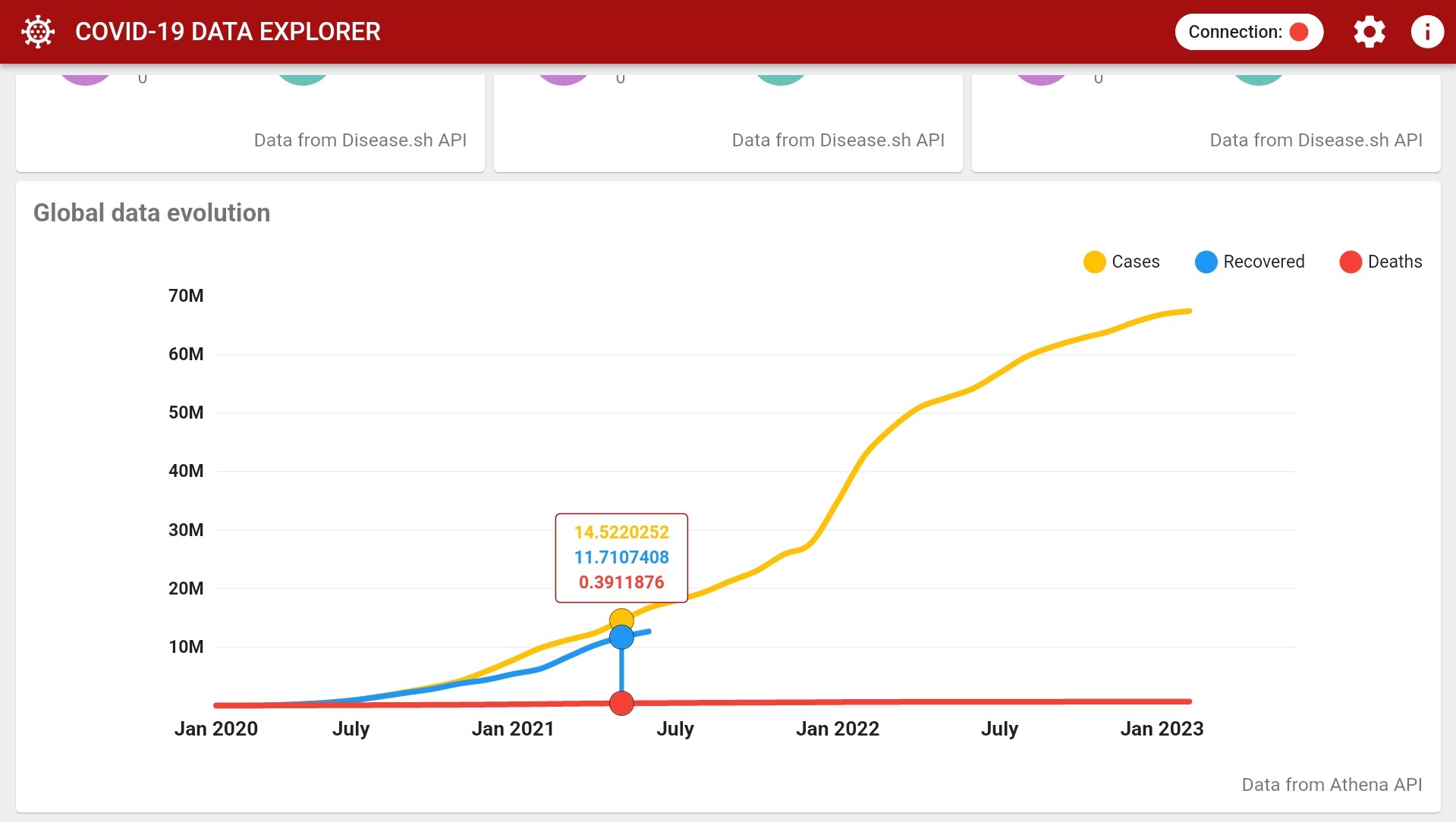
Before continuing, make sure to have installed in your machine Git and Flutter. Read Flutter documentation for further information.
Then, clone the project:
$ git clone https://github.com/Na1au/COVID19_data_explorer.git
$ cd COVID19_data_explorer
With the project cloned, run it by using the following command:
❗ You must have a mobile device connected or an android emulator running in order to run the app.
$ flutter run
In order to have a installed version of the app, you may run the command below:
$ flutter build apk --release
The
--releaseflag is optional as it generates a final version of the application that can be tested in a real android service.
Once done, the APK file may be found into the /build/app/outputs/flutter-apk/ directory, named app-release.apk.
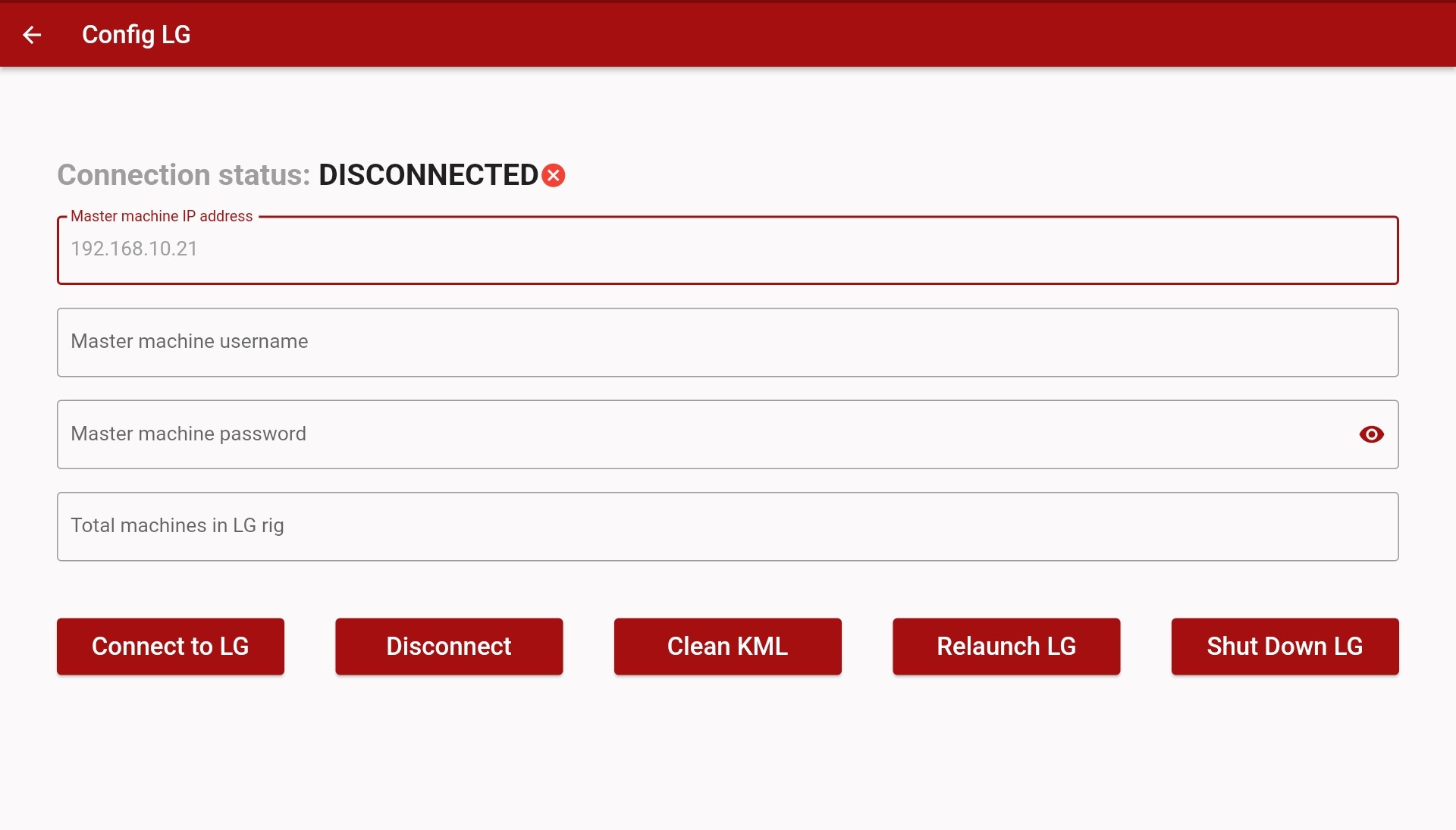
With the app opened, a cog button (⚙️) may be seen into the home page toolbar (top right corner). When clicked, it will lead you to the settings page, in which a form may be found.
Fill it up with the Liquid Galaxy IP address, host name, password, and total machines number in the Liquid Galaxy RIG.
After done, click into the Connect to LG button and check whether the Connection status changes to Connected, in case it doesn't, there's something wrong with the given information or your device connection.
Once connected, head back to the home page and use the app as you wish. Note that all data is kept in local storage after the first load and updated whenever used data is updated in API. The data of the "new" category is updated every day and the day is reset after midnight GMT+0. The data of global statistics and total cases are updated every 10 minutes
The COVID-19 data explorer is licensed under the MIT license.
Check out our Privacy Policy to see more information about the application.

用於字串、日期、X509、PKCS、加密等的通用工具類。
以純 Dart 編寫的 SSH 和 SFTP 客戶端,旨在功能豐富且易於使用。
 v1.0.18
一個用於產生美觀隨機顏色的 Flutter 套件。可用於資料視覺化、生成式藝術等多種用途。
一個用於將數字格式化為美觀字串的 Dart 庫,將數字格式化為美觀、易讀且簡短的字串。
依賴清單 14 項
{"sdk":"flutter"}^1.0.2^2.0.15^2.1.2^0.62.0^2.8.2^5.2.1+1^2.0.1^1.0.14^5.6.1^8.1.3^6.1.12{"sdk":"flutter"}^2.0.0先依使用情境篩選,再比較專案活躍情況,最後到原始儲存庫確認使用要求。
“A repository is the most basic element of GitHub.”
GitHub Docs — About repositories ↗