
v8.2.2
network_info_plus
用於發現網路資訊(例如 WiFi 詳細資料)的 Flutter 插件。
796喜歡 36萬近 30 天下載150Pub 分數
AndroidiOSWebmacOSWindowsLinux
允許使用者使用文字或語音轉文字提示以及一組API生成圖像
以下為英文專案原文快照,最新內容請造訪 GitHub。
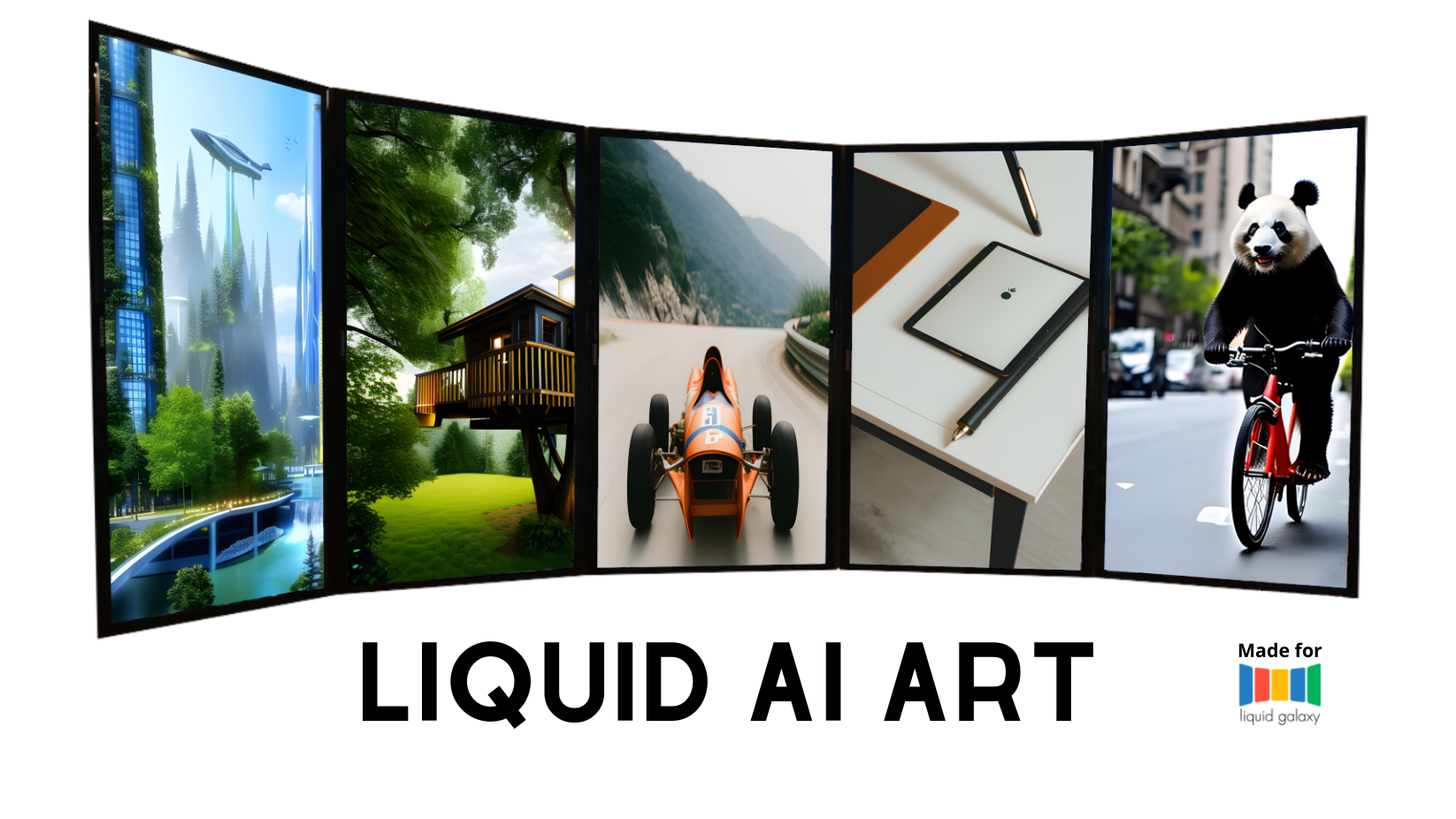
The LiquidArt AI is a mobile application developed in Flutter that allows users to generate images using a text or an audio to text prompt and a selection of APIs:
The application uses a Dart server to connect to the Liquid Galaxy system to display the images on the screens. The project also includes a new local machine for the LG project that has a GPU and the ability to create AI art based on stable diffusion.
docker --version
v24.0.2, if this is not the case use the following link for tips on how to install it:
How To Install Docker on Ubuntugit clone https://github.com/MurilonND/stable-diffusion-webui-docker.git
sudo docker compose --profile download up --build
sudo docker compose --profile auto up --build
ifconfig
Once the screens are open, you can open the app on the Connection Page and connect with the galaxy, once that is done, and the API Key is configurated you can go to the drawer and chose one to run (The Stable Diffusion is the local Docker, will take a good amout of time depending on the machine). Once you have your image, save it and go to the Gallery page, ther you can select it and open it on Liquid Galaxy (Small images and images genereted with API that dont suport the Liquid Galaxy format will get distorted or get low resolutions)
This software is under the MIT License
Copyright 2023 Murilo Nogueira Duarte

用於發現網路資訊(例如 WiFi 詳細資料)的 Flutter 插件。
一個用於 Web 伺服器中間件的模型,鼓勵組合與輕鬆重用。
一個方便的 shelf web 框架請求路由器,支援 URL 參數、巢狀路由器以及透過原始碼註解產生的路由器。
一個 Flutter 插件,可提供特定於設備的語音轉文字識別功能。
Flutter 截圖套件(執行時)。將任何 Widget 當作影像擷取。
以純 Dart 編寫的 SSH 和 SFTP 客戶端,旨在功能豐富且易於使用。
依賴清單 19 項
{"sdk":"flutter"}^6.2.0^1.0.2^0.13.6^8.1.3^2.0.5^2.8.2^2.1.2^1.4.1^3.0.1^10.2.0^6.0.2^2.0.15^1.3.0^1.1.4^6.1.1^8.2.2{"sdk":"flutter"}^2.0.0先依使用情境篩選,再比較專案活躍情況,最後到原始儲存庫確認使用要求。
“A repository is the most basic element of GitHub.”
GitHub Docs — About repositories ↗