
 v35.1.37
syncfusion_flutter_charts
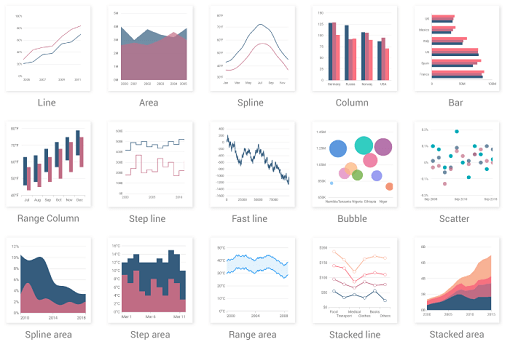
一個 Flutter 圖表庫,包含資料視覺化元件,例如笛卡兒圖和圓形圖,用於建立即時、互動式、高效率、動畫圖表。
3640喜歡 19.8萬近 30 天下載150Pub 分數
AndroidiOSWebmacOSWindowsLinux
GSOC'23 專案 || 用於透過儀表板可視化各種智慧城市的多項公開資料的 Android 應用程式。它還將連接到 Liquid Galaxy,以便在大螢幕上透過 Google Earth 更好地顯示資料。
 v35.1.37
一個 Flutter 圖表庫,包含資料視覺化元件,例如笛卡兒圖和圓形圖,用於建立即時、互動式、高效率、動畫圖表。
 v1.1.1
輕鬆為您的 ListView、GridView、Column 和 Row 子項目添加錯開動畫,如 Material Design 指南所示
一個 Flutter 插件,可提供特定於設備的語音轉文字識別功能。
 v4.1.0
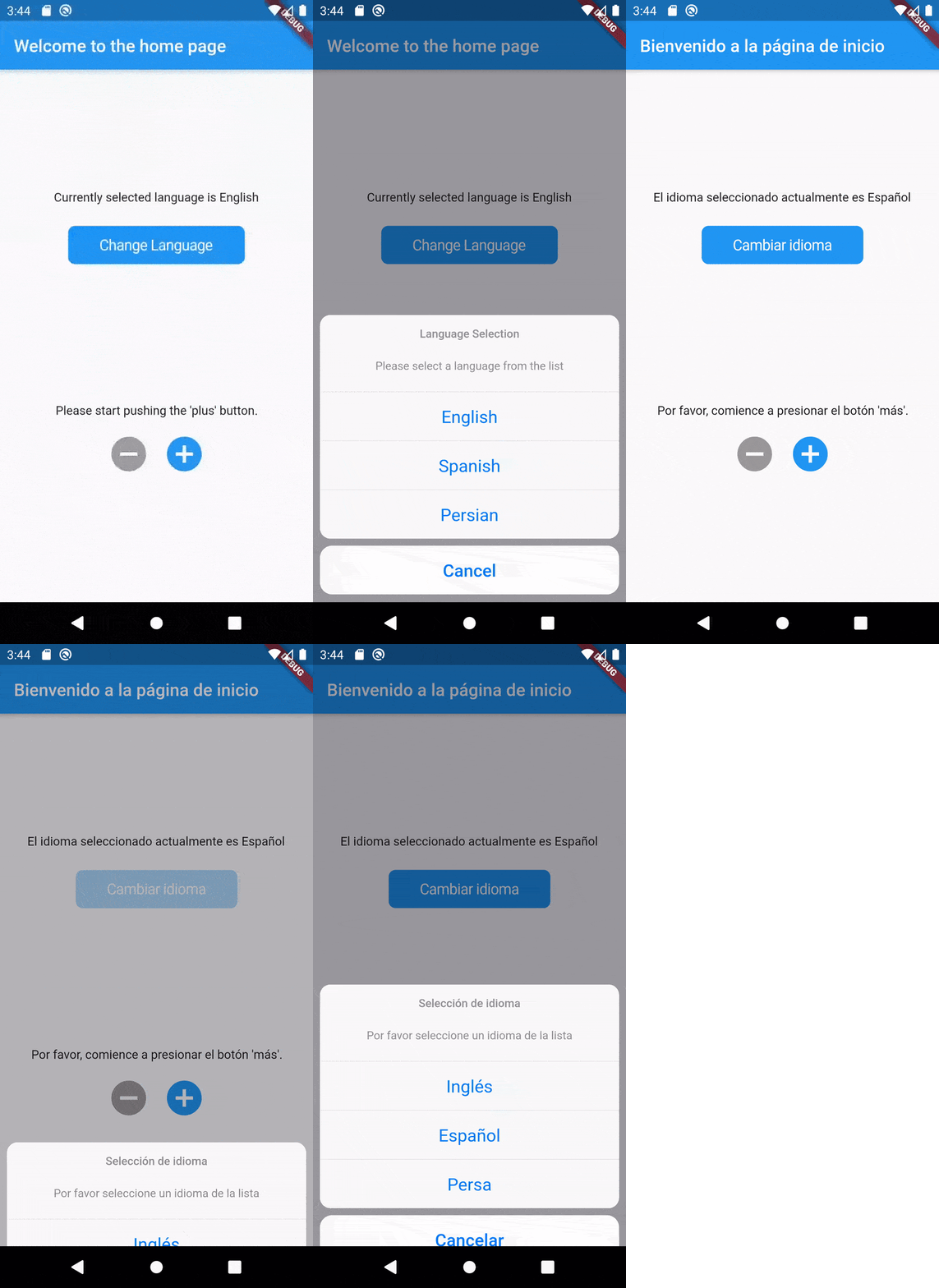
Flutter Translate 是一個功能齊全的 Flutter 本地化/國際化(i18n)程式庫。
Flutter 截圖套件(執行時)。將任何 Widget 當作影像擷取。
以純 Dart 編寫的 SSH 和 SFTP 客戶端,旨在功能豐富且易於使用。
一個跨平台的背景檔案下載和上傳工具。定義任務,排隊並監控進度
 v0.3.2
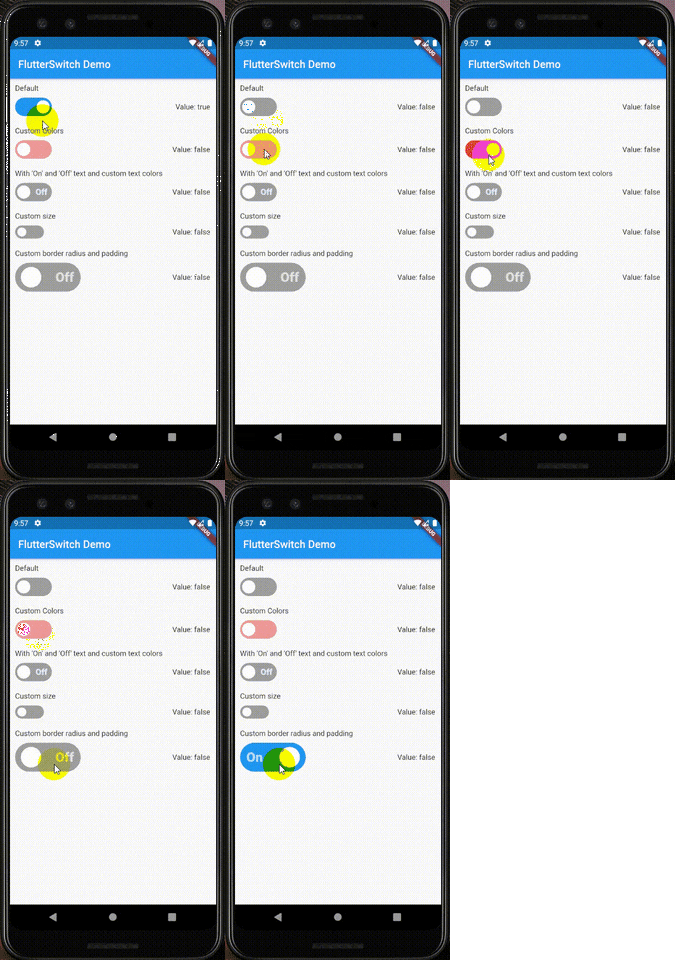
一個可自訂的開關小部件,可具有自訂的高度和寬度、邊框、邊框圓角、顏色、切換大小、切換內部的自訂文字和圖示。
Features Tour 是一個套件,可讓您輕鬆建立導覽流程,依序介紹應用程式中您的小部件功能。
{"sdk":"flutter"}{"sdk":"flutter"}^4.0.3^2.3.6^2.1.1^2.8.2^2.2.8^0.13.6^4.0.1^4.0.1^0.62.0^21.2.4^1.1.0^6.2.1^5.0.2^2.0.15^6.1.11^0.3.2^6.1.1^3.3.0^1.3.0^4.0.17^0.2.0^0.4.0+2^1.0.2{"sdk":"flutter"}^0.13.1^2.0.0以下為英文專案原文快照,最新內容請造訪 GitHub。
https://raw.githubusercontent.com/Prayag-X/Smart-City-Dashboard/main/readme_assets/splash.png
GitHub Repo stars
GitHub Repo stars
GitHub Repo stars
GitHub Repo stars
GitHub Repo stars
GitHub Repo stars
GitHub Repo stars
GitHub Repo stars
GitHub Repo stars
GitHub Repo stars
Android app to visualize many available public data of various Smart Cities through Dashboards. It will also connect with Liquid Galaxy to show the data in Google Earth in bigger screens for better visualization. The aim of the project is to make the open data of various Smart Cities easy to visualize and understand for everyone. The project hopes to create more awareness among the public regarding the data of their own city and eases the data analysis for general improvement of the city.
https://raw.githubusercontent.com/Prayag-X/Smart-City-Dashboard/main/readme_assets/architechture.png
.csv or is prepared to visualize in Liquid Galaxy is .kml..png image..kml file and sends to Liquid Galaxy for visualization..kml data as well to visualize in the Liquid Galaxy..csv or .kml files.https://raw.githubusercontent.com/Prayag-X/Smart-City-Dashboard/main/readme_assets/qr.png
After the installation, you will get a tour when you open the app for the first time, providing guidance to how to use the app and highlighting all the important features. In case of any trouble, always check out the Help Page. Enjoy :D
Follow the instructions given here to install and setup Liquid Galaxy in either multi-device rigs or virtual machines. For virtual machine setup follow this video or this document.
After this, go to the app Settings Page and under Connection and Settings fillup the required details and click on CONNECT TO LG and all done.
| https://raw.githubusercontent.com/Prayag-X/Smart-City-Dashboard/main/readme_assets/screenshots/1.png | https://raw.githubusercontent.com/Prayag-X/Smart-City-Dashboard/main/readme_assets/screenshots/3.png | https://raw.githubusercontent.com/Prayag-X/Smart-City-Dashboard/main/readme_assets/screenshots/2.png |
| https://raw.githubusercontent.com/Prayag-X/Smart-City-Dashboard/main/readme_assets/screenshots/8.png | https://raw.githubusercontent.com/Prayag-X/Smart-City-Dashboard/main/readme_assets/screenshots/4.png | https://raw.githubusercontent.com/Prayag-X/Smart-City-Dashboard/main/readme_assets/screenshots/5.png |
v3.7.6 stablev2.19.3Before starting, make sure the Flutter and Dart SDK are of the mentioned version to make sure there is no version error or mismatching while running the project. If your Flutter SDK doesn't match the given, use the following steps:
$ git checkout 3.7.6
$ flutter doctor
$ git clone https://github.com/Prayag-X/Smart-City-Dashboard.git
$ cd Smart-City-Dashboard
There are 2 APIs that have been used in this project. The API Keys I have used are already given and not hidden to make the process of setting up the project easy. But its suggested to use your own keys if you are planning to work around the project for a longer time. (Please consider my API's daily limit as well and dont misuse it :) )
android/app/src/main/AndroidManifest.xml and paste the API key you got in place of REPLACE_THE_API_KEY_HERE.<meta-data
android:name="com.google.android.geo.API_KEY"
android:value="REPLACE_THE_API_KEY_HERE"/>
X-RapidAPI-Key will be your key. Then go to the project's lib/services/weather_api.dart and replace line 6's REPLACE_THE_API_KEY_HERE:final String apiKey = 'REPLACE_THE_API_KEY_HERE';
First install all the Flutter packages
$ flutter pub get
Then connect a tablet (emulator/device) of the mentioned requirements and run
$ flutter run
It will be very appreciated if you want to contribute to this project. There are few ways you can contribute to this project:
Always feel free to open up any issues in the Issues section in case of any doubt or bug. I will be more than happy to help you out in every way possible. You can improve anything of the above mentioned things or work something on your own and make a Pull Request. I will review it asap. Happy Contributing :D
The project was successfully made thanks to my mentor of Google Summer of Code 2023 Merul Dhiman and Liquid Galaxy administrator Andreu Ibáñez who guided me in every way possible. Thanks to Yash Raj Bharti for solving many issues and doubts. Also thanks to Alejandro Illan Marcos for publishing the app in the Play Store and Victor Carreras for any Flutter related queries. The project wouldn't be completed without the support of Mohamed Zazou, Navdeep Singh and Imad Laichi who tested the app relentlessly for any possible bugs and improvements.
This project is licensed under the MIT license.
Copyright @2023 Prayag Biswas