

v0.1.1
cross_scroll
CrossScroll 是一個 Flutter 套件,允許其子視圖進行垂直和水平捲動。
40喜歡 5840近 30 天下載145Pub 分數
AndroidiOSWebmacOSWindowsLinux
CrossScroll 是一個 Flutter 套件,允許其子視圖進行垂直和水平滾動。這很重要,因為在許多情況下,您需要內容在兩個方向上都能滾動。
以下為英文專案原文快照,最新內容請造訪 GitHub。
A CrossScroll is a flutter Package that permits it’s child views to be scrolled vertically and Horizontally. This is important because in many cases you need content to be scrolled on both side.
SingleChildScrollView have.


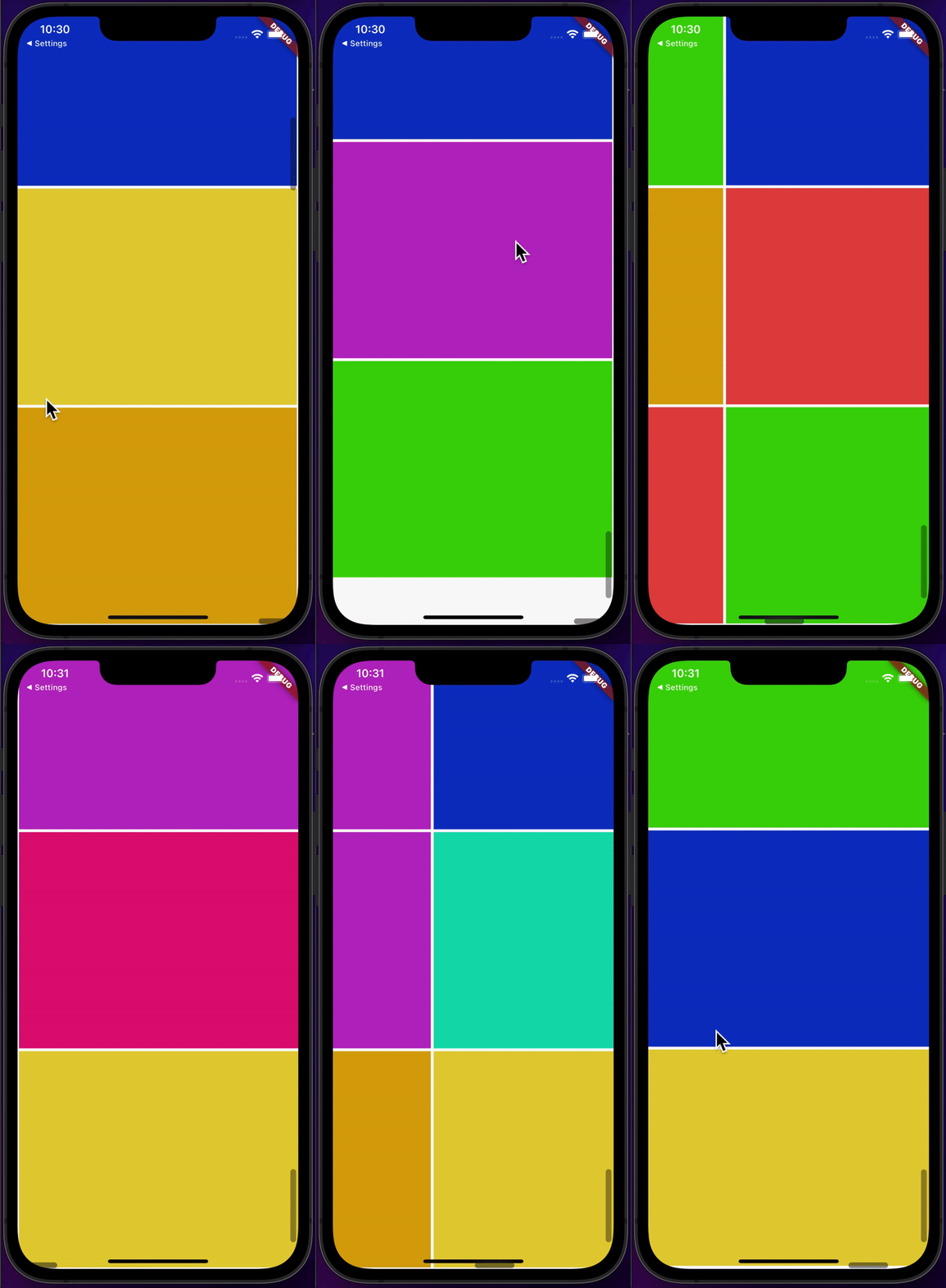
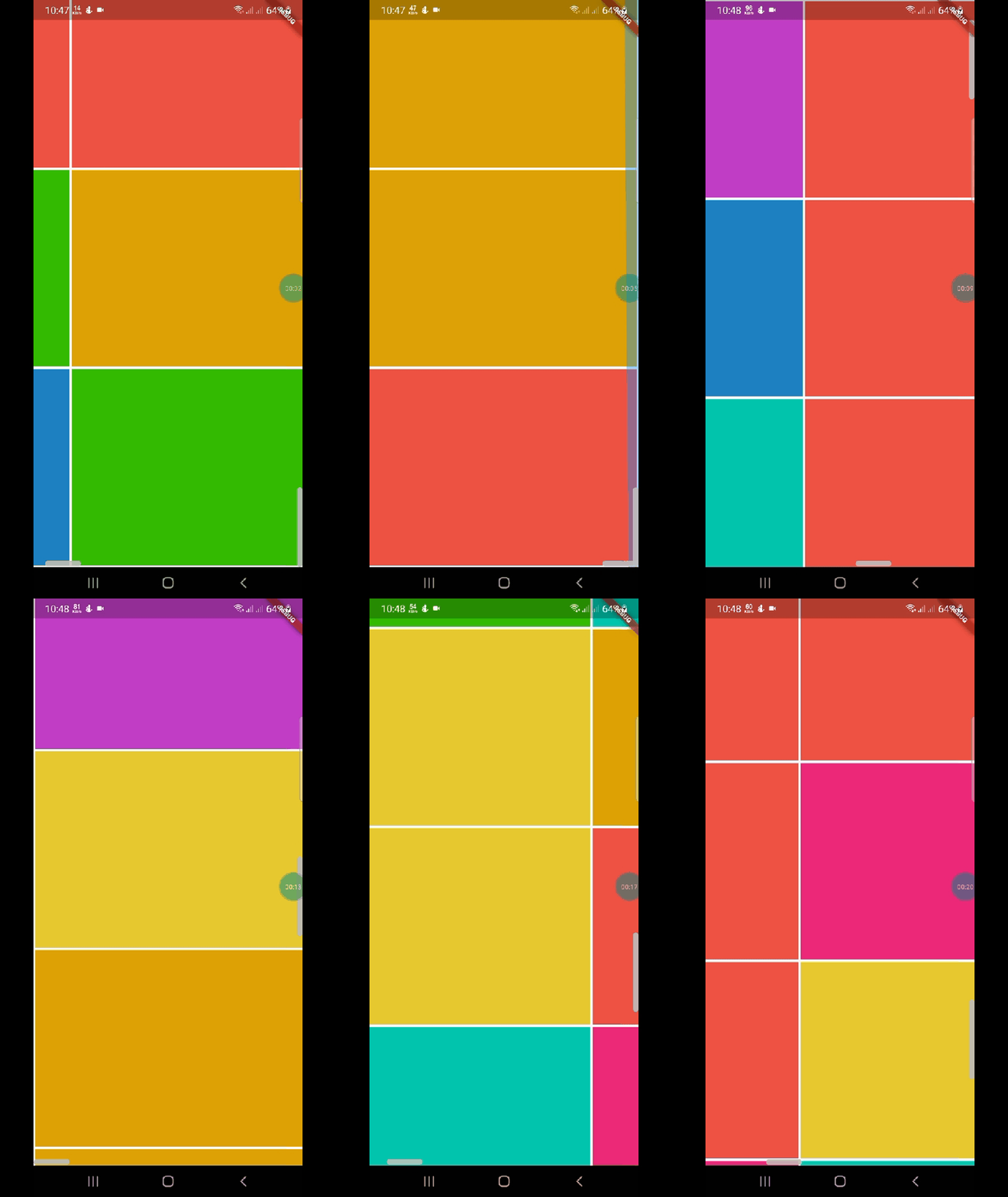
CrossScroll(child:Container(), ///your child
    );
 CrossScrollBar crossScrollBar=CrossScrollBar(thumb: ScrollThumb.alwaysShow,
    track: ScrollTrack.show,
    thickness: 8,
    hoverThickness: 8,
    thumbRadius: Radius.elliptical(8, 8));
 final CrossScrollStyle _crossScrollStyle =  CrossScrollStyle(
    physics: BouncingScrollPhysics(),
    keyboardDismissBehavior: ScrollViewKeyboardDismissBehavior.manual,
    padding:const EdgeInsets.symmetric(vertical: 2),
  );
 CrossScrollBar(
 controller: controller,
child: InfiniteCrossScroll(
maxRows: 10,
maxColumns: 10,
controller: controller,
cellSize: const Size(150, 150),
builder: (context, vicinity) => Container(
height: 150,
width: 150,
color: Color.fromARGB(255, Random().nextInt(255),
Random().nextInt(255), Random().nextInt(255)),
   ),
  ),
 ),
This project is licensed under the MIT License - see the LICENSE file for details.
Coming soon...

依賴清單 2 項
{"sdk":"flutter"}{"sdk":"flutter"}先依使用情境篩選,再比較專案活躍情況,最後到原始儲存庫確認使用要求。
“A repository is the most basic element of GitHub.”
GitHub Docs — About repositories ↗