


 v1.0.2
time_picker_spinner
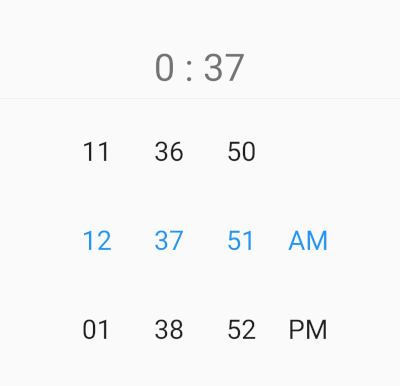
使用旋轉按鈕取代預設的 Material 時鐘選擇器。此組件支援 12 或 24 小時格式及自訂間隔模式,且此套件支援阿拉伯語與英文的地區化。
9喜歡 1980近 30 天下載130Pub 分數
AndroidiOSWebmacOSWindowsLinux
使用旋轉按鈕取代預設的 Material 時鐘選擇器。此組件支援 12 或 24 小時格式及自訂間隔模式,且此套件支援阿拉伯語與英文的地區化。

以下為英文專案原文快照,最新內容請造訪 GitHub。
Time Picker with spinner instead of a default material time picker. This widget works with 12 or 24 hour format and custom interval mode, and this package allow localization ar and en.

pubspec.yaml file:dependencies:
time_picker_spinner: any
$ pub get
time_picker_spinner.dart file in your appimport 'package:time_picker_spinner/time_picker_spinner.dart';
| en short | en long |
|---|
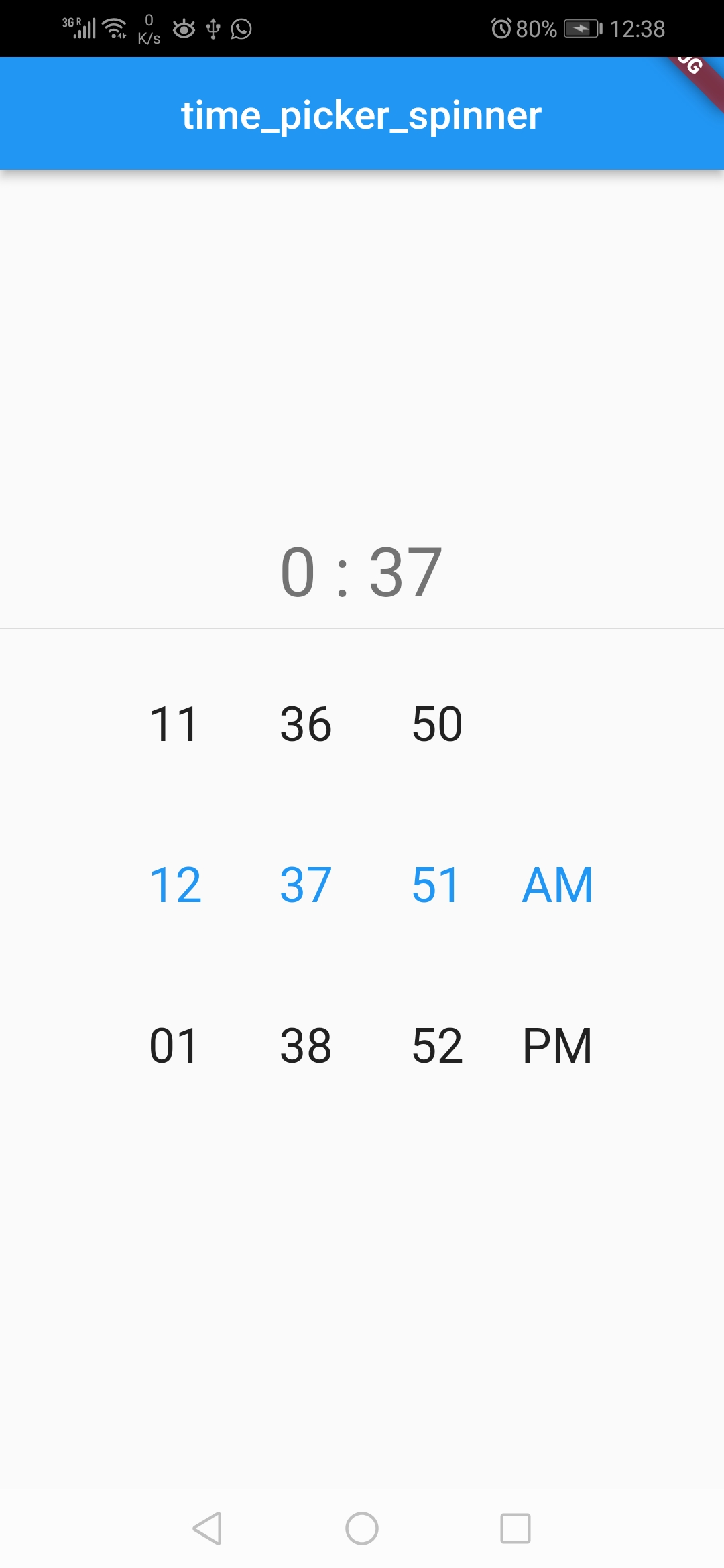 |
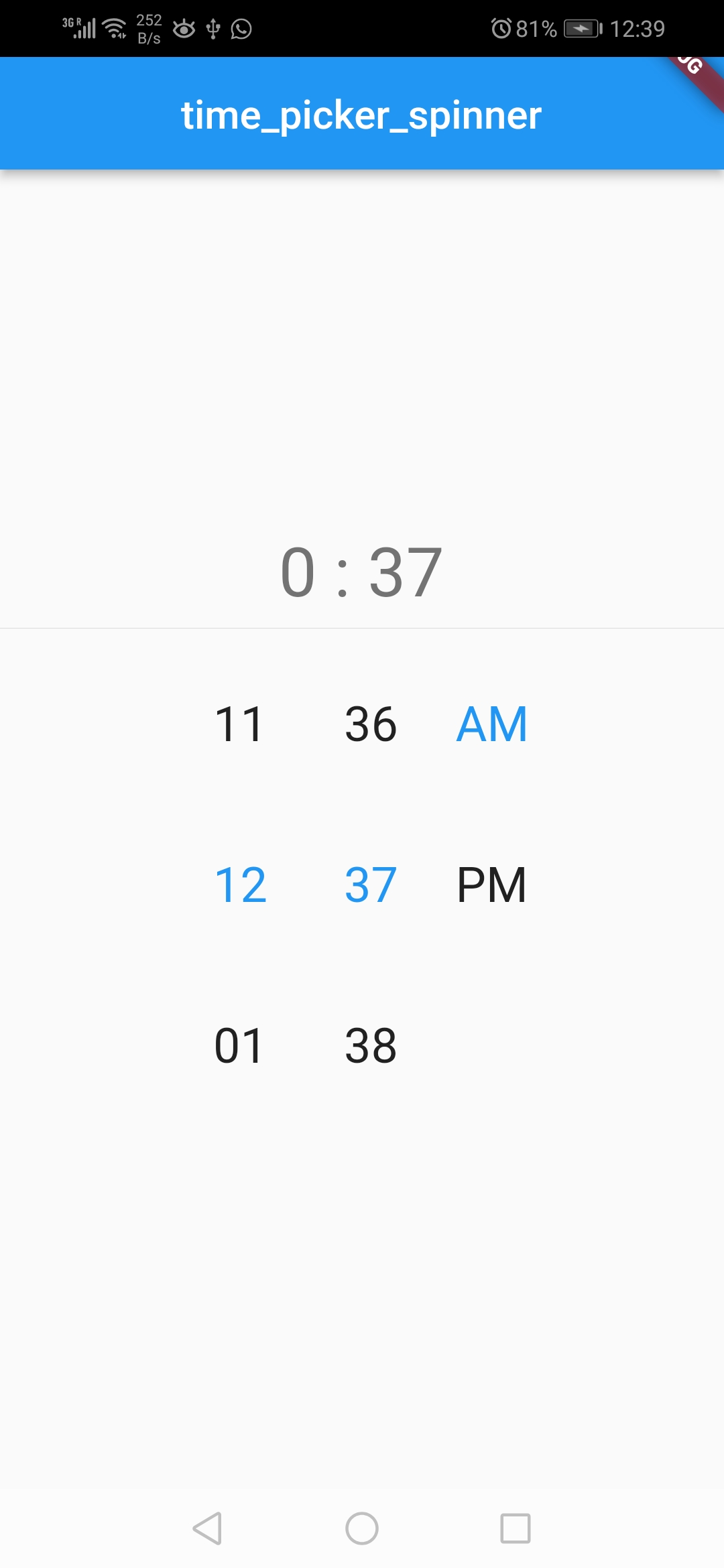
TimePickerSpinner(
              locale: const Locale('en', ''),
              time: dateTime,
              is24HourMode: false,
              isShowSeconds: true,
              itemHeight: 80,
              normalTextStyle: const TextStyle(
                fontSize: 24,
              ),
              highlightedTextStyle:
                  const TextStyle(fontSize: 24, color: Colors.blue),
              isForce2Digits: true,
              onTimeChange: (time) {
                setState(() {
                  dateTime = time;
                });
              },
            )
| ar short | ar long |
|---|
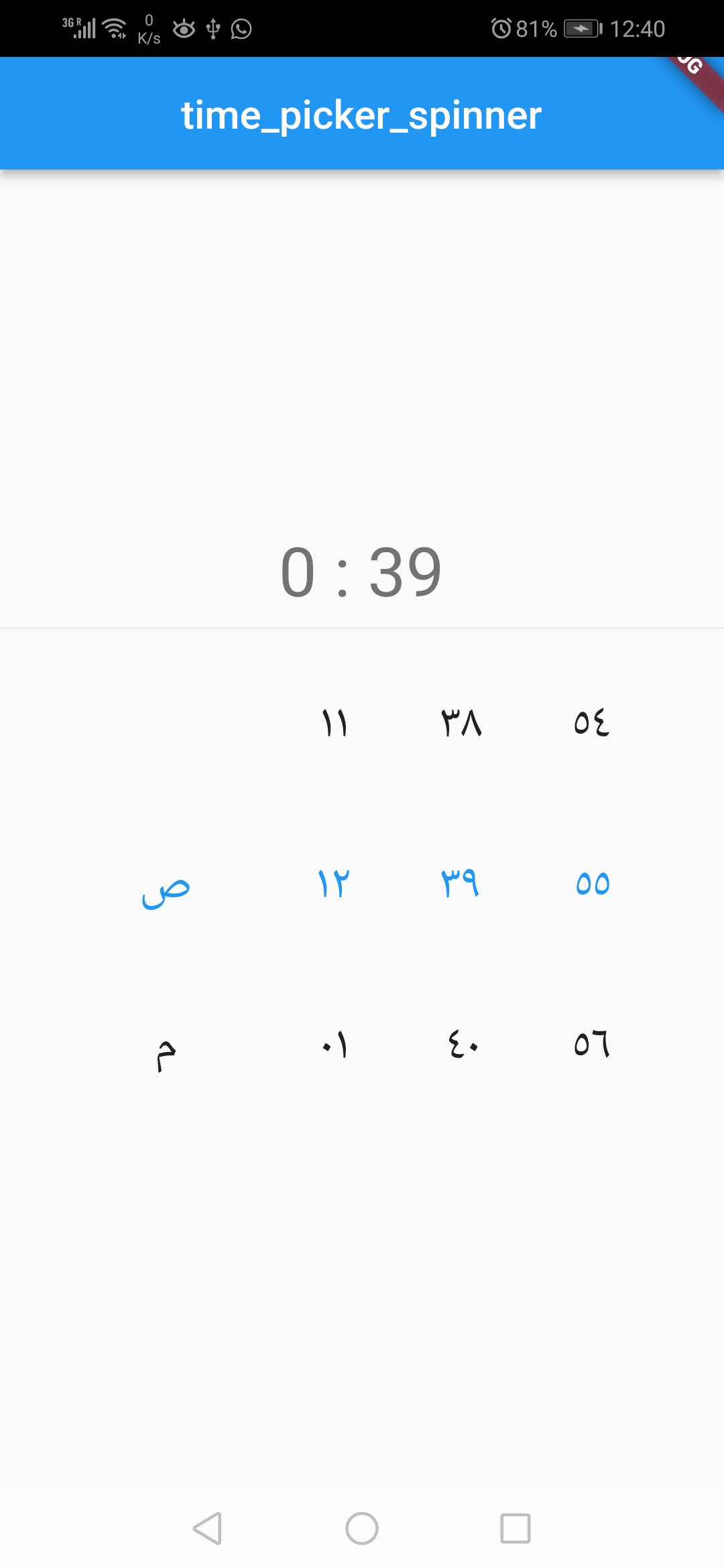 |
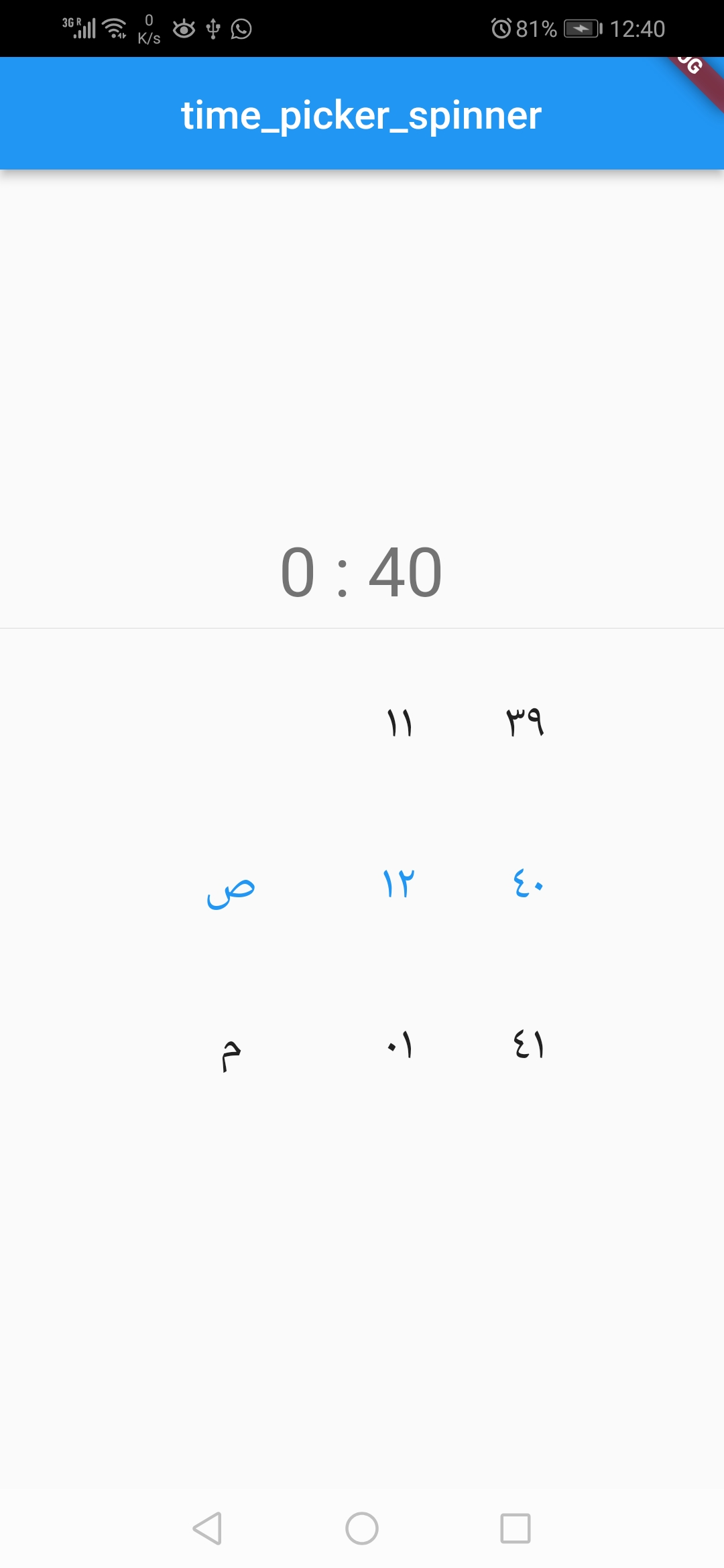
TimePickerSpinner(
              locale: const Locale('ar', ''),
              time: dateTime,
              is24HourMode: false,
              isShowSeconds: true,
              itemHeight: 80,
              normalTextStyle: const TextStyle(
                fontSize: 24,
              ),
              highlightedTextStyle:
                  const TextStyle(fontSize: 24, color: Colors.blue),
              isForce2Digits: true,
              onTimeChange: (time) {
                setState(() {
                  dateTime = time;
                });
              },
            )
| props | types | defaultValues |
|---|---|---|
| time | DateTime | Current Time [ DateTime.now() ] |
| minutesInterval | int | 1 |
| secondsInterval | int | 1 |
| is24HourMode | bool | true |
| isShowSeconds | bool | false |
| isShowSeconds | bool | false |
| highlightedTextStyle | TextStyle | false |
| normalTextStyle | TextStyle | false |
| itemHeight | double | 60.0 |
| itemWidth | double | 45.0 |
| spacing | double | 20.0 |
| alignment | AlignmentGeometry | Alignment.centerRight |
| isForce2Digits | bool | false |
| onTimeChange | TimePickerCallback | |
| locale | bool | en |
依賴清單 3 項
{"sdk":"flutter"}{"sdk":"flutter"}—先依使用情境篩選,再比較專案活躍情況,最後到原始儲存庫確認使用要求。
“A repository is the most basic element of GitHub.”
GitHub Docs — About repositories ↗